

FullStory User Experience Analytics Platform for Website and App Optimization
FullStory is a digital experience analytics platform that captures user interactions on websites and apps, providing session replay, heatmaps, and AI-driven insights to help businesses optimize user experience and increase conversions.
Save FullStory, follow its updates and vote on it — everything stays in your account.
Sign in or create a free account
What is FullStory?
FullStory is a digital experience analytics platform that captures and analyzes user interactions on websites and mobile applications. It provides session replay, heatmaps, and detailed behavioral analytics to help businesses understand how users engage with their digital products. By visualizing user journeys and identifying friction points, FullStory enables teams to optimize user experience, improve conversion rates, and resolve issues faster.
Key use cases for FullStory
User Behavior Analysis
Track and analyze how users interact with websites and apps to identify pain points and improve usability.
Session Replay
Replay user sessions to visually understand user journeys and troubleshoot issues in real time.
Conversion Rate Optimization
Use insights from user interactions to optimize funnels and increase conversion rates.
Bug and Error Detection
Identify and diagnose bugs or errors users encounter by reviewing session recordings and logs.
Customer Experience Improvement
Gather qualitative and quantitative data to enhance overall customer satisfaction and retention.
How FullStory works
- 1
Install Tracking Code
Add FullStory’s JavaScript snippet to your website or integrate its SDK into your app to start capturing user interactions.
- 2
Capture User Sessions
FullStory records user sessions including clicks, scrolls, page transitions, and input events.
- 3
Analyze Data
Use the dashboard to replay sessions, view heatmaps, and analyze user behavior metrics.
- 4
Identify Issues
Leverage AI-powered insights and search capabilities to find bugs, UX problems, and conversion blockers.
- 5
Optimize Experience
Apply findings to improve design, fix errors, and enhance overall user satisfaction.
FullStory pricing
Free
$0/month
Basic session replay and analytics with limited monthly sessions.
Business
Custom pricing
Advanced features, higher session limits, and dedicated support tailored to business needs.
Plans and prices are as published by the vendor and can change. Check the official site before you buy. Open the pricing page (opens in a new tab)
Frequently asked questions about FullStory
Yes, FullStory provides SDKs for iOS and Android to capture user interactions within mobile applications.
FullStory employs industry-standard security measures including encryption and compliance certifications to protect user data.
Yes, FullStory integrates with various platforms such as Google Analytics, Slack, Jira, and CRM systems.
FullStory offers features to mask sensitive data and complies with privacy regulations like GDPR and CCPA.
This tool is designed to help users accomplish its core tasks more efficiently. It is typically used by individuals or teams looking to improve productivity and workflow.
It depends on your specific needs and how you plan to use the tool. The official website and documentation are the best sources for the latest details.
It depends on your specific needs and how you plan to use the tool. The official website and documentation are the best sources for the latest details.
Yes, it can help with that use case depending on how you configure it and what features are available. You’ll get the best results with clear inputs and a defined goal.
Conclusion
To start capturing data, a team adds the FullStory JavaScript snippet to a website or integrates its SDK into an app, with SDKs available for iOS and Android. From then on it records user sessions, including clicks, scrolls, page transitions and input events. Teams use the dashboard to replay those sessions, view heatmaps and analyze behavior metrics, while AI-powered insights and search help locate bugs, UX problems and conversion blockers.
The use cases follow from that record: replaying journeys to troubleshoot issues, diagnosing errors from session recordings and logs, and optimizing funnels to increase conversion rates. It integrates with platforms such as Google Analytics, Slack, Jira and CRM systems. Sensitive data can be masked, and the service complies with privacy regulations like GDPR and CCPA.
A Free plan offers basic session replay and analytics with limited monthly sessions. Higher session limits, advanced features and dedicated support sit in the Business plan, which uses custom pricing.
Sources
Sign in to review this tool.
Sign In to ReviewNo reviews yet
Be the first to share how this tool worked for you.
Ask about pricing, limits, or how it compares — or answer someone else.
Sign In to AskNo questions yet
Have a question about using or paying for this tool? Be the first to ask.
Featured on TiorAI



Alternative Tools
Explore similar AI tools that might fit your needs

Crazy Egg
Crazy Egg is a web analytics tool that provides heatmaps, session recordings, and A/B testing features to help businesses understand user behavior and optimize their websites for better engagement and conversions.

Mouseflow
Mouseflow is a web analytics platform that records user interactions such as mouse movements, clicks, and scrolls, providing heatmaps and session replays to help optimize website user experience and conversions.
More AI Analytics Assistant tools
Other tools in the same category, for when this one is not quite the fit.

Plotly
Plotly is a data visualization platform that enables users to create interactive charts and dashboards using Python, R, and JavaScript, suitable for data analysis, business intelligence, and web app development.
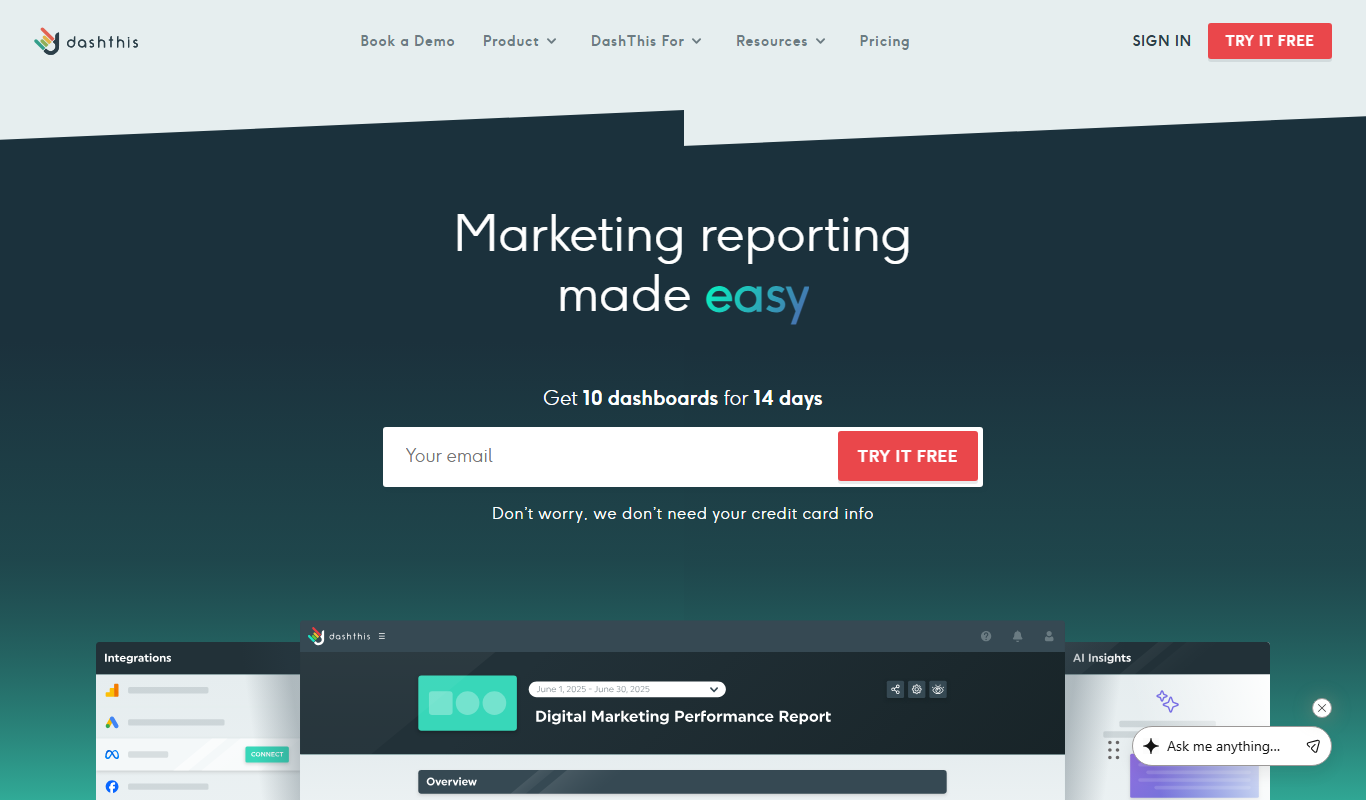
DashThis
DashThis is a marketing dashboard software that automates data aggregation and reporting from multiple marketing platforms, offering customizable, white-label dashboards for agencies and marketers.

Maltego
Maltego is a data mining and link analysis tool that helps cybersecurity professionals and investigators visualize relationships between entities using graph-based visualizations and OSINT data.

MarketMan
MarketMan is a cloud-based inventory and supply chain management platform designed for restaurants and foodservice businesses to track inventory, manage suppliers, control food costs, and reduce waste.

MeasureUp
MeasureUp is an online platform providing realistic practice exams and detailed explanations to help individuals prepare for professional certification tests, primarily in IT and business domains.
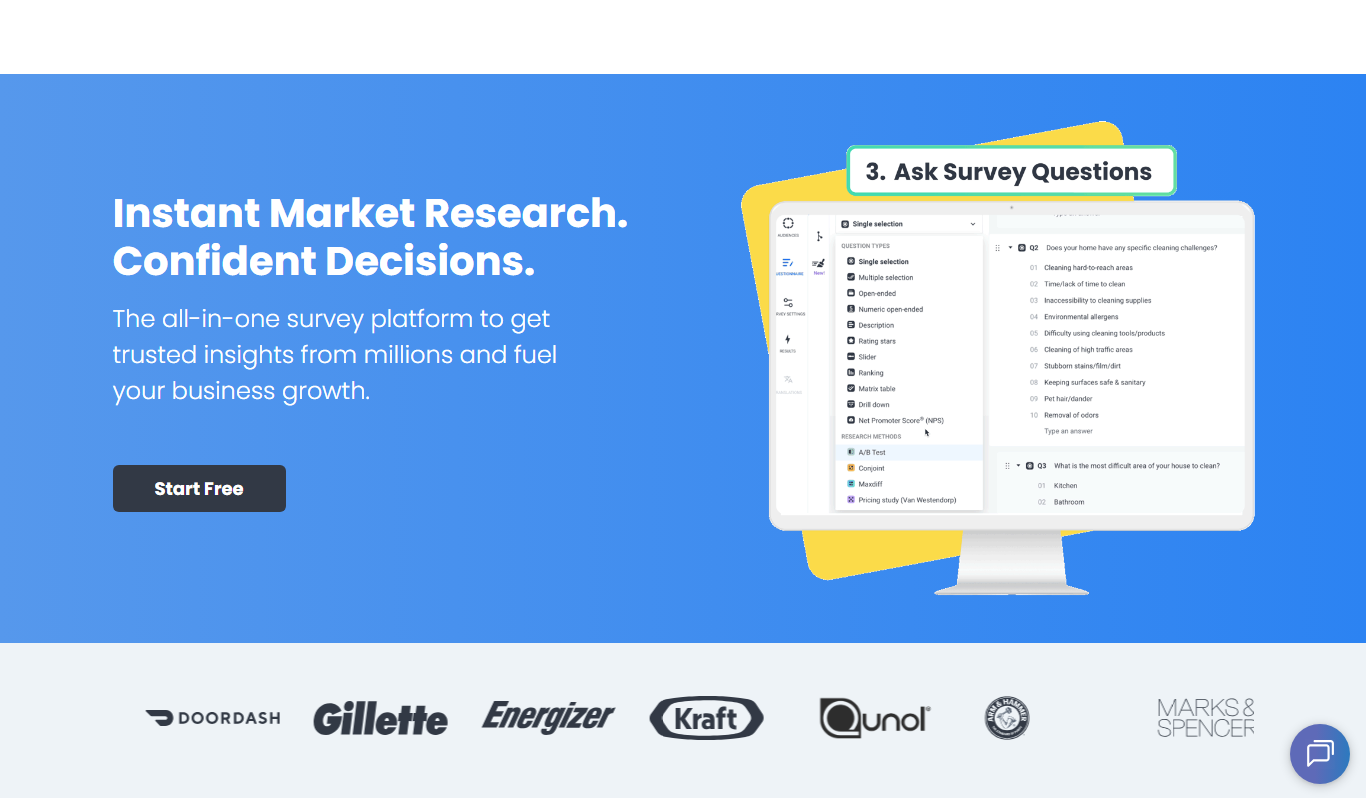
Pollfish
Pollfish is an online survey platform that enables businesses to collect targeted consumer insights quickly through mobile sampling and real-time data analytics.

MarketResearch.com
MarketResearch.com is an online platform offering extensive market research reports and industry analysis from multiple publishers, helping businesses and investors make informed decisions.

Geofencing.com
Geofencing.com is a location-based marketing platform that enables businesses to target customers with digital ads when they enter specific geographic areas, improving ad relevance and measuring offline conversions.