

Reliable Website Monitoring and Uptime Tracking with UptimeRobot
UptimeRobot is a cloud-based monitoring tool that tracks website, server, and API uptime, sending real-time alerts to minimize downtime and optimize performance.
- Best for
- Website Uptime Monitoring
- Key capability
- Multiple Monitor Types
Save UptimeRobot, follow its updates and vote on it — everything stays in your account.
Sign in or create a free account
What is UptimeRobot?
UptimeRobot is a cloud-based monitoring service designed to help website owners, developers, and IT professionals track the uptime and performance of their websites, servers, and APIs. It provides real-time alerts when downtime or performance issues are detected, enabling rapid response to minimize disruption.
Key features of UptimeRobot
Key features include monitoring of HTTP(s), ping, port, and keyword checks, multi-channel alerting, detailed uptime reports, and an easy-to-use dashboard. The platform supports API access for automation and integrates with popular communication tools.
Multiple Monitor Types
Supports HTTP(s), ping, port, and keyword monitoring for comprehensive coverage.
Real-Time Alerts
Instant notifications via email, SMS, push, and integrations like Slack or Microsoft Teams.
Detailed Reporting
Access uptime percentages, response times, and historical data to analyze performance trends.
API Access
Programmatically manage monitors and retrieve data for custom workflows.
User-Friendly Dashboard
Intuitive interface to view all monitored assets and their statuses at a glance.
Pros and cons of UptimeRobot
Pros
- Generous free plan with up to 50 monitors
- Easy setup and intuitive dashboard
- Supports multiple monitoring types
- Flexible alerting options and integrations
- Reliable uptime and performance tracking
Cons
- Limited SMS alerts on free plan
- Advanced features require paid plans
Key use cases for UptimeRobot
Website Uptime Monitoring
Continuously track website availability and receive instant alerts when downtime occurs.
Server and Port Monitoring
Monitor server health and specific ports to ensure backend services are running smoothly.
Performance Tracking
Measure website response times to identify performance bottlenecks and optimize user experience.
Multi-Channel Alerting
Get notified via email, SMS, push notifications, or integrations like Slack when issues arise.
API Monitoring
Keep track of API endpoints’ uptime and response to maintain reliable integrations.
How UptimeRobot works
- 1
Create an Account
Sign up on UptimeRobot’s website to start monitoring your assets.
- 2
Add Monitors
Configure monitors for websites, servers, ports, or APIs by specifying URLs or IPs.
- 3
Set Alert Contacts
Choose how you want to receive notifications such as email, SMS, or third-party integrations.
- 4
Monitor and Respond
Track uptime and performance via the dashboard and respond promptly to alerts.
Who is using UptimeRobot
UptimeRobot pricing
Free
$0/month
Monitor up to 50 monitors with 5-minute check intervals and email alerts.
Solo
$9/month
Paid plan at $9 per month.
Team
$35
Paid Team plan at $35.
Scale
$65
Paid Scale plan at $65.
Enterprise
Enterprise plan.
Plans and prices are as published by the vendor and can change. Check the official site before you buy. Open the pricing page (opens in a new tab)
Frequently asked questions about UptimeRobot
UptimeRobot supports HTTP(s), ping, port, and keyword monitoring to cover various uptime scenarios.
Depending on your plan, checks occur every 1 to 5 minutes to detect downtime promptly.
Yes, alerts can be sent via email, SMS, push notifications, and integrations like Slack.
Yes, UptimeRobot provides a REST API to manage monitors and access monitoring data.
It depends on your specific needs and how you plan to use the tool. The official website and documentation are the best sources for the latest details.
Yes, it can help with that use case depending on how you configure it and what features are available. You’ll get the best results with clear inputs and a defined goal.
Some tools offer a free plan or trial with limited features. Availability can vary, so confirm on the official website.
Integration support depends on the tool and its available connectors or API. Check the official documentation or integrations page to confirm what is supported.
Conclusion
Each monitor points at a URL or IP for a website, server, port or API. Checks can be HTTP(s), ping, port or keyword based. When downtime is detected, alerts go out by email, SMS, push notification or integrations such as Slack or Microsoft Teams. Reports cover uptime percentages, response times and historical data, and a REST API manages monitors programmatically.
Its audience ranges from website owners and bloggers to IT administrators, DevOps teams and API providers. The Free plan covers 50 monitors at 5-minute check intervals, and apps for Android and iOS are available even on that plan. Paid tiers are Solo at $9 per month, Team at $35 and Scale at $65, plus an Enterprise plan.
Sources
Sign in to review this tool.
Sign In to ReviewNo reviews yet
Be the first to share how this tool worked for you.
Ask about pricing, limits, or how it compares — or answer someone else.
Sign In to AskNo questions yet
Have a question about using or paying for this tool? Be the first to ask.
Featured on TiorAI



Alternative Tools
Explore similar AI tools that might fit your needs

StatusCake
StatusCake is a website monitoring service that tracks uptime, performance, and server health, providing instant alerts and detailed analytics to ensure reliable online presence.
Pingdom
Pingdom is a website monitoring tool that tracks uptime, performance, and user experience through real user and synthetic monitoring, providing alerts and detailed reports to help maintain website reliability.
More AI Analytics Assistant tools
Other tools in the same category, for when this one is not quite the fit.

PerceptInsight
Percept Insight is a real-time analytics platform that gives insights into user behaviour, user engagement and the effectiveness of marketing campaigns, with built-in engagement tools.

Roast That Face
Roast That Face is an AI roaster that turns an uploaded photo or a public Instagram, Twitter, X or LinkedIn profile into a funny, shareable roast.

Heatbot.io
Heatbot is a data-driven generative UI builder: upload user analysis heatmaps and let AI generate code for an improved website in seconds.

Volt Intelligence
Volt Intelligence builds OptikAI, the VR training platform for baseball: unlimited reps for hitters, catchers and umpires against any pitcher, in any ballpark, at any time of day.

Wren AI Cloud
Wren AI is one governed data agent for people and AI agents: ask your data in plain language with the GenBI agent, or call it from Claude, ChatGPT or your own agents over MCP.
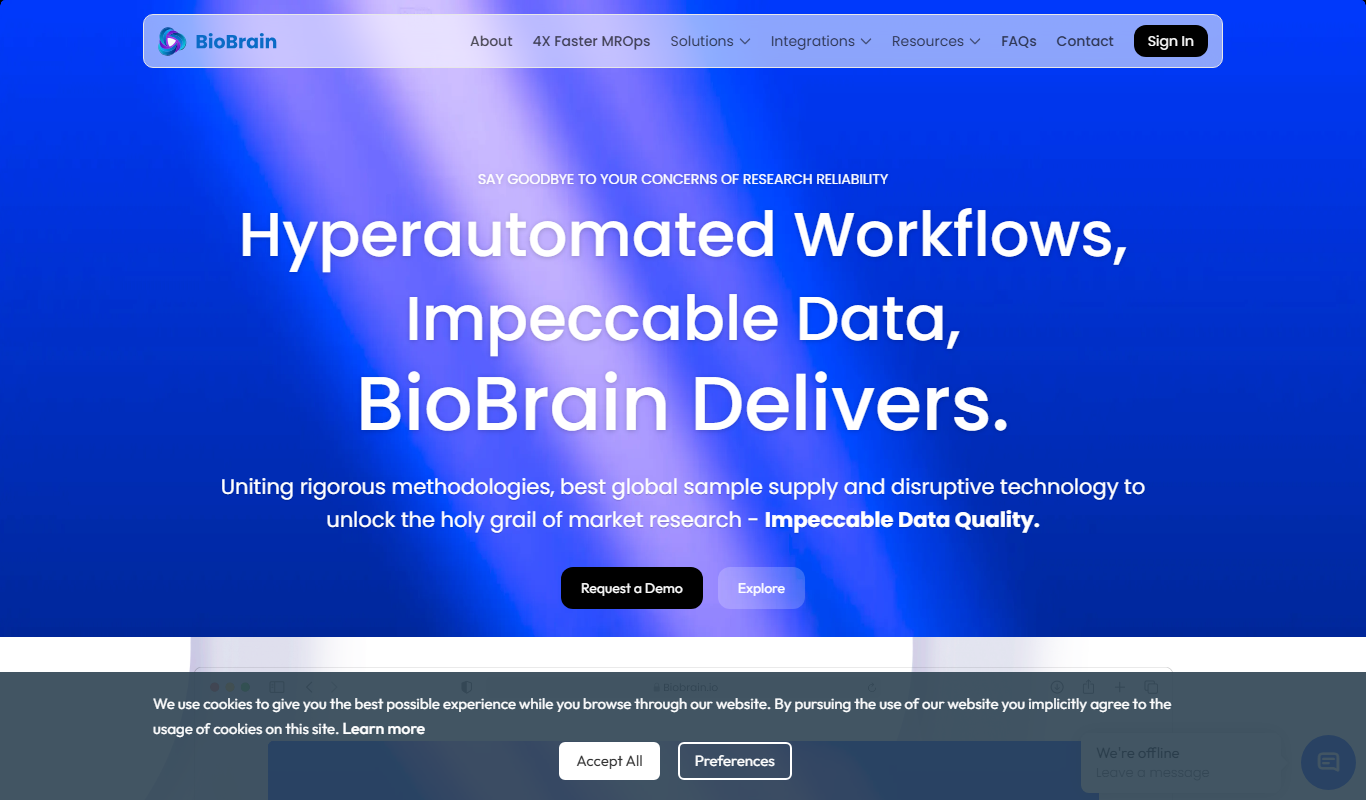
BioBrain Insights MROps Platform
BioBrain Insights unifies all of market research operations in one platform powered by AI and automation, from automated survey programming to boardroom reports.

Justmatch
Justmatch is an AI-driven platform that provides personalized job matching, resume optimization, and career insights to help job seekers find relevant opportunities and grow professionally.

TIL bot for Slack
TIL bot for Slack is an AI assistant that gets insights from conversations, summarizes threads, finds action items, sets one time and recurring reminders and gets answers with AI.