

From my experience with UpReady, I found it excels at providing realistic AI-driven mock interviews that closely mimic real-world scenarios. The personalized feedback on both verbal and non-verbal communication helped me identify subtle areas for improvement that traditional practice often misses. After spending time with the platform, I can say it’s particularly well-suited for job seekers and professionals aiming to boost their confidence and interview skills efficiently. However, the lack of a mobile app and limited language options may restrict accessibility for some users. Overall, if you want targeted, AI-powered interview preparation, UpReady delivers solid, practical results.
UpReady AI Interview Preparation Platform for Job Seekers and Professionals
UpReady is an AI-driven platform that helps job seekers practice interviews through realistic mock sessions and personalized feedback to improve their performance.
- Best for
- Mock Interview Practice
- Key capability
- AI-Powered Mock Interviews
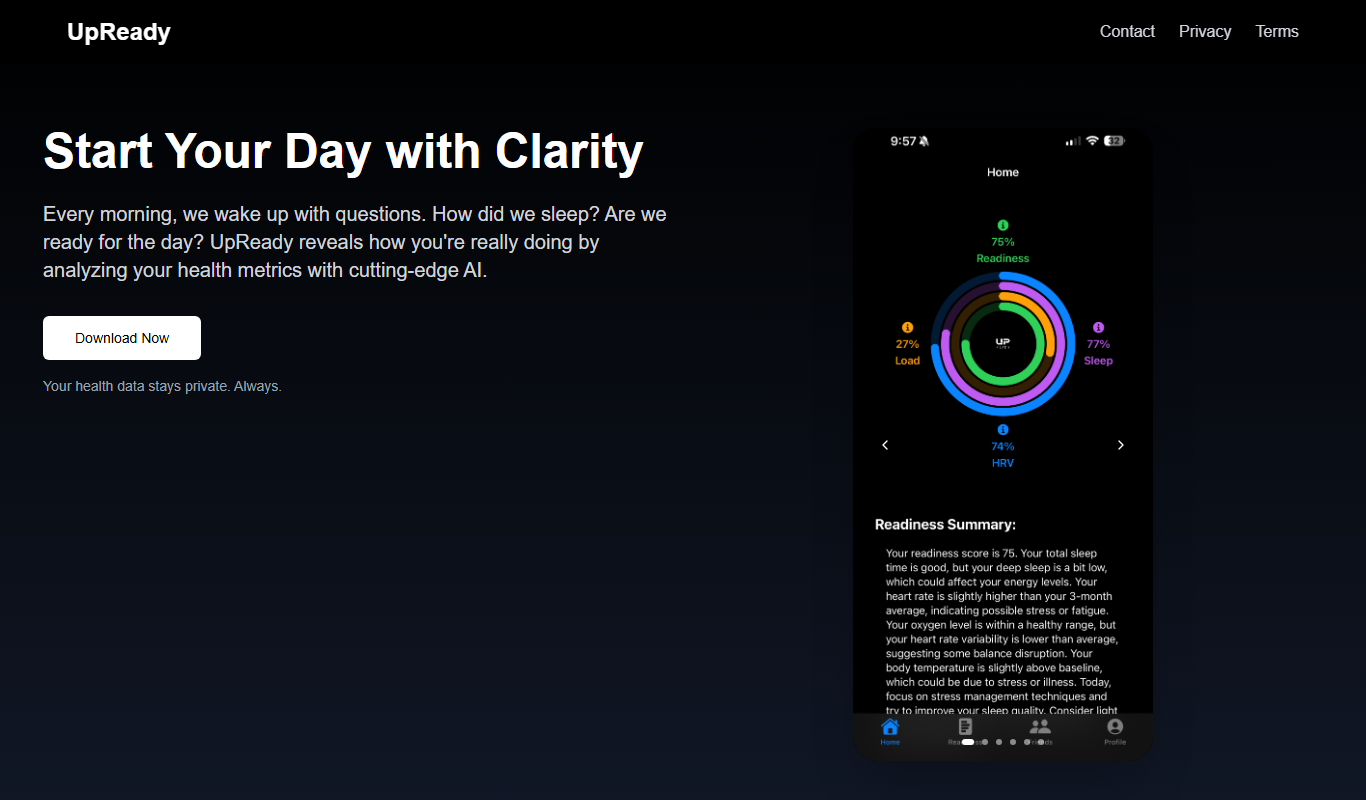
Do you recommend this tool?
What is UpReady?
UpReady is an AI-driven interview preparation platform designed to help job seekers and professionals practice and improve their interview skills. It uses advanced artificial intelligence to simulate realistic interview scenarios, provide personalized feedback, and guide users through targeted practice sessions tailored to specific job roles and industries.
Key features of UpReady
UpReady offers AI-powered mock interviews, personalized feedback on verbal and non-verbal communication, skill assessments, customized question banks for various roles, and progress tracking to help users prepare effectively for job interviews.
AI-Powered Mock Interviews
Simulates realistic interview scenarios with dynamic questioning.
Personalized Feedback
Provides actionable insights on verbal responses and non-verbal cues.
Customizable Interview Questions
Offers question sets tailored to specific job roles and industries.
Progress Tracking Dashboard
Visualizes user improvement and highlights areas for development.
Skill Assessment Tools
Evaluates strengths and weaknesses to guide focused practice.
Pros and cons of UpReady
Pros
- Realistic AI-driven interview simulations
- Detailed personalized feedback on communication skills
- Customizable for various job roles and industries
- Progress tracking to monitor improvement
- User-friendly web platform
Cons
- No dedicated mobile app available
- Limited language support (English only)
- Free plan has restricted features
Key use cases for UpReady
Mock Interview Practice
Users can simulate real interview scenarios with AI-powered mock interviews to improve confidence and performance.
Personalized Feedback
The platform provides tailored feedback on answers, body language, and communication skills to help users refine their interview techniques.
Skill Assessment
UpReady assesses users’ strengths and weaknesses to recommend targeted practice areas and resources.
Job Role Preparation
Users can prepare for specific job roles and industries with customized question sets and interview formats.
Progress Tracking
The tool tracks user progress over time, highlighting improvements and areas needing further practice.
How UpReady works
- 1
Create an Account
Sign up on the UpReady platform to access interview preparation tools.
- 2
Select Job Role
Choose the job role or industry you want to prepare for to receive relevant interview questions.
- 3
Participate in Mock Interviews
Engage in AI-powered simulated interviews that mimic real interview environments.
- 4
Receive Personalized Feedback
Get detailed feedback on your answers, communication style, and body language.
- 5
Track Progress and Improve
Monitor your improvement over time and focus on areas that need more practice.
Who is using UpReady
Job seekers preparing for interviews
Recent graduates entering the workforce
Professionals seeking career advancement
Recruitment agencies offering candidate coaching
Career coaches and mentors
UpReady pricing
Free
$0/month
Access to basic mock interviews and limited feedback.
Pro
$19/month
Full access to all features including personalized feedback, unlimited mock interviews, and progress tracking.
Plans and prices are as published by the vendor and can change. Check the official site before you buy. Open the pricing page (opens in a new tab)
Frequently asked questions about UpReady
Yes, UpReady is designed to help users at all experience levels improve their interview skills.
Yes, UpReady offers customized question sets for various job roles and industries.
The AI analyzes your verbal answers and non-verbal cues to deliver personalized, actionable feedback.
Currently, UpReady is accessible via web browsers; no dedicated mobile app is available yet.
Yes, it can help with that use case depending on how you configure it and what features are available. You’ll get the best results with clear inputs and a defined goal.
It depends on your specific needs and how you plan to use the tool. The official website and documentation are the best sources for the latest details.
Some tools offer a free plan or trial with limited features. Availability can vary, so confirm on the official website.
Yes, it can help with that use case depending on how you configure it and what features are available. You’ll get the best results with clear inputs and a defined goal.
Sign in to review this tool.
Sign In to ReviewNo reviews yet
Be the first to share how this tool worked for you.
Ask about pricing, limits, or how it compares — or answer someone else.
Sign In to AskNo questions yet
Have a question about using or paying for this tool? Be the first to ask.
Featured on TiorAI



Alternative Tools
Explore similar AI tools that might fit your needs

Free
Pramp
Pramp is an online platform that provides free peer-to-peer mock coding interviews to help developers prepare for technical interviews by practicing live with other candidates.

Custom Pricing
HireVue
HireVue is an AI-driven recruiting platform that enables on-demand video interviews and uses artificial intelligence to assess candidates’ skills and fit, helping organizations streamline hiring processes and reduce bias.
More AI Coaching tools
Other tools in the same category, for when this one is not quite the fit.

Freemium
Coach’s Eye
Coach's Eye is a video analysis app that helps coaches and athletes improve performance through slow motion playback, annotations, and video sharing.

Enterprise
BetterUp
BetterUp is a digital coaching platform that combines certified human coaches with AI-powered insights to support leadership development, mental fitness, and career growth for individuals and organizations.

Free
Better Self AI
Better Self AI is an AI-driven platform that helps users build and maintain habits, track progress, and receive personalized coaching for personal development.
Freemium
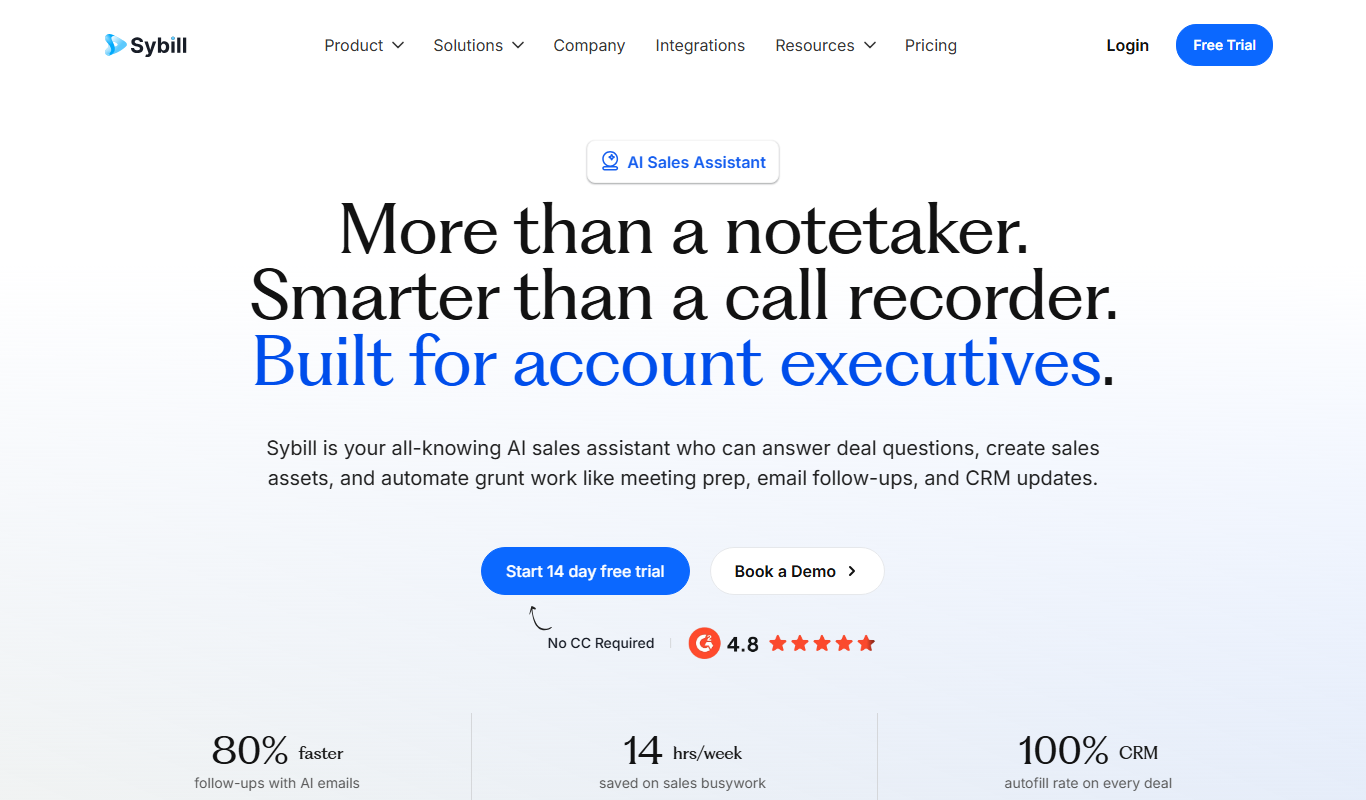
Sybill
Sybill AI is a conversation intelligence platform that uses AI to transcribe, analyze, and provide coaching insights on sales calls to improve team performance and deal outcomes.

Free Trial
Interviews Pilot
Interviews Pilot is an AI-driven platform that helps job seekers practice interviews by simulating realistic questions and providing personalized feedback to improve performance.
Free
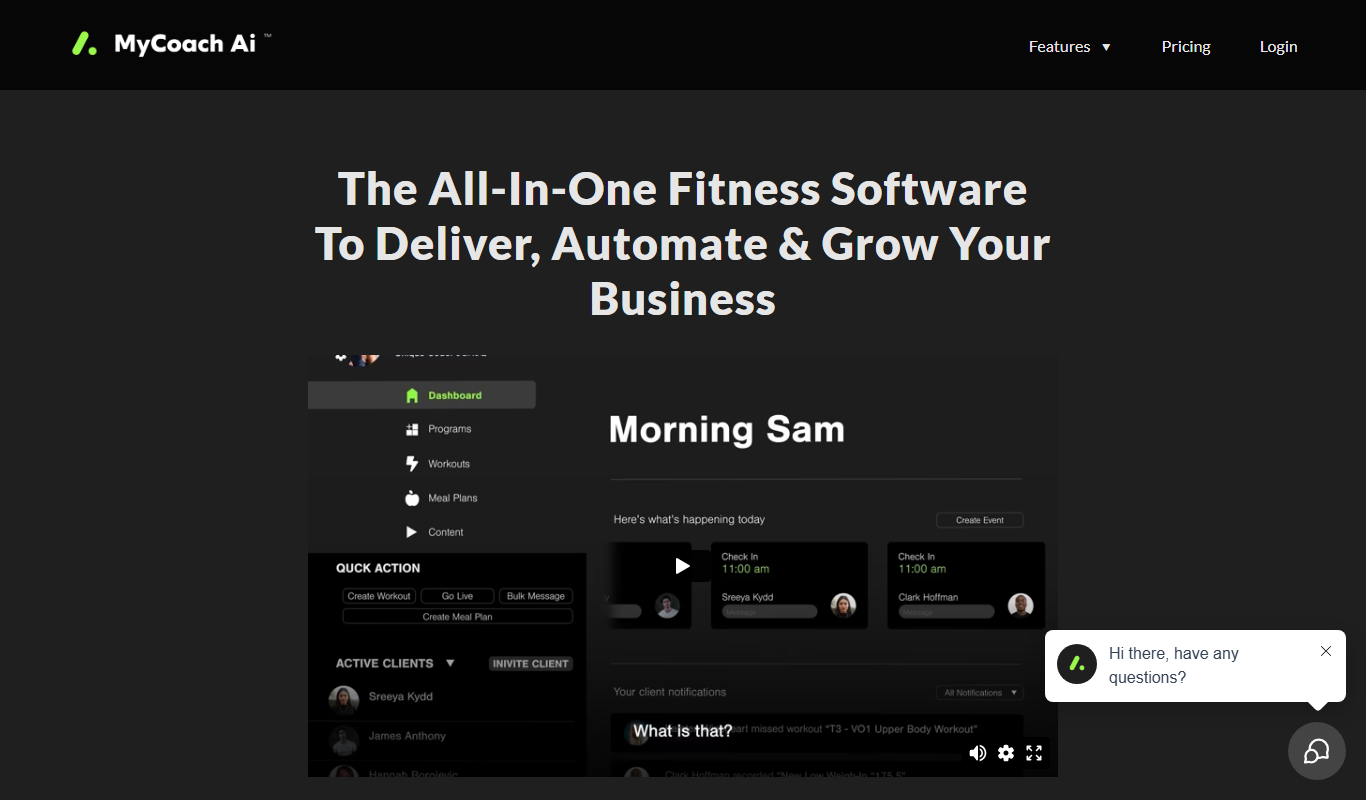
mycoachai.com
MyCoachAI is an AI-powered personal coaching platform that helps users set and achieve goals, track habits, and receive motivational support through personalized coaching prompts.
Free
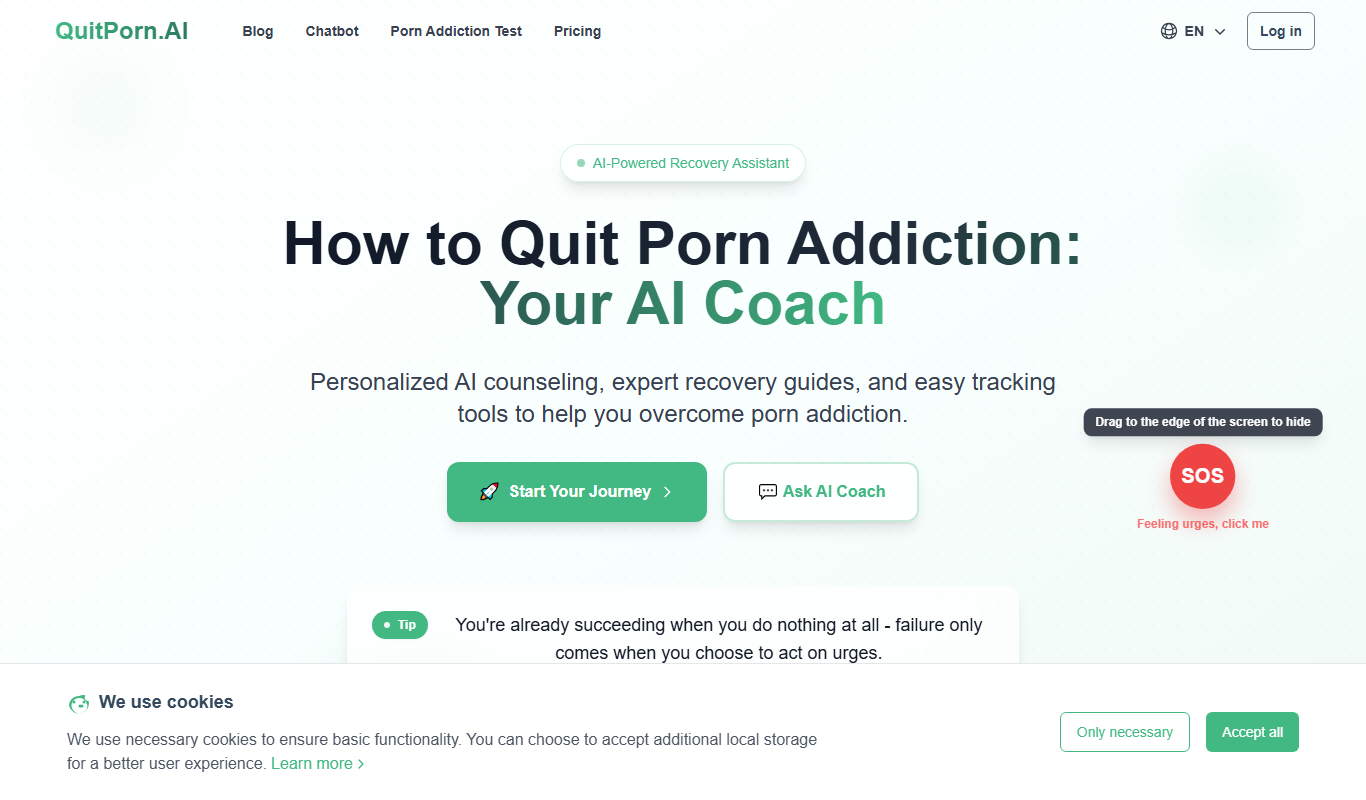
QuitPorn
QuitPorn is an AI-powered coaching platform that helps individuals overcome porn addiction through personalized support, habit tracking, and motivational messaging.
Freemium
Careerfornia
Careerfornia is an AI-driven career coaching platform that helps users with personalized job search strategies, resume building, interview preparation, and skill development recommendations.