

From my experience exploring UPLOAD.food, it stands out as a focused solution for digitizing and automating food industry supply chains. The platform’s strength lies in connecting diverse stakeholders and streamlining complex processes, which is crucial in food production and distribution. It is particularly well-suited for companies aiming to enhance transparency and sustainability in their operations. However, the lack of publicly available pricing and limited tech stack details may require direct engagement to fully assess fit. Overall, UPLOAD.food offers a solid foundation for food businesses seeking digital transformation.
UPLOAD.food Platform for Food Industry Digital Transformation and Automation
UPLOAD.food is a digital platform that helps food industry companies automate and digitize their supply chains, improving efficiency, transparency, and sustainability.
- Best for
- Food Supply Chain Digitization
- Key capability
- Supply Chain Connectivity

Do you recommend this tool?
What is UPLOAD.food?
UPLOAD.food is a digital platform designed to transform and automate processes within the food industry. It enables companies to connect their supply chains, streamline operations, and enhance transparency through digital tools tailored for food producers, suppliers, and retailers.
Key features of UPLOAD.food
The platform offers features such as supply chain digitization, process automation, data integration, and sustainability tracking to help food businesses optimize their workflows and meet modern industry standards.
Supply Chain Connectivity
Seamlessly link all participants in the food supply chain for real-time collaboration.
Workflow Automation
Reduce manual tasks by automating routine processes and documentation.
Data Centralization
Aggregate data from multiple sources to provide a unified view of operations.
Sustainability Reporting
Track environmental impact and compliance with sustainability goals.
Pros and cons of UPLOAD.food
Pros
- Specialized for the food industry supply chain
- Enables end-to-end digital transformation
- Supports sustainability and compliance tracking
Cons
- Pricing details are not publicly available
- Limited information on technology stack
- Primarily available in English and German
Key use cases for UPLOAD.food
Food Supply Chain Digitization
Digitally connect all stakeholders in the food supply chain to improve transparency and efficiency.
Process Automation
Automate manual processes such as order management, quality control, and compliance documentation.
Data Integration and Analytics
Aggregate data from various sources for better decision-making and operational insights.
Sustainability Tracking
Monitor and report sustainability metrics across the food production and distribution process.
How UPLOAD.food works
-
1
Onboarding
Companies register and onboard their supply chain partners onto the platform.
-
2
Integration
Connect existing systems and data sources to centralize information.
-
3
Automation Setup
Configure automated workflows for orders, quality checks, and compliance.
-
4
Monitoring and Analytics
Use dashboards and reports to track performance and sustainability metrics.
Who is using UPLOAD.food
Food producers
Food suppliers
Retailers in the food sector
Supply chain managers
Sustainability officers
UPLOAD.food pricing
Custom Pricing
Contact for pricing
Pricing tailored to company size and specific needs.
Plans and prices are as published by the vendor and can change. Check the official site before you buy. Open the pricing page (opens in a new tab)
Frequently asked questions about UPLOAD.food
Food producers, suppliers, retailers, and other stakeholders in the food supply chain.
Yes, it supports integration with various ERP and supply chain management systems.
Yes, the platform includes tools for monitoring and reporting sustainability metrics.
This tool is designed to help users accomplish its core tasks more efficiently. It is typically used by individuals or teams looking to improve productivity and workflow.
It depends on your specific needs and how you plan to use the tool. The official website and documentation are the best sources for the latest details.
Yes, it can help with that use case depending on how you configure it and what features are available. You’ll get the best results with clear inputs and a defined goal.
Sign in to review this tool.
Sign In to ReviewNo reviews yet
Be the first to share how this tool worked for you.
Ask about pricing, limits, or how it compares — or answer someone else.
Sign In to AskNo questions yet
Have a question about using or paying for this tool? Be the first to ask.
Featured on TiorAI



Alternative Tools
Explore similar AI tools that might fit your needs
Custom Pricing
FoodLogiQ
FoodLogiQ is a cloud-based platform that provides food safety, traceability, and supply chain transparency solutions to help food companies manage compliance, audits, and recalls efficiently.

Custom Pricing
Trace One
Trace One is a cloud-based product lifecycle management platform designed for retail and FMCG companies to manage product development, supplier collaboration, quality, and compliance.

Free Trial
FoodDocs
FoodDocs is an AI-powered food safety software that automates HACCP plan creation, digital checklists, and compliance monitoring to help food businesses maintain food safety standards efficiently.
More AI Image Scanning tools
Other tools in the same category, for when this one is not quite the fit.

Custom Pricing
nanotronics.co
Nanotronics is an AI-driven industrial automation platform that uses advanced microscopy and machine learning to automate quality inspection and optimize manufacturing processes.
Free
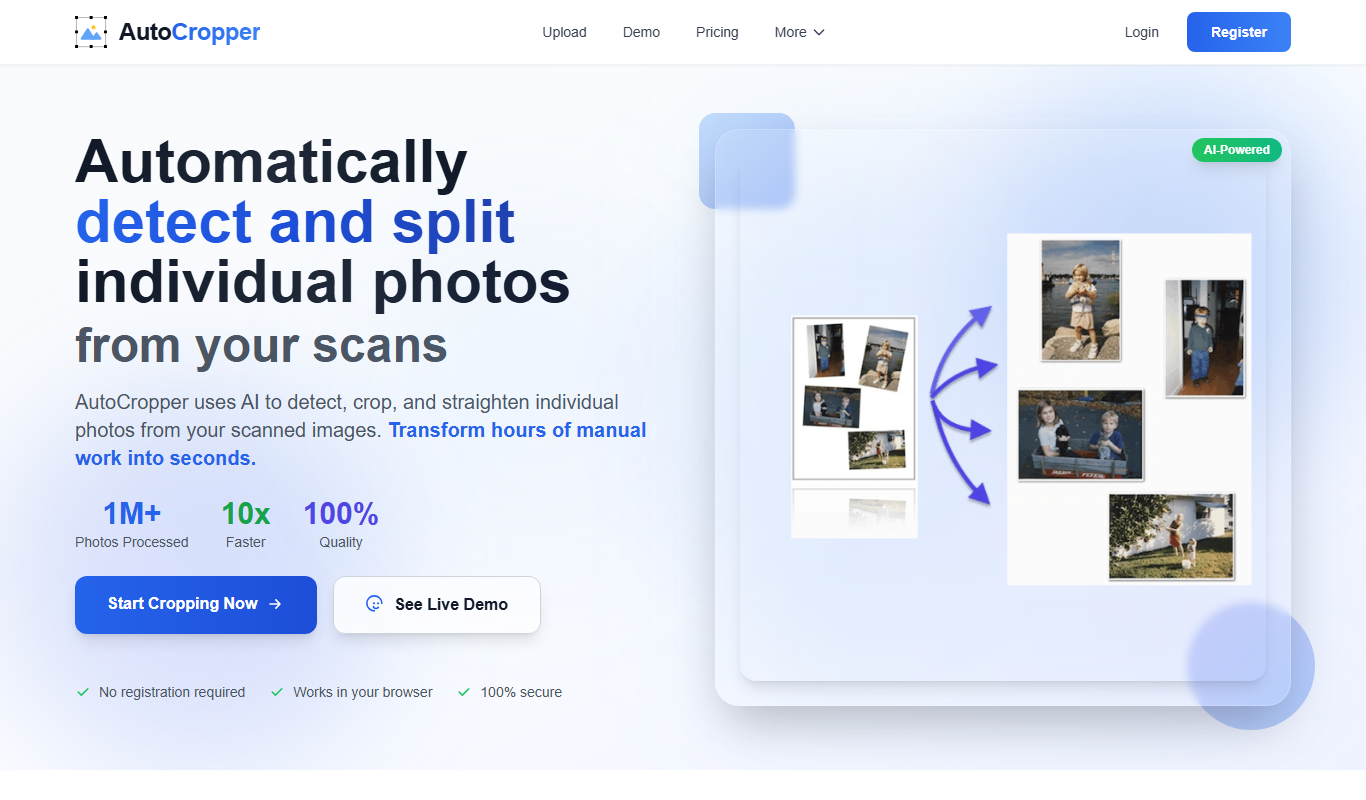
AutoCropper
AutoCropper is a free web-based tool that allows users to crop images quickly using an easy drag-and-drop interface and preset aspect ratios without needing an account.

Contact for pricing
Precheck.ai – AI Face data
Precheck.ai is an AI-driven platform that uses facial recognition and biometric data to verify identities and prevent fraud in real-time, supporting compliance and seamless integration.

Free
KEPL – Ask AI with Camera
KEPL is a mobile AI tool that lets you ask questions about objects you see through your smartphone camera, providing instant visual search and answers.
Free
knowyoursnack
KnowYourSnack is a free mobile app that scans snack barcodes to provide detailed nutrition facts and ingredient information, helping users make healthier snack choices.
Freemium
Procys
Procys is an AI-driven platform that automates data analysis and business intelligence reporting, helping organizations gain actionable insights through predictive analytics and customizable dashboards.

Freemium
OpalAi ScanTo3D
OpalAi ScanTo3D is an AI-driven tool that transforms 2D images and scans into high-quality 3D models with texture mapping, supporting multiple input formats and offering API integration.