

From my experience with Twine Launcher, I found it excels at providing a clean, lightweight interface for managing and launching indie and PC games without the bloat of larger clients. It’s particularly well-suited for gamers who want a simple, cross-platform solution that respects system resources. However, the trade-off is that it lacks advanced features like integrated stores or social networking found in bigger launchers. Overall, if you need a straightforward, free tool to organize your game library and launch titles quickly, Twine Launcher delivers solid, no-nonsense performance.
Twine Launcher - Lightweight Game Launcher for Indie and PC Games
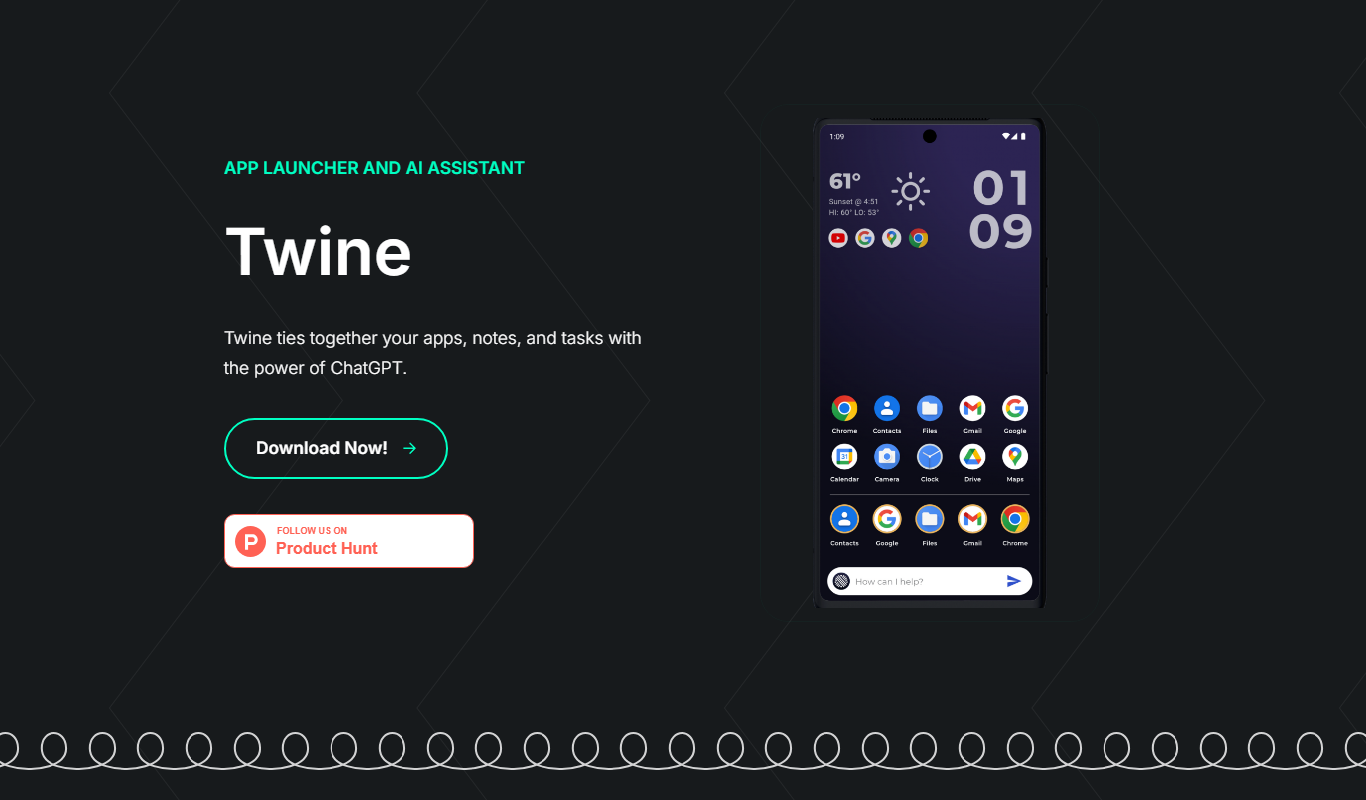
Twine Launcher is a free, lightweight game launcher that helps you organize and launch your indie and PC games on Windows, Mac, and Linux with a simple interface.
- Best for
- Game Library Management
- Key capability
- Lightweight and Fast
Do you recommend this tool?
What is Twine?
Twine Launcher is a free, lightweight game launcher designed to help gamers organize and launch their indie and PC games efficiently. It provides a simple, clean interface that supports multiple platforms including Windows, Mac, and Linux. Unlike bulky game clients, Twine focuses on minimalism and speed, making it ideal for users who want a straightforward way to manage their game libraries without unnecessary features.
Key features of Twine
Twine Launcher offers a streamlined game library management system, cross-platform support, and easy game launching capabilities. It supports importing games from various sources and provides a clutter-free interface optimized for indie and PC games.
Lightweight and Fast
Minimal resource usage ensures the launcher runs smoothly without impacting game performance.
Cross-Platform Support
Compatible with Windows, Mac, and Linux operating systems.
Simple Game Library Management
Easily add, organize, and launch your games from one place.
Indie Game Friendly
Designed with indie game players in mind, supporting smaller and less mainstream titles.
Pros and cons of Twine
Pros
- Lightweight and fast launcher
- Supports multiple operating systems
- Simple and intuitive interface
- Free with no ads or hidden fees
Cons
- Limited advanced features compared to larger game clients
- No built-in game store or social features
Key use cases for Twine
Game Library Management
Organize and launch your PC and indie games from a single, lightweight interface.
Indie Game Discovery
Discover and manage indie games easily with a launcher focused on smaller titles.
Cross-Platform Game Launching
Use Twine Launcher on Windows, Mac, and Linux to access your games seamlessly.
Lightweight Gaming Utility
Enjoy a minimal and resource-friendly launcher that does not slow down your system.
How Twine works
- 1
Download and Install
Get the Twine Launcher installer from the official website and install it on your computer.
- 2
Add Games
Import your existing games into Twine Launcher by scanning your directories or adding them manually.
- 3
Organize Library
Use the interface to categorize and manage your games for quick access.
- 4
Launch Games
Start your games directly from Twine Launcher with a single click.
Who is using Twine
Indie game players
PC gamers seeking lightweight launchers
Users on Windows, Mac, or Linux
Gamers wanting simple game library management
Twine pricing
Free
$0
Full access to all features with no cost.
Plans and prices are as published by the vendor and can change. Check the official site before you buy. Open the pricing page (opens in a new tab)
Frequently asked questions about Twine
Yes, Twine Launcher is completely free with no paid plans.
It supports Windows, Mac, and Linux operating systems.
You can add games installed on your system by scanning directories or manual addition.
No, it can launch locally installed games without internet access.
This tool is designed to help users accomplish its core tasks more efficiently. It is typically used by individuals or teams looking to improve productivity and workflow.
Some tools offer a free plan or trial with limited features. Availability can vary, so confirm on the official website.
Yes, it can help with that use case depending on how you configure it and what features are available. You’ll get the best results with clear inputs and a defined goal.
Yes, it can help with that use case depending on how you configure it and what features are available. You’ll get the best results with clear inputs and a defined goal.
Sign in to review this tool.
Sign In to ReviewNo reviews yet
Be the first to share how this tool worked for you.
Ask about pricing, limits, or how it compares — or answer someone else.
Sign In to AskNo questions yet
Have a question about using or paying for this tool? Be the first to ask.
Featured on TiorAI



Alternative Tools
Explore similar AI tools that might fit your needs
Free
Playnite
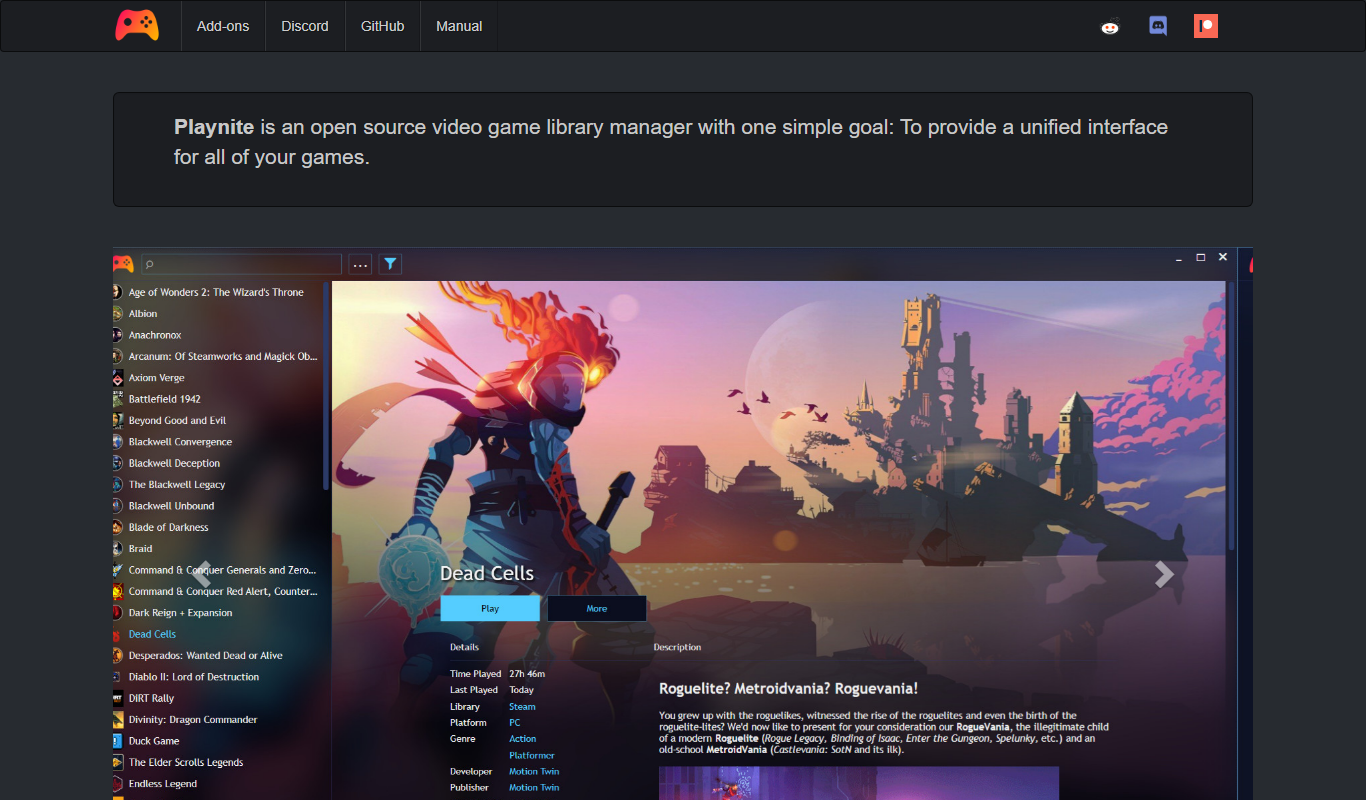
Playnite is a free, open source Windows application that manages and launches games from multiple PC platforms in one unified library.
Free
Lutris
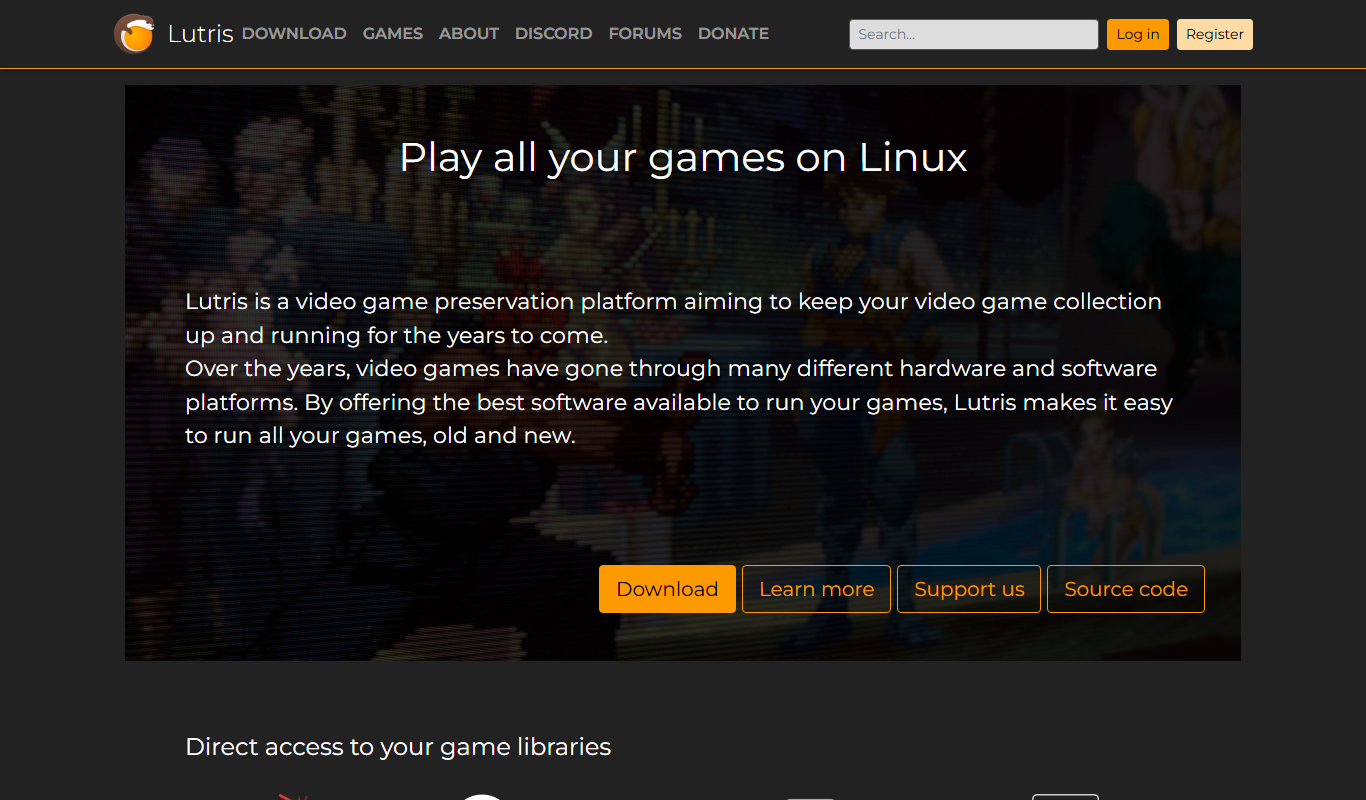
Lutris is an open-source platform that helps Linux users manage, install, and run games from various sources including native Linux games, Windows games via Wine, and console emulators.

Free
GOG Galaxy
GOG Galaxy is a free PC game client by CD PROJEKT that centralizes your game libraries from multiple platforms, supports DRM-free games, offers social features like chat and friends lists, automatic updates, and cloud saves for Windows and macOS.
More AI Gaming Tools tools
Other tools in the same category, for when this one is not quite the fit.

Subscription
MimicPC
MimicPC is a cloud PC platform that provides remote Windows desktops with customizable hardware configurations, enabling users to game, develop, and work remotely from any device.

Freemium
VirtuGF
VirtuGF is a virtual gaming platform that supports multiplayer gaming, esports tournaments, and virtual reality experiences, connecting gamers globally.

Free
v3RPG
v3RPG is an AI Dungeon Master tool that generates interactive RPG stories, enabling immersive solo or group role-playing experiences through a web-based interface.

Free
Dubo
Dubo is an AI assistant designed for game streamers to automate chat moderation, manage alerts, and enhance viewer engagement on platforms like Twitch and YouTube Gaming.

Free
UNTOLD
UNTOLD is an immersive adventure game focused on interactive storytelling and exploration, available on web and desktop with free and premium content options.

Free
SteamPulse
SteamPulse is a free web-based tool that provides real-time status updates, latency monitoring, and outage notifications for Steam game servers, helping gamers and admins track server health.

Free
PokerGPT
PokerGPT is an AI assistant that helps poker players analyze hands, improve strategies, and receive real-time advice primarily for Texas Hold'em games.

Free
Steam Summarize
Steam Summarize is a free AI tool that generates concise summaries and review insights for Steam games, helping users quickly understand game features and community opinions.