

From my experience with Lutris, it stands out as an indispensable tool for Linux gamers who want to run a wide variety of games, including Windows titles, without hassle. Its open-source nature and community-driven scripts make complex installations much more accessible. While it requires some technical comfort with Linux, the platform significantly reduces the barriers to gaming on Linux. However, not all games run perfectly out of the box, and occasional manual configuration is needed. Overall, Lutris is a powerful solution for gamers seeking to unify their game libraries and enjoy a broad gaming experience on Linux.
Lutris Game Management Platform for Linux Gamers and Open Source Enthusiasts
Lutris is an open-source platform that helps Linux users manage, install, and run games from various sources including native Linux games, Windows games via Wine, and console emulators.
- Best for
- Game Library Management
- Key capability
- Unified Game Library
Your actions
Save Lutris, follow its updates and vote on it — everything stays in your account.
Sign in or create a free account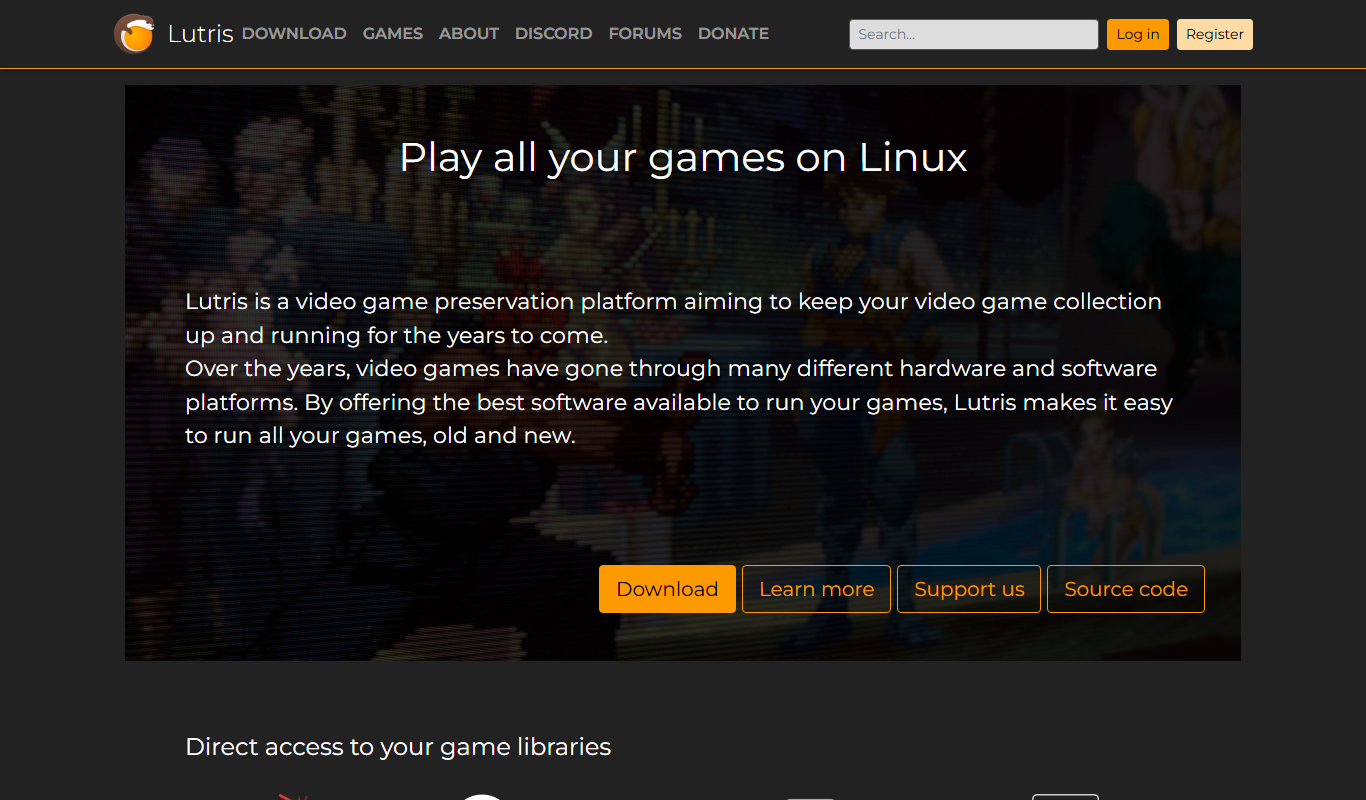
What is Lutris?
Lutris is an open-source game management platform designed primarily for Linux users. It allows gamers to organize, install, and launch games from multiple sources including native Linux games, Windows games using Wine, and games running through various emulators. Lutris simplifies the complex process of configuring games on Linux by automating installations and managing compatibility layers.
Key features of Lutris
Lutris offers a unified interface to manage a diverse game library, automated installation scripts, integration with emulators, and community-driven game configurations. It supports running Windows games on Linux through Wine and provides tools to optimize game performance and compatibility.
Unified Game Library
Manage games from multiple platforms and sources in one interface.
Automated Installation Scripts
Simplify game setup with community-maintained scripts that handle dependencies and configurations.
Wine Integration
Run Windows games on Linux with various Wine versions and configurations.
Emulator Support
Play games from consoles like PlayStation, Nintendo, and others through integrated emulators.
Community Contributions
Benefit from a large community sharing installation scripts and troubleshooting tips.
Pros and cons of Lutris
Pros
- Open-source and free to use
- Simplifies complex game installations on Linux
- Supports a wide range of games and emulators
- Strong community support and shared scripts
Cons
- Primarily designed for Linux users, limited Windows support
- Some games may require manual tweaking
- Dependent on community-maintained scripts for compatibility
Key use cases for Lutris
Game Library Management
Organize and manage games from multiple sources including native Linux games, Windows games via Wine, and emulators.
Game Installation Automation
Automate installation scripts for games to simplify setup and configuration on Linux systems.
Emulator Integration
Run and manage games from various consoles through integrated emulator support.
Compatibility Layer Management
Use Wine and other compatibility layers to run Windows games seamlessly on Linux.
Community Game Sharing
Access community-contributed installation scripts and game configurations to enhance compatibility.
How Lutris works
- 1
Install Lutris
Download and install Lutris from the official website or your Linux distribution’s package manager.
- 2
Add Games
Import existing games or browse the Lutris website to find installation scripts for new games.
- 3
Configure Runners
Set up Wine versions, emulators, or native runners to ensure games run correctly.
- 4
Launch and Play
Use Lutris to launch games with optimized settings and enjoy a seamless gaming experience.
Who is using Lutris
Linux gamers
Open source enthusiasts
Gamers running Windows games on Linux
Users of console emulators
Technical users comfortable with Linux
Lutris pricing
Free
$0
Open-source and free to use with full features.
Plans and prices are as published by the vendor and can change. Check the official site before you buy. Open the pricing page (opens in a new tab)
Frequently asked questions about Lutris
Yes, Lutris is completely free and open-source.
Lutris primarily supports Linux, with some functionality on Windows and a web interface.
Yes, Lutris uses Wine and other compatibility layers to run many Windows games on Linux.
Yes, it integrates with various emulators to run games from consoles like PlayStation and Nintendo.
It depends on your specific needs and how you plan to use the tool. The official website and documentation are the best sources for the latest details.
Yes, it can help with that use case depending on how you configure it and what features are available. You’ll get the best results with clear inputs and a defined goal.
Yes, it can help with that use case depending on how you configure it and what features are available. You’ll get the best results with clear inputs and a defined goal.
Sign in to review this tool.
Sign In to ReviewNo reviews yet
Be the first to share how this tool worked for you.
Ask about pricing, limits, or how it compares — or answer someone else.
Sign In to AskNo questions yet
Have a question about using or paying for this tool? Be the first to ask.
Featured on TiorAI



More Coding & Development tools
Other tools in the same category, for when this one is not quite the fit.
Custom Pricing
Infosys
Infosys is a global IT services and consulting company specializing in AI, cloud, automation, and digital transformation solutions for enterprises.
Free
IcoMoon
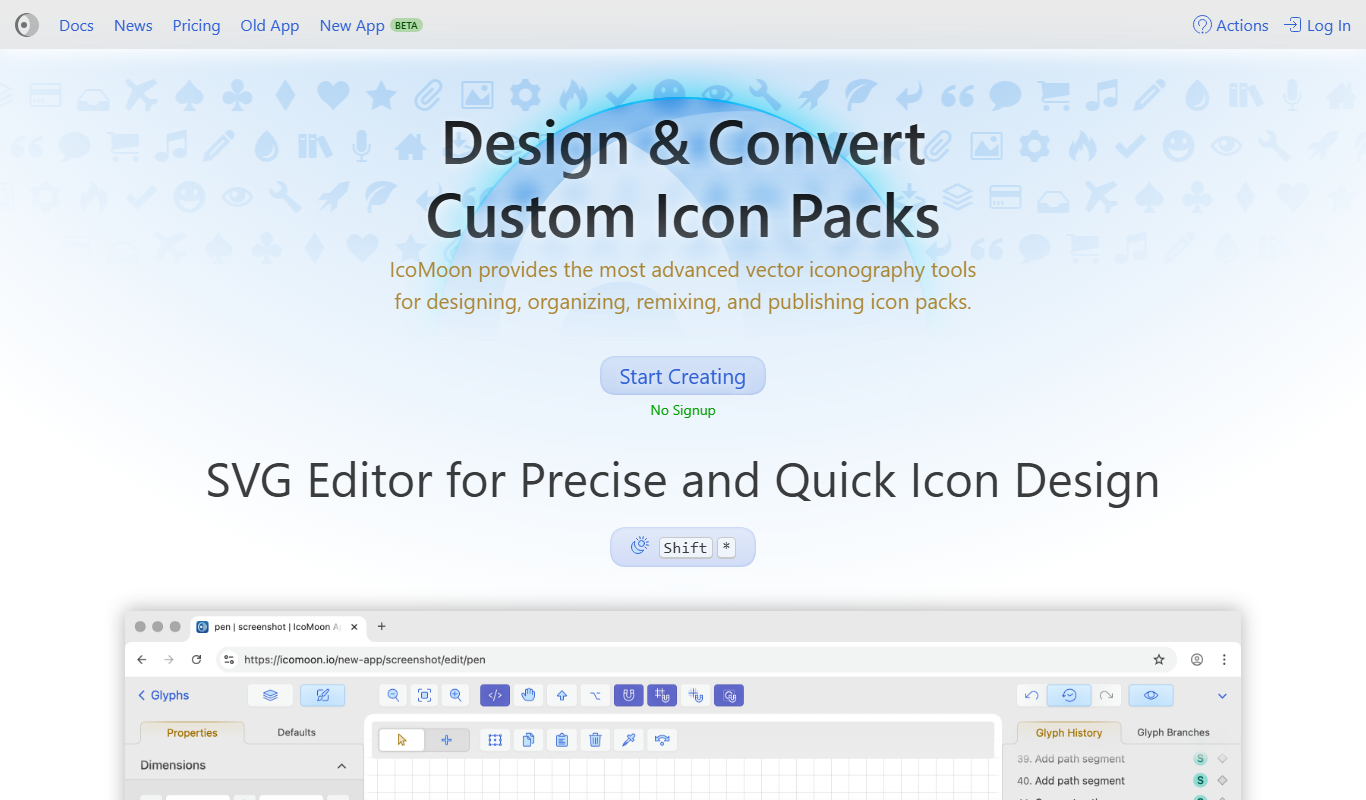
IcoMoon is a web tool that enables users to create custom icon fonts and manage SVG icons for web and app design projects.

Free
PlantUML
PlantUML is an open-source tool that creates UML diagrams from simple text descriptions, supporting various diagram types and integration with development tools.

Free
Tailscale
Tailscale is a VPN service that creates a secure, private mesh network using WireGuard, enabling easy and encrypted remote access for teams and developers.
Free
DeepAI
DeepAI is an AI platform providing APIs and web tools for image generation, text analysis, and other machine learning tasks, suitable for developers and content creators.

Free
OpenZeppelin
OpenZeppelin is a platform offering open-source smart contract libraries, security auditing, and developer tools to build secure blockchain applications primarily on Ethereum.

Free
OpenDaylight
OpenDaylight is an open source software-defined networking platform that provides a modular controller framework to enable network automation, programmability, and support for multiple protocols like OpenFlow and NETCONF.

Free
ONAP
ONAP is an open-source platform that automates the orchestration and lifecycle management of telecom networks, supporting 5G, SDN, and NFV technologies.