

From my experience with TimeTailor, it stands out for its straightforward and clean interface that makes setting up appointments quick and hassle-free. The calendar synchronization and automated notifications are particularly useful for reducing scheduling conflicts and no-shows. While it lacks a dedicated mobile app, the web platform is responsive and reliable for daily use. TimeTailor is well-suited for small businesses, freelancers, and teams needing an efficient scheduling solution without overwhelming complexity. The free plan is a good starting point, though advanced features require a paid subscription.
TimeTailor Scheduling Software for Seamless Appointment Management
TimeTailor is a web-based scheduling software that helps businesses and individuals manage appointments through customizable booking pages, calendar integrations, and automated notifications.
- Best for
- Appointment Scheduling
- Key capability
- Custom Booking Pages

Do you recommend this tool?
What is TimeTailor?
TimeTailor is a web-based scheduling software designed to simplify appointment booking and calendar management for businesses and individuals. It provides an intuitive interface to create booking pages, manage availability, and synchronize with external calendars to streamline scheduling workflows.
Key features of TimeTailor
TimeTailor offers customizable booking pages, calendar integrations, team scheduling capabilities, and automated notifications to reduce scheduling conflicts and improve client communication.
Custom Booking Pages
Create tailored booking pages with your branding and specific scheduling rules.
Calendar Integration
Sync with Google Calendar, Outlook, and other calendar services to keep appointments up to date.
Automated Notifications
Send email confirmations and reminders to reduce no-shows.
Team Scheduling
Coordinate multiple team members’ availability and manage group bookings.
Time Zone Support
Automatically adjust booking times based on client and user time zones.
Pros and cons of TimeTailor
Pros
- User-friendly interface for quick setup
- Supports team scheduling and calendar sync
- Automated email notifications reduce no-shows
Cons
- No dedicated mobile app available
- Limited free plan features compared to competitors
Key use cases for TimeTailor
Appointment Scheduling
Allows businesses and individuals to set up and manage appointments efficiently with clients or team members.
Event Booking
Supports booking for events, workshops, or classes with customizable time slots.
Calendar Synchronization
Integrates with popular calendar services to keep schedules updated and avoid double bookings.
Team Scheduling
Enables teams to coordinate availability and manage shared calendars for group appointments.
How TimeTailor works
- 1
Create an Account
Sign up on the TimeTailor website to start setting up your scheduling preferences.
- 2
Set Availability
Define your available time slots and customize booking options for your clients or team.
- 3
Share Booking Link
Distribute your personalized booking page link to clients or embed it on your website.
- 4
Manage Appointments
Receive bookings, synchronize with your calendar, and send automated reminders.
Who is using TimeTailor
Small businesses
Freelancers and consultants
Educational institutions
Healthcare providers
Event organizers
TimeTailor pricing
Free
$0/month
Basic scheduling features with limited appointments and booking pages.
Pro
€9/month
Advanced features including unlimited bookings, team scheduling, and integrations.
Plans and prices are as published by the vendor and can change. Check the official site before you buy. Open the pricing page (opens in a new tab)
Frequently asked questions about TimeTailor
Yes, TimeTailor supports synchronization with Google Calendar to keep your appointments updated.
Yes, you can customize booking pages with your branding and specific scheduling rules.
Currently, TimeTailor is accessible via web browsers and does not offer a dedicated mobile app.
It depends on your specific needs and how you plan to use the tool. The official website and documentation are the best sources for the latest details.
Some tools offer a free plan or trial with limited features. Availability can vary, so confirm on the official website.
Integration support depends on the tool and its available connectors or API. Check the official documentation or integrations page to confirm what is supported.
Sign in to review this tool.
Sign In to ReviewNo reviews yet
Be the first to share how this tool worked for you.
Ask about pricing, limits, or how it compares — or answer someone else.
Sign In to AskNo questions yet
Have a question about using or paying for this tool? Be the first to ask.
Featured on TiorAI



Alternative Tools
Explore similar AI tools that might fit your needs

Free
Calendly
Calendly is an online scheduling platform that automates appointment booking by syncing with your calendar and allowing invitees to select available times.

Free Trial
Acuity Scheduling
Acuity Scheduling is an online appointment booking software that enables businesses to automate scheduling, send reminders, accept payments, and sync calendars to streamline client bookings.
Free
Setmore
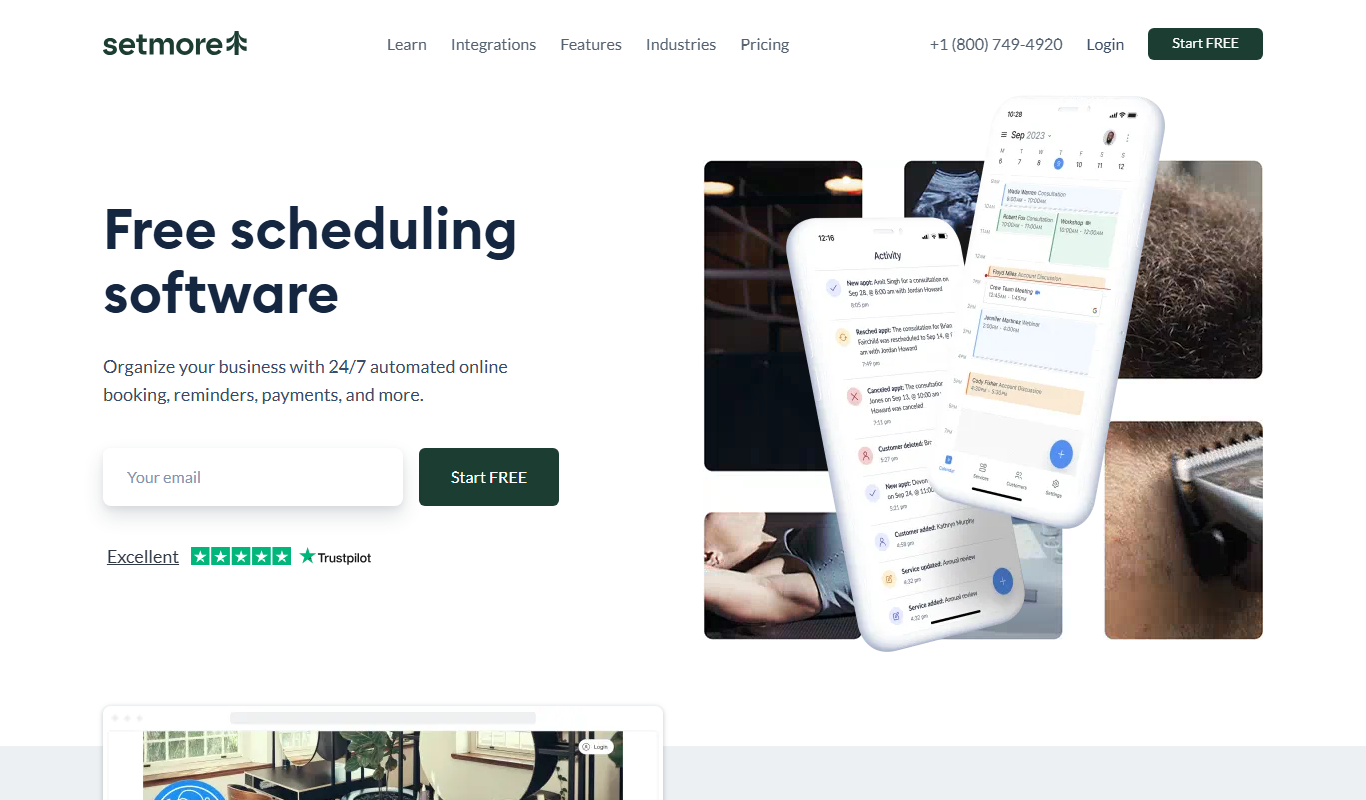
Setmore is an online appointment scheduling software designed for small businesses to manage bookings, staff schedules, automated reminders, and payments through web and mobile platforms.
More AI Scheduling Tools tools
Other tools in the same category, for when this one is not quite the fit.

Free Trial
Hints
Hints is an AI-driven customer support tool that automates help desk responses by integrating with knowledge bases to provide instant, accurate answers and reduce support tickets.

Freemium
TXTGenie
TXTGenie is an AI-driven text generation tool that helps users create various types of written content efficiently using GPT-3 technology.

Free Trial
myaifrontdesk.com
My AI Front Desk is an AI virtual receptionist platform that automates customer support and appointment scheduling using natural language processing.
Freemium
Swatle
Swatle is an AI chatbot platform designed to automate customer support and lead qualification by integrating with websites and helpdesk systems.

Freemium
Alice
Alice is an AI-powered assistant that helps teams automate workflows, manage tasks, and enhance collaboration by integrating with popular productivity tools and generating meeting summaries.

Freemium
CalenAI
CalenAI is an AI-powered calendar assistant that automates scheduling, resolves conflicts, and provides productivity insights to help users manage their time efficiently.

Custom Pricing
Perks
Perks is a customer loyalty platform from Sri Lanka that enables businesses to create and manage rewards programs to increase customer retention and engagement.

Free
Supertasks.io
Supertasks.io is a no-code automation platform that enables users to create custom workflows connecting multiple apps to automate repetitive tasks and improve productivity.