
From my experience with timeOS AI, I found it excels at automatically capturing time spent on digital tasks without the hassle of manual entry. The AI-driven insights provide a clear picture of productivity patterns, which is invaluable for freelancers and remote teams aiming to optimize their workflows. However, the platform has a slight learning curve for users new to AI-based tracking, and some advanced features are gated behind enterprise plans. Overall, if you need a reliable, cross-platform time tracking solution that leverages AI to boost productivity, timeOS AI delivers solid, practical results.
timeOS AI Review: AI-Powered Time Tracking and Productivity Software
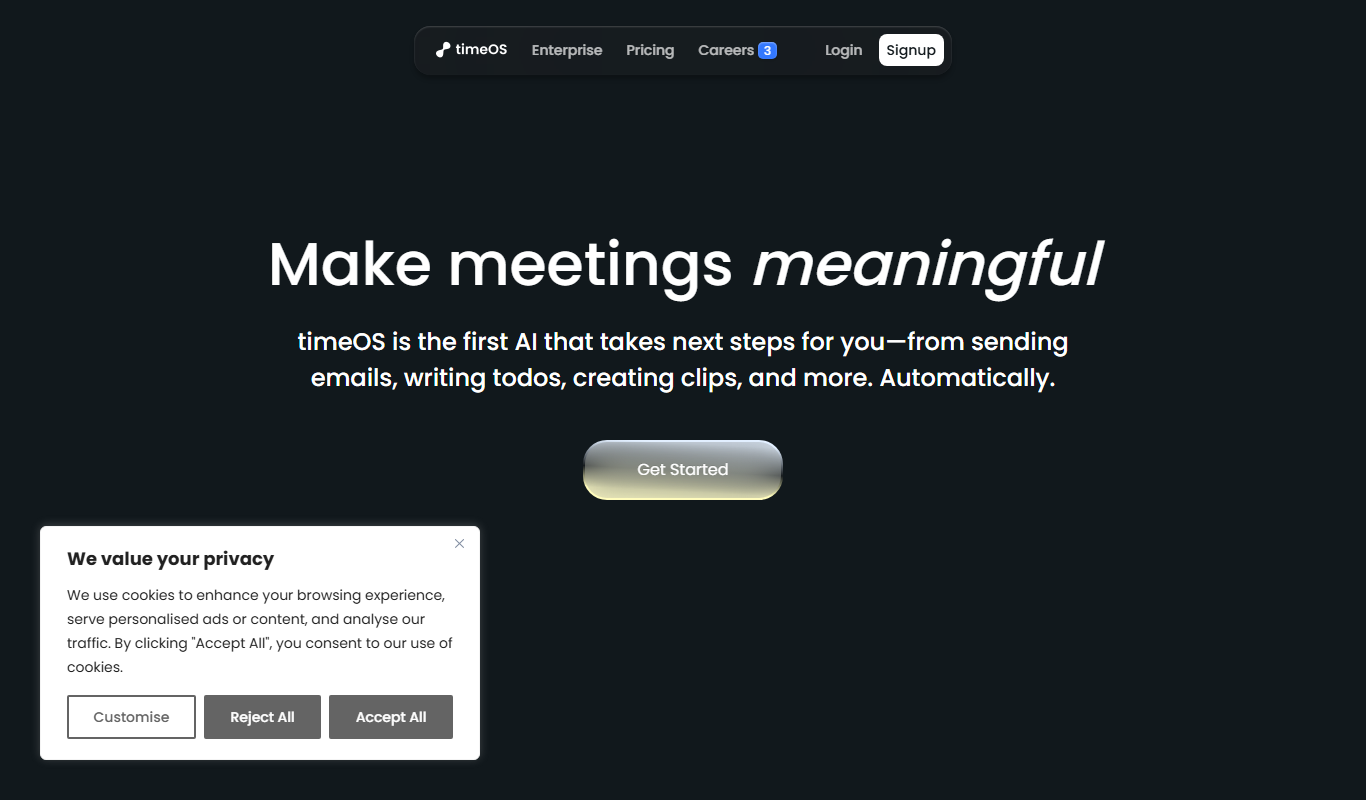
timeOS AI is an AI-driven automatic time tracking software that captures and analyzes work activity across devices to improve productivity and streamline time management.
What is timeOS AI?
timeOS AI is an AI-powered time tracking and productivity software designed to automatically capture and analyze how users spend their time on digital devices. It helps individuals and teams improve efficiency by providing detailed insights into work habits without requiring manual time entry.
Key Features of timeOS AI
AI-Powered Automatic Tracking
Eliminates manual time entry by intelligently capturing time spent on various digital activities.
Detailed Productivity Reports
Provides comprehensive analytics on how time is distributed across tasks and projects.
Cross-Platform Support
Available on web, desktop, and mobile devices to track time seamlessly across environments.
Employee Monitoring Tools
Enables managers to monitor team activity and productivity remotely.
Integrations
Supports integration with project management and collaboration tools for streamlined workflows.
Pros and Cons of timeOS AI
Pros
- Accurate automatic time tracking reduces manual effort
- Insightful productivity analytics help optimize work habits
- Cross-platform availability ensures consistent tracking
- Useful for both individuals and teams
- Flexible pricing plans including a free trial
Cons
- Limited information on technology stack and open APIs
- Some advanced features reserved for enterprise plans
- Learning curve for users new to AI-based tracking
Key Use Cases for timeOS AI
Automatic Time Tracking
Automatically track time spent on tasks and projects without manual input, improving accuracy and reducing administrative overhead.
Productivity Analysis
Analyze work patterns and productivity metrics using AI-driven insights to optimize workflows and identify bottlenecks.
Employee Monitoring
Monitor employee activity and time usage to ensure accountability and improve remote team management.
Billing and Invoicing
Generate accurate reports for client billing based on tracked time, simplifying invoicing processes.
Project Management Integration
Integrate with project management tools to align time tracking data with project goals and deadlines.
How timeOS AI Works
-
1
Install and Set Up
Download the timeOS AI app on your device and configure it to start tracking your work activities.
-
2
Automatic Time Capture
The AI engine runs in the background, automatically detecting and logging time spent on applications, websites, and tasks.
-
3
Review Analytics
Access dashboards and reports to analyze your productivity patterns and time allocation.
-
4
Optimize Workflow
Use insights to adjust your work habits, improve focus, and manage projects more effectively.
Who's Using timeOS AI
Freelancers and consultants
Remote teams and managers
Small to medium businesses
Project managers
Productivity enthusiasts
timeOS AI Pricing
Free Trial
$0 for 14 days
Full feature access for two weeks to evaluate the software.
Professional
$9/month per user
Includes all core features with priority support and integrations.
Enterprise
Custom pricing
Tailored solutions with advanced features, dedicated support, and onboarding.
Frequently Asked Questions About timeOS AI
No, timeOS AI uses artificial intelligence to automatically track and categorize your time without manual input.
Yes, timeOS AI supports web, desktop, and mobile platforms, allowing seamless tracking across devices.
timeOS AI implements industry-standard security measures to protect your data and privacy.
Yes, it offers integrations with popular project management and collaboration platforms.
It depends on your specific needs and how you plan to use the tool. The official website and documentation are the best sources for the latest details.
It depends on your specific needs and how you plan to use the tool. The official website and documentation are the best sources for the latest details.
Yes, it can help with that use case depending on how you configure it and what features are available. You’ll get the best results with clear inputs and a defined goal.
Share your review
Reviews are limited to one per logged-in user and are published after moderation.
You need an account to review this tool.
0.0
★
★
★
★
★
0 reviews
5 star
0
4 star
0
3 star
0
2 star
0
1 star
0
No reviews yet
Be the first to share how this tool worked for you.
Questions from the community
Read questions and answers about this tool, or ask your own.
No questions yet
Start the conversation by asking the first question about this tool.
Is this tool helpful?
Alternative Tools
Explore similar AI tools that might fit your needs
Free
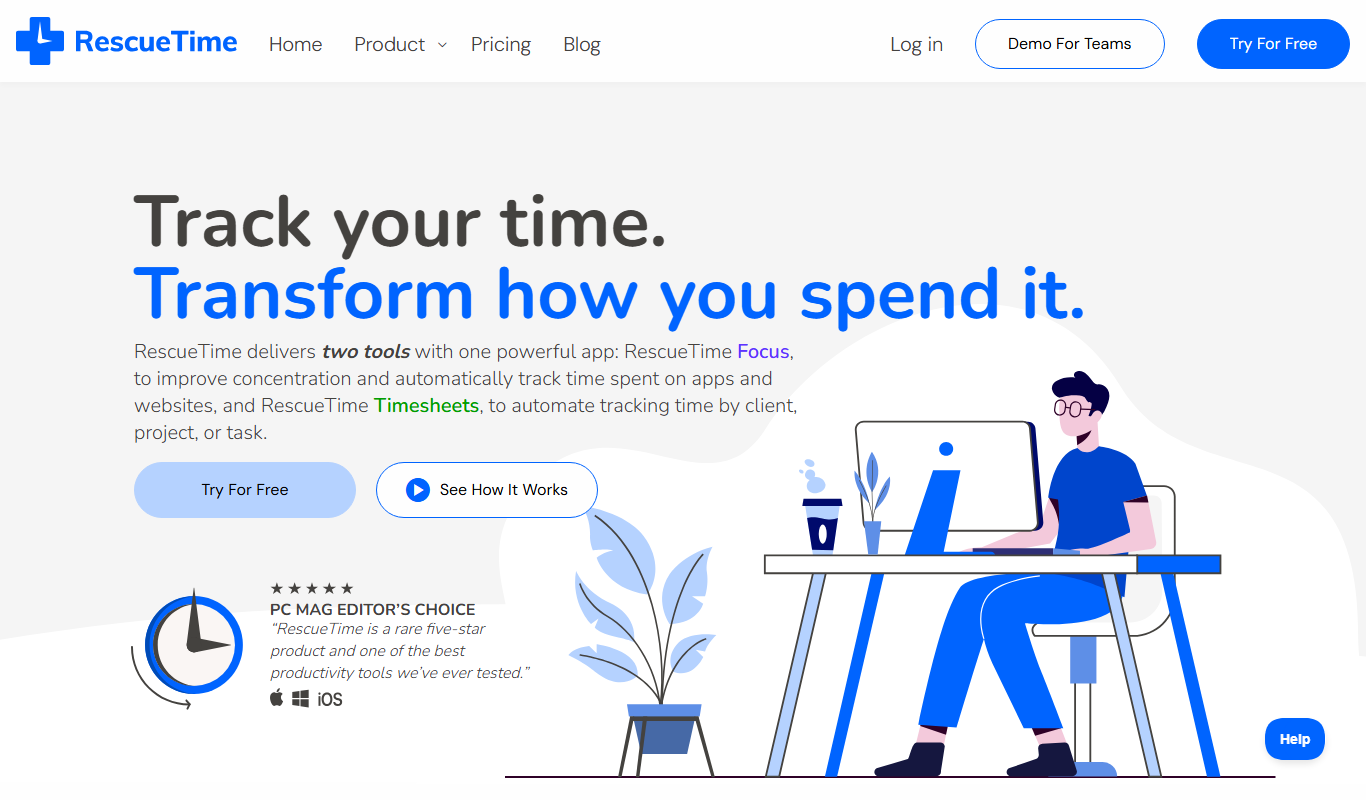
RescueTime
RescueTime is a productivity and time management tool that automatically tracks your digital activities, provides detailed reports, and helps you block distractions to improve focus.

Free
Clockify
Clockify is a free and easy-to-use time tracking software that helps teams and freelancers track work hours, manage projects, and generate reports across multiple platforms.

Free
YouTube Video Summarizer AI-Powered
YouTube Video Summarizer AI-Powered is a web tool that uses AI to transcribe and summarize English YouTube videos, providing concise key point summaries to save users time.

Free Trial
StoryboardHero AI Storyboard Generator
StoryboardHero is an AI-powered web tool that transforms text descriptions into visual storyboards, helping filmmakers and creators plan video projects efficiently without drawing skills.

Freemium
ukit.ai
uKit.ai is an AI-driven website builder that helps users create professional websites quickly without coding by generating designs and content suggestions based on user input.

Free
Free AI Song Generator
Free AI Song Generator is a web-based tool that lets you create original music tracks instantly using AI by selecting genres and moods, with no cost or sign-up required.

Freemium
MyPop.ai
MyPop.ai is an AI-powered platform that transforms text into professional videos using customizable templates, ideal for marketing and social media content creation.
Free
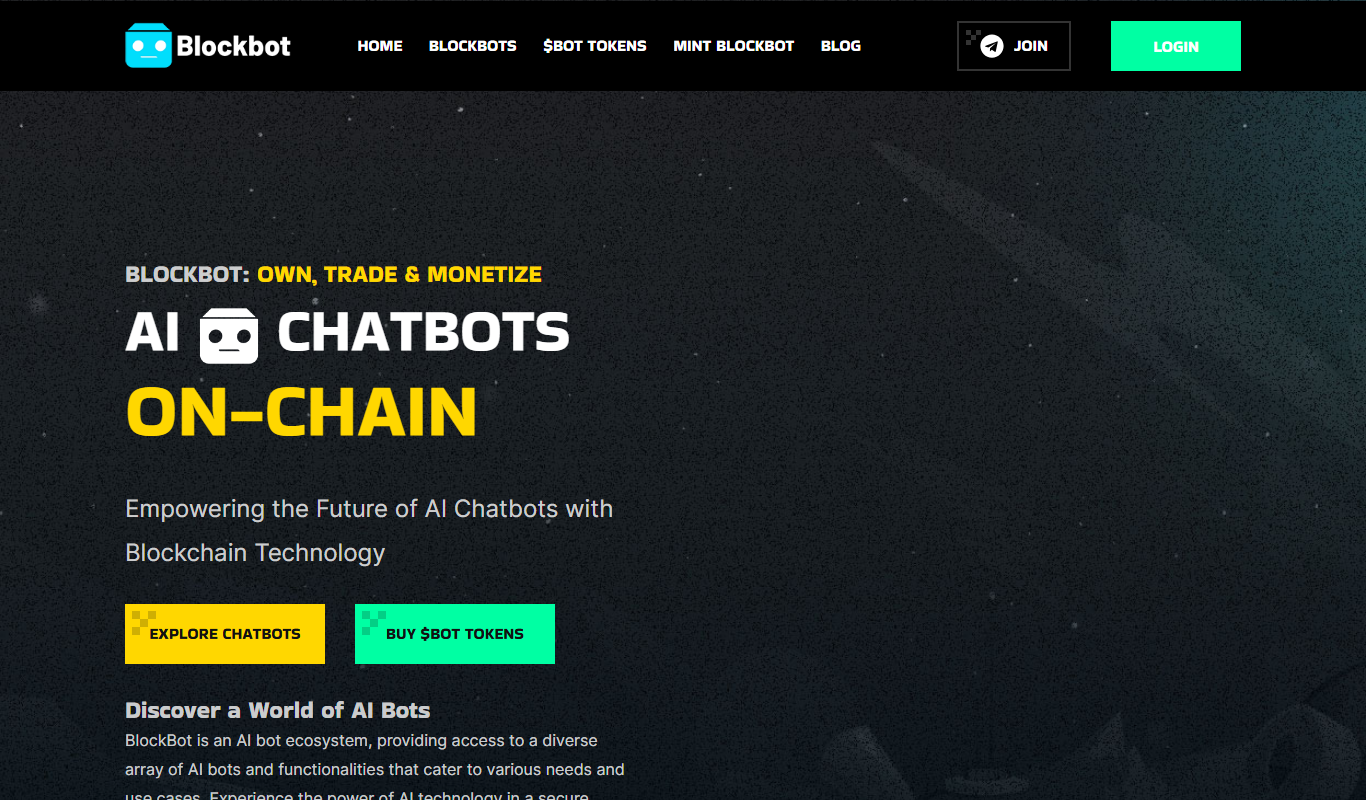
BlockBot
BlockBot AI is an automated tool that uses artificial intelligence to moderate social media comments by filtering out toxic, spam, and inappropriate content in real-time.

Free Trial
Vanna AI
Vanna AI is a no-code data analytics platform that enables business users to query and analyze data using natural language, generating insights without coding.

Freemium
Marketer
Marketer is an AI-driven marketing automation platform that helps businesses automate campaign management, lead generation, and customer segmentation to optimize marketing performance.