

From my experience with Thundercontent, I found it excels at quickly producing SEO-friendly articles that can help maintain a consistent content schedule. The platform’s multi-language support and user-friendly interface make it accessible for marketers and small businesses looking to automate content creation without a steep learning curve. However, the AI-generated content often requires some manual editing to ensure tone and accuracy, which is a common trade-off with automated writing tools. Overall, if you need to generate bulk content efficiently with SEO in mind, Thundercontent offers a practical solution.
Thundercontent AI Writing Tool for Automated Content Creation and SEO
Thundercontent is an AI content generation platform that automates the creation of SEO-optimized articles, blog posts, and product descriptions in multiple languages, helping marketers and businesses save time and improve content output.
- Best for
- Blog Content Creation
- Key capability
- AI-Powered Content Generation

Do you recommend this tool?
What is Thundercontent?
Thundercontent is an AI-powered content generation platform designed to help marketers, writers, and businesses automate the creation of high-quality written content. It leverages advanced natural language processing models to produce SEO-friendly articles, blog posts, product descriptions, and social media content efficiently. The platform aims to reduce the time and effort required for content creation while maintaining readability and relevance.
Key features of Thundercontent
Thundercontent offers features such as AI-driven article generation, multi-language support, SEO optimization tools, content customization options, and a user-friendly interface that enables users to generate and edit content seamlessly.
AI-Powered Content Generation
Automatically create unique and coherent articles tailored to your input keywords.
Multi-Language Support
Generate content in multiple languages including English, Spanish, French, German, and Italian.
SEO Optimization
Produce keyword-rich content designed to improve search engine rankings.
Customizable Content Length
Adjust the length of generated articles to fit specific needs.
User-Friendly Interface
Intuitive platform that simplifies content creation and editing.
Pros and cons of Thundercontent
Pros
- Quick generation of SEO-friendly content
- Supports multiple languages
- User-friendly and intuitive interface
- Flexible pricing plans
- Good for various content types
Cons
- Limited customization compared to manual writing
- Occasional need for content editing
- No mobile app available
Key use cases for Thundercontent
Blog Content Creation
Generate SEO-optimized blog posts quickly to maintain consistent publishing schedules.
Product Descriptions
Create engaging and unique product descriptions for e-commerce platforms.
Social Media Content
Produce varied social media posts to enhance brand presence and engagement.
SEO Content Generation
Automatically generate keyword-rich articles to improve search engine rankings.
Content Ideation
Use AI to brainstorm and generate ideas for new content topics.
How Thundercontent works
- 1
Sign Up
Create an account on Thundercontent’s website to access the platform.
- 2
Select Content Type
Choose the type of content you want to generate, such as blog posts or product descriptions.
- 3
Input Keywords or Topics
Provide keywords or topics to guide the AI in generating relevant content.
- 4
Generate Content
Let the AI create the content based on your inputs.
- 5
Review and Edit
Review the generated content and make any necessary edits before publishing.
Who is using Thundercontent
Content marketers
Small and medium businesses
E-commerce store owners
SEO specialists
Freelance writers
Thundercontent pricing
Free Trial
$0
Limited access to generate a small number of articles to test the platform.
Basic
$19/month
Access to generate up to 20,000 words per month with standard features.
Pro
$49/month
Higher word limits, priority support, and advanced customization options.
Plans and prices are as published by the vendor and can change. Check the official site before you buy. Open the pricing page (opens in a new tab)
Frequently asked questions about Thundercontent
Yes, Thundercontent supports multiple languages including Spanish, French, German, and Italian.
Thundercontent generates original content, but users are encouraged to review and verify uniqueness.
Yes, you can specify the desired length for the generated content.
Yes, there is a free trial with limited word count to test the platform.
This tool is designed to help users accomplish its core tasks more efficiently. It is typically used by individuals or teams looking to improve productivity and workflow.
Yes, it can help with that use case depending on how you configure it and what features are available. You’ll get the best results with clear inputs and a defined goal.
Some tools offer a free plan or trial with limited features. Availability can vary, so confirm on the official website.
Pricing depends on the plan and included features. For the most accurate and up-to-date details, check the official pricing page.
Sign in to review this tool.
Sign In to ReviewNo reviews yet
Be the first to share how this tool worked for you.
Ask about pricing, limits, or how it compares — or answer someone else.
Sign In to AskNo questions yet
Have a question about using or paying for this tool? Be the first to ask.
Featured on TiorAI



More Content Marketing tools
Other tools in the same category, for when this one is not quite the fit.
Freemium
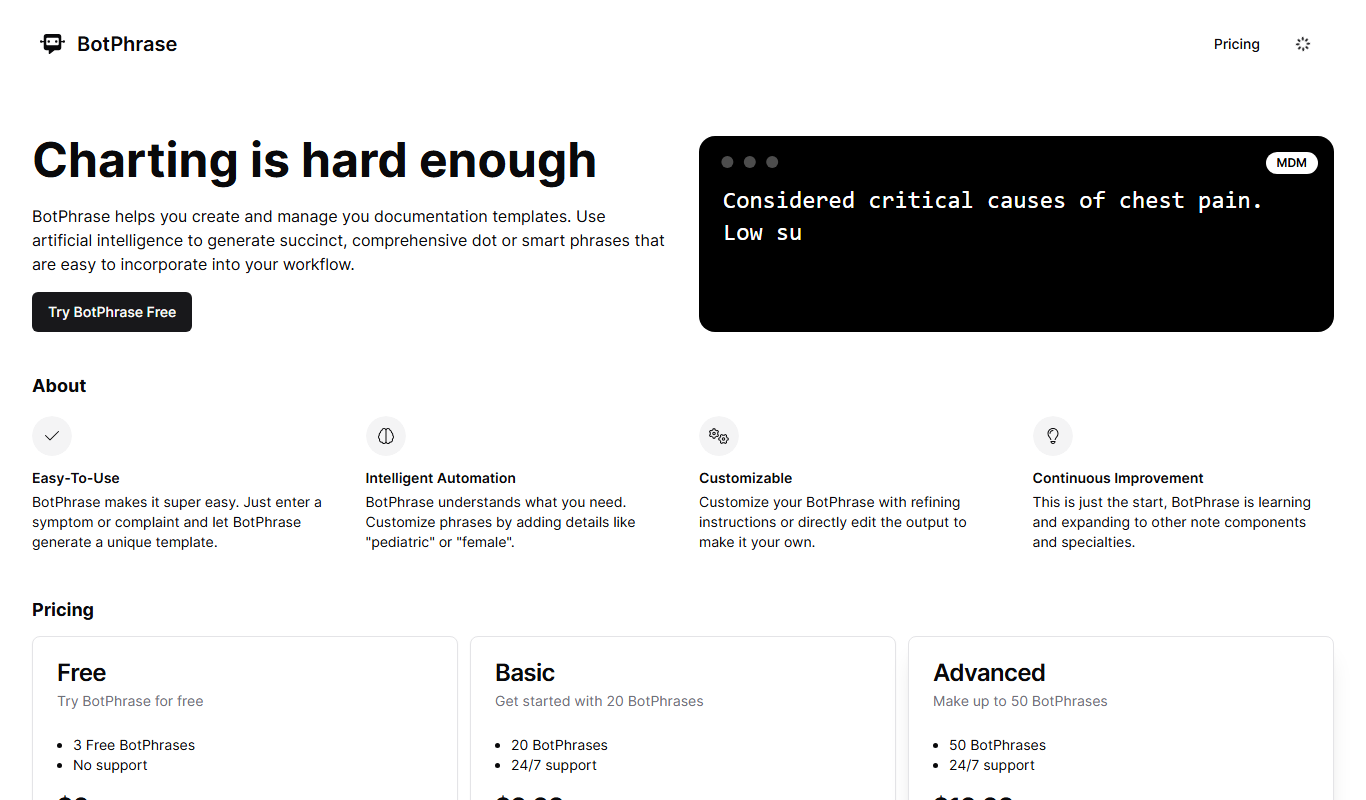
BotPhrase
BotPhrase is an AI-powered writing assistant designed to help marketers and content creators generate high-quality marketing copy, blog posts, emails, and social media content efficiently.

Free Trial
roojoom.com
Roojoom is a content experience platform that enables marketers to create interactive, personalized content journeys to engage audiences and generate leads effectively.

Custom Pricing
多种草AI
多种草AI is a Chinese AI-powered platform that helps brands connect with influencers and manage content marketing campaigns efficiently within the Chinese market.

Freemium
PopStory!!
PopStory is an AI-driven video creation tool that transforms text and images into social media-optimized videos quickly and easily.

Free Trial
Tantl
Tantl is an AI-powered writing assistant that helps marketers and content creators generate marketing copy, blog posts, emails, and SEO-optimized content through an easy-to-use web platform.

Free
AI Suggests
AI Suggests is an AI-driven platform that provides marketers and content creators with relevant content ideas and SEO keyword suggestions to improve marketing effectiveness.
Freemium
PopStory!!
PopStory is an AI-powered video creation platform that helps users generate short, engaging videos optimized for social media channels quickly and easily.

Free
Topicmojo
Topicmojo is a web-based SEO tool that helps users discover relevant topics and keywords to create optimized content and improve search rankings.