
From my experience with PopStory, I found it excels at simplifying video creation for social media marketing, especially for users without video editing expertise. The AI-driven automation and social media-optimized templates make producing engaging short videos fast and accessible. However, the platform is currently limited to English and lacks advanced editing features found in professional software, which might restrict power users. Overall, if you need to quickly generate polished social media videos with minimal effort, PopStory offers a practical and affordable solution.
PopStory AI Video Generator for Engaging Social Media Content
PopStory is an AI-powered video creation platform that helps users generate short, engaging videos optimized for social media channels quickly and easily.
What is PopStory!!?
PopStory is an AI-powered video creation platform designed to help users easily generate short, engaging videos tailored for social media channels. It leverages artificial intelligence to automate video editing tasks, enabling marketers, content creators, and businesses to produce professional-looking videos quickly without prior video production experience.

Key Features of PopStory!!
AI-Powered Video Creation
Automates video editing and production from text or scripts to save time and effort.
Social Media Optimized Templates
Templates tailored for popular platforms like Instagram Stories, TikTok, and Facebook posts.
Customizable Video Elements
Allows users to personalize text, colors, fonts, and images to maintain brand consistency.
Fast Video Export
Enables quick downloading and sharing of videos in formats suitable for social media.
Pros and Cons of PopStory!!
Pros
- User-friendly AI-driven video creation
- Templates optimized for social media formats
- Quick video production without technical skills
- Affordable pricing with a free tier
Cons
- Limited advanced editing features compared to professional software
- Currently supports only English language
- No mobile app available, web-only platform
Key Use Cases for PopStory!!
Social Media Video Creation
Create short, engaging videos optimized for platforms like Instagram, TikTok, and Facebook to boost audience engagement.
Marketing Campaigns
Generate video content quickly for marketing campaigns without the need for advanced video editing skills.
Content Repurposing
Transform existing text or blog content into dynamic video formats to reach wider audiences.
Brand Storytelling
Craft compelling brand stories through visually appealing videos that resonate with target customers.
How PopStory!! Works
-
1
Input Content
Start by entering your text, script, or uploading existing content to the platform.
-
2
Select Template
Choose from a variety of video templates designed for different social media formats and styles.
-
3
AI Video Generation
PopStory’s AI processes your input to automatically create a video, including scene selection, animations, and transitions.
-
4
Customize and Edit
Make manual adjustments to the video elements such as text, images, colors, and timing to fit your brand.
-
5
Export and Share
Download the finished video or share it directly to your social media channels.
Who's Using PopStory!!
Social media marketers
Small business owners
Content creators and influencers
Digital marketing agencies
Brand managers
PopStory!! Pricing
Free
$0/month
Access to basic templates and limited video exports with watermark.
Pro
$19/month
Unlimited video exports, access to premium templates, and removal of watermarks.
Frequently Asked Questions About PopStory!!
Yes, PopStory is designed for users with no prior video editing skills by automating the video creation process.
PopStory creates videos optimized for Instagram, TikTok, Facebook, and other popular social media channels.
Yes, PopStory offers a free plan with limited features to try out the platform.
Absolutely, you can edit text, colors, images, and other elements to fit your brand’s style.
It depends on your specific needs and how you plan to use the tool. The official website and documentation are the best sources for the latest details.
It depends on your specific needs and how you plan to use the tool. The official website and documentation are the best sources for the latest details.
Yes, it can help with that use case depending on how you configure it and what features are available. You’ll get the best results with clear inputs and a defined goal.
Share your review
Reviews are limited to one per logged-in user and are published after moderation.
You need an account to review this tool.
0.0
★
★
★
★
★
0 reviews
5 star
0
4 star
0
3 star
0
2 star
0
1 star
0
No reviews yet
Be the first to share how this tool worked for you.
Questions from the community
Read questions and answers about this tool, or ask your own.
No questions yet
Start the conversation by asking the first question about this tool.
Is this tool helpful?

Freemium
Scriptu
Scriptu is an AI writing assistant focused on helping users generate scripts, stories, and dialogues through an easy-to-use web platform, ideal for creative writers and filmmakers.
Free Trial
Scrip AI
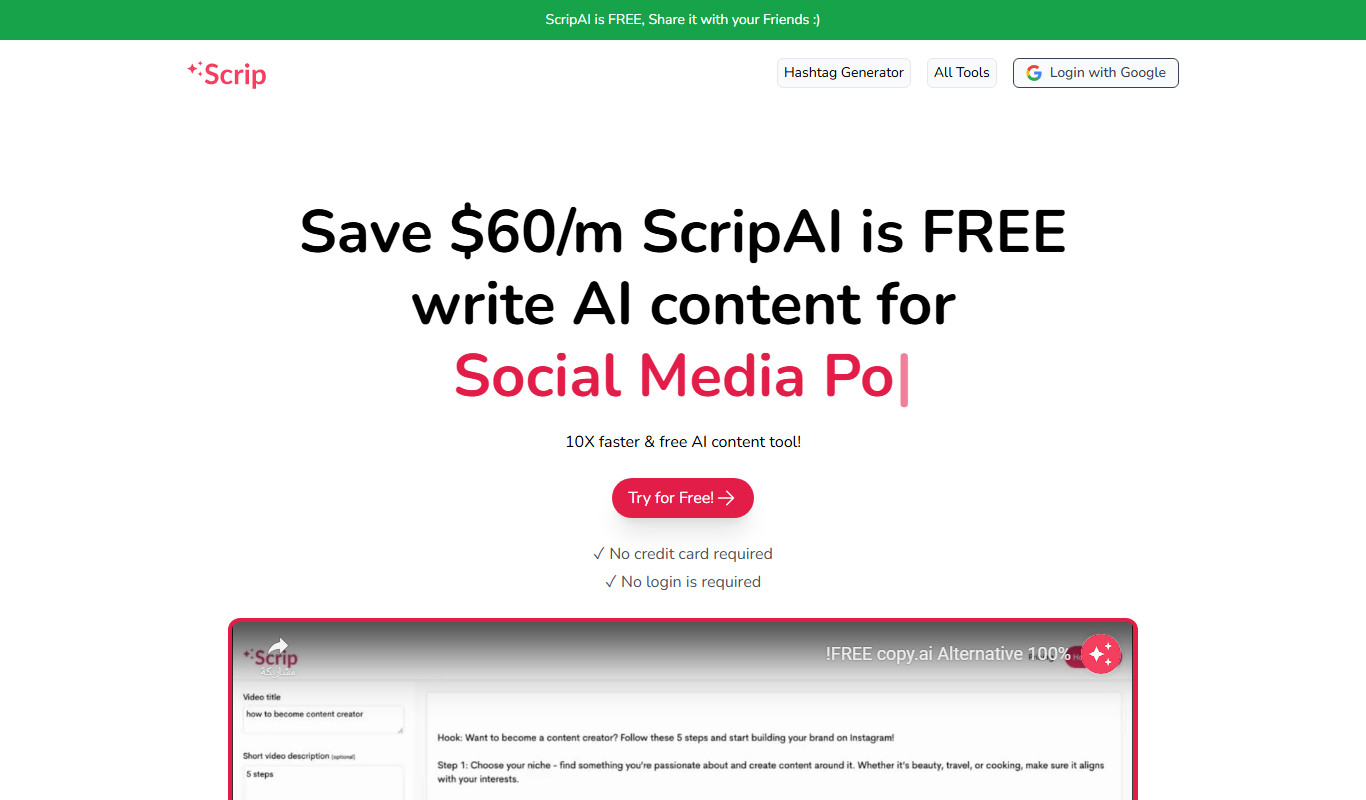
Scrip AI is an AI-driven scriptwriting platform that helps users create video and podcast scripts quickly by generating structured, customizable content based on user inputs.

Free Trial
StoryWizard
StoryWizard is an AI-driven platform that helps users generate creative stories by providing customizable prompts and genre options, ideal for writers and content creators.

Free
UNTOLD
UNTOLD is an immersive adventure game focused on interactive storytelling and exploration, available on web and desktop with free and premium content options.
Free Trial
saystory
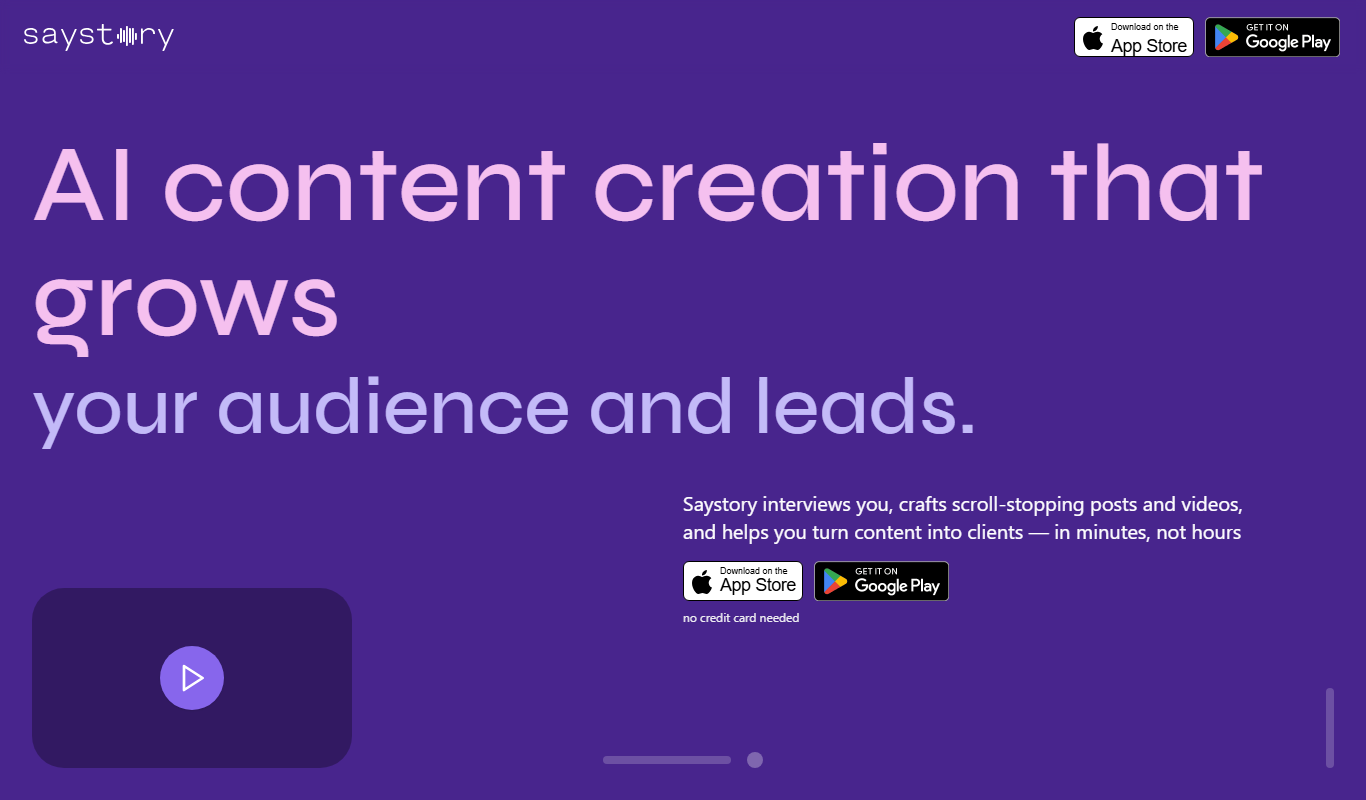
SayStory is an AI-powered platform that converts text into engaging videos for marketing, social media, and storytelling without requiring video editing skills.
Free
2Slash
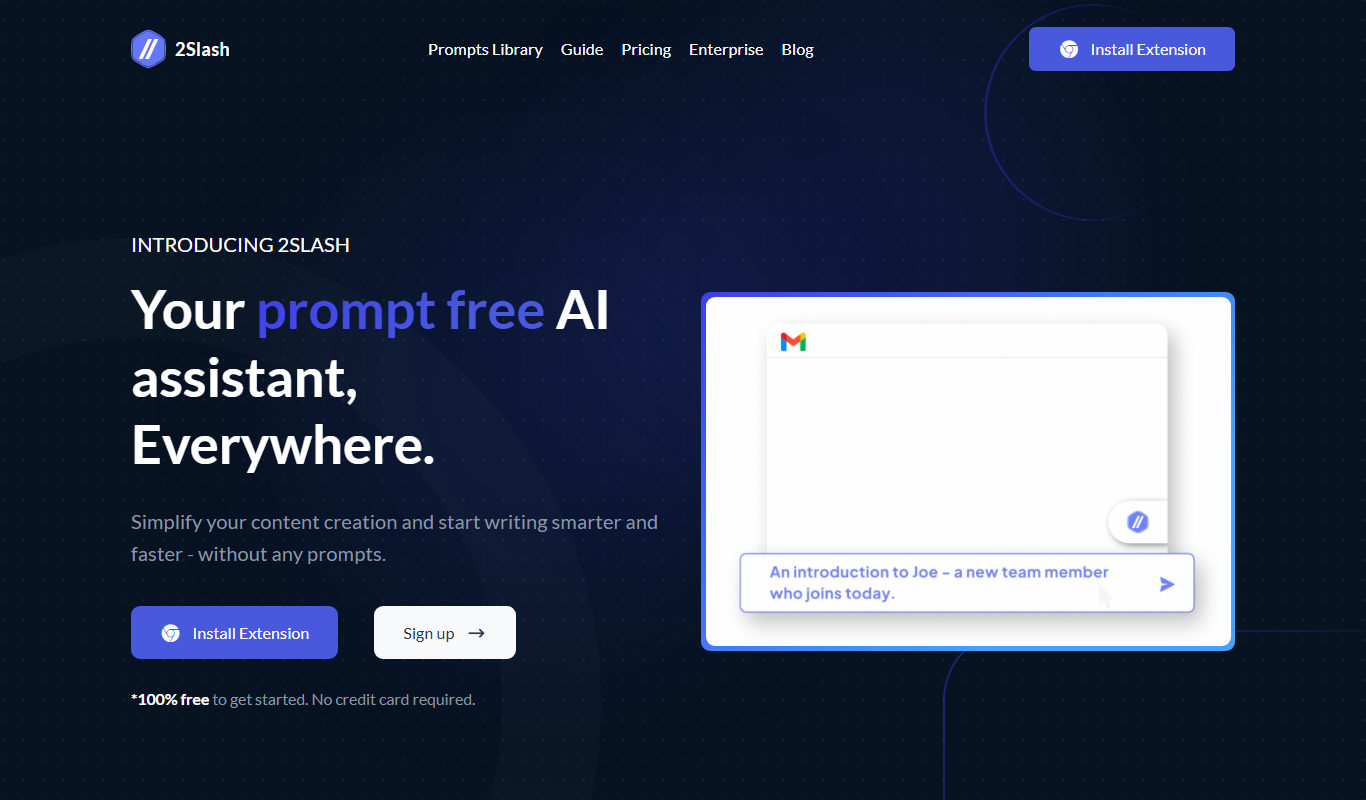
2Slash is an AI-powered URL shortening tool that provides branded short links, detailed click analytics, and QR code generation to help marketers and businesses optimize their link sharing and track engagement.
Free
Free AI Story Generator
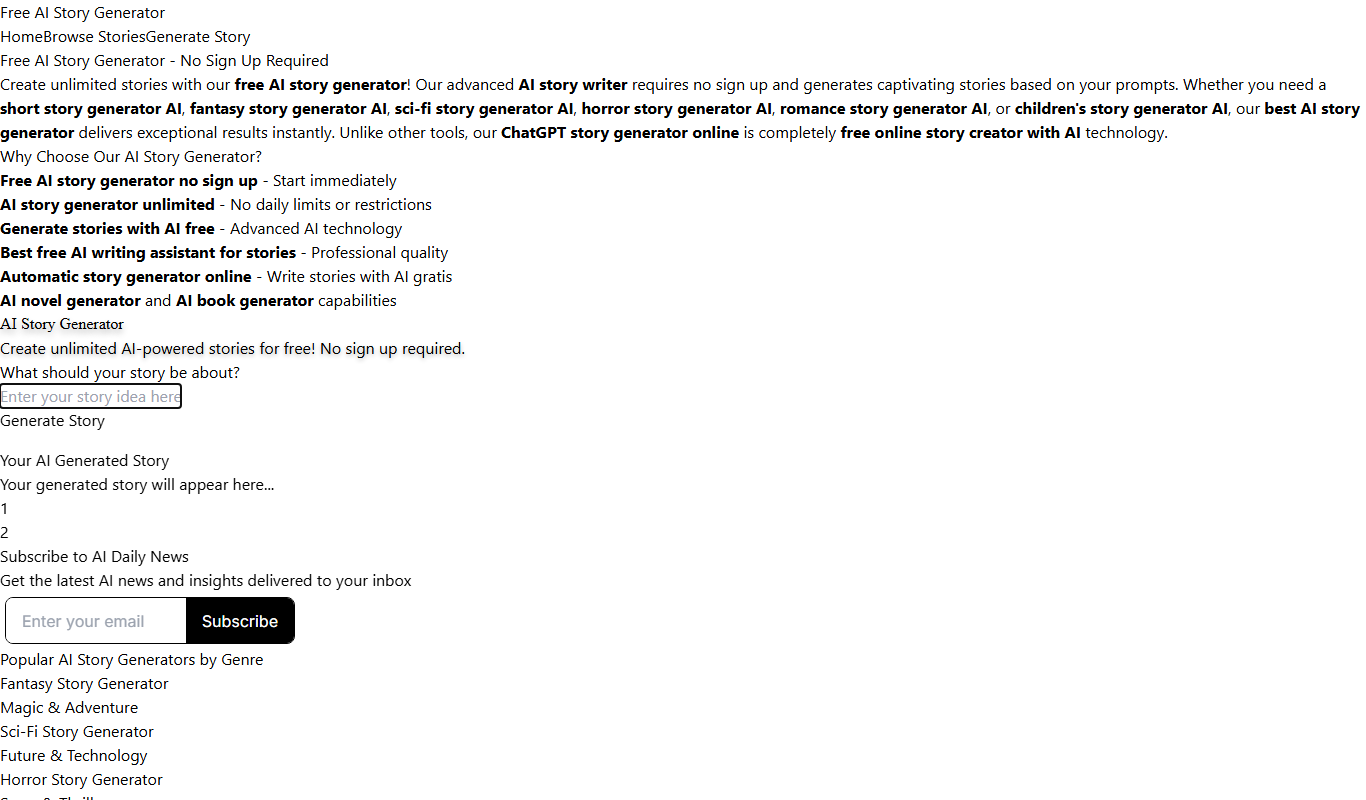
Free AI Story Generator is a web-based tool that creates original stories from user input keywords, helping writers and creators generate ideas quickly without cost or registration.
Free
My Story Gen
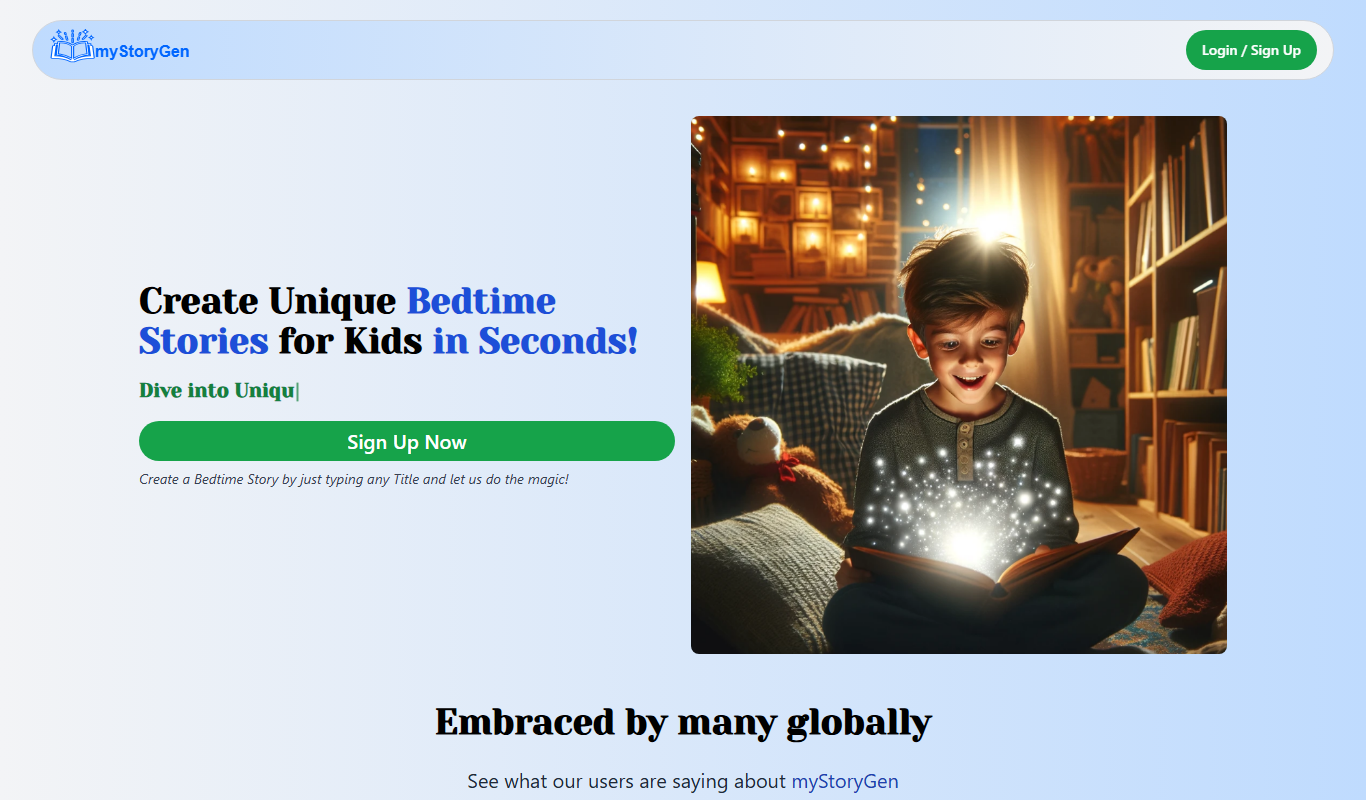
My Story Gen is an AI-based online tool that helps users generate creative stories, plots, and characters by selecting genres and themes, ideal for writers and content creators.