

From my experience with ThinkAny, I found it excels at transforming company documents into intelligent AI assistants that provide quick and accurate answers. The platform’s straightforward document ingestion and natural language querying make it accessible even for teams without deep AI expertise. It’s particularly well-suited for customer support teams and businesses looking to automate knowledge retrieval. However, the tool currently supports only English and requires contacting sales for enterprise pricing, which may limit immediate adoption for some users. Overall, if you need a customizable AI chatbot or knowledge base solution, ThinkAny delivers solid, scalable results.
ThinkAny AI Platform for Custom Knowledge Base and Chatbot Solutions
ThinkAny is an AI platform that creates custom knowledge bases and chatbots by ingesting company documents, enabling natural language queries and automated support.
- Best for
- Custom Knowledge Base Creation
- Key capability
- Document Ingestion
Your actions
Save ThinkAny, follow its updates and vote on it — everything stays in your account.
Sign in or create a free account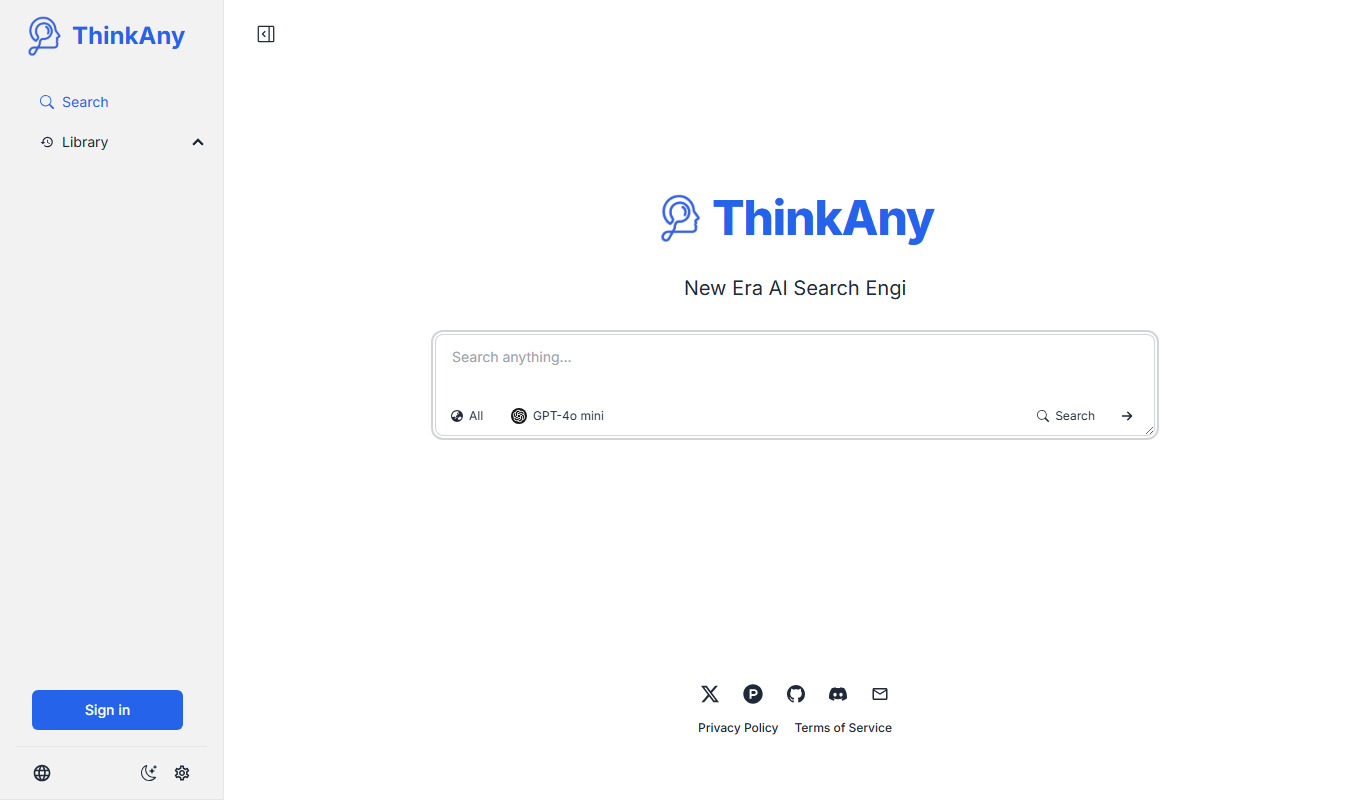
What is ThinkAny?
ThinkAny is an AI-powered platform designed to create custom knowledge bases and chatbots by ingesting your company’s documents and data. It enables organizations to build intelligent assistants that understand their unique information, facilitating faster and more accurate responses for customer support, internal knowledge retrieval, and document analysis.
Key features of ThinkAny
ThinkAny offers document ingestion, natural language querying, AI chatbot deployment, and API integration to create tailored AI assistants that improve knowledge management and customer interactions.
Document Ingestion
Supports uploading multiple document formats to build a comprehensive knowledge base.
Natural Language Processing
Enables users to ask questions in natural language and receive precise answers.
Custom AI Chatbots
Create chatbots tailored to your company’s data for automated customer and internal support.
API Access
Provides API endpoints for seamless integration with other platforms and applications.
Scalable Architecture
Designed to handle large volumes of data and queries for enterprise needs.
Pros and cons of ThinkAny
Pros
- Easy document ingestion and AI training
- Customizable chatbots tailored to company data
- API access for flexible integration
- Scalable for enterprise use
- User-friendly interface
Cons
- Limited language support (English only)
- Pricing details for enterprise plans require direct contact
Key use cases for ThinkAny
Custom Knowledge Base Creation
Build AI-powered knowledge bases from your documents to enable quick and accurate information retrieval.
AI Chatbot for Customer Support
Deploy intelligent chatbots that understand your company’s data to provide automated customer support.
Internal Team Collaboration
Facilitate team collaboration by enabling employees to query company documents and databases through AI.
Document Search and Analysis
Use AI to search, analyze, and summarize large volumes of documents efficiently.
How ThinkAny works
- 1
Upload Documents
Import your company’s documents, manuals, FAQs, and other data into the ThinkAny platform.
- 2
AI Training
The platform processes and indexes the data using AI models to understand the content contextually.
- 3
Deploy Chatbot or Search
Launch AI-powered chatbots or search interfaces that can answer queries based on your custom knowledge base.
- 4
Integrate via API
Connect the AI assistant to your existing systems or websites using ThinkAny’s API.
Who is using ThinkAny
Customer support teams
Knowledge management professionals
Small to medium businesses
Enterprises needing custom AI assistants
Developers integrating AI chatbots
ThinkAny pricing
Free Trial
$0 for 14 days
Access to core features with limited document uploads and queries.
Professional
$49/month
Increased limits, API access, and priority support for small to medium businesses.
Enterprise
Custom pricing
Tailored solutions with unlimited usage, dedicated support, and advanced integrations.
Plans and prices are as published by the vendor and can change. Check the official site before you buy. Open the pricing page (opens in a new tab)
Frequently asked questions about ThinkAny
ThinkAny supports PDFs, Word documents, text files, and other common formats for building your knowledge base.
Yes, ThinkAny provides API access to embed AI chatbots and search functionalities into your existing platforms.
Yes, ThinkAny offers a 14-day free trial with access to core features.
ThinkAny uses industry-standard security measures to protect your data and ensures confidentiality.
It depends on your specific needs and how you plan to use the tool. The official website and documentation are the best sources for the latest details.
Yes, it can help with that use case depending on how you configure it and what features are available. You’ll get the best results with clear inputs and a defined goal.
Integration support depends on the tool and its available connectors or API. Check the official documentation or integrations page to confirm what is supported.
Sign in to review this tool.
Sign In to ReviewNo reviews yet
Be the first to share how this tool worked for you.
Ask about pricing, limits, or how it compares — or answer someone else.
Sign In to AskNo questions yet
Have a question about using or paying for this tool? Be the first to ask.
Featured on TiorAI



More AI Chatbot & Conversational Tools tools
Other tools in the same category, for when this one is not quite the fit.

Free
Archie AI
Archie AI turns publishers' written content into dynamic conversations through a conversational modal, to raise engagement, ad impressions and revenue.

Freemium
Live Chat
Live Chat by ChatMyer is a web-based tool that enables businesses to engage website visitors in real time through customizable chat widgets, improving customer support and lead generation.
Freemium
SupBot
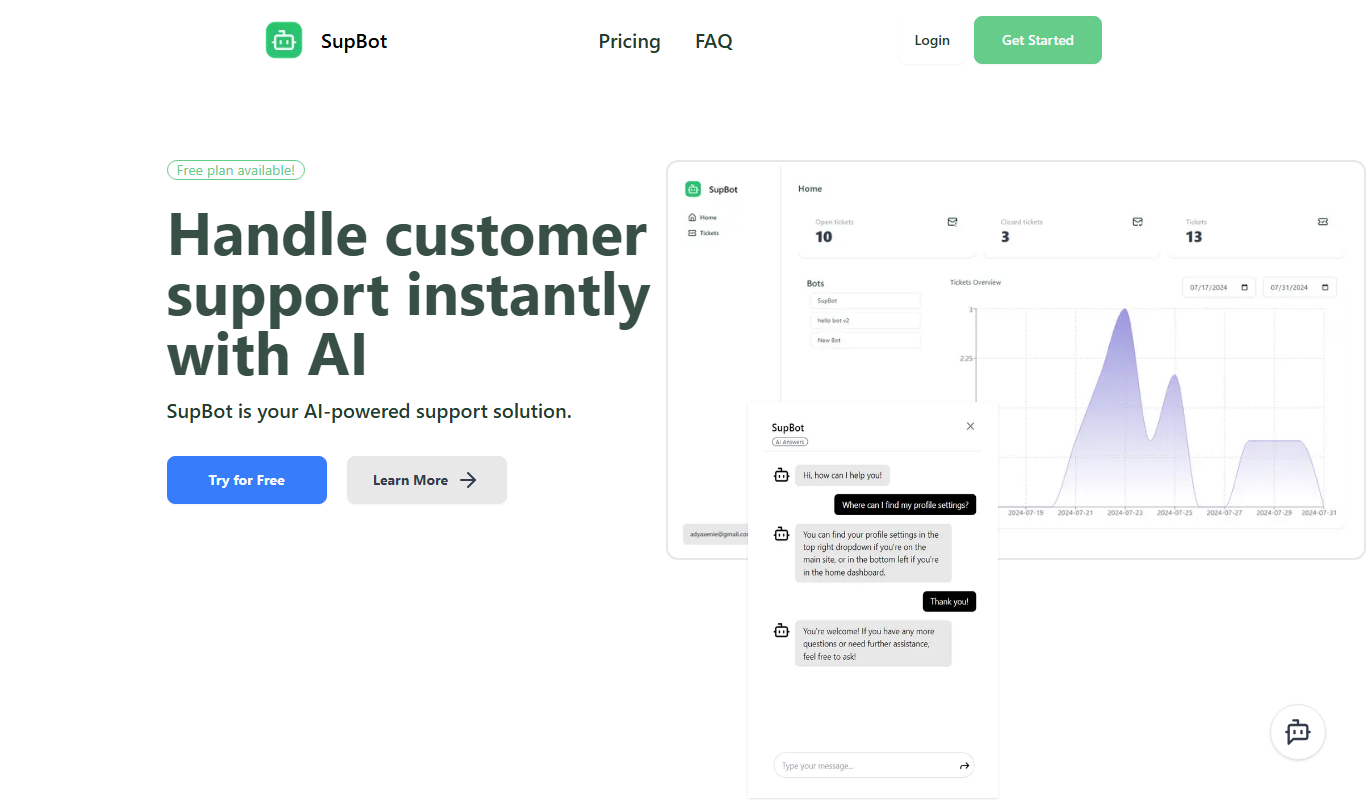
SupBot is an AI-powered chatbot platform designed to automate customer support and engagement by providing customizable chatbots that operate across multiple channels.

Free Trial
Frontdesk AI
Frontdesk AI is an AI receptionist and customer platform that answers calls, texts and chats, books appointments and updates your CRM around the clock.
Free
Rizz!
Rizz! is an iPhone keyboard extension that puts AI inside the keyboard, not a chatbot platform.

Free
Custom GPTs Store
Custom GPTs Store is a free online marketplace where users can discover, share, and access custom-built GPT chatbots tailored for specific tasks and industries.
Free
pdf2gpt
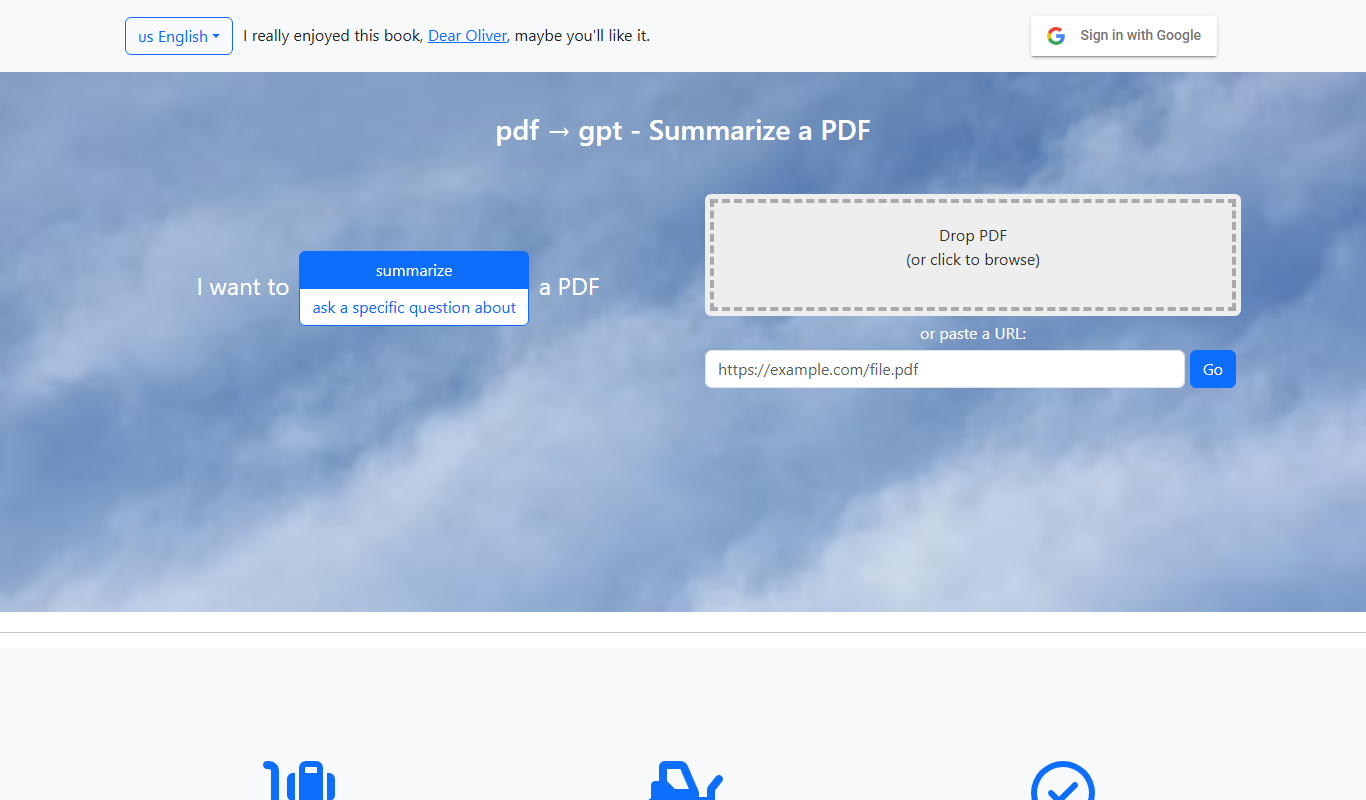
pdf2gpt summarizes large PDF files by splitting them into parts, with a table of contents and a summary for each section.

Free
PDF GPT
PDF GPT is an AI chatbot tool that enables users to upload PDF documents and interactively ask questions or get summaries using natural language processing powered by GPT models.