

From my experience with Theme AI, I found it excels at simplifying website creation through AI-generated themes and an intuitive drag-and-drop editor. It’s particularly well-suited for small business owners and freelancers who want to build professional websites quickly without coding. However, the platform is relatively new and offers fewer advanced customization options compared to established builders, which might limit users with complex needs. Overall, if you need a fast, AI-assisted way to create responsive websites with minimal effort, Theme AI delivers solid results.
Theme AI Website Builder with AI Design and Customization Features
Theme AI is an AI-powered website builder that generates custom website themes and layouts based on user preferences, enabling easy and fast website creation without coding.
- Best for
- Rapid Website Creation
- Key capability
- AI-Powered Theme Generation

Do you recommend this tool?
What is Theme AI?
Theme AI is an AI-powered website builder that uses artificial intelligence to help users create and customize professional websites quickly and easily. It offers AI-generated themes and design options that adapt to user preferences, enabling even those without coding or design experience to build attractive, functional websites.
Key features of Theme AI
Theme AI provides AI-driven theme generation, drag-and-drop customization, responsive design, and integration capabilities to streamline website creation. Its AI engine suggests layouts, color schemes, and content structures tailored to user input, simplifying the design process.
AI-Powered Theme Generation
Automatically create unique website themes tailored to user preferences.
Drag-and-Drop Editor
Easily customize layouts, content blocks, and design elements without coding.
Responsive Design
Ensure websites look great on all devices including desktops, tablets, and smartphones.
Content Suggestions
Receive AI-driven recommendations for text and media to enhance website appeal.
Hosting and Publishing
Publish websites directly with integrated hosting services for convenience.
Pros and cons of Theme AI
Pros
- User-friendly AI-driven website creation
- No coding required with drag-and-drop editor
- Responsive designs optimized for all devices
- Affordable pricing with a free plan available
Cons
- Limited advanced customization compared to traditional builders
- Relatively new platform with fewer integrations
- Tech stack details not publicly disclosed
Key use cases for Theme AI
Rapid Website Creation
Use AI-powered templates and customization to quickly build professional websites without coding.
Custom Website Design
Leverage AI to generate unique website themes tailored to specific brand identities and preferences.
Small Business Online Presence
Enable small businesses to establish an online presence efficiently with minimal technical skills.
Freelance Web Design
Assist freelance designers in accelerating project delivery by using AI-generated themes and layouts.
Landing Page Creation
Create optimized landing pages for marketing campaigns using AI-driven design suggestions.
How Theme AI works
- 1
Sign Up
Create an account on the Theme AI platform to access the website builder tools.
- 2
Input Preferences
Provide information about your brand, style preferences, and website goals.
- 3
AI Theme Generation
The AI engine generates customized website themes and layouts based on your input.
- 4
Customize Design
Use drag-and-drop tools to adjust the design, content, and structure as desired.
- 5
Publish Website
Launch your website directly from the platform with hosting options.
Who is using Theme AI
Small business owners
Freelance web designers
Marketing professionals
Startups
Content creators
Theme AI pricing
Free
$0/month
Basic access with limited themes and features, suitable for testing and small projects.
Pro
$19/month
Full access to all themes, advanced customization, and priority support.
Plans and prices are as published by the vendor and can change. Check the official site before you buy. Open the pricing page (opens in a new tab)
Frequently asked questions about Theme AI
No, Theme AI is designed for users without coding experience, offering drag-and-drop customization.
Yes, paid plans allow you to connect custom domains to your website.
Theme AI offers a free plan with limited features to try the platform before upgrading.
Yes, websites created with Theme AI can be hosted directly through the platform.
It depends on your specific needs and how you plan to use the tool. The official website and documentation are the best sources for the latest details.
It depends on your specific needs and how you plan to use the tool. The official website and documentation are the best sources for the latest details.
Pricing depends on the plan and included features. For the most accurate and up-to-date details, check the official pricing page.
Sign in to review this tool.
Sign In to ReviewNo reviews yet
Be the first to share how this tool worked for you.
Ask about pricing, limits, or how it compares — or answer someone else.
Sign In to AskNo questions yet
Have a question about using or paying for this tool? Be the first to ask.
Featured on TiorAI



More AI Design & Creative Tools tools
Other tools in the same category, for when this one is not quite the fit.
Free
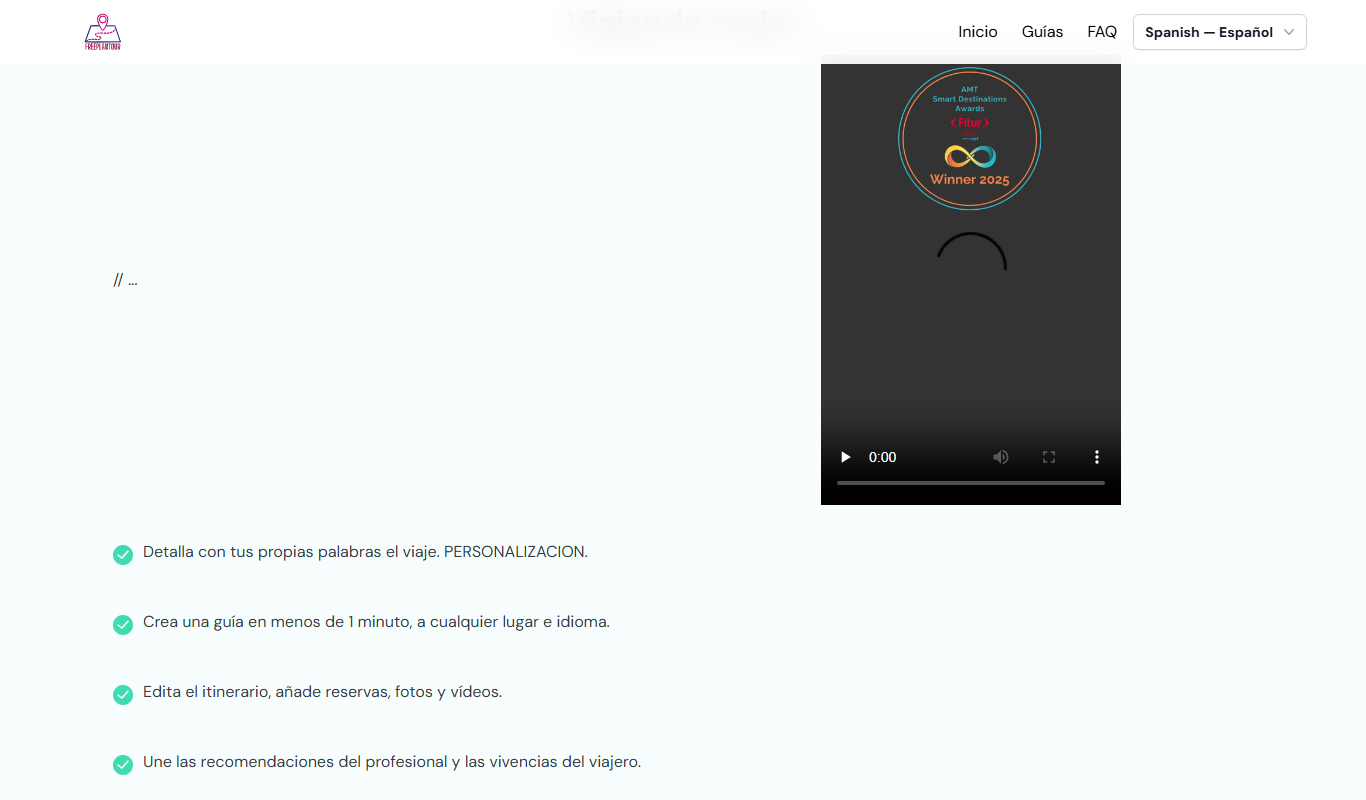
FreePlanTour
FreePlanTour is a free, browser-based floor plan design tool that allows users to create and save detailed home and office layouts without any software installation.

Freemium
Morphlin
Morphlin is an AI-powered art generation tool that enables users to create unique digital images through image morphing and style transfer techniques on a user-friendly web platform.
Free
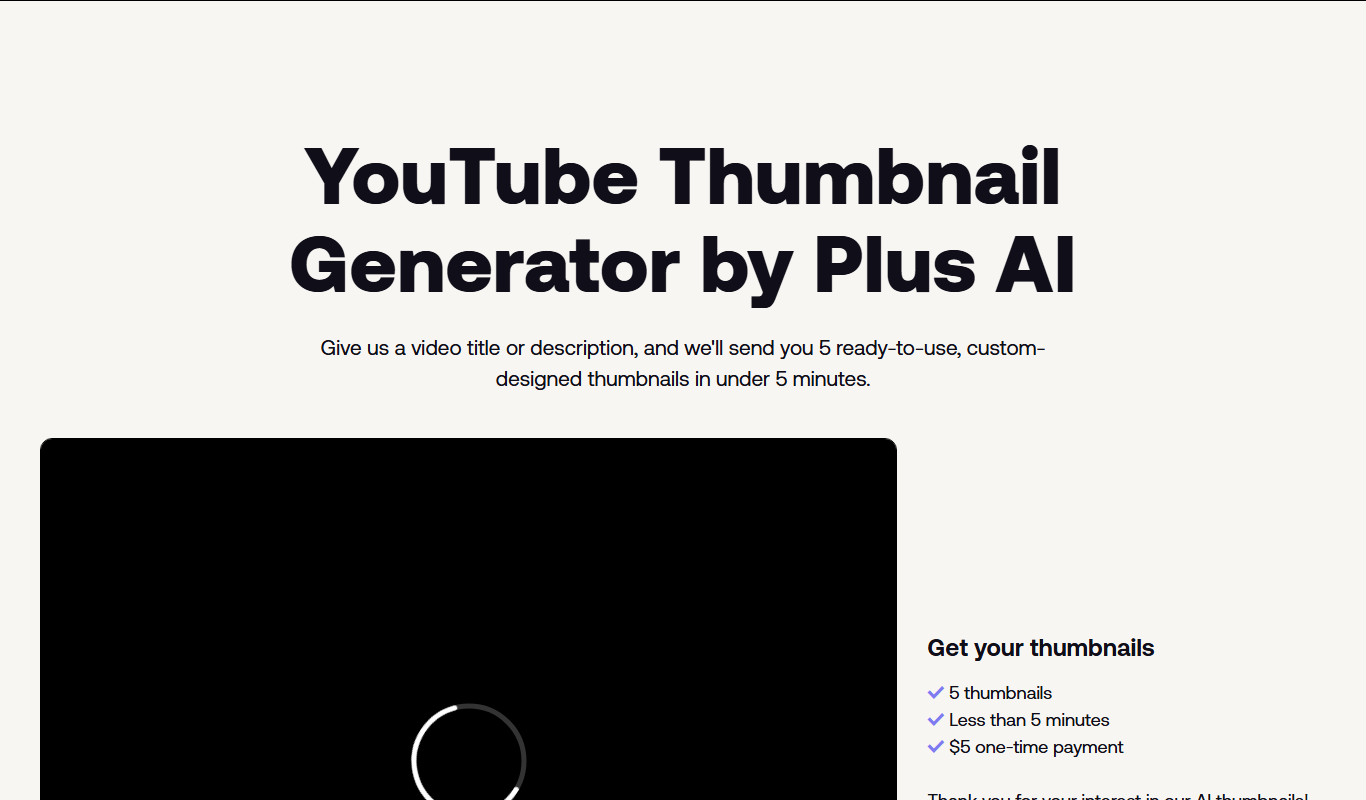
AI YouTube Thumbnails
AI YouTube Thumbnails is an AI-driven web tool that helps YouTube creators generate custom, optimized thumbnails quickly without design skills.
Freemium
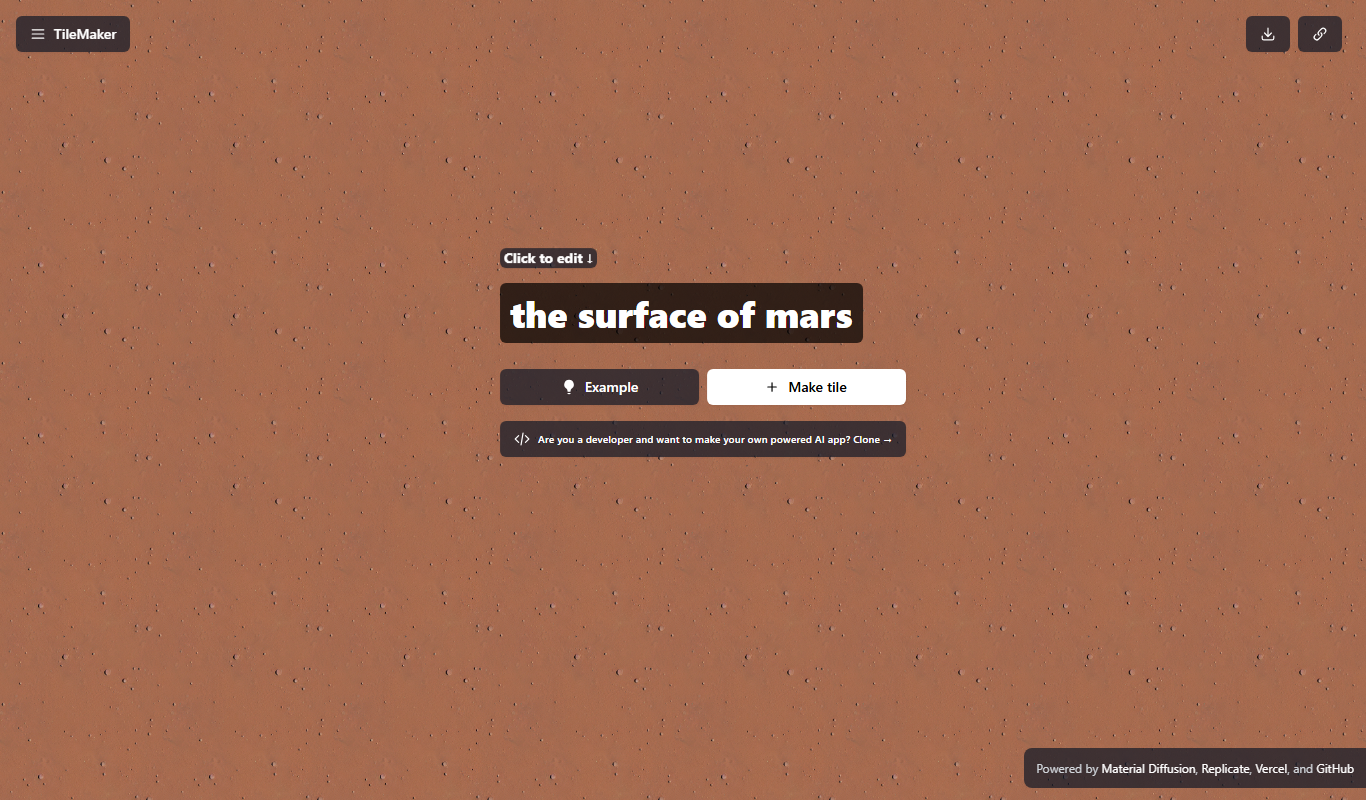
TileMaker
TileMaker is a design app that helps users create and visualize custom tile layouts with accurate measurements and export options for project planning.

Freemium
Sloyd
Sloyd is a web-based AI-assisted 3D modeling tool designed to help game developers and designers quickly create customizable low-poly 3D assets with ease.

Free
ai-dog.net
AI-Dog.net is a web-based AI image generator specialized in creating unique dog images from text prompts, offering multiple artistic styles and easy sharing options.

Free Trial
Tattoo Canvas
Tattoo Canvas is a web-based digital tattoo design software that provides tattoo artists with vector-based tools, customizable brushes, and stencil creation features to create and present professional tattoo artwork.

Free
svgtrace.com
svgtrace.com is a free web-based tool that converts raster images like PNG or JPG into scalable SVG vector graphics using automatic tracing algorithms.