
From my experience with Text2Go, I found it excels at delivering clear and natural AI-generated speech through a straightforward web interface. It’s particularly well-suited for content creators and educators who need quick, accessible voiceovers without complex setups. However, the tool currently supports only English and offers a limited selection of voices, which might restrict use cases for multilingual projects. Overall, if you require an easy-to-use text-to-speech solution for English content with customizable speech parameters, Text2Go provides solid value at an affordable price.

Text2Go AI Text-to-Speech Tool for Natural Voice Generation Online
Text2Go is an AI text-to-speech tool that converts written text into natural-sounding audio using customizable voices via a web platform.
What is Text2Go?
Text2Go is an AI-powered text-to-speech platform that transforms written text into natural, human-like audio. It enables users to generate voice content easily through a web interface without requiring recording equipment or voice actors. The tool is designed to produce clear, expressive speech suitable for various applications including accessibility, content creation, and automation.

Key Features of Text2Go
Natural AI Voices
High-quality, human-like voices that sound clear and expressive.
Customizable Speech Parameters
Adjust speed, pitch, and volume to tailor the audio output.
Easy Web Interface
No software installation required; accessible from any browser.
Audio Export
Download audio files in common formats for use in various applications.
Pros and Cons of Text2Go
Pros
- Produces natural and clear AI voices
- Simple and intuitive web-based interface
- Customizable speech parameters
- Affordable pricing with free tier
Cons
- Supports only English language currently
- Limited voice variety compared to some competitors
Key Use Cases for Text2Go
Content Accessibility
Convert written content into natural-sounding speech to improve accessibility for users with reading difficulties or visual impairments.
Audio Content Creation
Generate voiceovers for videos, podcasts, and presentations quickly without needing professional recording equipment.
Language Learning
Use clear and natural AI voices to help language learners improve listening skills and pronunciation.
Customer Support Automation
Create automated voice responses for customer service applications and IVR systems.
How Text2Go Works
-
1
Enter Text
Input or paste the text you want to convert into speech on the Text2Go web interface.
-
2
Select Voice and Settings
Choose from available AI voices and customize speech speed, pitch, and volume to suit your needs.
-
3
Generate Audio
Click the generate button to produce the audio file with natural-sounding speech.
-
4
Download or Share
Download the generated audio file or share it directly for use in your projects.
Who's Using Text2Go
Content creators
Educators and language learners
Accessibility advocates
Small businesses needing voiceovers
Text2Go Pricing
Free
$0/month
Limited usage with access to basic voices and features.
Pro
$19/month
Unlimited usage, premium voices, and advanced customization options.
Frequently Asked Questions About Text2Go
Currently, Text2Go supports English language voices.
Yes, the Pro plan allows commercial use of generated audio.
The Free plan has limits on text length per conversion; Pro plan offers higher limits.
It depends on your specific needs and how you plan to use the tool. The official website and documentation are the best sources for the latest details.
Pricing depends on the plan and included features. For the most accurate and up-to-date details, check the official pricing page.
This tool is designed to help users accomplish its core tasks more efficiently. It is typically used by individuals or teams looking to improve productivity and workflow.
Share your review
Reviews are limited to one per logged-in user and are published after moderation.
You need an account to review this tool.
0.0
★
★
★
★
★
0 reviews
5 star
0
4 star
0
3 star
0
2 star
0
1 star
0
No reviews yet
Be the first to share how this tool worked for you.
Questions from the community
Read questions and answers about this tool, or ask your own.
No questions yet
Start the conversation by asking the first question about this tool.
Is this tool helpful?
Alternative Tools
Explore similar AI tools that might fit your needs
Free
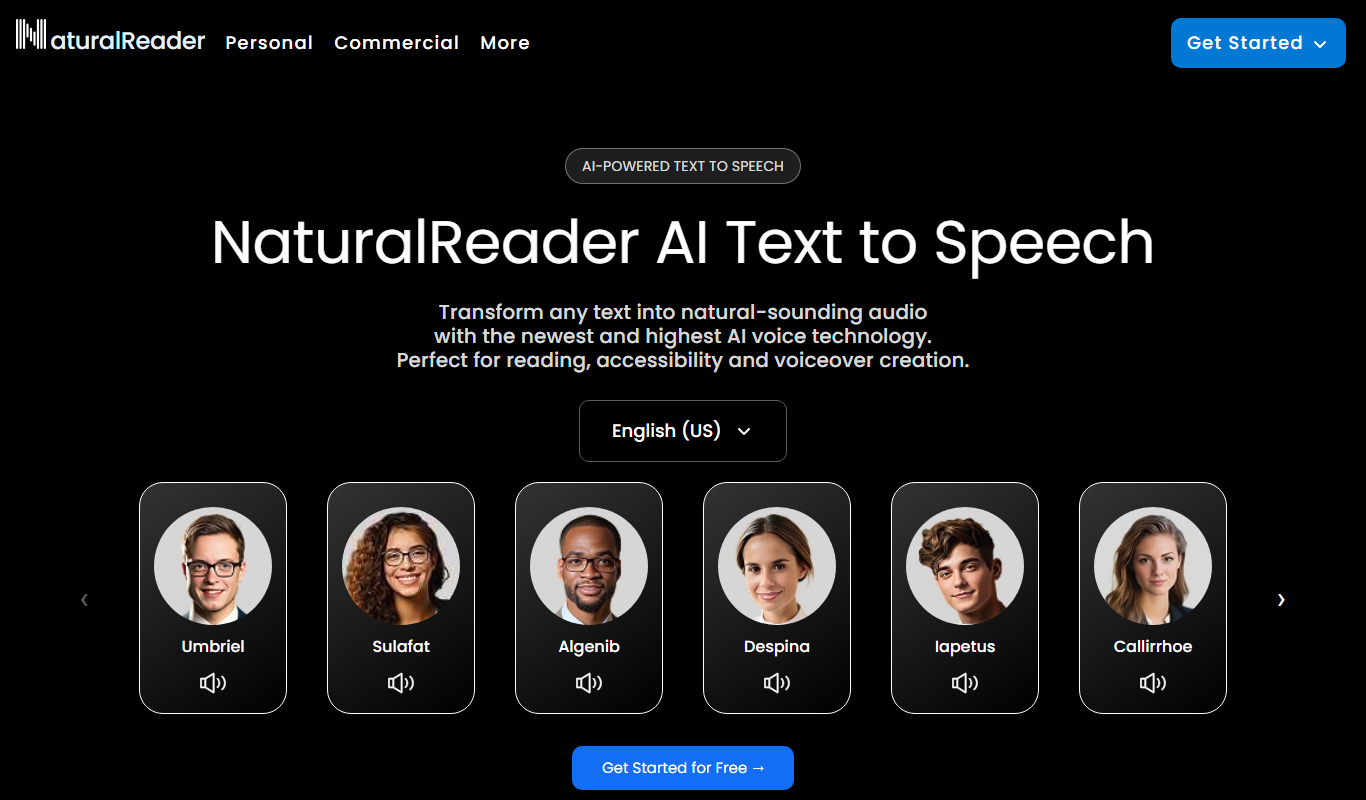
Natural Reader
Natural Reader is a text-to-speech software that converts written text into natural, human-like speech across multiple languages and platforms, supporting accessibility and content consumption.

Free
Generador de voz
Generador de Voz is a free web-based text-to-speech tool that converts text into natural voice audio in Spanish and English, allowing users to download the audio files for various uses.

Free
ImageAI.QA
ImageAI.QA is a free web tool that uses AI to generate detailed image descriptions, improving accessibility and SEO by providing accurate alt text.

Free
Clearly Reader
Clearly Reader is an AI-driven text reader that simplifies text and provides text-to-speech to assist users with dyslexia and reading difficulties.

Free
EasyDictation.app
EasyDictation.app is a free web-based tool that converts your spoken words into text in real time using browser speech recognition technology, requiring no installation or account.

Free
Soundify
Soundify is an online text to speech tool that converts written text into natural-sounding audio, supporting English language with free and premium plans.

Free Trial
EyeGestures
EyeGestures is a Windows-based eye tracking software that allows users to control their computer hands-free using customizable eye gestures, supporting various eye trackers for accessibility and productivity.

Free
Texttovoice.online
Texttovoice.online is a free web-based tool that converts written text into natural-sounding speech instantly, supporting multiple voice options and allowing audio downloads without registration.

Free
WhisperUI – Text to Speech
WhisperUI is an online text to speech tool that converts written text into natural-sounding speech using AI technology, accessible via web browsers with free and premium plans.