

From my experience with Tern, I found it excels at simplifying the complexities of group travel planning by centralizing itineraries and expenses in one collaborative platform. Using Tern made coordinating with friends and family straightforward, especially when managing shared costs and last-minute changes. However, the app’s reliance on internet connectivity can be a limitation during travel in areas with poor service. Overall, if you frequently organize group trips and want a hassle-free way to keep everyone on the same page, Tern delivers practical and user-friendly tools to make that happen.
Tern Travel App for Group Trip Planning and Shared Itineraries
Tern is a travel app designed for group trip planning that enables users to collaboratively create and share itineraries, track expenses, and manage travel details across devices.
- Best for
- Collaborative Group Trip Planning
- Key capability
- Shared Itineraries
Your actions

Do you recommend this tool?
What is Tern?
Tern is a travel planning app designed to simplify group trips by enabling users to collaboratively create, share, and manage travel itineraries. It helps groups stay organized by consolidating plans, reservations, and expenses in one place accessible via mobile and web platforms.
Key features of Tern
Tern offers real-time itinerary sharing, collaborative editing, expense tracking, and travel discovery features that streamline group travel planning and coordination.
Shared Itineraries
Multiple users can view and edit a single trip itinerary in real-time.
Expense Management
Track and split costs among group members to avoid confusion.
Cross-Platform Access
Available on iOS, Android, and web browsers for seamless access.
Travel Discovery
Discover new destinations and activities to add to your trip.
Pros and cons of Tern
Pros
- Easy collaboration on group travel plans
- Cross-platform availability for convenience
- Integrated expense tracking simplifies cost sharing
Cons
- Limited offline functionality
- Premium features require subscription
Key use cases for Tern
Collaborative Group Trip Planning
Coordinate travel plans with friends or family by sharing itineraries and updates in real-time.
Itinerary Management
Create, edit, and organize detailed travel itineraries accessible to all group members.
Expense Tracking
Track shared expenses among group members to simplify cost splitting.
Travel Inspiration and Discovery
Explore suggested destinations and activities to enhance trip planning.
How Tern works
- 1
Create a Trip
Start by creating a new trip itinerary and adding basic details such as dates and destinations.
- 2
Invite Group Members
Share the trip with friends or family by inviting them to join and contribute.
- 3
Add and Edit Itinerary Items
Collaboratively add flights, accommodations, activities, and notes to the itinerary.
- 4
Track Expenses
Log shared expenses and payments to keep everyone informed about costs.
- 5
Access Anywhere
Use the app on mobile or web to view and update trip details anytime.
Who is using Tern
Groups of friends planning trips
Families organizing vacations
Travel coordinators and planners
Small travel agencies
Tern pricing
Free
$0/month
Basic trip planning features with limited group size and itinerary items.
Premium
$9.99/month
Unlocks advanced features such as larger groups, unlimited itinerary items, and priority support.
Plans and prices are as published by the vendor and can change. Check the official site before you buy. Open the pricing page (opens in a new tab)
Frequently asked questions about Tern
Yes, Tern offers a free plan with basic features suitable for small groups.
Tern requires internet access to sync changes and share itineraries but may offer limited offline viewing.
Users can log expenses and payments, and the app calculates balances owed among group members.
Yes, it can help with that use case depending on how you configure it and what features are available. You’ll get the best results with clear inputs and a defined goal.
Some tools offer a free plan or trial with limited features. Availability can vary, so confirm on the official website.
Yes, it can help with that use case depending on how you configure it and what features are available. You’ll get the best results with clear inputs and a defined goal.
Sign in to review this tool.
Sign In to ReviewNo reviews yet
Be the first to share how this tool worked for you.
Ask about pricing, limits, or how it compares — or answer someone else.
Sign In to AskNo questions yet
Have a question about using or paying for this tool? Be the first to ask.
Featured on TiorAI



Alternative Tools
Explore similar AI tools that might fit your needs

Free
TripIt
TripIt is a travel app that automatically organizes your travel plans into a single itinerary by parsing confirmation emails, providing real-time flight alerts, and allowing itinerary sharing.

Free
Travefy
Travefy is a travel planning platform that helps groups and travel professionals create, share, and manage detailed itineraries with collaboration and expense tracking features.

Free
Roadtrippers
Roadtrippers is a travel planning app that helps users create detailed road trip itineraries by mapping routes, discovering attractions, and optimizing travel plans.
More AI Trip Planner Lite tools
Other tools in the same category, for when this one is not quite the fit.

Freemium
EasyTrip AI
EasyTrip AI is an AI-driven travel planner that generates customized trip itineraries based on your travel dates, destinations, and preferences, helping you organize your trip efficiently.

Freemium
Wanderlust Browser Extension V2
Wanderlust Browser Extension V2 is a travel planning tool that integrates with Chrome and Firefox browsers, enabling users to save travel ideas, build itineraries, and collaborate on trip plans directly from their browsing experience.

Free Trial
Journeai
Journeai is an AI-powered software that automatically maps customer journeys across multiple marketing channels, providing real-time analytics and insights to optimize marketing strategies.

Freemium
Meoweler
Meoweler is an AI chatbot platform that helps businesses automate customer support and engagement through no-code chatbot creation and natural language processing.

Free
CraftUI
CraftUI Studio is a no-code UI design tool that lets you visually create responsive web and mobile app interfaces with drag-and-drop components and export clean code for development.
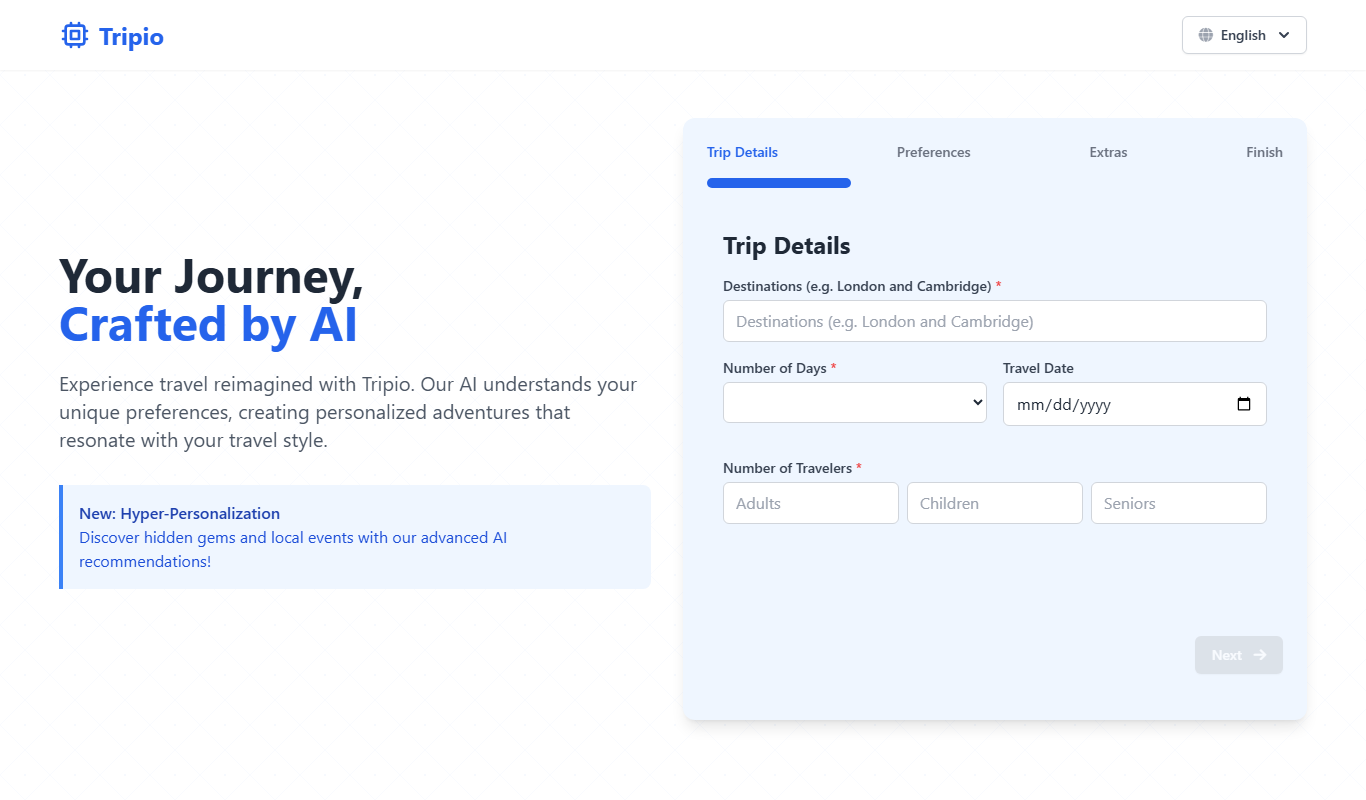
Free
Tripio
Tripio is an online travel booking platform that allows users to search and book flights, hotels, and car rentals worldwide with competitive prices and a user-friendly interface.
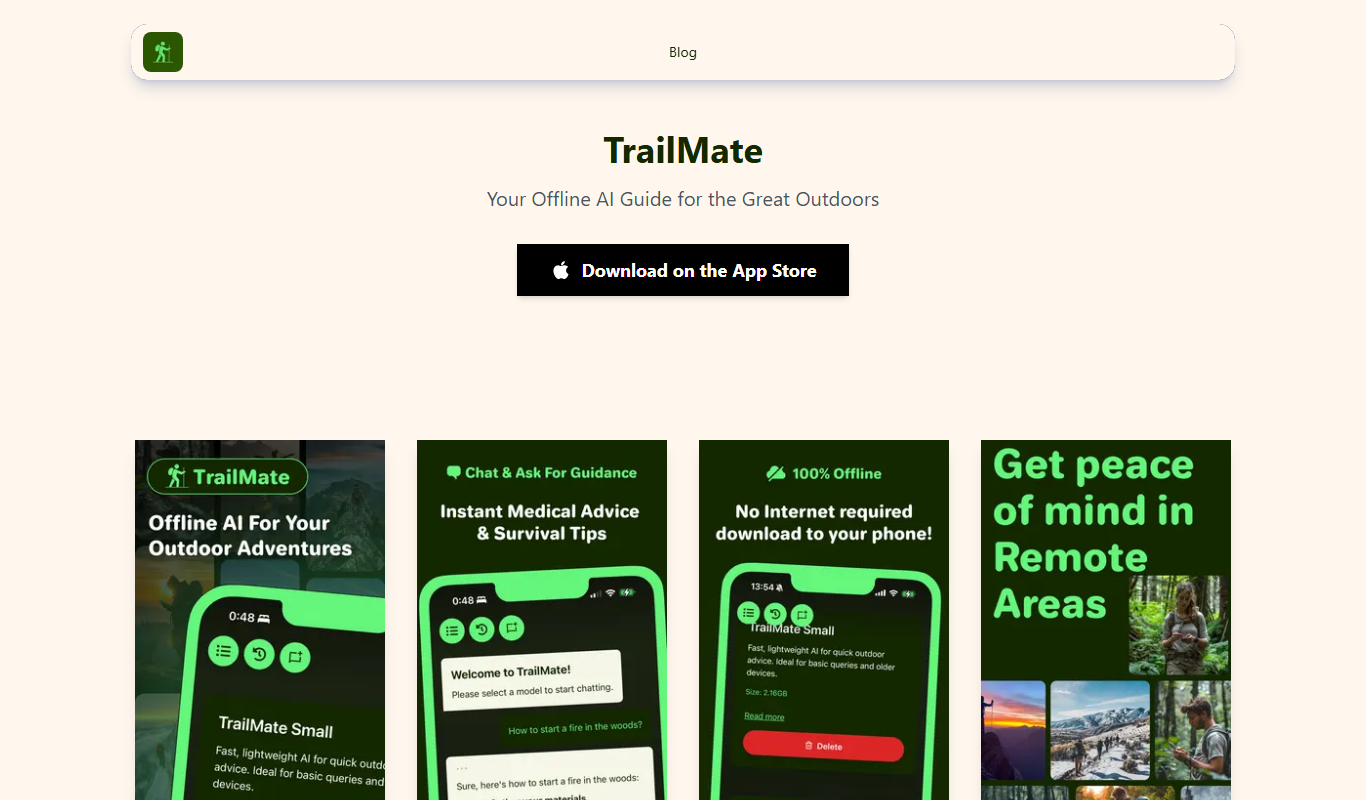
Freemium
TrailMate
TrailMate AI is a hiking planner and navigation app that uses AI to recommend personalized trails, offers offline maps for navigation, and includes safety features like real-time GPS tracking and location sharing.
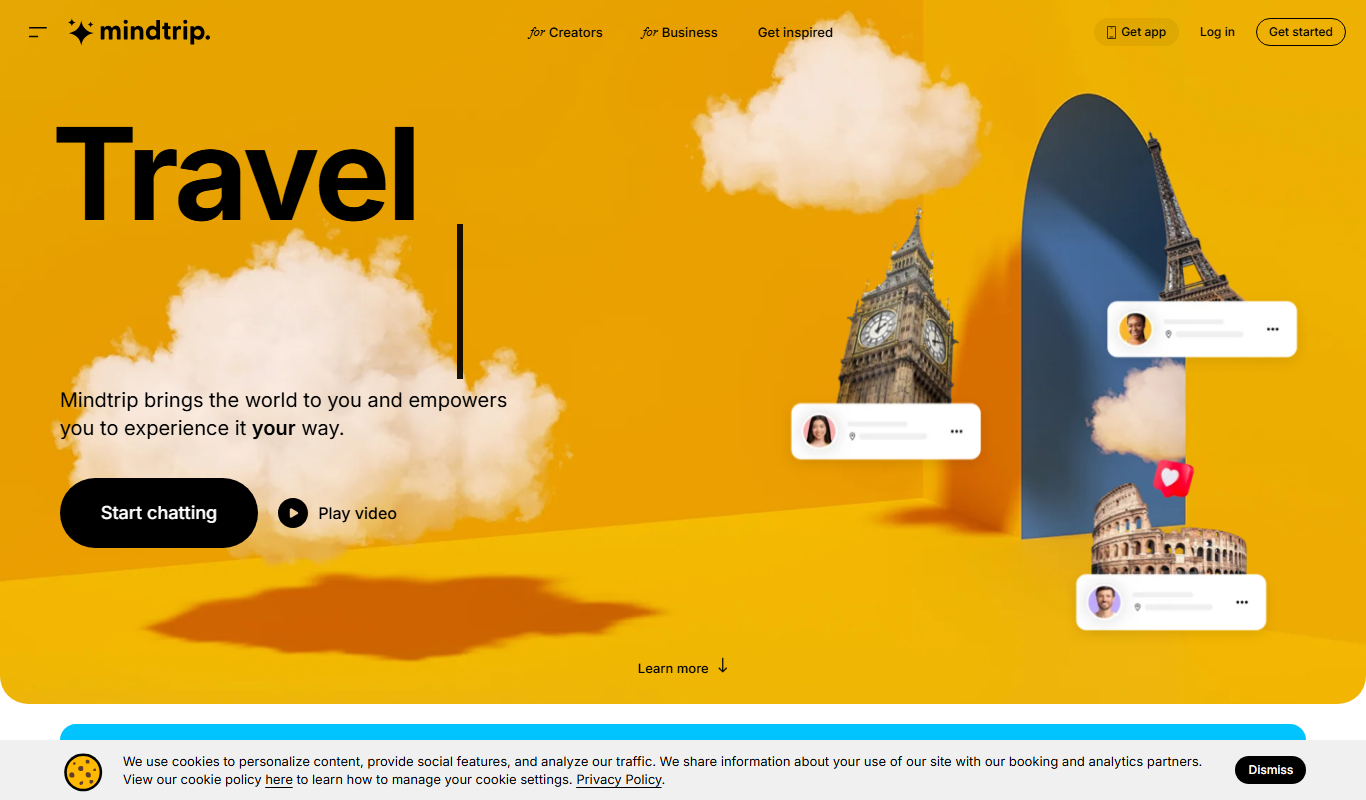
Freemium
Mindtrip
Mindtrip is an AI-powered writing assistant designed to help users generate creative stories, content ideas, and improve writing flow through AI-driven prompts and text generation.