

From my experience with Tattoo AI Design, I found it excels at quickly generating unique tattoo ideas without requiring any artistic skills. The platform is intuitive and offers a variety of styles, making it a great starting point for both tattoo enthusiasts and professional artists looking for inspiration. However, the free version limits daily usage, and customization options are somewhat basic compared to dedicated graphic design software. Overall, if you want to explore personalized tattoo concepts efficiently, Tattoo AI Design delivers practical and creative results.
Tattoo AI Design Tool for Custom Tattoo Ideas and Art Generation
Tattoo AI Design is a web-based AI tool that generates custom tattoo designs based on user input, offering multiple styles and easy customization.
- Best for
- Custom Tattoo Design
- Key capability
- AI-Powered Design Generation


Do you recommend this tool?
What is Tattoo AI Design?
Tattoo AI Design is a web-based platform that leverages artificial intelligence to generate custom tattoo designs. Users can input their ideas, preferences, or keywords, and the AI creates unique tattoo art concepts. This tool helps both tattoo enthusiasts and artists explore creative possibilities quickly and efficiently.
Key features of Tattoo AI Design
The platform offers AI-driven tattoo art generation, style customization, and easy-to-use interfaces for creating and saving designs. It supports a variety of tattoo styles and allows users to iterate on designs to find the perfect fit.
AI-Powered Design Generation
Creates unique tattoo art based on user input using advanced AI models.
Multiple Style Options
Supports various tattoo styles such as traditional, tribal, realistic, and more.
User-Friendly Interface
Simple and intuitive design process accessible to both beginners and professionals.
Design Saving and Exporting
Allows users to save favorite designs and export them in high-resolution formats.
Pros and cons of Tattoo AI Design
Pros
- Quick generation of unique tattoo ideas
- Easy to use without artistic background
- Supports multiple tattoo styles
- Affordable premium plan with extended features
Cons
- Limited free daily usage
- Customization options are basic compared to professional design software
- No mobile app currently available
Key use cases for Tattoo AI Design
Custom Tattoo Design
Generate unique tattoo designs tailored to individual preferences using AI-powered art creation.
Tattoo Artist Inspiration
Provide tattoo artists with creative ideas and concepts to inspire their work and client consultations.
Personalized Art Exploration
Allow users to explore various tattoo styles and motifs before committing to a permanent design.
Design Mockups for Clients
Create visual mockups to present tattoo concepts to clients for approval and feedback.
How Tattoo AI Design works
- 1
Enter Tattoo Ideas
Users input keywords, themes, or descriptions of the tattoo they want.
- 2
AI Generates Designs
The AI processes the input and creates multiple unique tattoo design options.
- 3
Customize and Refine
Users can select preferred designs and customize elements or request new variations.
- 4
Download or Share
Finalized designs can be downloaded or shared with tattoo artists for further use.
Who is using Tattoo AI Design
Tattoo enthusiasts seeking design ideas
Professional tattoo artists
Graphic designers exploring tattoo art
Creative individuals wanting personalized tattoos
Tattoo AI Design pricing
Free
$0/month
Access to basic tattoo design generation with limited daily uses.
Premium
$9.99/month
Unlimited design generations, higher resolution downloads, and priority support.
Plans and prices are as published by the vendor and can change. Check the official site before you buy. Open the pricing page (opens in a new tab)
Frequently asked questions about Tattoo AI Design
Yes, Premium users have commercial rights to use the generated tattoo designs.
No artistic skills are required; the AI generates designs based on your input.
Yes, you can refine and customize designs within the platform.
Free users have daily limits; Premium users enjoy unlimited generation.
It depends on your specific needs and how you plan to use the tool. The official website and documentation are the best sources for the latest details.
Yes, it can help with that use case depending on how you configure it and what features are available. You’ll get the best results with clear inputs and a defined goal.
Some tools offer a free plan or trial with limited features. Availability can vary, so confirm on the official website.
Yes, it can help with that use case depending on how you configure it and what features are available. You’ll get the best results with clear inputs and a defined goal.
Sign in to review this tool.
Sign In to ReviewNo reviews yet
Be the first to share how this tool worked for you.
Ask about pricing, limits, or how it compares — or answer someone else.
Sign In to AskNo questions yet
Have a question about using or paying for this tool? Be the first to ask.
Featured on TiorAI



More AI Art Generation Tools tools
Other tools in the same category, for when this one is not quite the fit.

Freemium
SketchPro AI
SketchPro AI is a web-based platform that uses artificial intelligence to generate sketches and illustrations based on user prompts, helping artists and designers create concept art efficiently.

One-time purchase
Midjourney Prime & Style
Midjourney Prime & Style is a curated Notion template offering prompt collections and style presets to improve your AI art generation results on Midjourney.

Free
NFT Collection Generator with AI
NFT Collection Generator with AI is a web tool that automates the creation of unique NFT art collections by combining AI-generated art and customizable traits, enabling users to produce and export NFT assets ready for blockchain minting.

Free
Aimons.xyz AI-generated creatures
Aimons.xyz is a free web-based AI tool that instantly generates unique creature images for digital art and creative projects without requiring signup.
Freemium
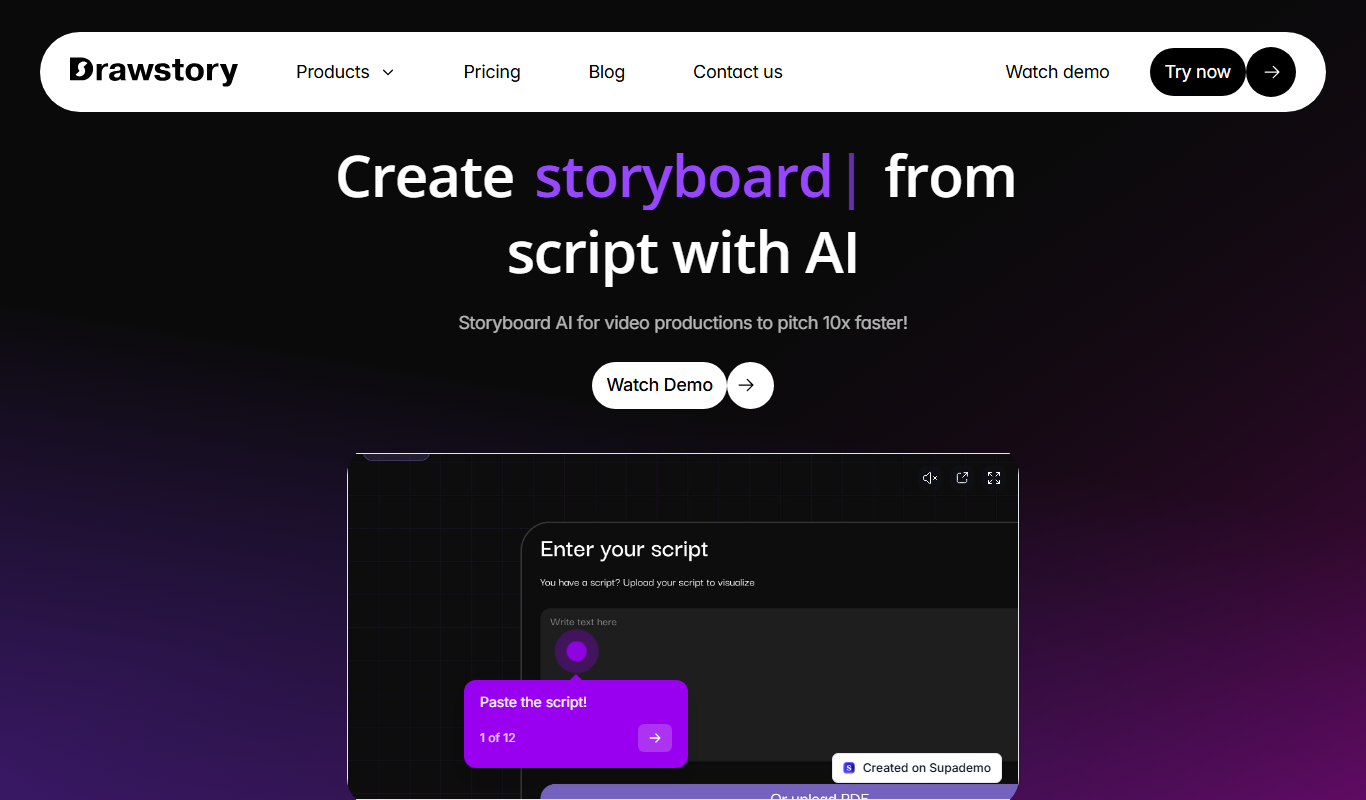
Drawstory
Drawstory is an AI-driven storytelling platform that generates unique stories with integrated AI artwork, helping users create engaging narratives with visuals.

Free
Ai Concept Generator
AI Concept Generator is a web-based platform that uses artificial intelligence to create unique art and design concepts based on user prompts, helping creatives generate ideas and inspiration.

Free
AI Cover
AI Cover is an online tool that uses artificial intelligence to generate custom cover art for music, books, and other creative projects quickly and easily.
Freemium
DiffusionHub
DiffusionHub is a web-based AI art generation platform that creates images from text prompts using diffusion models, suitable for artists and content creators.