

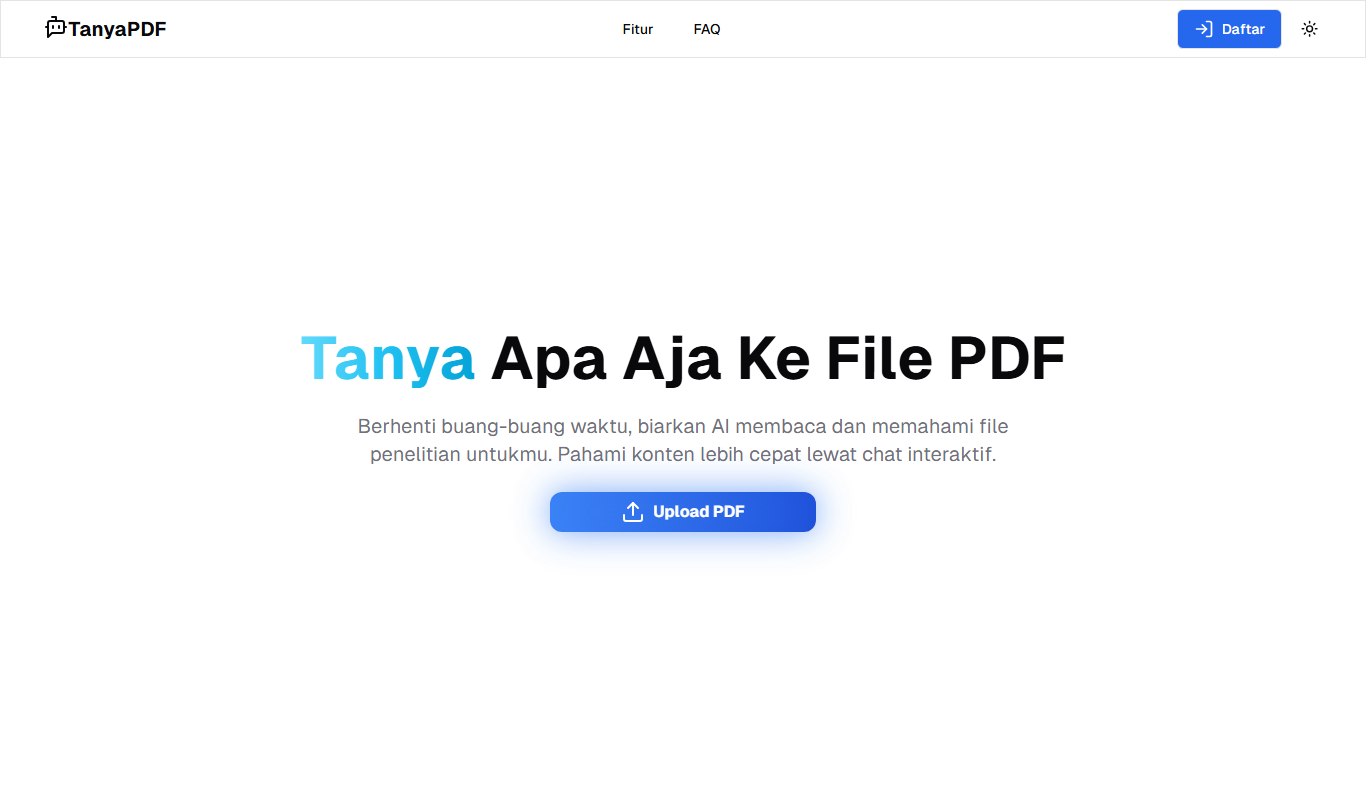
From my experience with TanyaPDF, I found it excels at simplifying interaction with complex PDF documents through an intuitive chat interface. It is particularly well-suited for students, researchers, and professionals who need quick answers from lengthy PDFs without manual searching. However, the tool is limited to PDF files and does not offer editing or annotation capabilities, which might be a drawback for users needing more comprehensive document management. Overall, TanyaPDF delivers a straightforward and effective solution for AI-powered PDF querying, especially for Indonesian and English speakers.
TanyaPDF AI PDF Chatbot for Document Interaction and Analysis
TanyaPDF is a free AI chatbot that allows users to upload PDF documents and ask questions about their content, providing instant, accurate answers in Indonesian and English.
- Best for
- PDF Document Interaction
- Key capability
- AI-Powered PDF Chatbot
Your actions
Do you recommend this tool?
What is TanyaPDF?
TanyaPDF is an AI-powered chatbot designed to interact with PDF documents. It allows users to upload PDFs and ask questions about their content, receiving precise answers in natural language. This tool simplifies the process of extracting information from complex or lengthy PDF files by leveraging artificial intelligence to understand and respond to user queries.
Key features of TanyaPDF
TanyaPDF offers features such as natural language querying of PDFs, instant answers from document content, support for multiple languages including Indonesian and English, and a user-friendly web interface that requires no installation. It is designed to make PDF interaction intuitive and efficient.
AI-Powered PDF Chatbot
Enables conversational interaction with PDF documents using AI.
Multi-language Support
Supports Indonesian and English languages for querying PDFs.
Instant Information Retrieval
Quickly extracts and summarizes information from PDFs.
User-Friendly Web Interface
Accessible via web browser without the need for software installation.
Pros and cons of TanyaPDF
Pros
- Simple and intuitive PDF interaction via chat
- Supports multiple languages including Indonesian
- No installation required, accessible on any device with a browser
Cons
- Limited to PDF documents only
- No advanced editing or annotation features
Key use cases for TanyaPDF
PDF Document Interaction
Interact with PDF documents by asking questions and receiving answers directly from the content.
Information Extraction
Extract specific information from lengthy PDFs quickly without manual reading.
Research Assistance
Use TanyaPDF to assist in research by querying documents for relevant data and insights.
Learning and Education
Students and educators can use TanyaPDF to better understand and analyze PDF materials.
How TanyaPDF works
- 1
Upload PDF
Users upload their PDF document to the TanyaPDF web platform.
- 2
Ask Questions
Type questions related to the PDF content in natural language.
- 3
Receive Answers
TanyaPDF processes the document and provides relevant answers instantly.
Who is using TanyaPDF
Students and educators
Researchers
Professionals handling large PDF documents
Indonesian-speaking users seeking AI document tools
TanyaPDF pricing
Free
$0
Access to all core features with no cost.
Plans and prices are as published by the vendor and can change. Check the official site before you buy. Open the pricing page (opens in a new tab)
Frequently asked questions about TanyaPDF
Yes, TanyaPDF offers free access to its core features.
TanyaPDF supports Indonesian and English languages.
No, TanyaPDF is accessible through a web browser without installation.
It depends on your specific needs and how you plan to use the tool. The official website and documentation are the best sources for the latest details.
Sign in to review this tool.
Sign In to ReviewNo reviews yet
Be the first to share how this tool worked for you.
Ask about pricing, limits, or how it compares — or answer someone else.
Sign In to AskNo questions yet
Have a question about using or paying for this tool? Be the first to ask.
Featured on TiorAI



More AI Chatbot & Conversational Tools tools
Other tools in the same category, for when this one is not quite the fit.

Freemium
Meoweler
Meoweler is an AI chatbot platform that helps businesses automate customer support and engagement through no-code chatbot creation and natural language processing.

Free Trial
KBaseBot
KBaseBot is an AI chatbot that automates customer support by leveraging your knowledge base to provide instant, accurate answers and reduce support workload.
Free Trial
RobotaLife
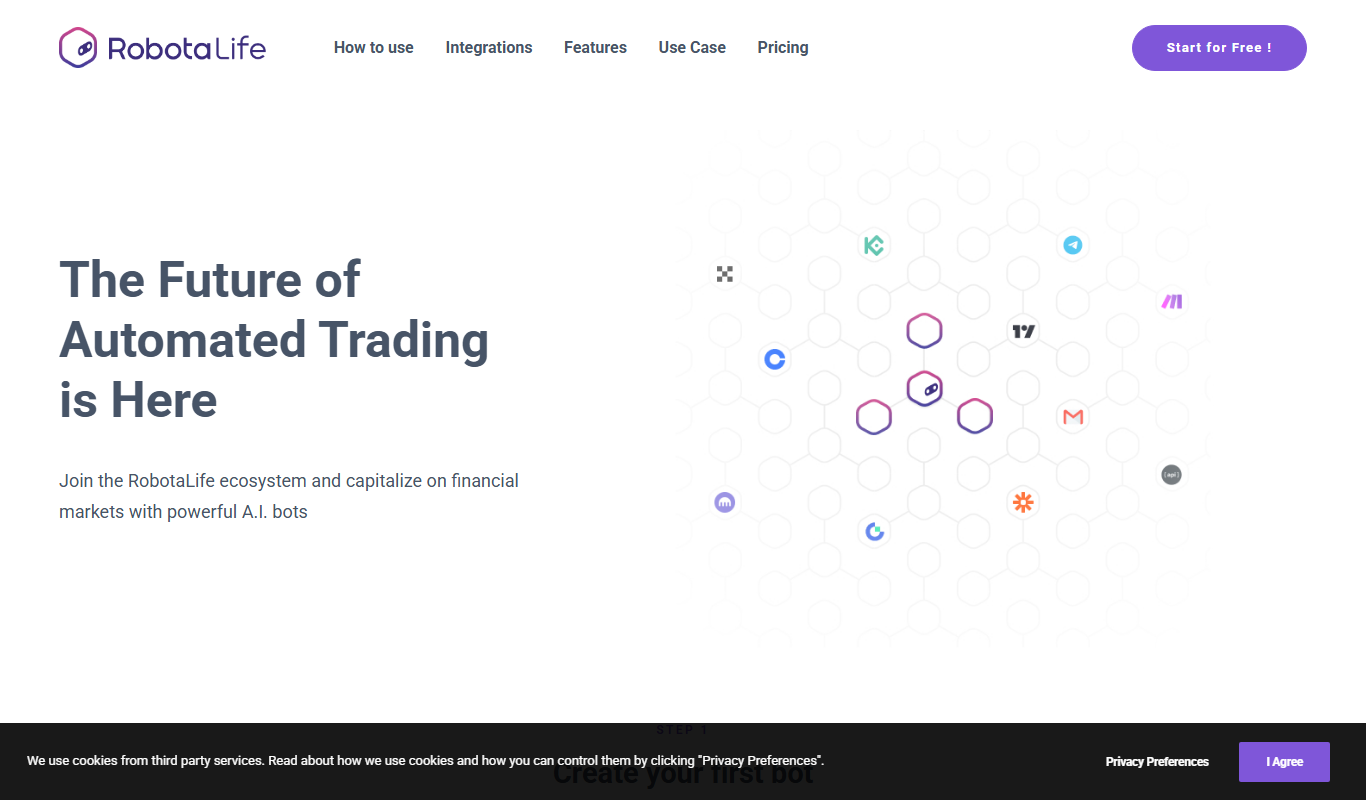
RobotaLife is an AI chatbot platform that enables businesses to automate customer interactions, generate leads, and improve support efficiency through customizable conversational agents.
Free
Appdron ChatGPT Dashboard
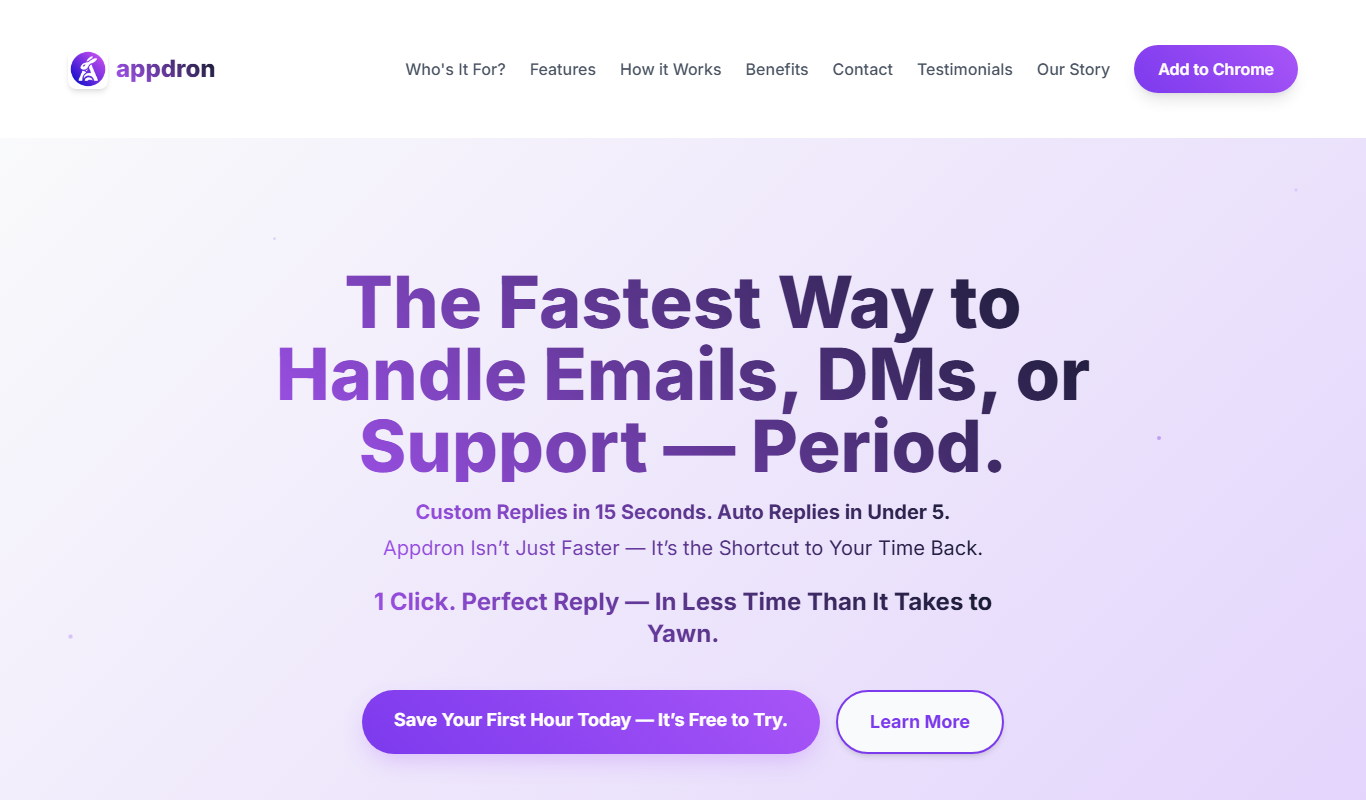
Appdron ChatGPT Dashboard is a web-based platform that centralizes management of multiple ChatGPT sessions, offering organized chat history and a user-friendly interface to enhance productivity.

Free
ChatGBT
ChatGBT is an AI chatbot platform that helps businesses automate customer support and engagement through customizable chatbots integrated on websites.

Free Trial
Parny
Parny is an AI chatbot platform that helps businesses automate customer support and engagement through easy-to-build conversational bots with API integration and analytics.

Free
Its Bot
Its Bot is an AI-powered chatbot platform that enables businesses to automate customer interactions across multiple channels using a no-code builder and AI natural language processing.

Free
Kastro
Kastro is an AI chatbot platform that enables businesses to automate customer support and engagement through easy-to-build conversational bots deployed across multiple channels.