

From my experience with Talkiemate, I found it excels at providing a straightforward and reliable push-to-talk voice communication platform for teams. The app’s simplicity makes it easy for users to quickly send voice messages without the complexity of calls or texts, which is especially useful for field teams or event staff needing instant coordination. However, the reliance on an internet connection means it’s not suitable for areas with poor coverage, and the lack of text messaging or desktop support limits its versatility. Overall, if your team needs fast, voice-first communication on mobile devices, Talkiemate delivers a focused and effective solution.
Talkiemate Walkie Talkie App for Instant Voice Messaging and Team Communication
Talkiemate is a mobile walkie talkie app that enables instant push-to-talk voice messaging for teams over cellular and Wi-Fi networks, ideal for real-time communication and coordination.
- Best for
- Instant Team Communication
- Key capability
- Push-to-Talk Voice Messaging

Do you recommend this tool?
What is Talkiemate?
Talkiemate is a mobile walkie talkie app designed for instant voice communication among teams. It uses push-to-talk technology to allow users to send voice messages instantly, mimicking traditional walkie talkie functionality but over cellular or Wi-Fi networks. This enables seamless, real-time communication without the need for phone calls or text messages.
Key features of Talkiemate
Talkiemate offers instant push-to-talk voice messaging, group channels, message history, and easy user management. It supports secure and reliable communication for teams on the go, making it ideal for industries requiring quick voice coordination.
Push-to-Talk Voice Messaging
Send instant voice messages with a simple press-and-hold interface, enabling quick communication.
Group Channels
Create and manage multiple channels for different teams or projects to keep communication organized.
Message History
Access past voice messages to review important information or instructions.
User Management
Easily add or remove team members and control channel access.
Cross-Network Communication
Communicate over cellular data or Wi-Fi without range limitations typical of traditional walkie talkies.
Pros and cons of Talkiemate
Pros
- Simple and intuitive push-to-talk interface
- Supports group communication with channels
- Works over cellular and Wi-Fi networks without range limits
Cons
- Requires internet connection, no offline mode
- Limited to voice messaging, no text chat
- No desktop or web app available
Key use cases for Talkiemate
Instant Team Communication
Enable teams to communicate instantly using push-to-talk voice messages, improving coordination and response times.
Remote Workforce Management
Facilitate communication for remote or field workers who need quick, hands-free voice communication.
Event Coordination
Support event staff and organizers with real-time voice communication to manage logistics efficiently.
Customer Support Teams
Allow customer service teams to quickly share voice updates and information for faster issue resolution.
How Talkiemate works
- 1
Download and Install
Users download Talkiemate from the App Store or Google Play and install it on their mobile devices.
- 2
Create an Account
Sign up with an email address to create a user account and set up your profile.
- 3
Join or Create Channels
Join existing team channels or create new ones to organize communication groups.
- 4
Start Talking
Press and hold the talk button to send instant voice messages to your team members.
Who is using Talkiemate
Field service teams
Event coordinators
Remote workers
Customer support teams
Small to medium-sized businesses
Talkiemate pricing
Free
$0/month
Basic access with limited channels and message history.
Pro
$4.99/month
Unlimited channels, extended message history, and priority support.
Plans and prices are as published by the vendor and can change. Check the official site before you buy. Open the pricing page (opens in a new tab)
Frequently asked questions about Talkiemate
Yes, Talkiemate is available for download on both the Apple App Store and Google Play Store.
No, Talkiemate requires an internet connection via cellular data or Wi-Fi to send and receive voice messages.
Channels can support up to 50 users, making it suitable for small to medium-sized teams.
Talkiemate focuses on voice messaging and does not currently support text chat.
It depends on your specific needs and how you plan to use the tool. The official website and documentation are the best sources for the latest details.
Some tools offer a free plan or trial with limited features. Availability can vary, so confirm on the official website.
Yes, it can help with that use case depending on how you configure it and what features are available. You’ll get the best results with clear inputs and a defined goal.
Sign in to review this tool.
Sign In to ReviewNo reviews yet
Be the first to share how this tool worked for you.
Ask about pricing, limits, or how it compares — or answer someone else.
Sign In to AskNo questions yet
Have a question about using or paying for this tool? Be the first to ask.
Featured on TiorAI



Alternative Tools
Explore similar AI tools that might fit your needs
Free
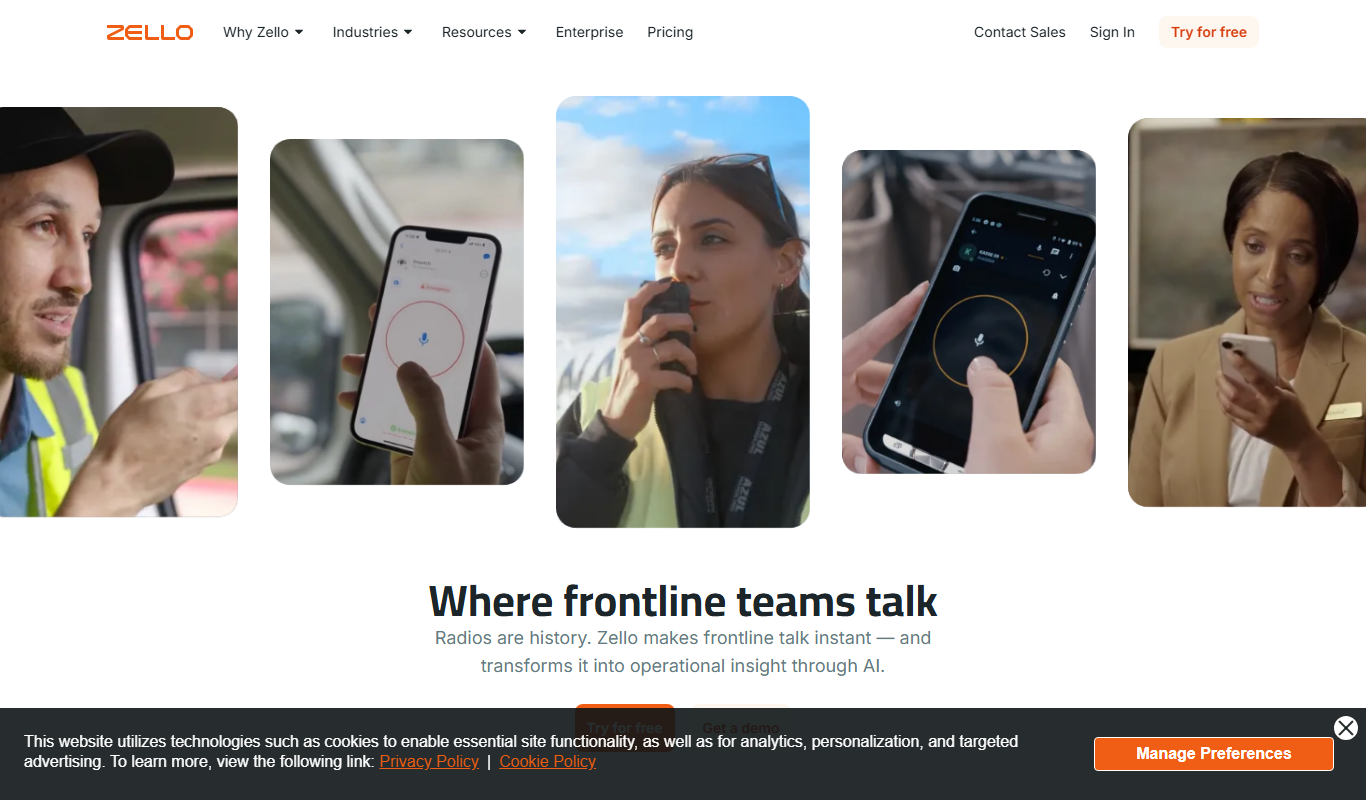
Zello
Zello is a push-to-talk app that turns your device into a walkie talkie for instant voice communication over the internet.

Free
Voxer
Voxer is a walkie talkie app that enables instant live voice messaging combined with text and multimedia chat, designed for team communication and personal use across mobile and web platforms.
More AI Character tools
Other tools in the same category, for when this one is not quite the fit.

Contact Sales
CAVEDUCK
CAVEDUCK is an AI-driven platform that automates data extraction from documents using OCR and machine learning, enabling businesses to streamline workflows and reduce manual data entry.

Free
Chub
Chub AI is an AI-powered chatbot platform designed to automate customer support and engagement by providing customizable conversational workflows and integration options.
Free
Character Headcanon Generator
Character Headcanon Generator is a free web tool that creates random character traits and backstory ideas to help writers and roleplayers develop unique characters.

Freemium
TaleAI
TaleAI is an AI-driven storytelling platform that assists writers by generating story ideas, plots, and creative content to enhance writing productivity.
Free
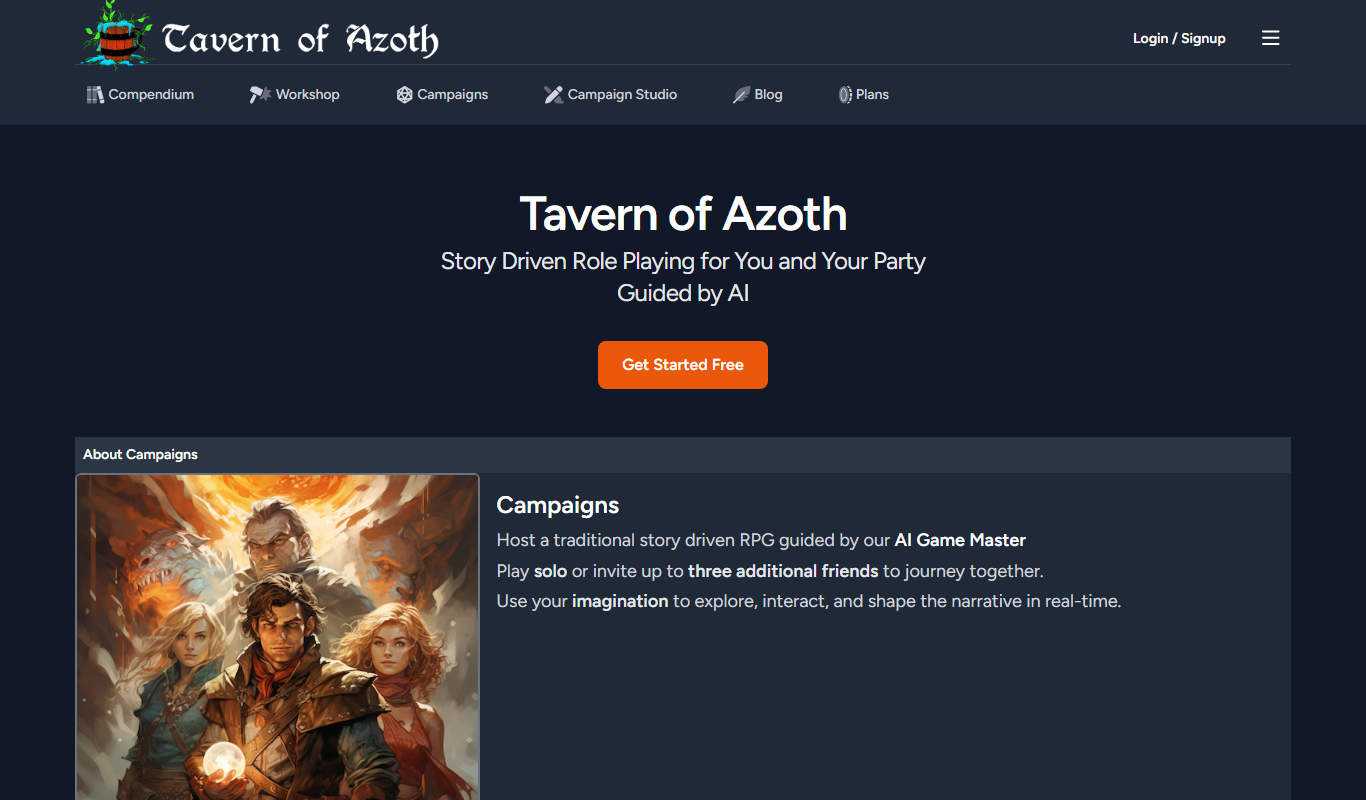
Tavern of Azoth
Tavern of Azoth is an AI-powered Dungeon Master that generates dynamic role-playing game narratives and assists both solo players and tabletop Dungeon Masters with interactive storytelling.

Free Trial
Klones
Klones is an AI-powered platform that automatically generates authentic product reviews and descriptions to help e-commerce businesses improve customer engagement and sales.

Free Trial
Impersona
Impersona is an AI chatbot platform that helps businesses create personalized conversational experiences to automate customer support and engagement.
Freemium
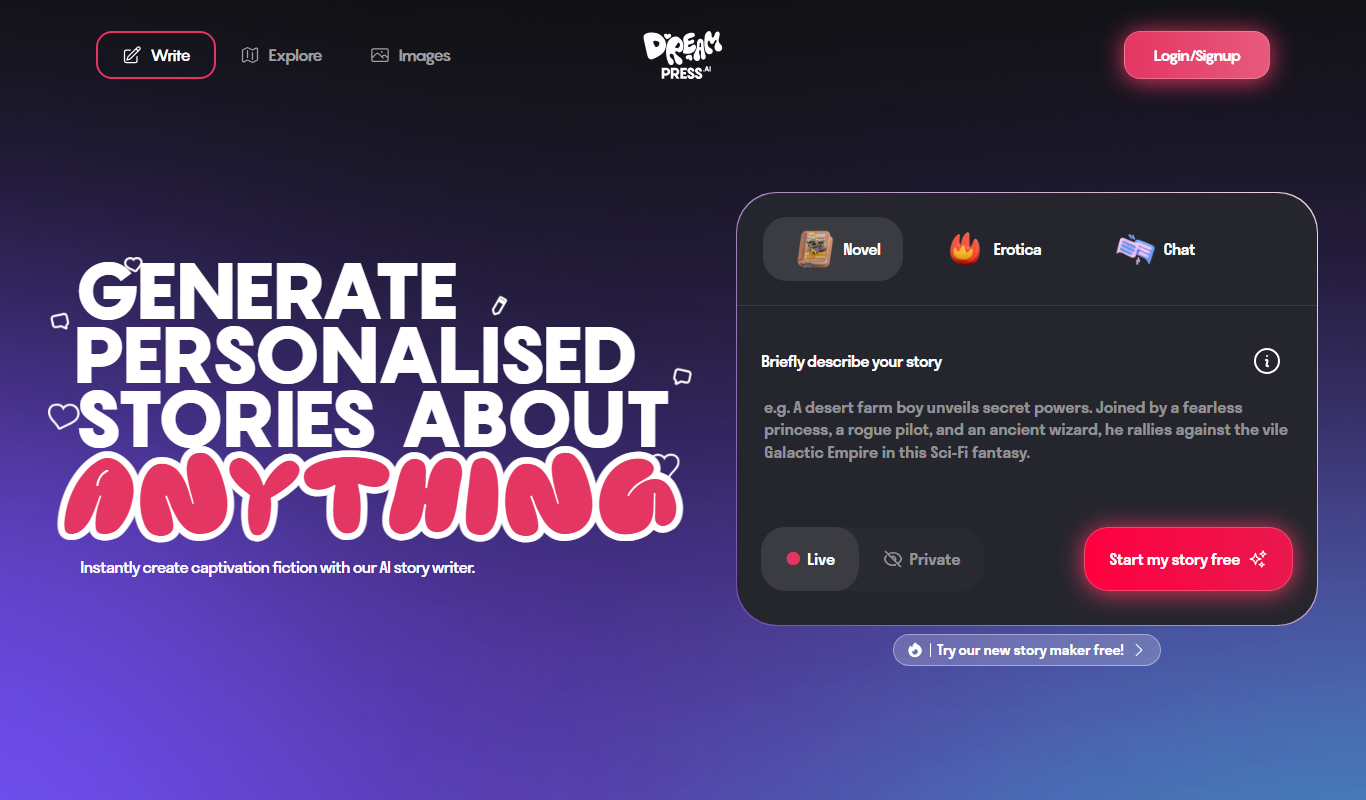
DREAMPRESS
Dreampress is an AI-powered writing assistant designed to generate SEO-friendly content, including blog posts and marketing copy, to help users create high-quality written material efficiently.