

From my experience with Talkatoo, I found it excels at accurately transcribing complex medical terminology while integrating smoothly with electronic health records. After spending time with the platform, I can say it’s particularly well-suited for physicians and healthcare organizations aiming to reduce documentation time and improve workflow efficiency. However, the reliance on cloud processing means a stable internet connection is essential, and pricing details require direct consultation. Overall, if you need a specialized speech recognition tool tailored for healthcare documentation, Talkatoo delivers reliable and practical results.
Talkatoo Speech Recognition Software for Medical Documentation and EHR
Talkatoo is an AI-driven speech recognition tool designed for healthcare providers to efficiently dictate medical notes and integrate them into EHR systems.
- Best for
- Medical Documentation
- Key capability
- Medical Speech Recognition

Do you recommend this tool?
What is talkatoo.com?
Talkatoo is an AI-powered speech recognition software designed specifically for healthcare professionals. It transforms spoken language into accurate medical documentation and integrates directly with electronic health record (EHR) systems. By leveraging natural language processing and voice commands, Talkatoo streamlines clinical workflows, reduces documentation time, and enhances physician productivity.
Key features of talkatoo.com
Talkatoo offers real-time speech-to-text transcription, deep EHR integration, customizable voice commands, and mobile accessibility. Its AI engine is trained on medical terminology to ensure high accuracy and context understanding, making it a reliable tool for clinicians.
Medical Speech Recognition
Accurate transcription of medical terminology and clinical language.
EHR Integration
Works seamlessly with major EHR platforms to insert dictated text directly into patient charts.
Custom Voice Commands
Enables hands-free navigation and task execution within clinical software.
Mobile and Desktop Access
Supports dictation from multiple devices, including smartphones and desktop computers.
Cloud-Based Processing
Leverages cloud AI for fast and accurate transcription with continuous updates.
Pros and cons of talkatoo.com
Pros
- High accuracy with medical terminology
- Seamless integration with EHR systems
- Customizable voice commands improve workflow
- Supports mobile and desktop platforms
Cons
- Pricing details are not publicly available
- Requires internet connection for cloud processing
- Limited to English language support
Key use cases for talkatoo.com
Medical Documentation
Enables healthcare professionals to dictate patient notes and medical records efficiently.
Electronic Health Record (EHR) Integration
Seamlessly integrates with various EHR systems to streamline clinical workflows.
Voice Command for Clinical Tasks
Allows clinicians to navigate software and complete tasks hands-free using voice commands.
Improving Physician Productivity
Reduces time spent on documentation, allowing physicians to focus more on patient care.
Remote and Mobile Use
Supports mobile and remote dictation, facilitating documentation outside traditional office settings.
How talkatoo.com works
- 1
Sign Up and Setup
Create an account and configure Talkatoo to connect with your EHR system.
- 2
Voice Training
Personalize the software by training it to recognize your voice and speech patterns.
- 3
Start Dictating
Use the microphone to dictate notes, commands, and navigate your EHR hands-free.
- 4
Edit and Save
Review the transcribed text, make any necessary edits, and save directly into the patient record.
Who is using talkatoo.com
Physicians and clinicians
Healthcare organizations
Medical transcriptionists
Hospitals and clinics
Medical billing professionals
talkatoo.com pricing
Standard
Contact for pricing
Includes core speech recognition and EHR integration features.
Enterprise
Contact for pricing
Customized solutions with advanced features and dedicated support.
Plans and prices are as published by the vendor and can change. Check the official site before you buy. Open the pricing page (opens in a new tab)
Frequently asked questions about talkatoo.com
Talkatoo integrates with many popular EHR platforms; contact their sales team for specific compatibility.
Yes, Talkatoo is designed to meet HIPAA standards to ensure patient data privacy and security.
Yes, Talkatoo supports mobile dictation through its app or web interface.
Yes, it uses cloud-based AI processing, so a stable internet connection is necessary.
It depends on your specific needs and how you plan to use the tool. The official website and documentation are the best sources for the latest details.
Integration support depends on the tool and its available connectors or API. Check the official documentation or integrations page to confirm what is supported.
Sign in to review this tool.
Sign In to ReviewNo reviews yet
Be the first to share how this tool worked for you.
Ask about pricing, limits, or how it compares — or answer someone else.
Sign In to AskNo questions yet
Have a question about using or paying for this tool? Be the first to ask.
Featured on TiorAI



More Speech Recognition tools
Other tools in the same category, for when this one is not quite the fit.

API
Whisper AI
Whisper is OpenAI's open-source speech recognition system supporting 99 languages with near-human accuracy. Free to self-host or use via API at $0.006/minute.
Contact for pricing
Neural Wave
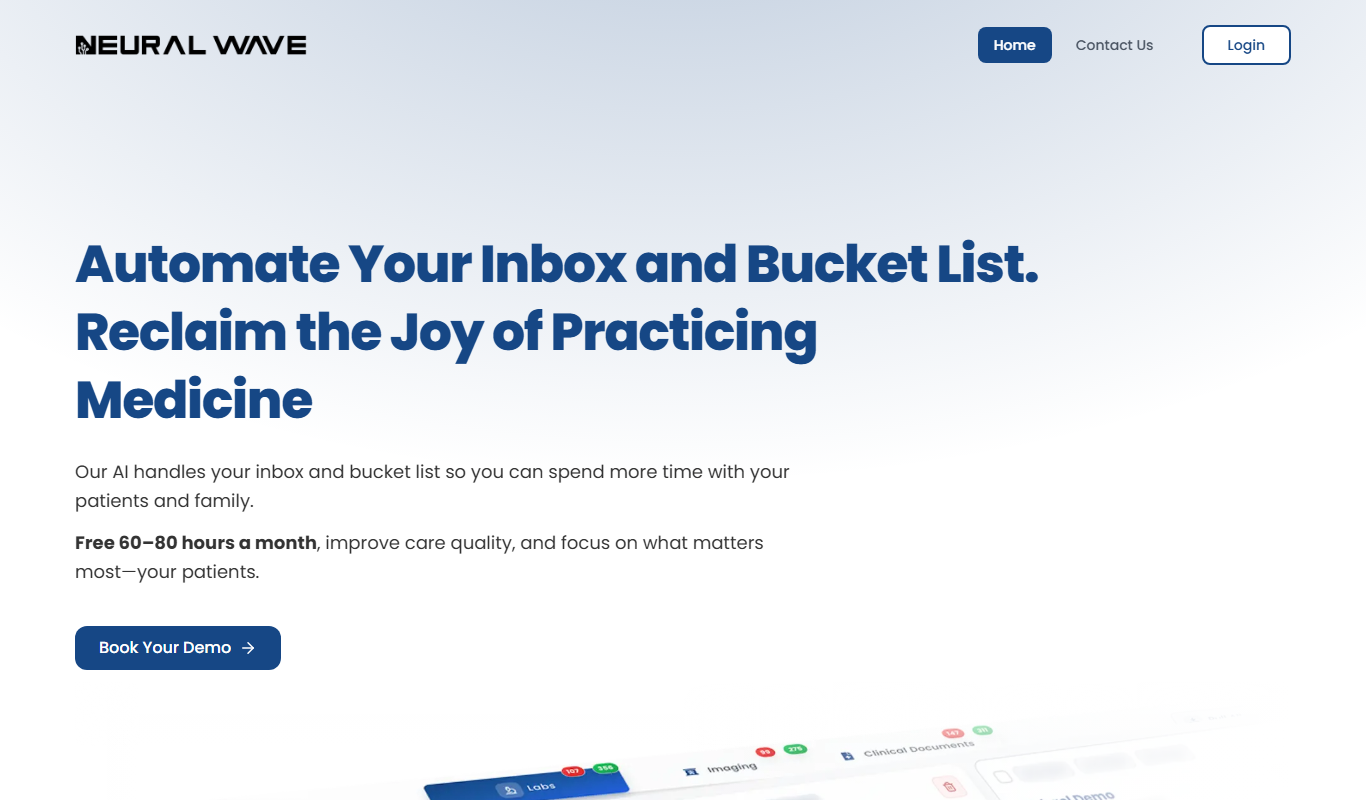
Neural Wave is an AI platform specializing in speech recognition, audio enhancement, and voice biometrics, offering APIs for real-time and custom audio processing.

Freemium
Transkriptor
Transkriptor is an AI-driven transcription tool that converts audio and video files into editable text with multi-language support and speaker identification, accessible via web and API.

Free Trial
Transcripo
Transcripo is an AI-driven transcription tool that converts audio and video files into accurate, editable text transcripts via a secure web platform.

Free Trial
AI audio transcription
TranscribeThis is an AI-based audio transcription tool that converts audio files into accurate text transcripts quickly and securely.

Free
Free Transcription Tool Deepgram
Deepgram's Free Transcription Tool provides accurate, AI-powered speech-to-text conversion for audio and video files with multi-language support and speaker diarization.