

From my experience with Tagalytics Pro, I found it excels at providing clear, actionable insights for keyword and tag optimization that are accessible even to SEO beginners. The platform’s competitor analysis features help uncover valuable opportunities to improve search rankings. However, the tool currently supports only English and lacks a mobile app, which might limit flexibility for some users. Overall, if you need a focused SEO analytics tool to enhance your keyword strategy and tag performance, Tagalytics Pro offers a solid, user-friendly solution.
Tagalytics Pro SEO Analytics Tool for Keyword & Tag Optimization
Tagalytics Pro is a web-based SEO analytics tool that helps optimize keywords and tags through data-driven insights and competitor analysis.
- Best for
- Keyword Research
- Key capability
- Keyword Discovery
Your actions
Save Tagalytics Pro, follow its updates and vote on it — everything stays in your account.
Sign in or create a free account
What is Tagalytics Pro?
Tagalytics Pro is a web-based SEO analytics platform designed to help marketers, content creators, and SEO professionals optimize their keyword and tag strategies. It provides actionable insights into keyword trends, tag performance, and competitor analysis to improve website visibility and search engine rankings.
Key features of Tagalytics Pro
The tool offers comprehensive keyword research, tag optimization recommendations, competitor keyword analysis, and performance tracking dashboards to streamline SEO workflows and enhance content relevance.
Keyword Discovery
Find relevant keywords with search volume and competition data.
Tag Performance Analysis
Evaluate how your meta tags and headers are performing in search results.
Competitor Keyword Insights
Identify competitor keywords to refine your SEO approach.
SEO Dashboard
Visualize SEO metrics and track improvements over time.
Content Optimization Suggestions
Receive actionable tips to enhance content relevance and keyword usage.
Pros and cons of Tagalytics Pro
Pros
- Comprehensive keyword and tag analytics in one platform
- User-friendly interface suitable for beginners and experts
- Competitor analysis helps identify SEO opportunities
- Clear, actionable optimization recommendations
- Responsive customer support with subscription plans
Cons
- Limited language support (English only)
- No mobile app available currently
- Pricing may be high for small businesses on a budget
Key use cases for Tagalytics Pro
Keyword Research
Discover and analyze keywords to improve search engine rankings and target audience reach.
Tag Optimization
Optimize website tags such as meta tags and headers to enhance SEO performance.
Content Strategy Planning
Use data-driven insights to plan content that aligns with trending keywords and user intent.
Competitor Analysis
Analyze competitor keywords and tags to identify opportunities and gaps in your SEO strategy.
SEO Performance Tracking
Monitor the effectiveness of your SEO efforts through detailed analytics and reporting.
How Tagalytics Pro works
- 1
Create an Account
Sign up on the Tagalytics Pro website to access the platform.
- 2
Input Website or Keywords
Enter your website URL or target keywords to begin analysis.
- 3
Analyze Data
Review keyword suggestions, tag performance metrics, and competitor insights.
- 4
Optimize Tags and Content
Apply recommended changes to your website tags and content based on the analytics.
- 5
Track SEO Performance
Monitor ongoing SEO results through the dashboard and adjust strategies accordingly.
Who is using Tagalytics Pro
SEO professionals
Digital marketing agencies
Content creators and bloggers
Small to medium-sized businesses
E-commerce website owners
Tagalytics Pro pricing
Free Trial
$0 for 7 days
Access core features with limited usage to evaluate the platform.
Pro Plan
$49/month
Full access to all features with higher limits and priority support.
Plans and prices are as published by the vendor and can change. Check the official site before you buy. Open the pricing page (opens in a new tab)
Frequently asked questions about Tagalytics Pro
Yes, there is a 7-day free trial available to test the platform.
Yes, competitor keyword analysis is a core feature of the tool.
Yes, the interface is user-friendly and provides clear recommendations for all skill levels.
It is a web-based platform accessible via modern browsers.
It depends on your specific needs and how you plan to use the tool. The official website and documentation are the best sources for the latest details.
Some tools offer a free plan or trial with limited features. Availability can vary, so confirm on the official website.
Yes, it can help with that use case depending on how you configure it and what features are available. You’ll get the best results with clear inputs and a defined goal.
Yes, it can help with that use case depending on how you configure it and what features are available. You’ll get the best results with clear inputs and a defined goal.
Sign in to review this tool.
Sign In to ReviewNo reviews yet
Be the first to share how this tool worked for you.
Ask about pricing, limits, or how it compares — or answer someone else.
Sign In to AskNo questions yet
Have a question about using or paying for this tool? Be the first to ask.
Featured on TiorAI



More AI Content Optimization Tools tools
Other tools in the same category, for when this one is not quite the fit.
Free
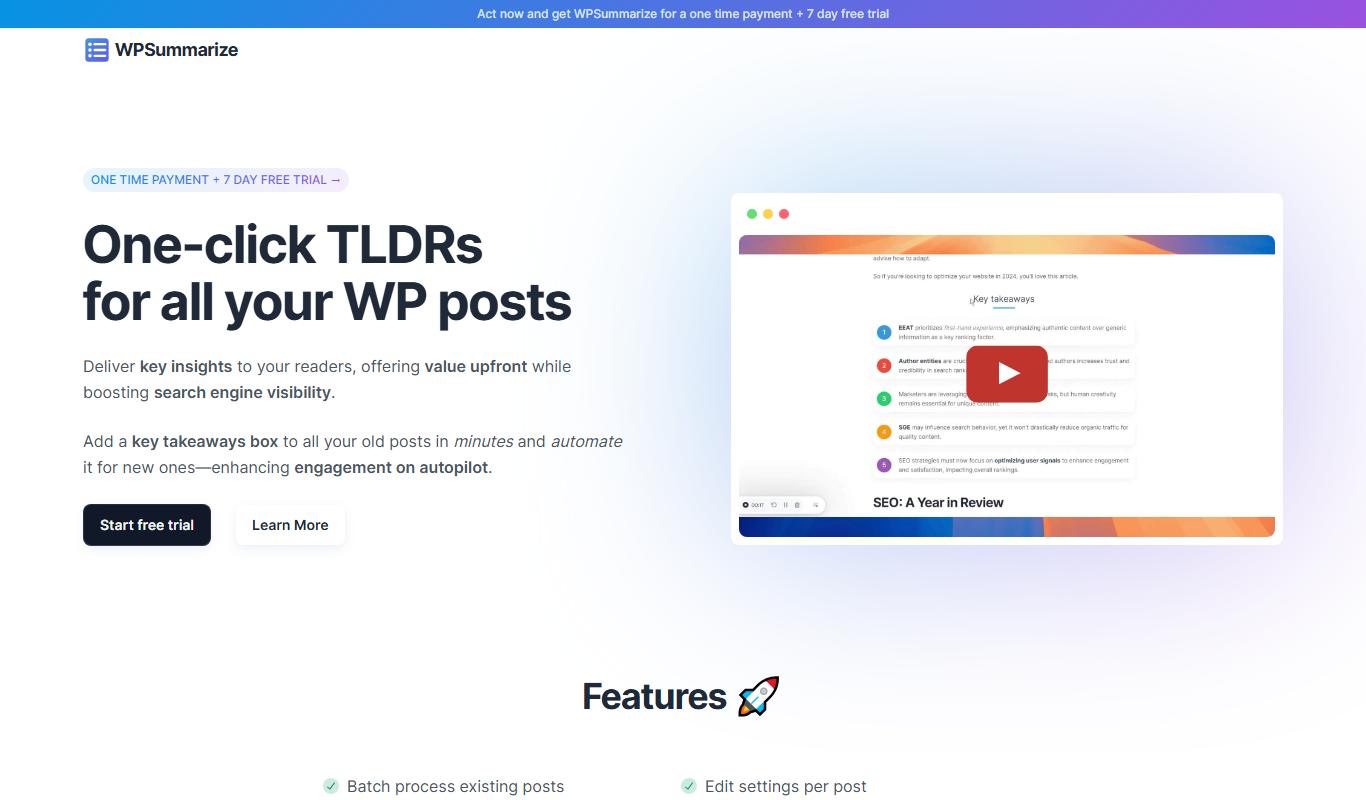
WPSummarize
WPSummarize is an AI-based WordPress plugin that creates concise summaries of long articles to enhance readability and SEO.

Freemium
InLinks
InLinks is an SEO platform that automates internal linking, semantic content optimization, and schema markup to improve website SEO and search engine visibility.

Free
SEO Title Generator
SEO Title Generator by SEO ROAST is a free online tool that helps create SEO-optimized titles by generating multiple keyword-based suggestions to improve search visibility and user engagement.

Free Trial
SnowSEO
SnowSEO is an SEO and AI search platform that combines keyword research, content creation, backlinks and AI tracking in one place.

Freemium
harborseo.ai
Harbor is an AI-powered SEO content generator for keyword research, content creation and backlink building.

Free Trial
Neuronwriter
Neuronwriter is an AI-driven SEO content optimization tool that generates content briefs, performs keyword research, and analyzes SERPs to help improve search engine rankings.

Free
Free AI Text Summarizer
Free AI Text Summarizer is a web-based tool that uses artificial intelligence to create concise summaries from longer texts quickly and for free, without requiring user registration.

Free Trial
TikNeuron
TikNeuron is an AI-driven platform that helps TikTok creators and marketers grow their accounts by providing analytics, trend discovery, and content optimization recommendations.