
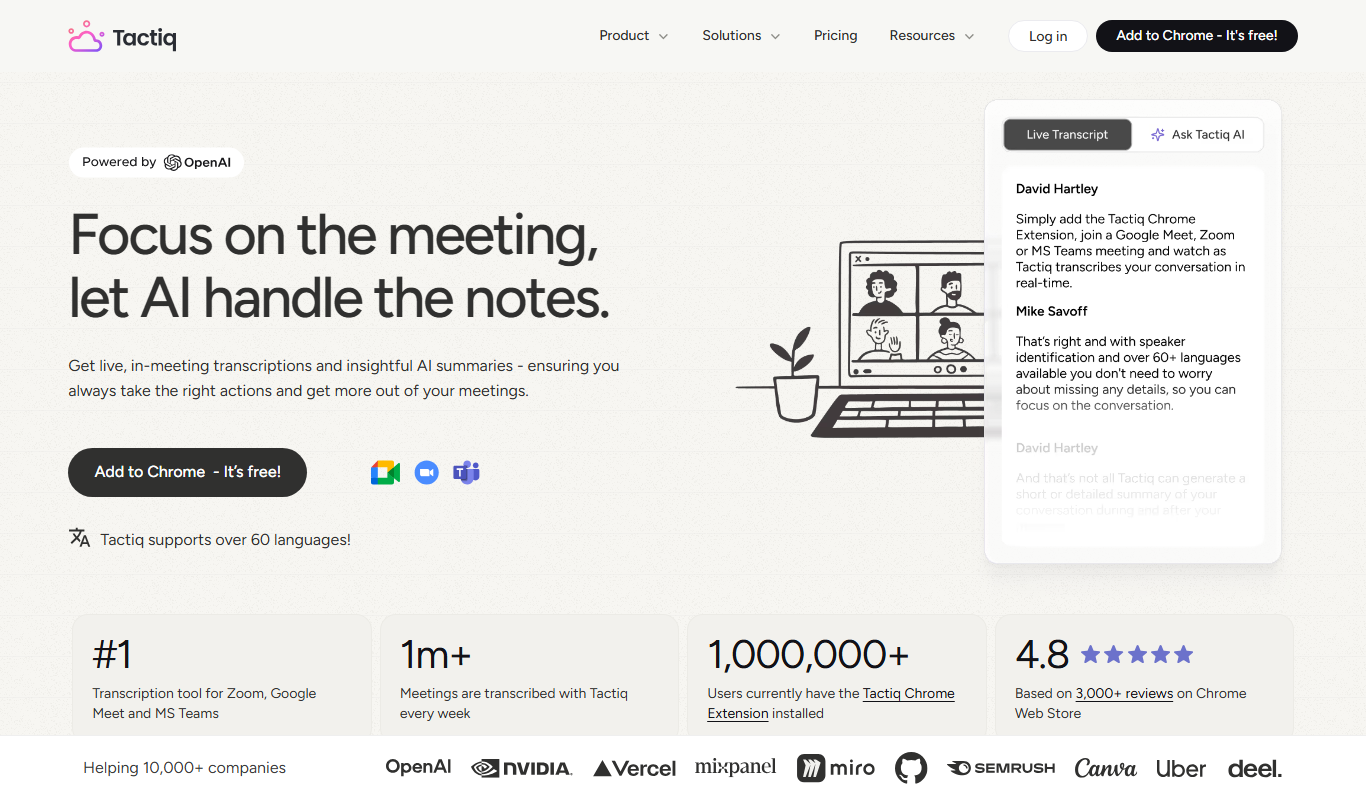
From my experience with Tactiq Pins, I found it excels at capturing accurate, real-time transcripts during Google Meet calls while allowing easy pinning of important moments. This makes it particularly well-suited for remote teams and professionals who need to keep detailed meeting records without distraction. However, the tool is limited to Google Meet and requires Chrome, which may restrict users on other platforms. Overall, if you rely heavily on Google Meet for collaboration and want to streamline note-taking, Tactiq Pins delivers a practical and efficient solution.
Tactiq Pins AI Meeting Transcription & Highlight Tool for Google Meet
Tactiq Pins is a Chrome extension that provides real-time transcription and highlight pinning for Google Meet calls, enabling users to capture and export meeting notes efficiently.
Tech Stack:
Chrome Extension API
JavaScript
What is Tactiq Pins?
Tactiq Pins is a Chrome extension designed to capture and transcribe Google Meet video calls in real-time. It allows users to highlight key moments during meetings and export the transcript with pinned highlights for easy review and sharing. This tool helps professionals save time on note-taking and improves meeting productivity by providing accurate, searchable meeting records.
Key Features of Tactiq Pins
Real-Time Transcription
Captures spoken words live during Google Meet calls with high accuracy.
Pin and Highlight Moments
Users can mark important parts of the conversation for quick access later.
Multiple Export Options
Export transcripts to Google Docs, plain text, or other formats for easy sharing.
User-Friendly Interface
Integrated directly into Google Meet for seamless use without disrupting the meeting flow.
Privacy and Security
Data is processed securely with user privacy in mind.
Pros and Cons of Tactiq Pins
Pros
- Accurate real-time transcription for Google Meet
- Easy pinning of important meeting moments
- Seamless export to Google Docs and text files
Cons
- Limited to Google Meet platform
- Free plan has restricted features
- No mobile app support
Key Use Cases for Tactiq Pins
Meeting Transcription
Automatically transcribe Google Meet calls in real-time to capture all spoken content accurately.
Highlight Key Moments
Pin and highlight important moments during meetings for easy reference and follow-up.
Export and Share Notes
Export transcripts and highlights to Google Docs, text files, or other formats for sharing and documentation.
Improve Meeting Productivity
Reduce manual note-taking and ensure no important details are missed during virtual meetings.
Collaboration
Share meeting transcripts and highlights with team members to keep everyone aligned.
How Tactiq Pins Works
-
1
Install Chrome Extension
Add the Tactiq Pins extension to your Chrome browser from the Chrome Web Store.
-
2
Join Google Meet Call
Start or join a Google Meet video call where Tactiq Pins will automatically begin transcribing.
-
3
Pin Highlights
During the meeting, click to pin important moments or highlights in the transcript.
-
4
Export Transcript
After the meeting, export the full transcript along with pinned highlights to Google Docs or download as a text file.
Who's Using Tactiq Pins
Remote teams
Project managers
Sales professionals
Educators conducting online classes
Customer support teams
Tactiq Pins Pricing
Free
$0/month
Basic transcription with limited pins and export options.
Pro
$10/month
Unlimited pins, advanced export formats, and priority support.
Frequently Asked Questions About Tactiq Pins
Currently, Tactiq Pins is designed specifically for Google Meet and does not support other video conferencing platforms.
Yes, Tactiq Pins processes data securely and respects user privacy, with no unauthorized sharing of transcripts.
Yes, you can export transcripts as plain text files in addition to Google Docs.
It depends on your specific needs and how you plan to use the tool. The official website and documentation are the best sources for the latest details.
Yes, it can help with that use case depending on how you configure it and what features are available. You’ll get the best results with clear inputs and a defined goal.
Some tools offer a free plan or trial with limited features. Availability can vary, so confirm on the official website.
Share your review
Reviews are limited to one per logged-in user and are published after moderation.
You need an account to review this tool.
0.0
★
★
★
★
★
0 reviews
5 star
0
4 star
0
3 star
0
2 star
0
1 star
0
No reviews yet
Be the first to share how this tool worked for you.
Questions from the community
Read questions and answers about this tool, or ask your own.
No questions yet
Start the conversation by asking the first question about this tool.
Is this tool helpful?
Free
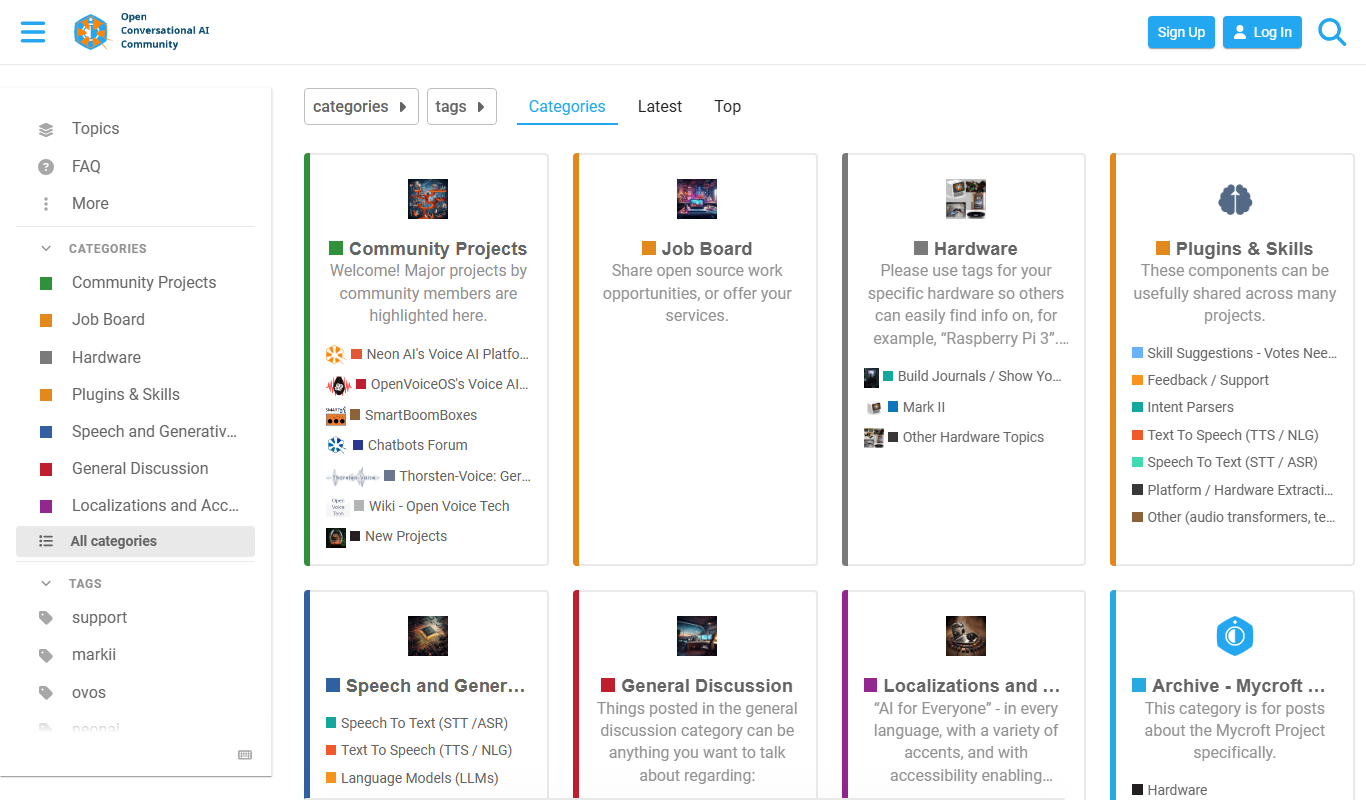
Mycroft AI
Mycroft AI is an open-source voice assistant platform that offers customizable, privacy-conscious voice interaction capabilities across multiple devices.
Free
Speeko
Speeko is an AI-powered speech coaching tool that analyzes your voice recordings to provide personalized feedback on public speaking and communication skills, helping you improve pace, tone, and clarity.
Free
Vocaroo
Vocaroo is a free online voice recorder that lets you record, share, and download audio clips instantly from your browser without any account or software installation.

Freemium
VoiceBase
VoiceBase is an AI-driven platform that converts speech to text and provides advanced audio analytics such as sentiment analysis, keyword spotting, and compliance monitoring, primarily used by businesses to extract insights from voice data.
Free
LingQ
LingQ is an immersive language learning platform that uses authentic content and integrated vocabulary tools to help users learn multiple languages through reading, listening, and speaking practice.

Free
Typewise
Typewise is an AI-powered mobile keyboard app that enhances typing speed and accuracy with a unique hexagonal layout and privacy-focused on-device AI autocorrect supporting over 40 languages.

Free
Castbox Notes
Castbox Notes is a mobile app that uses AI to transcribe audio recordings into searchable text notes, ideal for podcasts, meetings, and lectures.

Custom Pricing
Interprefy
Interprefy is a cloud-based platform that enables real-time remote simultaneous interpretation for multilingual events, allowing participants to listen to live translations in their preferred language via web or mobile devices.