

From my experience with SyncBob, it stands out as a practical solution for teams needing seamless remote video collaboration without the hassle of installing software. The platform’s time-coded commenting and cloud-based workflow make reviewing and managing video projects straightforward and efficient. It’s particularly well-suited for marketing agencies and creative teams working across locations. However, since it relies entirely on cloud access, offline work is limited, which might be a consideration for some users. Overall, SyncBob delivers solid value for remote video production and collaborative editing needs.
SyncBob Review: Cloud-Based Video Collaboration and Production Platform
SyncBob is a cloud-based video collaboration platform that enables remote teams to upload, review, comment, and manage video projects in real-time without software installation.
- Best for
- Remote Video Editing Collaboration
- Key capability
- Real-Time Collaboration
Your actions
Save SyncBob, follow its updates and vote on it — everything stays in your account.
Sign in or create a free account

What is SyncBob?
SyncBob is a cloud-based video collaboration and production platform designed to simplify remote teamwork on video projects. It enables teams to upload, review, comment, and manage video content collaboratively in real-time, eliminating the need for complex software setups or physical meetings.
Key features of SyncBob
SyncBob offers real-time video collaboration, time-coded commenting, cloud storage for video assets, project management tools, and seamless sharing capabilities to enhance remote video production workflows.
Real-Time Collaboration
Work simultaneously with team members on video projects regardless of location.
Time-Coded Comments
Leave feedback linked to specific moments in the video for clear communication.
Cloud Storage
Store and access video assets securely in the cloud without local downloads.
Project Management Tools
Organize tasks, assign roles, and monitor project timelines within the platform.
Secure Sharing
Share video projects with stakeholders through controlled access links.
Pros and cons of SyncBob
Pros
- Intuitive web-based interface with no software installation
- Effective time-coded commenting for precise feedback
- Supports remote collaboration seamlessly
- Integrated project management features
- Flexible pricing plans including a free trial
Cons
- Limited offline functionality due to cloud-only access
- Pricing details for Enterprise plan require direct contact
Key use cases for SyncBob
Remote Video Editing Collaboration
Teams can collaborate on video projects in real-time from different locations, streamlining the editing and review process.
Video Review and Feedback
Stakeholders can review video drafts, leave time-coded comments, and approve edits efficiently.
Cloud-Based Video Production
Manage video assets and production workflows entirely in the cloud without the need for local software installations.
Team Project Management
Organize video projects, assign tasks, and track progress within a centralized platform.
How SyncBob works
- 1
Create an Account
Sign up on SyncBob’s website to start your video collaboration journey.
- 2
Upload Video Content
Upload your video files to the cloud platform for easy access and sharing.
- 3
Invite Team Members
Add collaborators to your project to enable joint editing and feedback.
- 4
Review and Comment
Use time-coded comments to provide precise feedback on video content.
- 5
Manage and Approve
Track project progress, manage tasks, and approve final video versions.
Who is using SyncBob
Video production teams
Marketing agencies
Remote creative teams
Content creators
Media project managers
SyncBob pricing
Free Trial
$0 for 14 days
Access core features to evaluate the platform with limited storage and collaborators.
Professional
$29/month
Full access to collaboration tools, increased storage, and unlimited team members.
Enterprise
Custom pricing
Tailored solutions with advanced features, dedicated support, and enhanced security.
Plans and prices are as published by the vendor and can change. Check the official site before you buy. Open the pricing page (opens in a new tab)
Frequently asked questions about SyncBob
Yes, SyncBob offers a 14-day free trial to test its features.
Yes, especially with the Enterprise plan designed for larger organizations.
No, SyncBob is fully web-based and requires no local installations.
SyncBob uses cloud security measures to protect your data and controls access permissions.
This tool is designed to help users accomplish its core tasks more efficiently. It is typically used by individuals or teams looking to improve productivity and workflow.
It depends on your specific needs and how you plan to use the tool. The official website and documentation are the best sources for the latest details.
Some tools offer a free plan or trial with limited features. Availability can vary, so confirm on the official website.
Data handling and security practices vary by provider. Review the official privacy policy to understand how your data is stored and used.
Sign in to review this tool.
Sign In to ReviewNo reviews yet
Be the first to share how this tool worked for you.
Ask about pricing, limits, or how it compares — or answer someone else.
Sign In to AskNo questions yet
Have a question about using or paying for this tool? Be the first to ask.
Featured on TiorAI



Alternative Tools
Explore similar AI tools that might fit your needs
Free
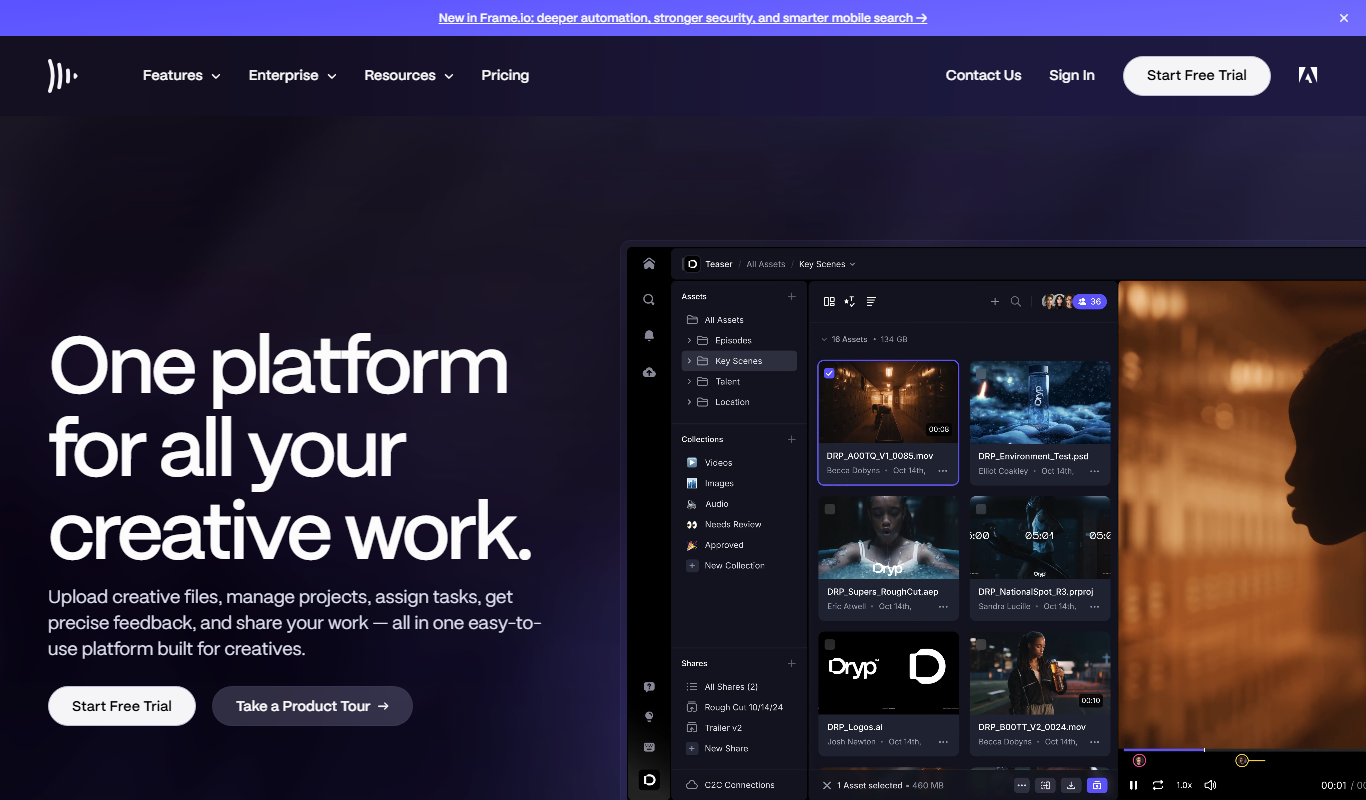
Frame.io
Frame.io is a cloud-based platform that enables video teams to collaborate by uploading videos, leaving frame-accurate comments, managing versions, and securely sharing content for review and approval.

Free Trial
Wipster
Wipster is a cloud-based video review platform that enables teams and clients to collaborate by providing frame-accurate comments, version control, and task management to streamline video production workflows.
More Business Management tools
Other tools in the same category, for when this one is not quite the fit.
Freemium
ClassIn
ClassIn is a virtual classroom platform where exams run as a feature through In-Class Test and Test Bank.

Custom Pricing
Pollfish
Pollfish is an online survey platform that enables businesses to collect targeted consumer insights quickly through mobile sampling and real-time data analytics.

Subscription
AutoRFP.ai
AutoRFP.ai is an AI-powered platform that automates RFP response creation, enabling sales teams to quickly generate tailored proposals and manage content efficiently.

Free Trial
WriteMyPRD
WriteMyPRD is an AI-driven tool that automates the creation of product requirement documents, helping teams save time and improve documentation quality.
Custom Pricing
Fluxx Grant Management
Fluxx Grant Management is a cloud-based platform that helps foundations and nonprofits manage the entire grant lifecycle, including application processing, collaboration, compliance tracking, and reporting.
Freemium
Grantable
Grantable is AI grant writing software for nonprofits and grant writers that finds aligned funders, drafts proposals in your voice and manages the full grant lifecycle.
Free Trial
Jell
Jell is a team collaboration and project management tool that helps teams run daily standups, track OKRs, and improve alignment, especially for remote and agile teams.
Subscription
Secureframe
Secureframe is a compliance automation platform that helps businesses achieve and maintain cybersecurity certifications like SOC 2 and ISO 27001 by automating evidence collection, risk assessments, and audit preparation.