

StudyPal AI Tutor for Personalized Learning and Study Assistance
StudyPal is a Chrome extension that helps with homework and exams.
- Best for
- Homework Help
- Key capability
- AI-Powered Tutoring
Save StudyPal, follow its updates and vote on it — everything stays in your account.
Sign in or create a free account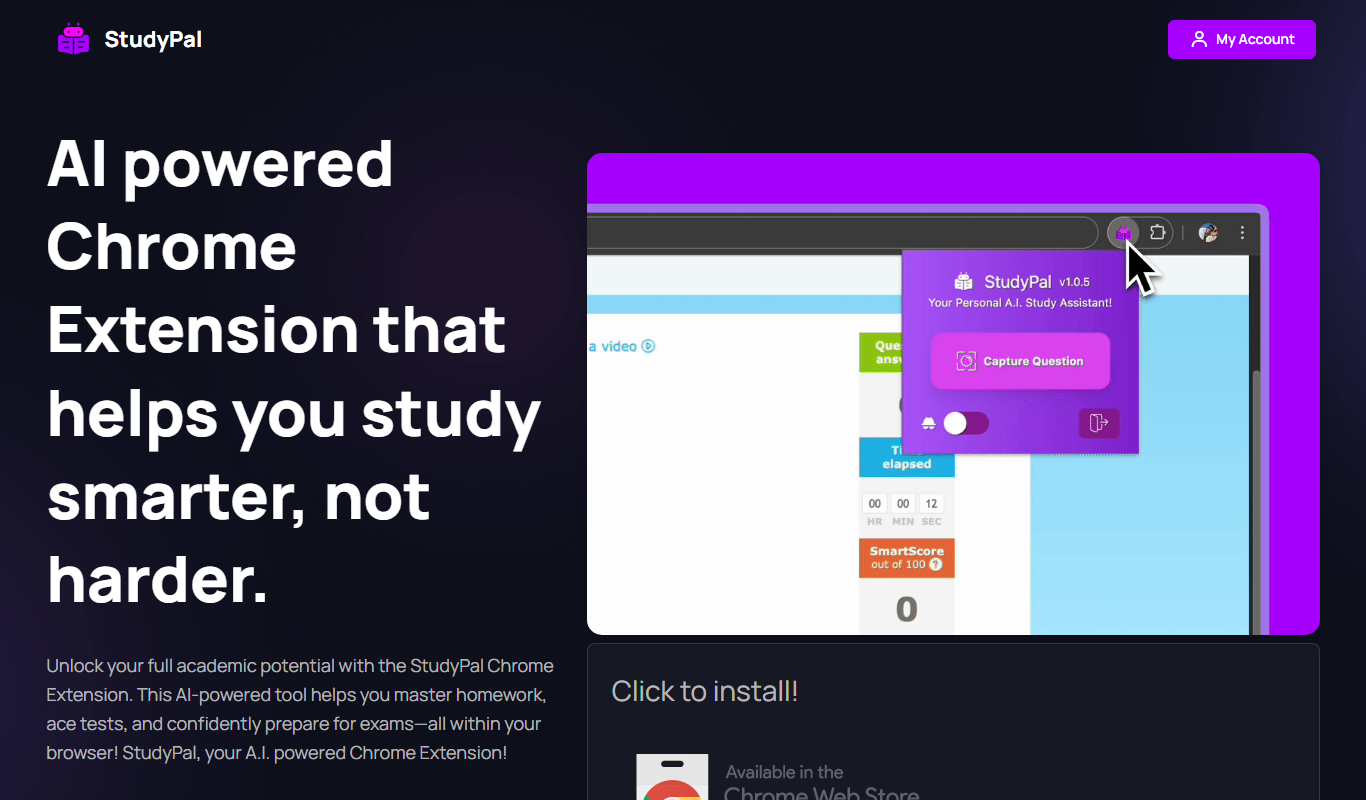
What is StudyPal?
StudyPal is a Chrome extension that works inside quizzes and homework to help students.
Key features of StudyPal
StudyPal features an AI tutor that delivers step-by-step solutions, personalized explanations, and interactive learning support. It covers a wide range of subjects and adapts to the student’s level to enhance understanding and retention.
AI-Powered Tutoring
Provides instant, personalized tutoring support tailored to individual questions.
Step-by-Step Explanations
Breaks down answers into clear, understandable steps to aid learning.
Wide Subject Coverage
Supports multiple subjects including math, science, and humanities.
Interactive Chat Interface
Engages users in a conversational format for a more natural learning experience.
Pros and cons of StudyPal
Pros
- Provides clear, step-by-step explanations
- Easy-to-use conversational interface
- Affordable premium plan with expanded features
Cons
- Limited subject depth for advanced topics
- No dedicated mobile app currently
- Free plan has daily question limits
Key use cases for StudyPal
Homework Help
Provides step-by-step explanations and answers to homework questions across various subjects.
Personalized Study Support
Offers tailored learning assistance based on individual student needs and queries.
Exam Preparation
Helps students review concepts and practice problems to prepare effectively for exams.
Concept Clarification
Breaks down complex topics into understandable explanations to aid comprehension.
How StudyPal works
- 1
Access the Platform
Visit the StudyPal website and create a free account to start using the AI tutor.
- 2
Ask Questions
Input your study questions or topics you need help with into the chat interface.
- 3
Receive Personalized Answers
The AI provides detailed explanations, step-by-step solutions, and relevant examples.
- 4
Use Additional Resources
Leverage supplementary materials and practice problems to reinforce learning.
Who is using StudyPal
StudyPal pricing
Free
$0/month
Basic access with limited daily questions and features.
Premium
$9.99/month
Unlimited questions, priority responses, and access to advanced features.
Plans and prices are as published by the vendor and can change. Check the official site before you buy. Open the pricing page (opens in a new tab)
Frequently asked questions about StudyPal
StudyPal primarily supports middle school to high school level subjects but can assist with some college-level topics.
It covers a broad range of subjects including math, science, and humanities, but may have limitations in highly specialized areas.
Currently, StudyPal is accessible via web browsers; no dedicated mobile app is available yet.
Yes, it can help with that use case depending on how you configure it and what features are available. You’ll get the best results with clear inputs and a defined goal.
It depends on your specific needs and how you plan to use the tool. The official website and documentation are the best sources for the latest details.
Some tools offer a free plan or trial with limited features. Availability can vary, so confirm on the official website.
Conclusion
Help arrives inside the browser, because StudyPal runs as a Chrome extension that works within quizzes and homework. Students input questions or topics into the chat interface, and the AI provides step-by-step solutions, detailed explanations and relevant examples. Practice problems and supplementary materials help with exam preparation.
Subjects include math, science and humanities, mainly from middle school to high school level with some college-level topics. The page notes limitations in highly specialized areas and limited depth for advanced topics. It is aimed at high school and college preparatory students, and at parents seeking study support for their children.
Sources
Sign in to review this tool.
Sign In to ReviewNo reviews yet
Be the first to share how this tool worked for you.
Ask about pricing, limits, or how it compares — or answer someone else.
Sign In to AskNo questions yet
Have a question about using or paying for this tool? Be the first to ask.
Featured on TiorAI



Alternative Tools
Explore similar AI tools that might fit your needs

Khan Academy
Khan Academy is a free online educational platform providing video lessons, interactive exercises, and personalized learning tools for students, teachers, and parents worldwide.

Photomath
Photomath is an AI-driven app that uses your smartphone camera to scan and solve math problems instantly, providing detailed step-by-step solutions and explanations.
More AI Education & Learning Tools tools
Other tools in the same category, for when this one is not quite the fit.

Planit Teachers
Planit Teachers generates lesson plans, slide decks, worksheets and marking feedback for primary and secondary teachers, aligned to the National Curriculum.

PIXTA AI – AI/ML Training data service
PIXTA AI is a service that provides custom annotated datasets and data labeling solutions to help train AI and machine learning models effectively.

QuizRise
QuizRise is an AI quiz generator that creates quizzes from content; the free plan allows 3 quizzes per month with 20 questions.

Create my test
Create My Test converts a document to a test with AI, and the site offers free registration.
whizz.com
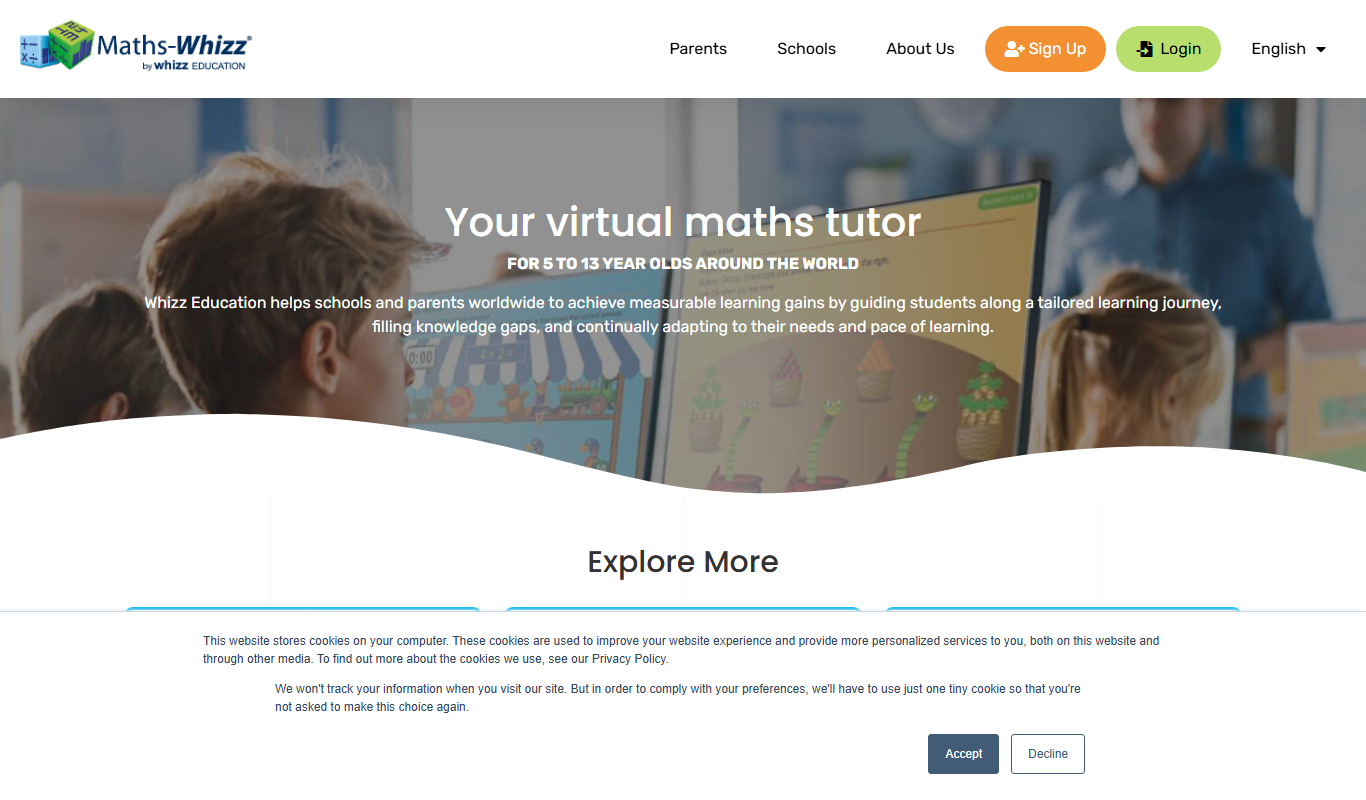
Whizz.com is an adaptive online math tutoring platform for children aged 5-13 that personalizes lessons based on student ability and provides progress tracking for parents and teachers.
alevels.ai
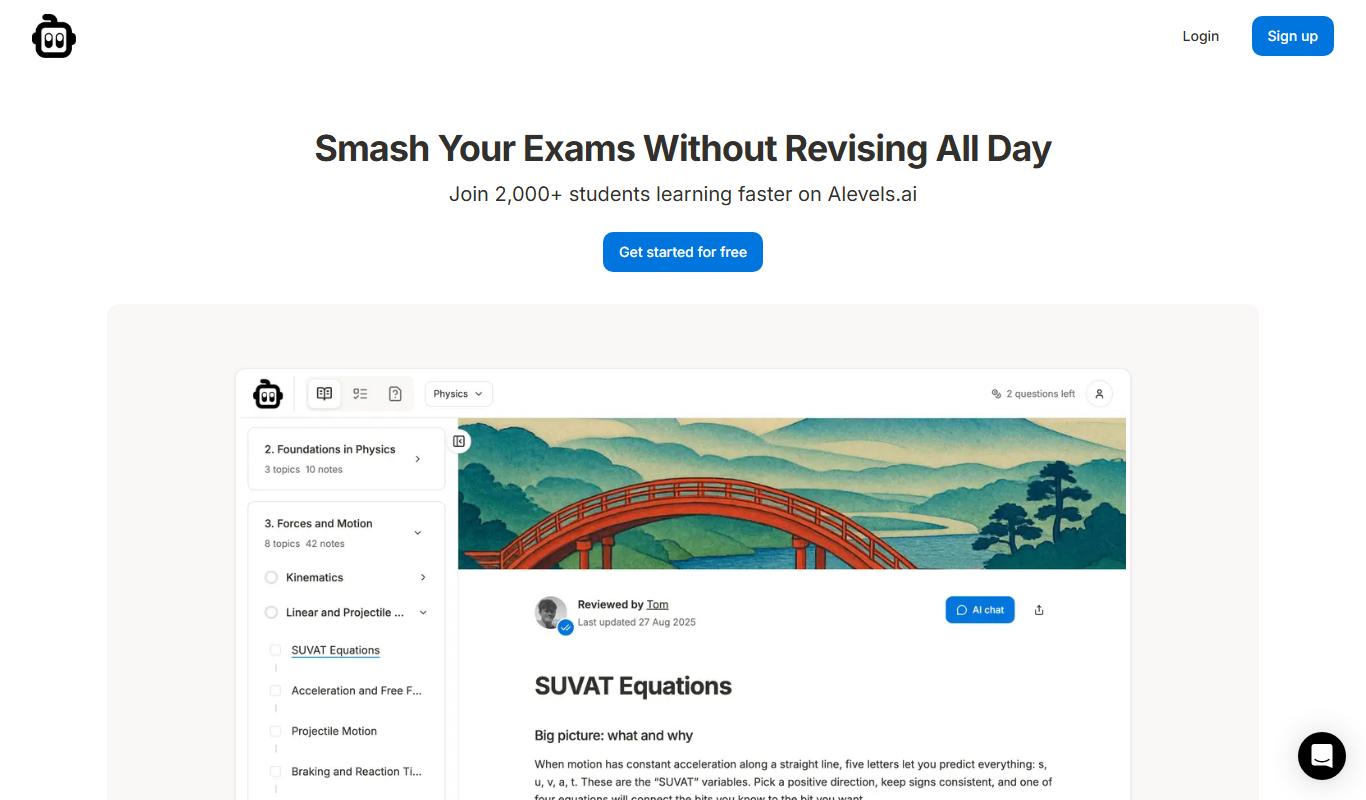
alevels.ai is an AI-driven platform that helps A-Level students prepare for exams through personalized study plans, AI-generated practice questions, and instant doubt resolution.

Yeti Confetti Kids by Lirvana Labs
Yeti Confetti Kids by Lirvana Labs is an educational app with a curriculum of English, Math and Social Emotional Learning generated by AI.

Laion
Laion is a non-profit open-source AI research organization providing large-scale datasets for training machine learning models, focusing on democratizing access to high-quality AI data.