

From my experience with Storyy, I found it excels at simplifying social media content planning through its intuitive visual calendar and team collaboration features. Spending time with the platform, I can say it’s particularly well-suited for marketing teams and small businesses looking for an affordable, easy-to-use tool to organize and schedule posts. However, the lack of mobile apps and limited integrations compared to larger platforms may be a trade-off for some users. Overall, if you need straightforward social media content planning with collaboration capabilities, Storyy delivers solid results.
Storyy Social Media Content Planner for Marketing Teams and Creators
Storyy is a web-based social media content planning tool that helps marketing teams organize, schedule, and collaborate on posts using a visual calendar and team workflows.
- Best for
- Social Media Content Planning
- Key capability
- Visual Content Calendar
Your actions


Do you recommend this tool?
What is Storyy?
Storyy is a web-based social media content planning and collaboration tool designed to help marketing teams and content creators organize, schedule, and manage their social media posts efficiently. It offers a visual content calendar and team collaboration features to streamline the content creation and publishing process.
Key features of Storyy
Storyy provides a visual calendar for scheduling posts, team collaboration tools for content review and approval, and centralized content organization to simplify social media management workflows.
Visual Content Calendar
Drag-and-drop calendar to schedule and organize social media posts visually.
Team Collaboration
Multi-user access with commenting and approval workflows to streamline teamwork.
Content Repository
Centralized storage for content ideas, images, and assets.
Multi-Platform Support
Manage posts across various social media platforms from one dashboard.
Pros and cons of Storyy
Pros
- Intuitive visual calendar for easy content planning
- Supports team collaboration with approval workflows
- Centralized content repository for assets
- Affordable pricing with a free tier
Cons
- Limited integrations compared to larger social media management platforms
- No mobile app available, web-only platform
Key use cases for Storyy
Social Media Content Planning
Organize and schedule social media posts across multiple platforms with a visual calendar.
Team Collaboration
Collaborate with marketing teams to create, review, and approve social media content efficiently.
Campaign Management
Manage and track social media campaigns to ensure consistent messaging and timing.
Content Idea Organization
Collect and organize content ideas and assets in one place for easy access and planning.
How Storyy works
- 1
Create an Account
Sign up on Storyy’s website to start planning your social media content.
- 2
Add Your Social Accounts
Connect your social media profiles to manage posts in one place.
- 3
Plan Content Visually
Use the calendar interface to schedule posts and organize content ideas.
- 4
Collaborate with Your Team
Invite team members to review, comment, and approve content before publishing.
- 5
Publish and Track
Publish scheduled posts and monitor your campaign progress.
Who is using Storyy
Marketing teams
Social media managers
Content creators
Small businesses
Digital marketing agencies
Storyy pricing
Free
$0/month
Basic features with limited users and posts.
Pro
$15/month
Advanced features including unlimited posts, team collaboration, and priority support.
Plans and prices are as published by the vendor and can change. Check the official site before you buy. Open the pricing page (opens in a new tab)
Frequently asked questions about Storyy
Yes, Storyy allows you to manage and schedule posts across multiple social media accounts.
Yes, Storyy offers team collaboration features including commenting and approval workflows.
Yes, Storyy offers a free plan with basic features and limited usage.
This tool is designed to help users accomplish its core tasks more efficiently. It is typically used by individuals or teams looking to improve productivity and workflow.
Yes, it can help with that use case depending on how you configure it and what features are available. You’ll get the best results with clear inputs and a defined goal.
Sign in to review this tool.
Sign In to ReviewNo reviews yet
Be the first to share how this tool worked for you.
Ask about pricing, limits, or how it compares — or answer someone else.
Sign In to AskNo questions yet
Have a question about using or paying for this tool? Be the first to ask.
Featured on TiorAI



Alternative Tools
Explore similar AI tools that might fit your needs

Free
Later
Later is a social media management tool that enables users to visually plan, schedule, and analyze posts across multiple platforms including Instagram, Facebook, Twitter, and Pinterest.
More AI Twitter Assistant tools
Other tools in the same category, for when this one is not quite the fit.

Custom Pricing
AISmartCube
AISmartCube is an AI-driven data analytics platform designed to help businesses analyze data, generate predictive insights, and create customizable dashboards for informed decision-making.

Free Trial
Space Make
Space Make is an AI platform that automates interior design by generating optimized layouts and photorealistic 3D visualizations, helping professionals and homeowners plan and visualize spaces efficiently.
Freemium
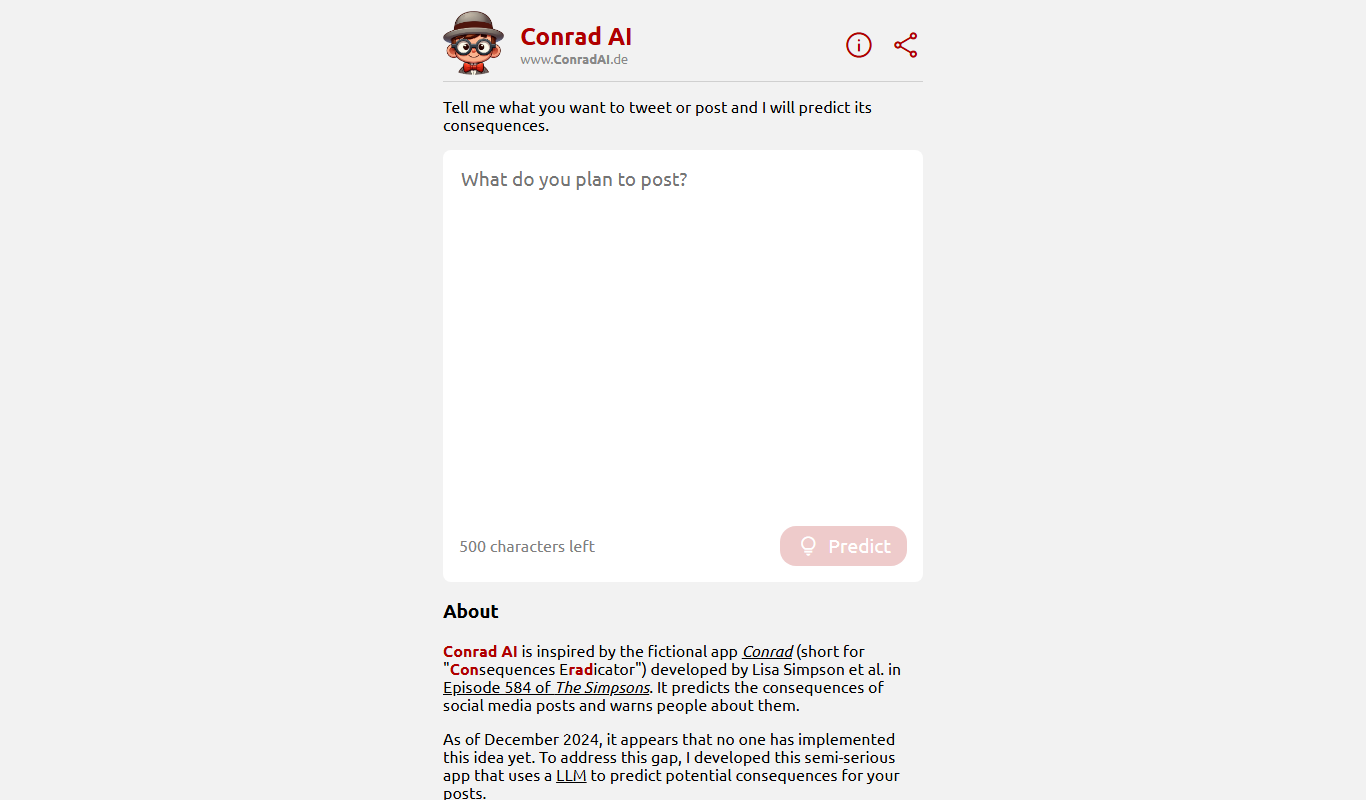
ConradAI.de
ConradAI.de is a German AI chatbot platform that automates customer support and lead generation using conversational AI technology.

Free Trial
Birdbanner
Birdbanner is an AI-driven online tool that simplifies creating social media banners by generating customizable designs optimized for advertising campaigns.

Free
postfity.com
Postfity is a web platform that enables users to schedule and automate social media posts across multiple networks, offering features like bulk uploads, content calendar, team collaboration, and basic analytics.

Free
NapiBot
NapiBot is an AI chatbot platform that enables businesses to automate customer interactions, support, and lead generation through an easy-to-use visual builder and multilingual support.
Free Trial
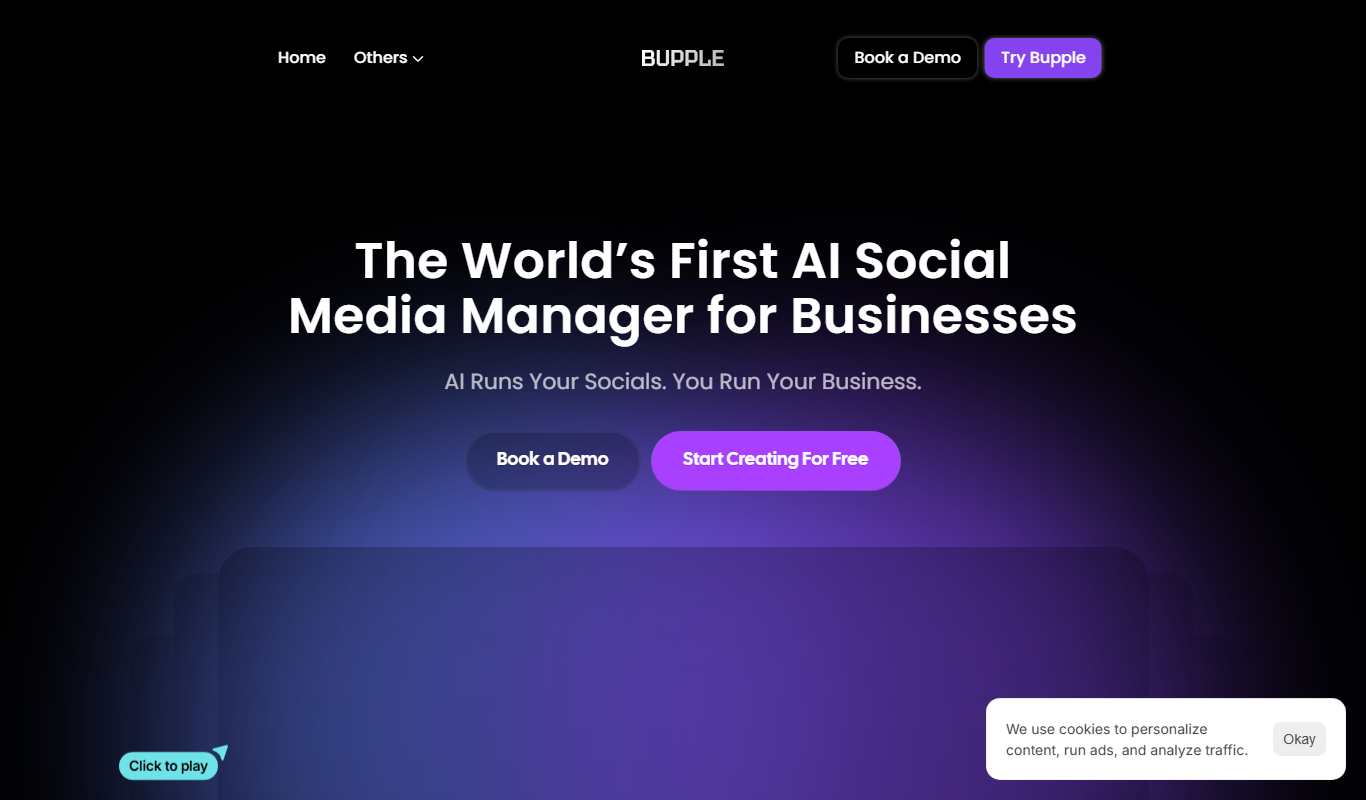
Bupple
Bupple is an AI chatbot platform that helps businesses automate customer support and engagement through customizable conversational workflows and analytics.
Free Trial
ColdDM
ColdDM is a LinkedIn automation tool that enables users to send personalized cold messages and connection requests at scale, helping sales and marketing professionals generate leads efficiently.