

From my experience with Stepsize, I found it excels at providing developers with a seamless way to capture and manage issues directly linked to their code, which significantly reduces context switching. After spending time with the platform, I can say it’s particularly well-suited for agile development teams looking to integrate issue tracking tightly with their code repositories and workflows. However, there’s a trade-off: the tool currently supports only English and lacks a dedicated mobile app, which might limit accessibility for some users. Overall, if you need a developer-centric issue tracker that enhances productivity and collaboration, Stepsize delivers solid results.
Stepsize Issue Tracking Tool for Developers with Agile Workflow Support
Stepsize is an issue tracking tool designed for developers that links bugs directly to code, supports agile project management, and integrates with GitHub to streamline software development workflows.
- Best for
- Developer Issue Tracking
- Key capability
- In-Code Issue Capture

Do you recommend this tool?
What is stepsize.com?
Stepsize is a developer-focused issue tracking tool designed to streamline bug reporting and management by linking issues directly to code. It integrates with existing workflows to help agile teams track, prioritize, and resolve issues efficiently while maintaining context within the codebase.
Key features of stepsize.com
Stepsize offers features such as in-code issue capture, browser extensions for quick bug reporting, integration with popular version control systems, agile workflow support, and analytics to monitor team productivity.
In-Code Issue Capture
Create issues linked to specific lines of code for precise context.
Browser Extension
Quickly report bugs from any web page or application.
Agile Workflow Integration
Manage backlogs, sprints, and priorities within the tool.
Version Control Integration
Connect with GitHub and other repositories to sync issues and commits.
Analytics and Reporting
Gain insights into team performance and issue resolution times.
Pros and cons of stepsize.com
Pros
- Directly links issues to code for better context
- Supports agile workflows and sprint planning
- Easy to install browser extension for quick bug reporting
- Integrates with popular version control systems
- Provides useful analytics for team productivity
Cons
- Limited language support (English only)
- Pricing can be high for larger teams
- No dedicated mobile app currently
Key use cases for stepsize.com
Developer Issue Tracking
Helps developers capture, track, and manage bugs and issues directly from their codebase or browser.
Agile Workflow Management
Supports agile teams by integrating issue tracking with sprint planning and backlog management.
Code Context Linking
Links issues directly to specific lines of code, providing context for faster debugging and resolution.
Team Collaboration
Facilitates communication between developers and project managers by centralizing issue discussions.
Productivity Insights
Offers analytics and reporting to help teams understand bottlenecks and improve development cycles.
How stepsize.com works
- 1
Install Stepsize
Add the Stepsize browser extension or integrate it with your code repository to start capturing issues.
- 2
Capture Issues
Report bugs or feature requests directly from your code or browser with contextual information.
- 3
Organize and Prioritize
Use Stepsize’s agile tools to prioritize issues, assign tasks, and plan sprints.
- 4
Collaborate and Resolve
Discuss issues with your team within the platform and track progress until resolution.
Who is using stepsize.com
Software developers
Agile development teams
Project managers
Quality assurance teams
Startups and tech companies
stepsize.com pricing
Free
$0/month
Basic issue tracking with limited users and features.
Pro
$10/user/month
Advanced features including unlimited users, integrations, and analytics.
Plans and prices are as published by the vendor and can change. Check the official site before you buy. Open the pricing page (opens in a new tab)
Frequently asked questions about stepsize.com
Yes, Stepsize integrates seamlessly with GitHub to sync issues and commits.
Yes, Stepsize offers a free plan with basic features suitable for small teams.
Yes, it supports agile workflows including sprint planning and backlog management.
Stepsize is available as a web application and browser extension.
This tool is designed to help users accomplish its core tasks more efficiently. It is typically used by individuals or teams looking to improve productivity and workflow.
It depends on your specific needs and how you plan to use the tool. The official website and documentation are the best sources for the latest details.
Sign in to review this tool.
Sign In to ReviewNo reviews yet
Be the first to share how this tool worked for you.
Ask about pricing, limits, or how it compares — or answer someone else.
Sign In to AskNo questions yet
Have a question about using or paying for this tool? Be the first to ask.
Featured on TiorAI



Alternative Tools
Explore similar AI tools that might fit your needs

Enterprise
Jira
Jira is a project management and issue tracking software by Atlassian that supports agile methodologies like scrum and kanban, enabling teams to plan, track, and release software efficiently.

Free
Linear
Linear is a project management and issue tracking software optimized for agile software development teams, offering fast workflows, real-time collaboration, and integrations with tools like GitHub and Slack.

Free
Clubhouse
Clubhouse is a free social audio app that allows users to join or host live voice chat rooms for networking, discussions, and events without video or text.
More Agile Project Management tools
Other tools in the same category, for when this one is not quite the fit.

Free
Standuply: Poll & Survey Scrum Bot
Standuply is an automated Scrum bot that runs asynchronous standup meetings, polls, and surveys inside Slack and Microsoft Teams, helping Agile teams improve communication and productivity without synchronous meetings.
Free Trial
Productlane
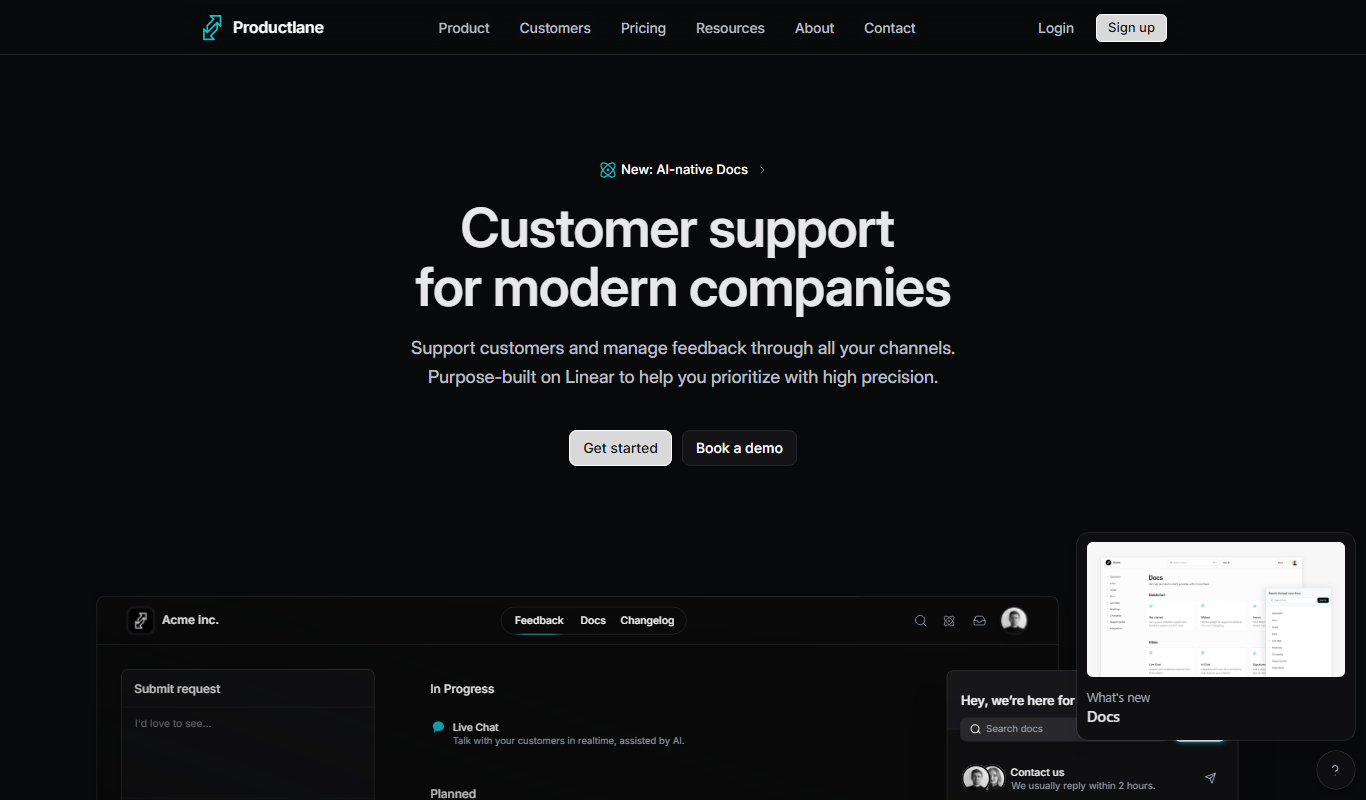
Productlane is a web-based product management platform that helps teams create visual roadmaps, manage agile backlogs, collect customer feedback, and collaborate effectively to deliver better products.