

From my experience with Stemrobo, I found it excels at providing a tangible, hands-on approach to STEM education that effectively bridges the gap between theoretical concepts and practical application. The modular kits combined with an intuitive block-based coding interface make it accessible for beginners, especially children starting their journey in robotics and programming. However, the limited language options and variable pricing might be a consideration for some users. Overall, if you are looking for an engaging educational tool to introduce kids to coding and robotics, Stemrobo offers a solid, interactive learning experience.
Stemrobo Robotics Kits for STEM Education and Coding Learning
Stemrobo is an educational robotics kit platform designed to teach children STEM concepts and coding through hands-on robot building and block-based programming.
- Best for
- STEM Education
- Key capability
- Modular Robotics Kit
Your actions

Do you recommend this tool?
What is Stemrobo?
Stemrobo is an educational robotics platform that offers physical robot kits designed to teach STEM (Science, Technology, Engineering, and Mathematics) concepts and coding skills to children and beginners. The kits combine hardware components with easy-to-use software, allowing users to build and program robots through intuitive block-based coding interfaces. Stemrobo aims to make learning robotics and programming accessible, fun, and practical for young learners.
Key features of Stemrobo
Stemrobo kits include modular robot parts, sensors, and motors that can be assembled in various configurations. The platform provides a graphical programming environment to code robot behaviors, enabling users to experiment with robotics concepts interactively. It supports step-by-step tutorials and challenges to guide learners through progressively complex projects.
Modular Robotics Kit
Includes various sensors, motors, and parts that can be assembled in multiple ways.
Block-Based Coding Interface
User-friendly drag-and-drop programming environment ideal for beginners.
Educational Tutorials
Step-by-step guides and challenges to facilitate learning and skill development.
Hands-On STEM Learning
Combines physical building with coding to enhance understanding of STEM concepts.
Pros and cons of Stemrobo
Pros
- Engaging hands-on STEM learning experience
- Easy-to-use block coding interface for beginners
- Modular kits allow creative robot designs
- Suitable for both home and classroom use
Cons
- Limited language support beyond English
- Pricing varies and may be costly for some users
Key use cases for Stemrobo
STEM Education
Provides hands-on robotics kits to help students learn science, technology, engineering, and math concepts through practical application.
Coding and Programming
Enables children and beginners to learn coding basics by programming robots using block-based coding interfaces.
Creative Problem Solving
Encourages learners to design, build, and program robots, fostering creativity and critical thinking skills.
Classroom and Home Learning
Suitable for both classroom environments and home use to support interactive and engaging STEM activities.
How Stemrobo works
- 1
Purchase and Receive Kit
Order a Stemrobo robotics kit which includes all necessary components for building robots.
- 2
Assemble Robot
Follow instructions to physically build the robot using modular parts and sensors.
- 3
Connect to Software
Use the Stemrobo web platform to connect to the robot and access the programming interface.
- 4
Program Robot
Create code using block-based programming to control robot movements and sensor responses.
- 5
Test and Iterate
Run the program on the robot, observe behavior, and refine code to improve functionality.
Who is using Stemrobo
Elementary and middle school students
STEM educators and teachers
Parents seeking educational toys
After-school programs and clubs
Beginners interested in robotics and coding
Stemrobo pricing
Standard Kit
Varies by package
One-time purchase of a robotics kit with components and access to software.
Plans and prices are as published by the vendor and can change. Check the official site before you buy. Open the pricing page (opens in a new tab)
Frequently asked questions about Stemrobo
Stemrobo is designed primarily for children aged 8 and above, including beginners in robotics and coding.
No prior experience is needed; the block-based coding interface is beginner-friendly.
The programming platform is web-based and works on most modern browsers and devices.
Yes, it is suitable for both classroom and home learning environments.
This tool is designed to help users accomplish its core tasks more efficiently. It is typically used by individuals or teams looking to improve productivity and workflow.
It depends on your specific needs and how you plan to use the tool. The official website and documentation are the best sources for the latest details.
It depends on your specific needs and how you plan to use the tool. The official website and documentation are the best sources for the latest details.
Yes, it can help with that use case depending on how you configure it and what features are available. You’ll get the best results with clear inputs and a defined goal.
Sign in to review this tool.
Sign In to ReviewNo reviews yet
Be the first to share how this tool worked for you.
Ask about pricing, limits, or how it compares — or answer someone else.
Sign In to AskNo questions yet
Have a question about using or paying for this tool? Be the first to ask.
Featured on TiorAI



Alternative Tools
Explore similar AI tools that might fit your needs
Free Trial
Makeblock
Makeblock is an educational robotics platform offering modular kits and programming software to teach coding and STEAM concepts to learners of all ages.
More AI Roleplay Tools tools
Other tools in the same category, for when this one is not quite the fit.

Free Trial
reliocrm.com
Relio CRM is a cloud-based CRM platform designed to help businesses manage sales pipelines, automate marketing, and provide customer support through an easy-to-use interface.

Subscription
Zion Trading Algos
Zion Trading Algos is a web-based platform providing automated trading algorithms for cryptocurrency and stock markets, enabling users to automate trades with customizable strategies and real-time market data.

Freemium
KEPL – Ask AI with Camera
KEPL is a mobile AI assistant that uses your smartphone camera to provide instant answers about objects, text, or scenes by combining computer vision and natural language processing.

Freemium
Beyond Presence: Video Agents Platform
Beyond Presence is a platform that enables businesses to deploy AI-powered interactive video agents on their websites to engage visitors through live or pre-recorded video combined with conversational AI for customer support and lead generation.

Freemium
AGM: AI Game Maker
AGM AI Game Maker is a web-based no-code platform that uses artificial intelligence to help users create 2D video games by generating assets, levels, and narratives without programming skills.

Custom Pricing
Run
Run:AI is an enterprise platform that virtualizes and orchestrates GPU resources across on-premises and cloud environments, enabling efficient AI workload scheduling and maximizing GPU utilization.

Free Trial
xleads.com
XLeads.com is a web-based platform that helps sales and marketing teams find verified B2B leads with accurate contact details and email verification to improve outreach success.
Custom Pricing
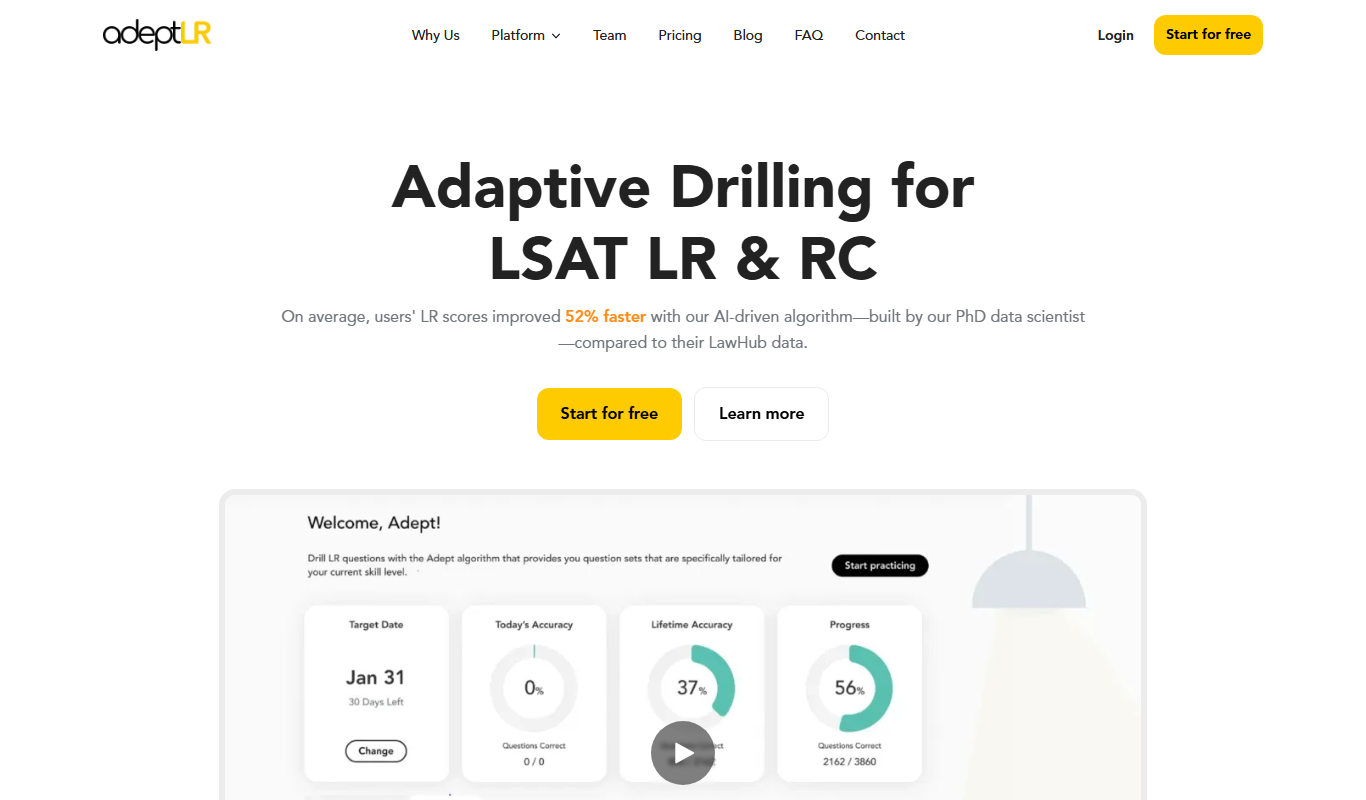
AdeptLR
AdeptLR is an AI-driven corporate learning platform that personalizes employee training and manages compliance efficiently.