

Steam Gaming Platform for Digital Game Distribution and Community Features
Steam is a digital distribution platform by Valve Corporation that allows users to purchase, download, and play games, as well as connect with other gamers through social and multiplayer features.
- Best for
- Digital Game Purchase and Download
- Key capability
- Extensive Game Library
Save Steam, follow its updates and vote on it — everything stays in your account.
Sign in or create a free account
What is Steam?
Steam is a comprehensive digital distribution platform developed by Valve Corporation, primarily focused on video games. It offers a vast catalog of games for purchase and download, along with social networking features such as friends lists, groups, and multiplayer matchmaking. Steam also provides tools for game developers to publish and manage their titles, making it a central hub for PC gaming.
Key features of Steam
Steam’s main features include a digital storefront, game library management, multiplayer and social features, automatic updates, cloud saves, and developer tools for publishing and analytics. It supports a wide range of games and software, with frequent sales and community-driven content.
Extensive Game Library
Access thousands of games across genres, including indie titles and AAA releases.
Community and Social Tools
Connect with friends, join groups, chat, and participate in forums and workshops.
Automatic Updates and Cloud Saves
Games update automatically and save progress to the cloud for seamless play across devices.
Steam Workshop
Support for user-generated content and mods to enhance games.
Developer Tools
Steamworks SDK provides publishing, analytics, and marketing tools for developers.
Pros and cons of Steam
Pros
- Large and diverse game catalog
- Robust social and multiplayer features
- Frequent sales and discounts
- Integrated game library and updates
- Strong developer support
Cons
- Primarily focused on PC gaming
- Some games require additional third-party accounts
- Occasional issues with regional pricing and availability
Key use cases for Steam
Digital Game Purchase and Download
Users can browse, purchase, and download thousands of games across various genres directly through the Steam platform.
Multiplayer Gaming and Social Interaction
Steam provides multiplayer matchmaking, friends lists, chat, and community groups to connect gamers worldwide.
Game Library Management
Players can organize, update, and launch their games from a centralized library with cloud saves and automatic updates.
Game Development and Publishing
Developers can publish games on Steam via Steamworks, accessing tools for distribution, marketing, and community engagement.
Streaming and Remote Play
Steam supports game streaming to other devices and remote play features, allowing flexible gaming experiences.
How Steam works
- 1
Create a Steam Account
Sign up for a free account on the Steam website or client to access the platform.
- 2
Browse and Purchase Games
Explore the Steam store to find games, demos, and software, then purchase and download them.
- 3
Install Steam Client
Download and install the Steam client on your desktop or mobile device to manage your games.
- 4
Launch and Play Games
Use the client to launch games, join multiplayer sessions, and interact with the community.
Who is using Steam
Steam pricing
Free
$0
Free account access to browse, purchase, and play games.
Game Purchases
Varies by title
Pay per game or software license; frequent discounts and bundles available.
Plans and prices are as published by the vendor and can change. Check the official site before you buy. Open the pricing page (opens in a new tab)
Frequently asked questions about Steam
Yes, creating a Steam account and using the platform is free. You only pay for games or software you purchase.
Yes, Steam supports multiplayer gaming with matchmaking, friends lists, and voice chat.
Many games on Steam support cloud saving, allowing you to continue progress on different devices.
Yes, developers can use Steamworks to publish and manage their games on the platform.
This tool is designed to help users accomplish its core tasks more efficiently. It is typically used by individuals or teams looking to improve productivity and workflow.
It depends on your specific needs and how you plan to use the tool. The official website and documentation are the best sources for the latest details.
Conclusion
A free account is the entry point: using Steam costs nothing, and users pay only for the games or software they purchase. Titles are bought and downloaded from the store, then managed in the Steam client, where games update automatically and many save progress to the cloud. Friends lists, groups, chat and forums sit alongside multiplayer matchmaking. Players can also add user-generated content and mods through Steam Workshop.
For developers, the Steamworks SDK provides publishing, analytics and marketing tools. Game licenses are paid per title, with frequent discounts and bundles. Developed by Valve Corporation, the platform is primarily focused on PC gaming, and some games require additional third-party accounts.
Sources
Sign in to review this tool.
Sign In to ReviewNo reviews yet
Be the first to share how this tool worked for you.
Ask about pricing, limits, or how it compares — or answer someone else.
Sign In to AskNo questions yet
Have a question about using or paying for this tool? Be the first to ask.
Featured on TiorAI



Alternative Tools
Explore similar AI tools that might fit your needs

GOG Galaxy
GOG Galaxy is a free PC game client by CD PROJEKT that centralizes your game libraries from multiple platforms, supports DRM-free games, offers social features like chat and friends lists, automatic updates, and cloud saves for Windows and macOS.
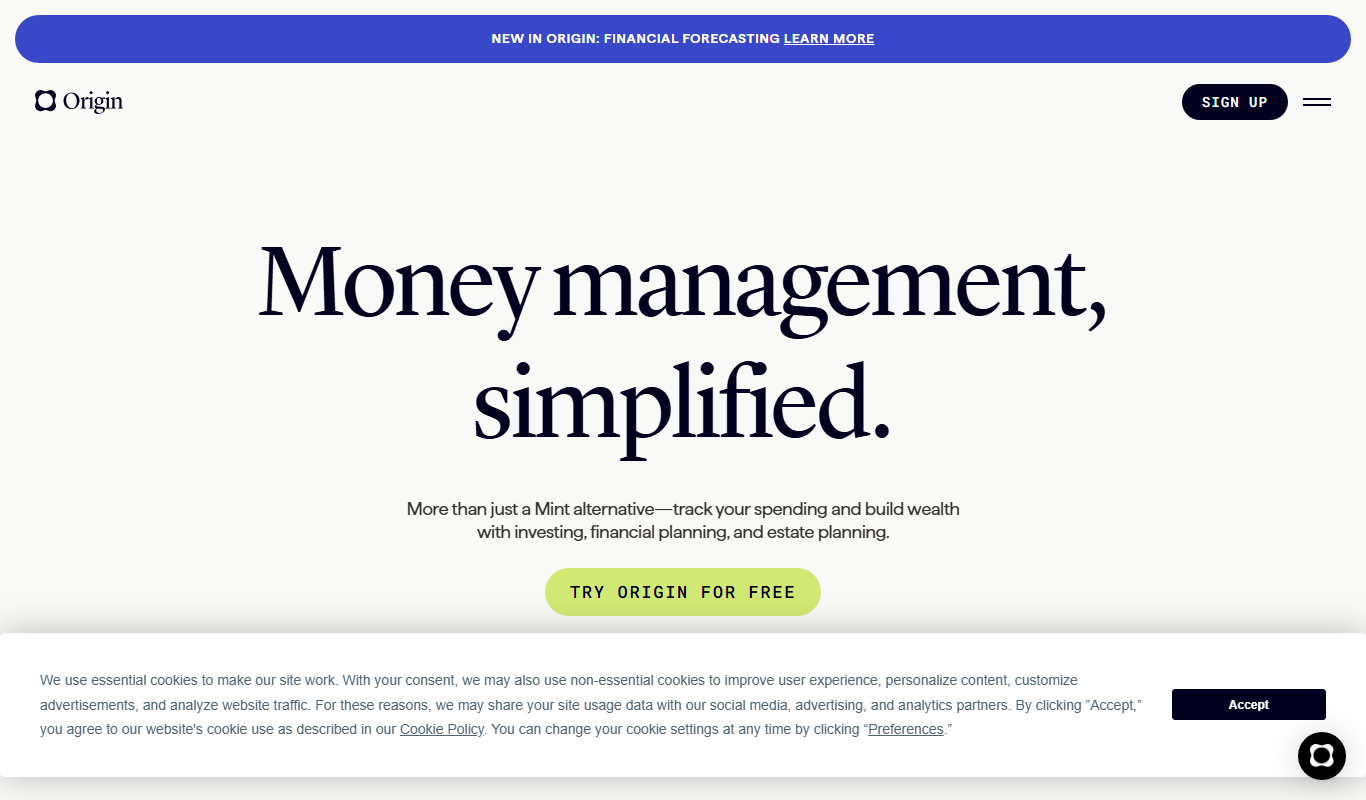
Origin
Origin is an AI-powered writing assistant designed to help marketers and content creators generate high-quality, SEO-optimized content efficiently through templates, tone customization, and collaboration features.
More Business Management tools
Other tools in the same category, for when this one is not quite the fit.
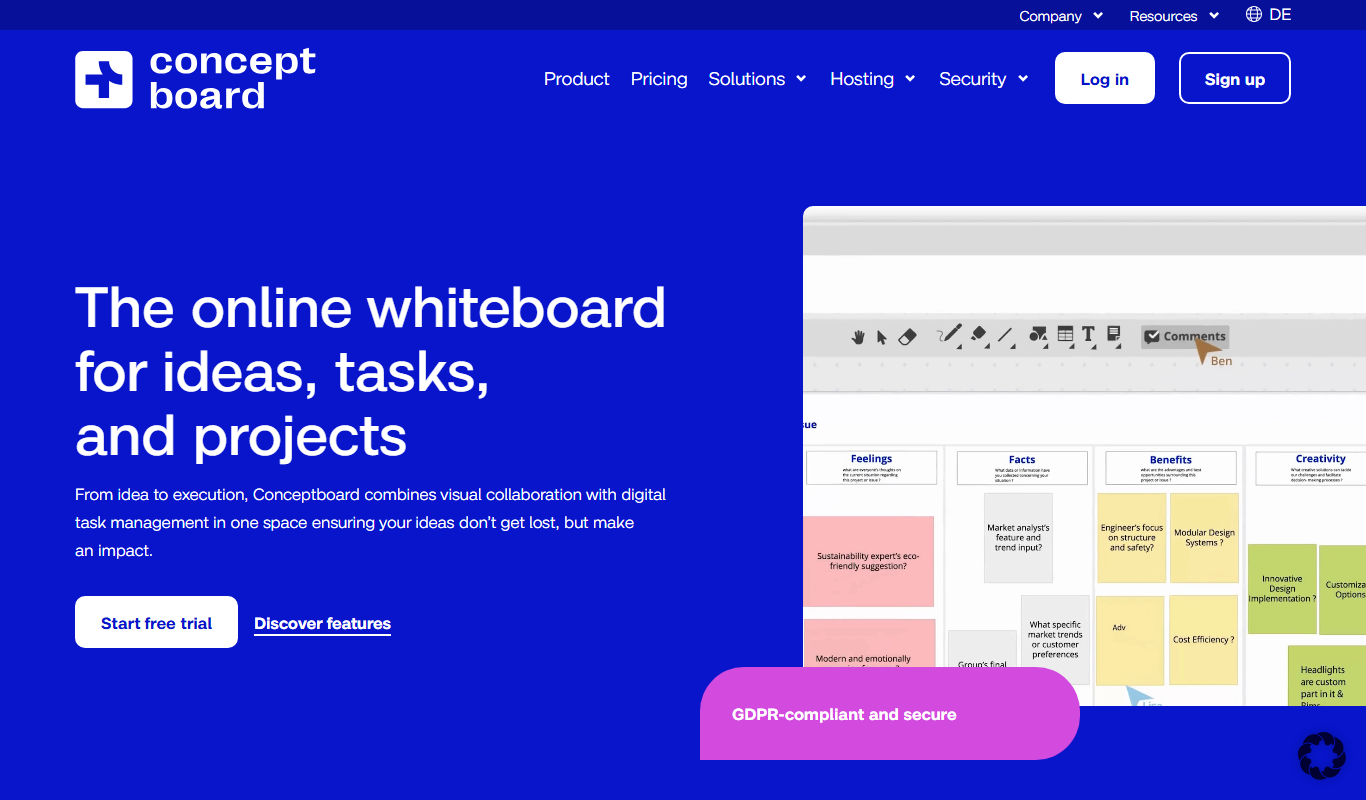
Conceptboard
Conceptboard is a cloud-based collaborative online whiteboard that enables teams to brainstorm, plan, and manage projects visually in real time, supporting remote and hybrid work environments.
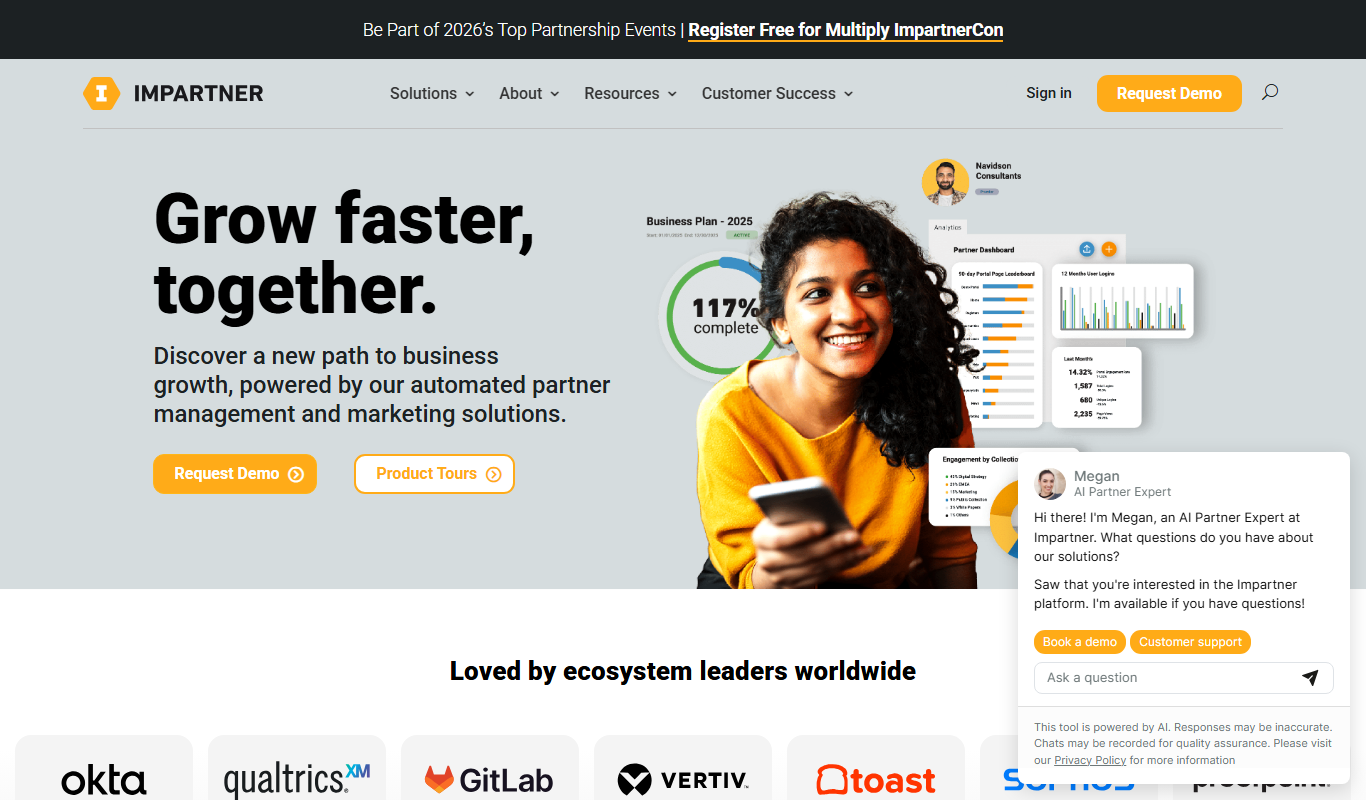
Impartner PRM
Impartner PRM is a partner relationship management platform that helps businesses manage channel partners, streamline onboarding, enable sales and marketing collaboration, and track partner performance.

ClinicalTrials.gov
ClinicalTrials.gov is a free, publicly accessible database maintained by the U.S. National Library of Medicine that provides detailed information on clinical trials worldwide, allowing users to search, register, and review study results.

Aave
Aave is a decentralized finance protocol that allows users to lend and borrow cryptocurrencies without intermediaries, featuring flash loans and community governance.

Bonusly
Bonusly is a platform that enables peer-to-peer employee recognition and rewards to improve workplace engagement and culture.
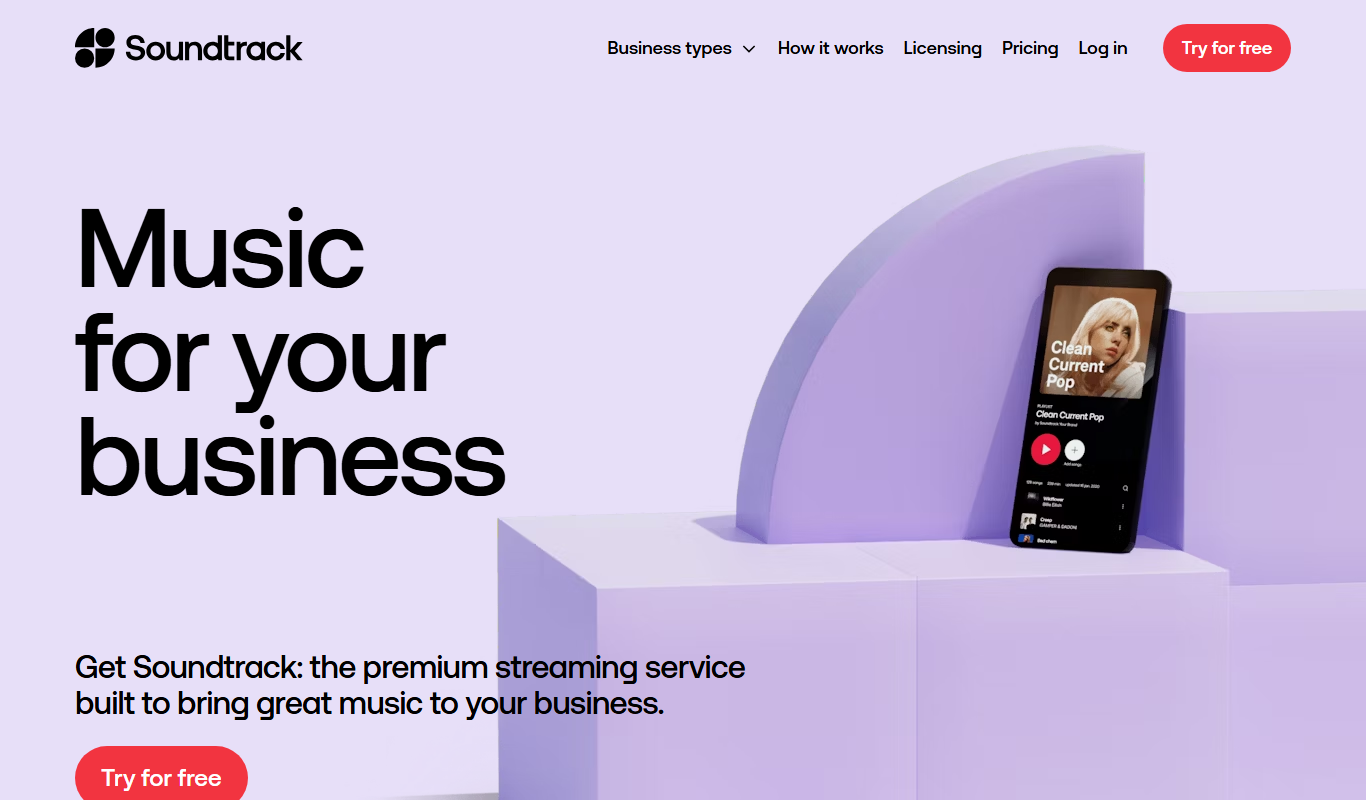
Soundtrack Your Brand
Soundtrack, formerly Soundtrack Your Brand, is a licensed music streaming service for businesses that streams curated playlists across retail, hospitality and office environments.
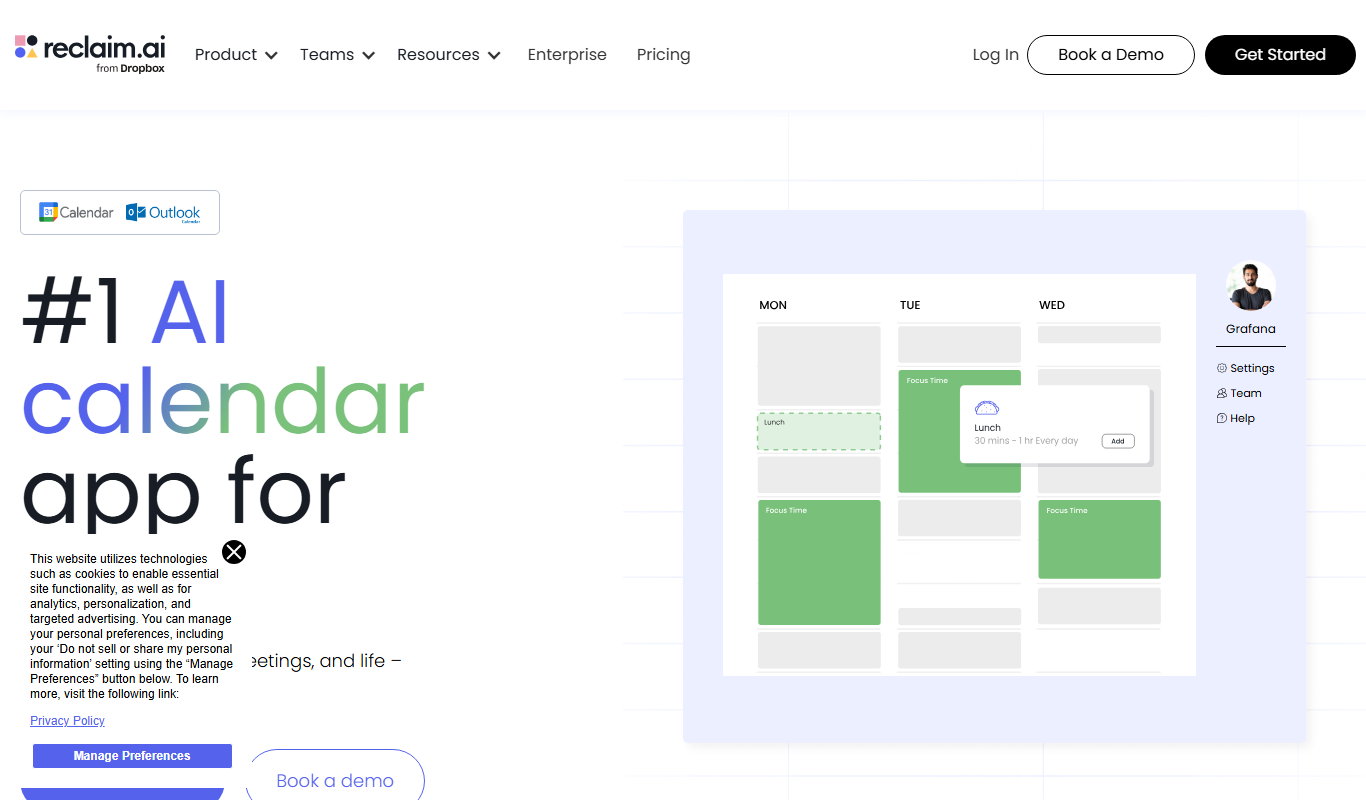
Reclaim.ai
Reclaim.ai is an AI-driven calendar assistant that automates scheduling meetings, blocking focus time, and resolving conflicts to optimize your daily productivity.

Sunsama
Sunsama is a daily planner and task management software designed to help individuals and teams organize their workday using time blocking, integrations, and collaboration features.