

From my experience with SpeechKit, I found it excels at converting written content into natural-sounding audio that integrates smoothly with publisher websites. The platform’s monetization features, such as audio ads, provide a practical way for content creators to generate revenue beyond traditional formats. SpeechKit is particularly well-suited for online publishers and bloggers looking to expand their audience through audio content. However, its limited language support and relatively basic customization options may be a drawback for some users. Overall, if you want to add audio versions of your articles with monetization capabilities, SpeechKit offers a solid, user-friendly solution.
SpeechKit AI Text-to-Speech Platform for Publishers and Content Creators
SpeechKit is an AI-powered text-to-speech platform that helps publishers convert articles into audio, monetize content with ads, and engage audiences with natural AI voices.
- Best for
- Content Monetization
- Key capability
- Natural AI Voices

What is SpeechKit?
SpeechKit is an AI-powered text-to-speech platform designed primarily for publishers and content creators. It converts written articles into natural-sounding audio, enabling publishers to offer audio versions of their content. The platform supports monetization through audio ads and subscriptions, helping publishers generate additional revenue streams. SpeechKit integrates easily with websites via an embeddable audio player and offers an API for custom implementations.
Key features of SpeechKit
SpeechKit provides high-quality AI voices, an embeddable audio player, monetization options including audio ads, analytics to track listener engagement, and API access for developers. Its focus is on helping publishers convert text content into engaging audio formats to expand audience reach and revenue.
Natural AI Voices
Offers a variety of realistic AI-generated voices for high-quality audio content.
Embeddable Audio Player
Easily embed an audio player on your website to provide audio versions of articles.
Monetization Options
Supports audio ads and subscription models to generate revenue from audio content.
Analytics Dashboard
Track listener metrics such as play counts, engagement time, and revenue.
API Access
Provides API for developers to integrate text-to-speech capabilities into custom workflows.
Pros and cons of SpeechKit
Pros
- High-quality, natural-sounding AI voices
- Easy embedding of audio players on websites
- Monetization options integrated
- Useful analytics for audience insights
- API available for custom integrations
Cons
- Limited language support (primarily English)
- Pricing may be high for small publishers
- Customization options for audio player are basic
Key use cases for SpeechKit
Content Monetization
Publishers can monetize their written content by converting articles into audio and embedding them with monetization options.
Audio Content Creation
Content creators can easily generate natural-sounding audio versions of their text for podcasts or audio articles.
Accessibility Enhancement
Improves accessibility by providing audio versions of written content for users with visual impairments or reading difficulties.
Audience Engagement
Engages audiences who prefer listening over reading, increasing content reach and retention.
How SpeechKit works
-
1
Sign Up and Connect
Create an account on SpeechKit and connect your website or content platform.
-
2
Upload or Link Content
Upload articles or link your RSS feed to automatically convert new content into audio.
-
3
Customize Audio Player
Customize the embeddable audio player to match your site’s branding and user experience.
-
4
Monetize Audio
Enable audio ads or subscription options to monetize your audio content.
-
5
Analyze Performance
Use built-in analytics to monitor listener engagement and optimize your audio strategy.
Who is using SpeechKit
Online publishers
Content creators and bloggers
Podcast producers
Media companies
Accessibility-focused organizations
SpeechKit pricing
Free
$0/month
Basic access with limited audio minutes and standard voices.
Pro
$49/month
Increased audio minutes, premium voices, monetization features, and analytics.
Enterprise
Custom pricing
Tailored solutions with dedicated support, custom integrations, and advanced features.
Plans and prices are as published by the vendor and can change. Check the official site before you buy. Open the pricing page (opens in a new tab)
Frequently asked questions about SpeechKit
Yes, SpeechKit supports monetization through audio ads and subscription options.
Currently, SpeechKit primarily supports English voices.
Yes, SpeechKit offers an API to integrate text-to-speech functionality into custom applications.
You can embed the audio player by adding a small code snippet provided by SpeechKit to your website.
It depends on your specific needs and how you plan to use the tool. The official website and documentation are the best sources for the latest details.
Yes, it can help with that use case depending on how you configure it and what features are available. You’ll get the best results with clear inputs and a defined goal.
Yes, it can help with that use case depending on how you configure it and what features are available. You’ll get the best results with clear inputs and a defined goal.
Sign in to review this tool.
Sign In to ReviewNo reviews yet
Be the first to share how this tool worked for you.
Ask about pricing, limits, or how it compares — or answer someone else.
Sign In to AskNo questions yet
Have a question about using or paying for this tool? Be the first to ask.
Featured on TiorAI



More AI Audio Content Tools tools
Other tools in the same category, for when this one is not quite the fit.

Free
notevibes.com
Notevibes is an online text to speech platform offering over 200 natural AI voices across 25+ languages, customizable speech parameters, and high-quality audio downloads for content creation, education, and accessibility.
Free
Snipd
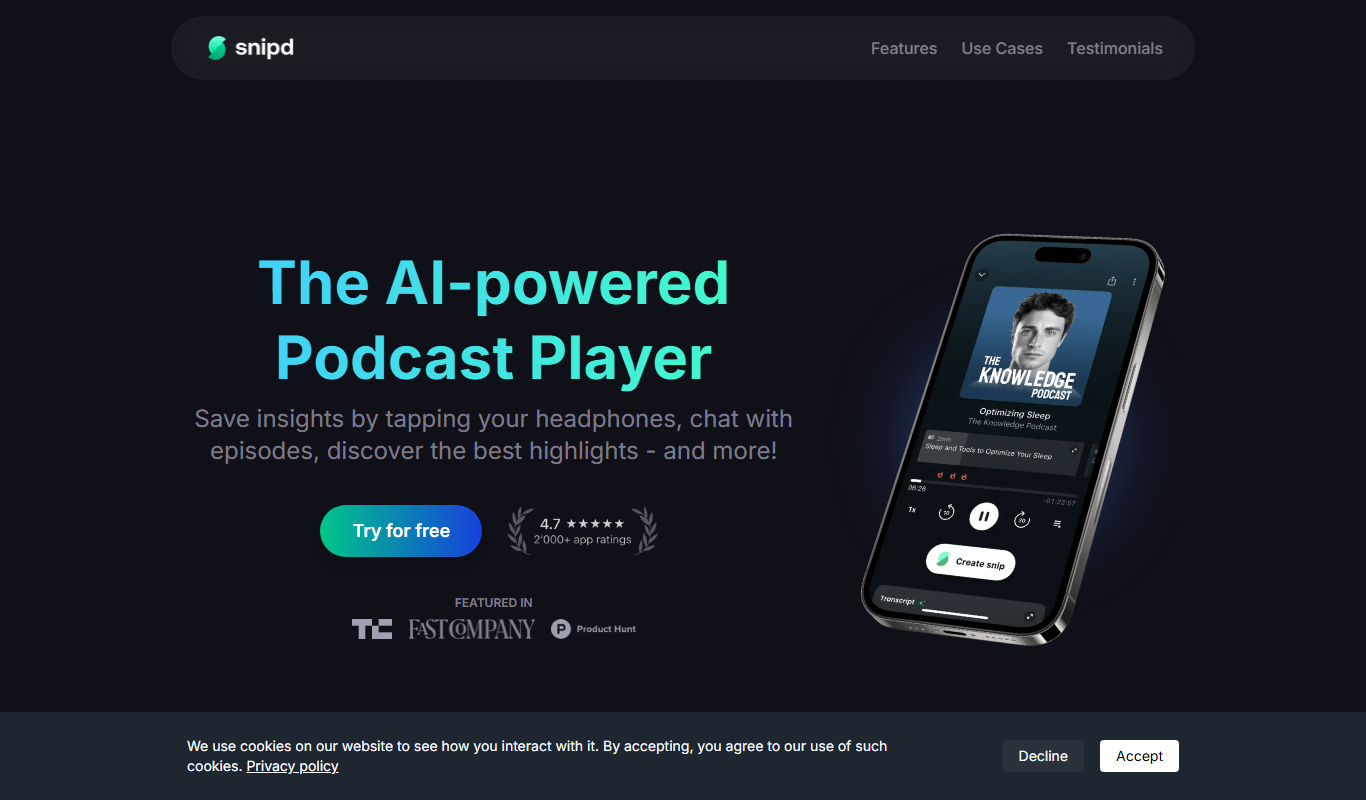
Snipd is an AI-powered podcast player that generates transcripts and smart audio highlights to help users navigate, discover, and share podcast content efficiently.
Free
Snipd
Snipd is an AI-driven podcast player that provides automatic transcripts, smart highlights, and note-taking features to improve podcast listening and content discovery.
Free
Snipd
Snipd is an AI-powered podcast player that provides automatic transcripts, smart highlights, and clip creation to help users quickly find and share important podcast moments.

Freemium
sounder.ai
Sounder.ai is a podcast hosting platform that offers AI-powered automatic transcription, SEO tools, and analytics to help podcasters distribute and optimize their audio content.

Free
Listnr
Listnr is an AI-powered text-to-speech platform that converts text into natural-sounding audio using multiple voices and languages, ideal for podcasts, audiobooks, and marketing content.

Free Trial
Blakify
Blakify is an AI-powered text to speech platform that converts written text into natural-sounding audio with multiple voice and language options, ideal for content narration, audiobooks, and accessibility.

Freemium
GoodListen
GoodListen is an AI tool that transcribes and summarizes podcast episodes to help users quickly understand key points without listening to the full audio.