

From my experience with the Speech to Text Chrome extension, I found it excels at providing a straightforward and accessible way to convert speech into text directly within the browser. Its simplicity and zero cost make it an excellent choice for users needing quick voice transcription without complex setups. However, the extension is limited to the Chrome browser and primarily supports English, which may restrict some users. Overall, if you want a free, easy-to-use tool for hands-free typing or basic transcription, this extension delivers reliable results.
Speech to Text Chrome Extension for Accurate Voice Transcription Online
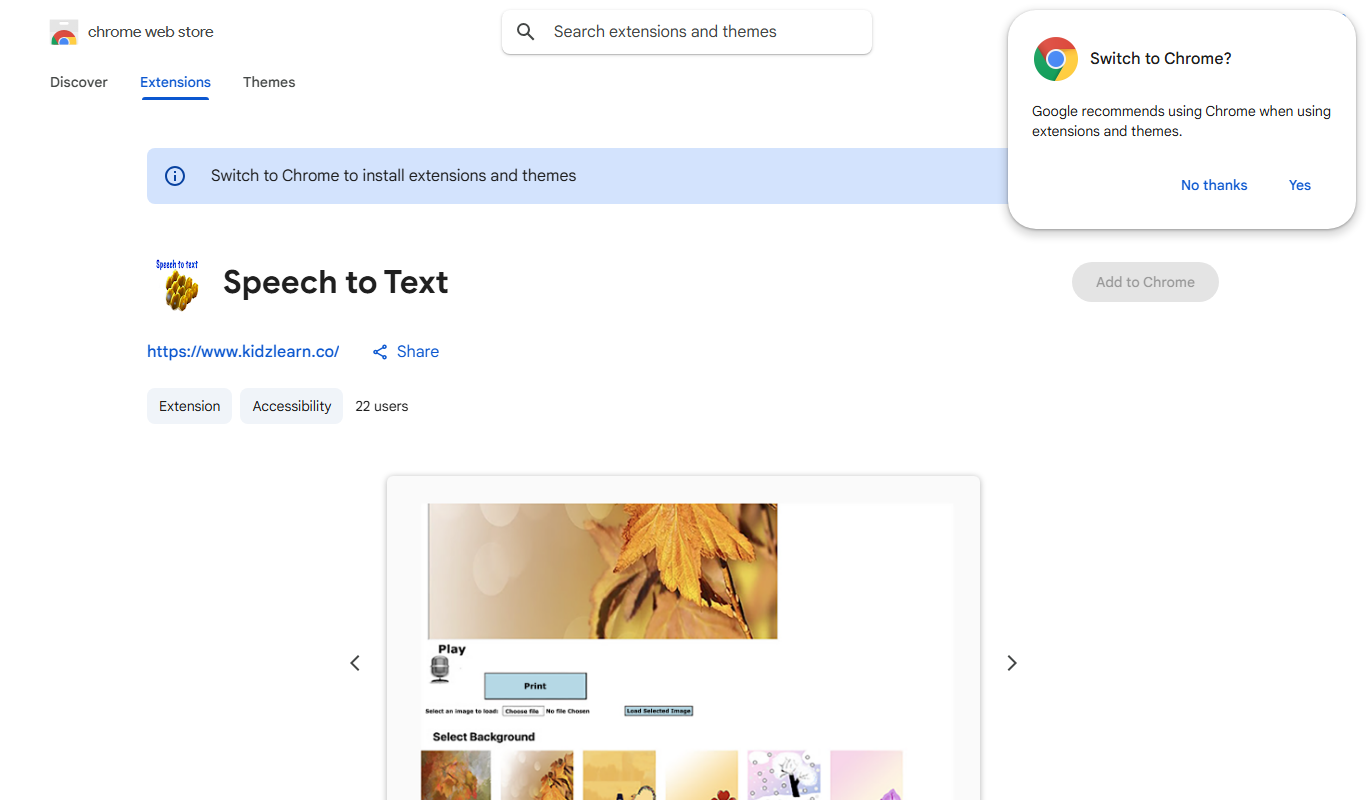
Speech to Text is a free Chrome extension that converts your spoken words into text in real-time, enabling hands-free typing and transcription directly within your browser.
Your actions
Do you recommend this tool?
What is Speech to Text?
Speech to Text is a Chrome browser extension that converts spoken language into written text in real-time. It leverages the browser’s speech recognition capabilities to provide users with an easy way to dictate text directly into any text field within the browser. This tool is designed to improve productivity, accessibility, and ease of use by allowing voice input instead of manual typing.
Key features of Speech to Text
The extension offers real-time speech recognition, supports continuous dictation, and integrates seamlessly with web text fields. It provides simple controls to start and stop voice input and displays transcribed text instantly. The tool is free to use and requires no additional software installation beyond the Chrome browser.
Real-Time Transcription
Instantly converts speech to text as you speak.
Easy Integration
Works directly within Chrome text fields without additional setup.
Continuous Dictation
Supports ongoing speech input without frequent interruptions.
Free to Use
No cost or subscription required to access core features.
Pros and cons of Speech to Text
Pros
- Simple and intuitive interface
- Free and no sign-up required
- Works seamlessly within Chrome
- Improves accessibility for users with typing difficulties
Cons
- Limited to Chrome browser
- Supports mainly English language
- Requires internet connection for speech recognition
Who is using Speech to Text
Students and professionals needing quick transcription
Users with disabilities requiring voice input
Content creators and writers
Anyone seeking hands-free typing solutions
Sign in to review this tool.
Sign In to ReviewNo reviews yet
Be the first to share how this tool worked for you.
Ask about pricing, limits, or how it compares — or answer someone else.
Sign In to AskNo questions yet
Have a question about using or paying for this tool? Be the first to ask.
Featured on TiorAI



More AI Accessibility Tools tools
Other tools in the same category, for when this one is not quite the fit.

Free
NVDA Screen Reader
NVDA is a free, open-source screen reader for Windows that helps visually impaired users access digital content through speech and braille output.

Free
BeeLine Reader
BeeLine Reader is an accessibility tool that applies color gradients to digital text to improve reading speed, focus, and comprehension, especially benefiting users with dyslexia and visual impairments.

Free
Alt Text AI Generator
Alt Text AI Generator is a web tool that uses AI to create descriptive alternative text for images, helping improve website accessibility and SEO.

Free
GPT Reader: A Free AI Text-to-Speech
GPT Reader is a free online AI text-to-speech tool that converts English text into natural-sounding speech with multiple voice options and adjustable speed, requiring no signup.

Free
free text Into Speech
TTS4Free is a free online text-to-speech tool that converts typed text into natural-sounding speech audio in multiple languages without registration.

Free
Soundify
Soundify is an online AI-powered text to speech tool that converts written text into natural, human-like audio with multiple voice options and easy downloads.
Free
Say My Name!
Say My Name! is a free web app that helps users record and share audio clips of their name pronunciation to reduce mispronunciations.

Free
AI Describe Picture
AI Describe Picture is a free web tool that uses AI to generate descriptive captions for images, enhancing accessibility and SEO by providing automatic alt text.