

From my experience with Sonify, I found it excels at making complex data accessible through sound, which is a unique and engaging approach to data visualization. The platform’s intuitive interface allows users without programming skills to create interactive audio-visual projects quickly. It’s particularly well-suited for educators, researchers, and creative professionals looking to explore data sonification. However, the tool’s audio synthesis capabilities are somewhat basic, and export features are limited in the free plan. Overall, if you want to add an auditory dimension to your data storytelling, Sonify delivers a practical and innovative solution.
Sonify Audio Data Visualization Tool for Interactive Sound Experiences
Sonify is a web platform that converts data into interactive sound and visual experiences, enabling users to explore data through audio sonification without coding skills.
- Best for
- Data Sonification
- Key capability
- Data-to-Sound Mapping


Do you recommend this tool?
What is Sonify?
Sonify is a web-based platform that enables users to convert data into interactive audio-visual experiences. It specializes in data sonification, turning numerical or abstract data into sound, which can be combined with visual elements for enhanced storytelling and analysis. This tool is designed for educators, researchers, artists, and data scientists interested in exploring data through sound.
Key features of Sonify
Sonify offers an intuitive interface for uploading data sets, mapping data parameters to sound properties, and customizing audio-visual outputs. It supports real-time interaction, allowing users to explore data dynamically through sound and visuals. The platform also provides export options for sharing projects.
Data-to-Sound Mapping
Flexible mapping of data variables to multiple sound parameters for rich sonifications.
Interactive Playback Controls
Real-time interaction with audio-visualizations to explore data dynamically.
Visual Complementary Elements
Integrated visuals that synchronize with audio for enhanced data storytelling.
Web-Based Platform
Accessible through any modern web browser without installation.
Export Options
Download audio files and visual assets for use in reports or presentations.
Pros and cons of Sonify
Pros
- Intuitive interface with no coding required
- Supports real-time interactive exploration
- Combines audio and visual data representation
- Accessible via web browser without installation
Cons
- Limited advanced audio synthesis features
- Export options restricted in free plan
Key use cases for Sonify
Data Sonification
Transform numerical data into sound to reveal patterns and trends through audio.
Interactive Audio Visualizations
Create engaging, interactive sound-based visualizations for presentations and educational content.
Audio Analysis and Exploration
Analyze audio data sets by converting them into visual and sonic formats for deeper insights.
Creative Sound Design
Use sonification techniques to design unique soundscapes and audio experiences.
How Sonify works
- 1
Upload Data
Import your numerical or categorical data into the Sonify platform.
- 2
Map Data to Sound
Assign data variables to audio parameters such as pitch, volume, and tempo.
- 3
Customize Visualization
Adjust visual elements and interactivity to complement the audio output.
- 4
Interact and Explore
Use the interactive interface to explore data sonifications in real time.
- 5
Export and Share
Export your audio-visual projects for presentations or online sharing.
Who is using Sonify
Educators and students
Data scientists and analysts
Sound artists and designers
Researchers in data sonification
Presentation and media professionals
Sonify pricing
Free
$0/month
Basic access with limited data size and export options.
Pro
$15/month
Extended data limits, advanced customization, and full export capabilities.
Plans and prices are as published by the vendor and can change. Check the official site before you buy. Open the pricing page (opens in a new tab)
Frequently asked questions about Sonify
Sonify supports numerical and categorical data in common formats like CSV for sonification.
No, Sonify provides an intuitive interface that requires no coding experience.
Yes, depending on your plan, you can export audio files and visual assets.
Absolutely, it is designed to help educators and students explore data through sound.
Data handling and security practices vary by provider. Review the official privacy policy to understand how your data is stored and used.
Some tools offer a free plan or trial with limited features. Availability can vary, so confirm on the official website.
Yes, it can help with that use case depending on how you configure it and what features are available. You’ll get the best results with clear inputs and a defined goal.
It depends on your specific needs and how you plan to use the tool. The official website and documentation are the best sources for the latest details.
Sign in to review this tool.
Sign In to ReviewNo reviews yet
Be the first to share how this tool worked for you.
Ask about pricing, limits, or how it compares — or answer someone else.
Sign In to AskNo questions yet
Have a question about using or paying for this tool? Be the first to ask.
Featured on TiorAI



Alternative Tools
Explore similar AI tools that might fit your needs

Free
Sonic Visualiser
Sonic Visualiser is a free, open-source desktop application for viewing and analyzing audio files with detailed visualizations like spectrograms and waveforms, widely used in music research and education.

Free Trial
AudioCipher
AudioCipher is an AI-powered tool that transforms text input into unique music beats and melodies, enabling easy music creation without deep music theory knowledge.
More AI Singing Generator tools
Other tools in the same category, for when this one is not quite the fit.
Free Trial
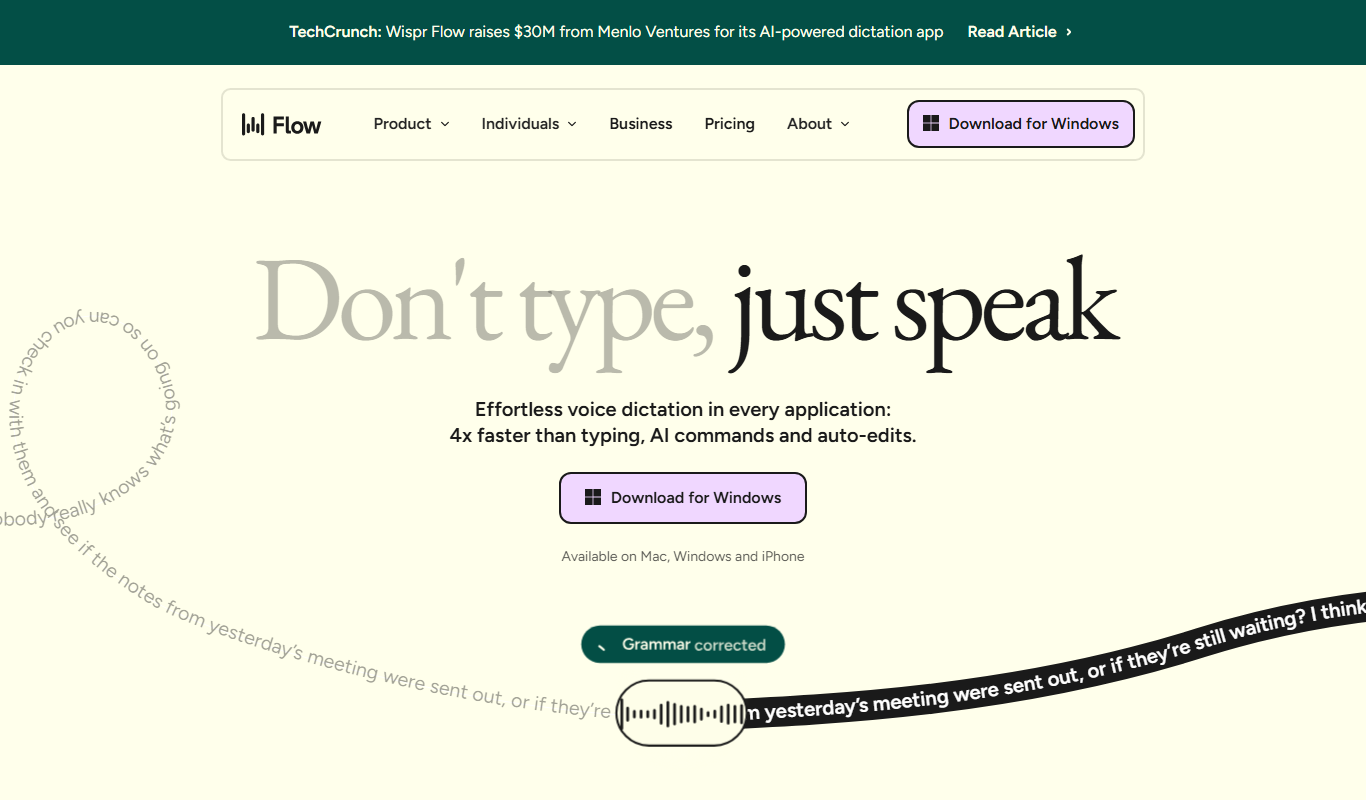
Wispr Flow
Wispr Flow is an AI-driven no-code workflow automation platform that helps businesses automate processes by integrating multiple applications and using AI to make decisions, improving efficiency and reducing manual work.
Contact for pricing
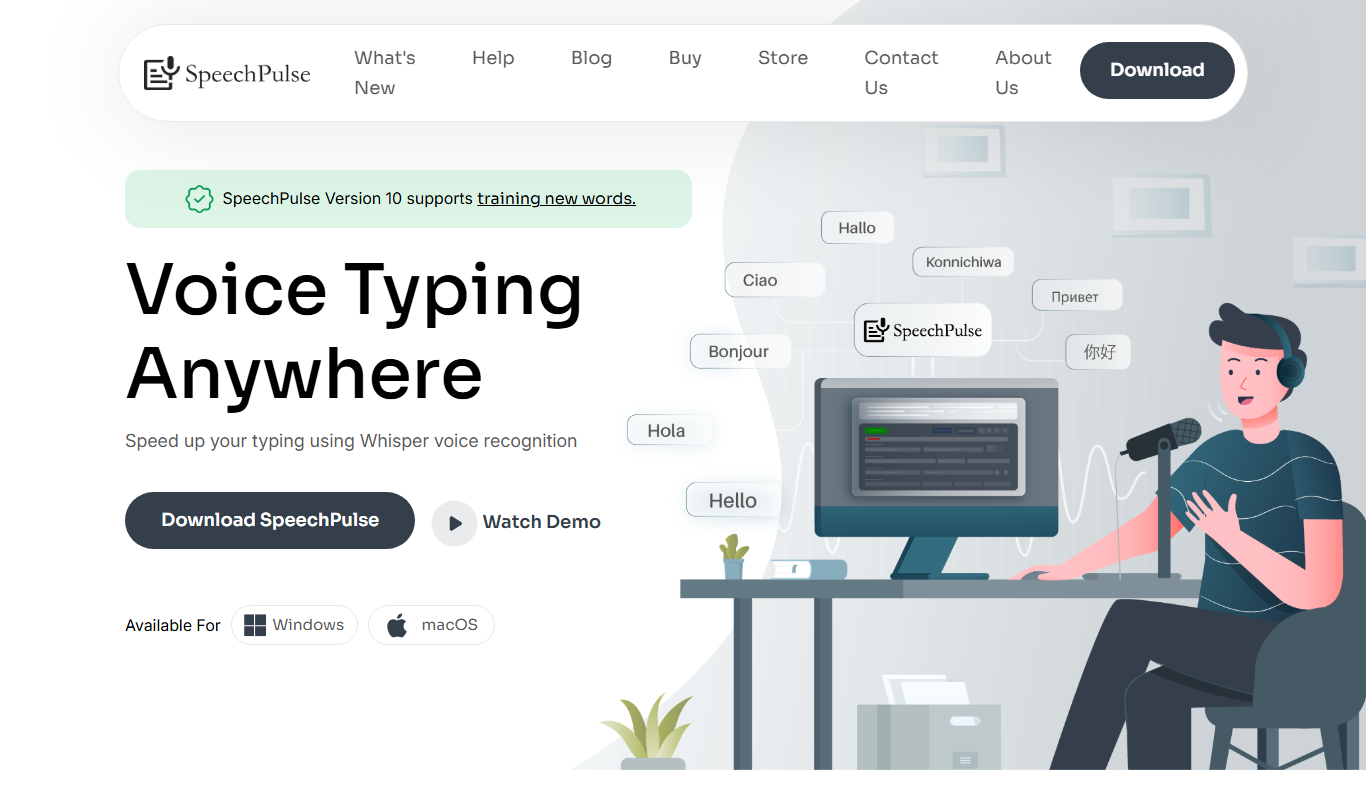
SpeechPulse
SpeechPulse is an AI-driven speech analytics platform that provides real-time transcription, sentiment analysis, and compliance monitoring to optimize voice interactions in call centers and businesses.
Free
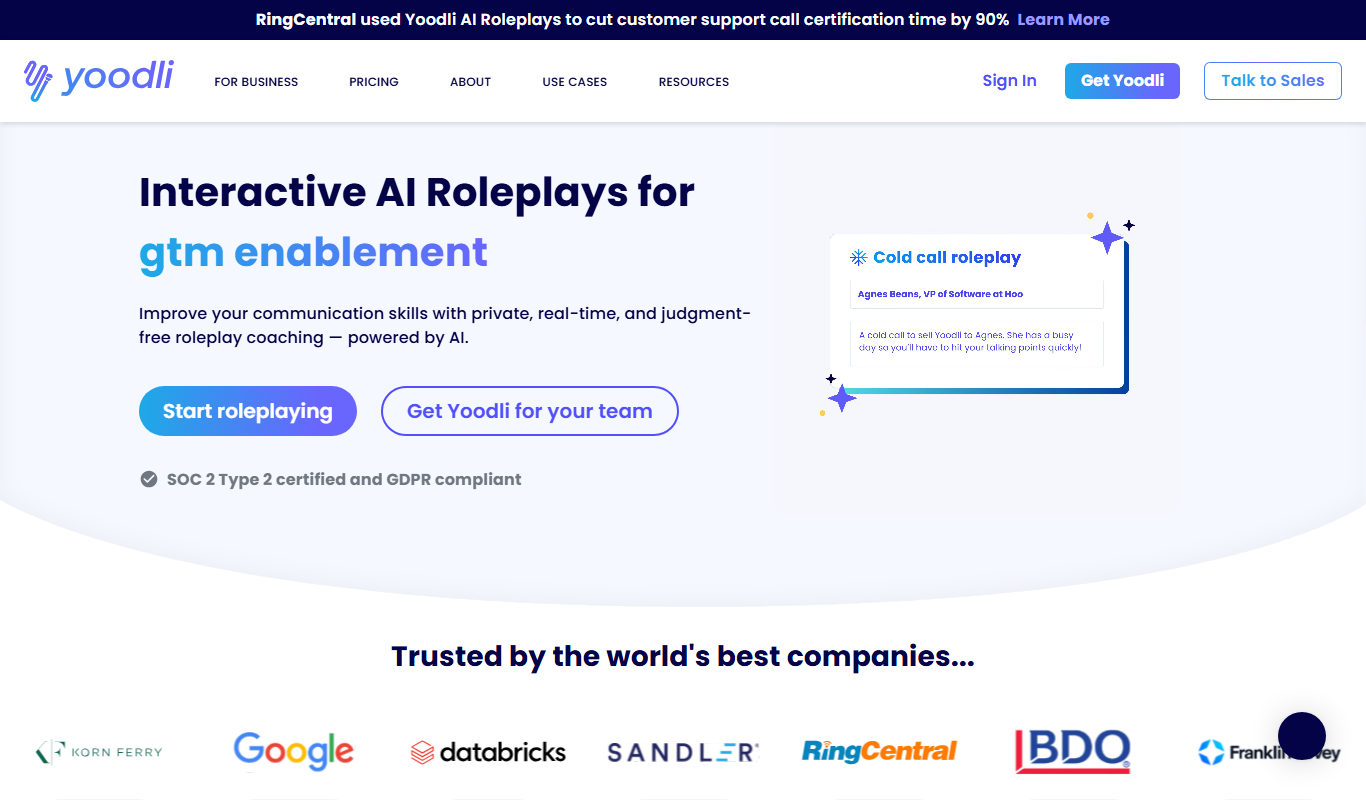
Yoodli AI Speech Coach
Yoodli AI Speech Coach is an AI-powered tool that analyzes your speech to provide feedback on filler words, pacing, tone, and clarity, helping you improve your public speaking skills.

Free
ImFeeling
ImFeeling is a free web-based AI chatbot designed to provide empathetic emotional support and mental wellness assistance through conversational AI.
Free Trial
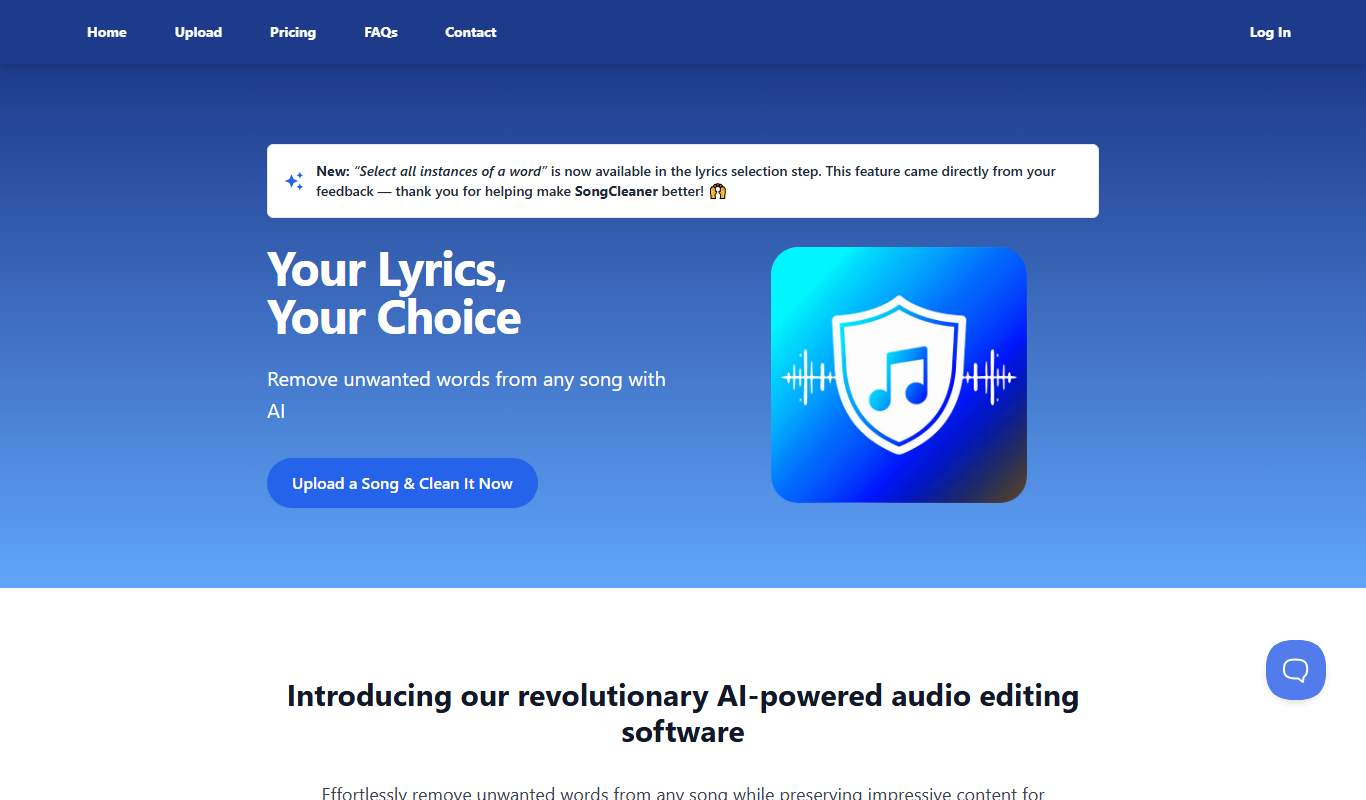
SongCleaner
SongCleaner is a web-based audio noise reduction tool that automatically removes background noise and hiss from music and voice recordings, improving audio clarity without requiring technical skills.

Freemium
flAI
flAI is an AI-driven language learning app that provides personalized speaking and writing practice with real-time feedback to help users improve fluency and confidence in multiple languages.