

Smartsettle Online Dispute Resolution Platform for Efficient Conflict Resolution
Smartsettle is an AI-assisted online dispute resolution platform that helps parties negotiate and settle disputes efficiently through a secure web interface.
- Best for
- Commercial Dispute Resolution
- Key capability
- AI-Assisted Multi-Issue Negotiation
Save Smartsettle, follow its updates and vote on it — everything stays in your account.
Sign in or create a free account
What is Smartsettle?
Smartsettle is an online dispute resolution (ODR) platform that uses advanced negotiation technology to help parties resolve conflicts efficiently and fairly. It leverages AI-assisted negotiation tools to facilitate settlements in commercial, legal, and organizational disputes without the need for costly litigation or in-person mediation.
Key features of Smartsettle
Smartsettle offers a secure web-based environment where disputing parties can engage in structured negotiations using AI-driven algorithms that help identify mutually beneficial solutions. Features include multi-issue negotiation support, confidentiality, real-time communication, and detailed reporting.
AI-Assisted Multi-Issue Negotiation
Supports complex negotiations involving multiple issues and parties with AI algorithms that suggest fair settlements.
Secure and Confidential Platform
Ensures privacy and security of sensitive dispute information.
Real-Time Communication Tools
Enables parties to communicate and negotiate interactively within the platform.
Customizable Negotiation Parameters
Allows users to set preferences, priorities, and constraints tailored to their dispute.
Detailed Reporting and Documentation
Generates comprehensive reports and legally compliant settlement documents.
Pros and cons of Smartsettle
Pros
- Facilitates complex multi-issue negotiations efficiently
- Reduces costs and time compared to litigation
- Supports remote and international dispute resolution
- Ensures confidentiality and security
- Customizable to various dispute types
Cons
- Pricing is not transparent and requires direct contact
- Primarily web-based with no mobile app currently
- May require training to fully utilize advanced features
Key use cases for Smartsettle
Commercial Dispute Resolution
Facilitates negotiation and settlement of commercial disputes efficiently online.
Legal Mediation Support
Supports mediators and legal professionals in managing complex negotiations.
Conflict Management for Organizations
Helps organizations resolve internal conflicts and disputes with structured negotiation tools.
International Negotiations
Enables parties across borders to negotiate and settle disputes remotely.
Alternative Dispute Resolution (ADR)
Provides an online platform for ADR processes reducing time and costs compared to litigation.
How Smartsettle works
- 1
Initiate Dispute
Parties register and submit their dispute details on the platform.
- 2
Set Negotiation Parameters
Define issues, preferences, and constraints for the negotiation process.
- 3
Engage in Negotiation
Parties use the AI-assisted interface to propose and evaluate settlement options.
- 4
Reach Agreement
The platform helps identify optimal settlements acceptable to all parties.
- 5
Finalize and Document
Agreements are documented and can be exported for legal use.
Who is using Smartsettle
Smartsettle pricing
Custom Pricing
Contact for quote
Pricing tailored based on dispute complexity and organizational needs.
Plans and prices are as published by the vendor and can change. Check the official site before you buy. Open the pricing page (opens in a new tab)
Frequently asked questions about Smartsettle
Smartsettle is designed for commercial, legal, organizational, and international disputes requiring negotiation and settlement.
Yes, Smartsettle uses robust security measures to protect all data and ensure confidentiality.
The platform supports both synchronous and asynchronous negotiation sessions.
It complements or replaces traditional mediation by providing an efficient online alternative.
It depends on your specific needs and how you plan to use the tool. The official website and documentation are the best sources for the latest details.
Yes, it can help with that use case depending on how you configure it and what features are available. You’ll get the best results with clear inputs and a defined goal.
Data handling and security practices vary by provider. Review the official privacy policy to understand how your data is stored and used.
Conclusion
A Smartsettle case begins when the parties register and submit their dispute details, then define the issues, preferences and constraints for the negotiation. The parties propose and evaluate settlement options, while algorithms suggest fair settlements across multiple issues and parties. Negotiation sessions can be synchronous or asynchronous, so the parties need not be online at the same time. Final agreements can be exported for legal use.
Commercial, legal, organizational and international disputes are in scope, and it is aimed at legal professionals and mediators as well as corporate dispute resolution teams. It is presented as an online alternative to traditional mediation that reduces time and costs compared to litigation. Fully using the advanced features may require training.
Sources
Sign in to review this tool.
Sign In to ReviewNo reviews yet
Be the first to share how this tool worked for you.
Ask about pricing, limits, or how it compares — or answer someone else.
Sign In to AskNo questions yet
Have a question about using or paying for this tool? Be the first to ask.
Featured on TiorAI



More AI Workflow tools
Other tools in the same category, for when this one is not quite the fit.

EnergyHub
EnergyHub is an energy management platform designed for utilities to optimize grid operations, manage demand response, and integrate distributed energy resources through real-time analytics and customer engagement tools.
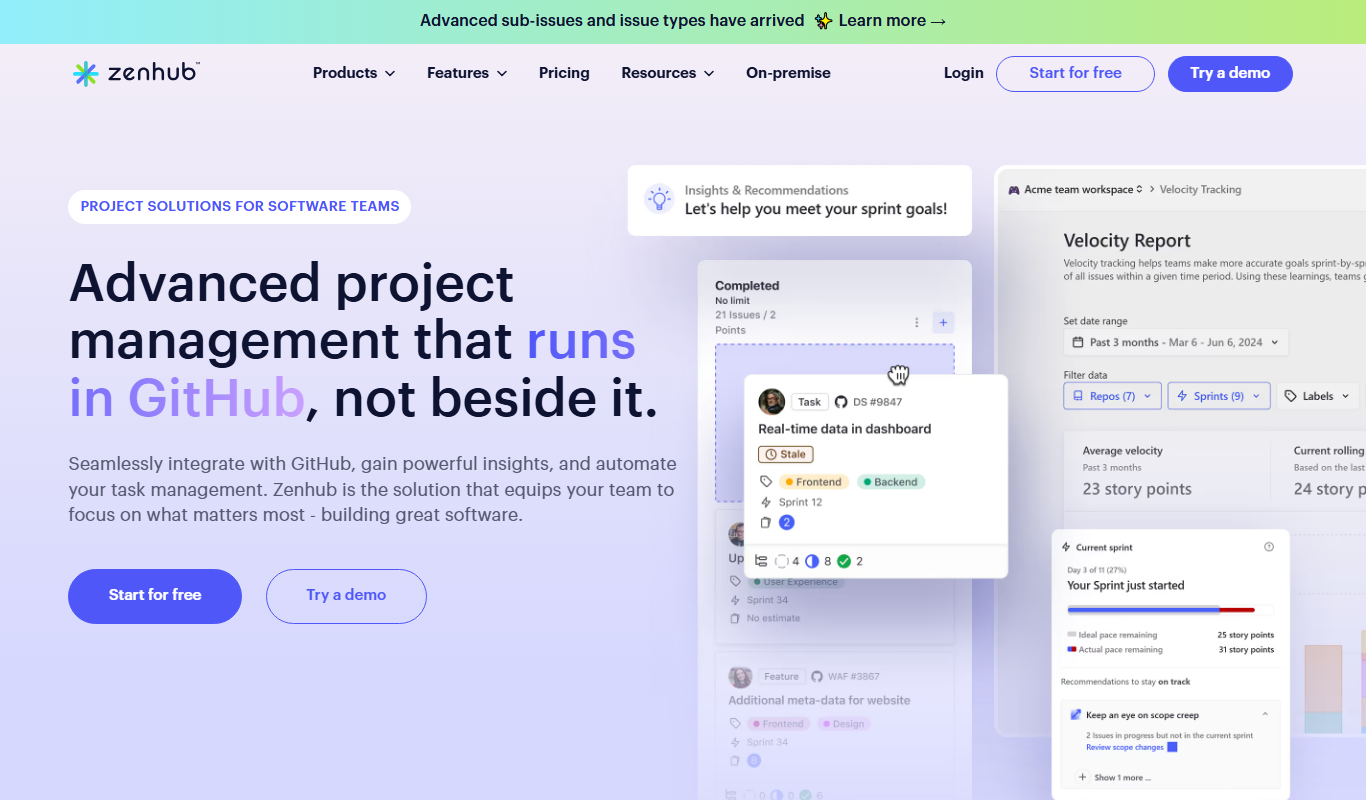
ZenHub
ZenHub is a project management tool that integrates directly with GitHub to help software teams manage agile workflows, track issues, and collaborate efficiently.

MentorcliQ
MentorcliQ is a mentoring software platform that helps organizations create, manage, and scale mentoring programs to improve employee development, engagement, and retention.
CoachHub
CoachHub is a digital coaching platform that enables organizations to provide personalized, remote coaching to employees for leadership development and skill enhancement.
Greenlight Guru
Greenlight Guru is a specialized cloud-based quality management system that helps medical device companies comply with FDA and ISO 13485 standards by managing document control, risk, design controls, and audits.

Assent Compliance
Assent Compliance is a cloud-based platform that helps companies automate supply chain regulatory compliance and ESG data management by centralizing supplier information, automating data collection, and providing analytics for risk mitigation and reporting.
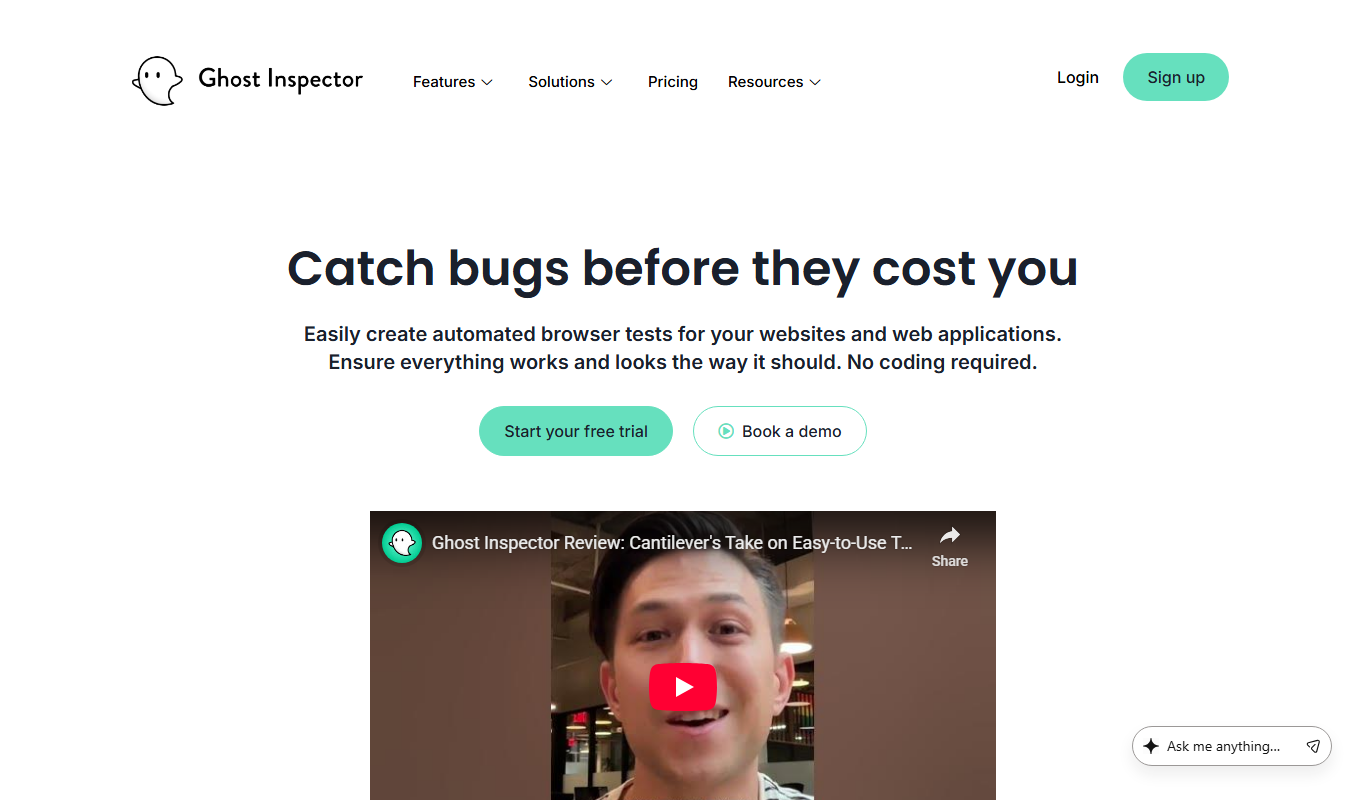
Ghost Inspector
Ghost Inspector is a cloud-based tool that automates browser testing by recording user interactions or scripting tests to ensure websites function correctly and look consistent across browsers. It integrates with CI/CD pipelines and supports scheduled monitoring.

TransactionDesk
TransactionDesk is a real estate transaction management software that streamlines document handling, e-signatures, compliance, and communication for agents and brokers.