

From my experience with Sitelifter, it stands out for its simplicity and ease of use when downloading websites for offline access. The web-based interface means you don’t need to install anything, which is convenient for quick backups or archiving. It works well for straightforward sites, making it a good choice for developers, researchers, and educators needing offline copies. However, it has limitations with complex or protected sites and lacks advanced customization options. Overall, if you want a hassle-free tool to save websites locally without technical overhead, Sitelifter delivers solid, reliable results.
Sitelifter Website Downloader Tool for Offline Site Backup and Archiving
Sitelifter is a web-based tool that enables downloading entire websites or specific pages for offline use, preserving site structure and assets without installation.
- Best for
- Offline Website Backup
- Key capability
- Full Website Download
Your actions

Do you recommend this tool?
What is sitelifter.com?
Sitelifter is a web-based tool that allows users to download entire websites or specific web pages for offline viewing and backup. It simplifies the process of creating local copies of websites by fetching all linked resources such as HTML, images, CSS, and JavaScript files. This is useful for archiving, offline browsing, or development purposes.
Key features of sitelifter.com
Sitelifter offers a straightforward interface to input a website URL and download its content. It supports downloading entire sites or selective pages, preserving the site’s structure and assets for offline use. The tool is accessible via web browsers without requiring installation.
Full Website Download
Download entire websites including all linked pages and assets.
Selective Page Download
Option to download specific pages instead of the whole site.
Preserves Site Structure
Maintains original folder and file structure for easy offline navigation.
No Installation Required
Web-based tool accessible from any modern browser.
Pros and cons of sitelifter.com
Pros
- Easy to use web interface
- No software installation needed
- Preserves website structure for offline use
Cons
- Limited advanced configuration options
- May not work on sites with complex protections
Key use cases for sitelifter.com
Offline Website Backup
Download entire websites for offline access and backup purposes.
Web Archiving
Archive web pages and sites for long-term storage and reference.
Site Cloning for Development
Clone websites to create local copies for testing and development.
Content Preservation
Preserve website content before it changes or goes offline.
How sitelifter.com works
- 1
Enter Website URL
Provide the URL of the website or page you want to download.
- 2
Configure Download Options
Select options such as depth of crawling or specific pages to include.
- 3
Start Download
Initiate the download process; Sitelifter fetches all linked resources.
- 4
Access Offline Copy
Download the packaged website files for offline browsing or backup.
Who is using sitelifter.com
Web developers
Content archivists
Researchers needing offline access
Small business owners
Students and educators
sitelifter.com pricing
Free
$0/month
Basic downloads with limitations on site size and features.
Pro
$9.99/month
Higher limits, faster downloads, and priority support.
Plans and prices are as published by the vendor and can change. Check the official site before you buy. Open the pricing page (opens in a new tab)
Frequently asked questions about sitelifter.com
Most publicly accessible websites can be downloaded, but sites with strong anti-scraping measures or login requirements may not work fully.
Yes, Sitelifter only downloads publicly available content and does not store your data beyond the download process.
You should respect copyright and usage rights of the original website content; Sitelifter is intended for personal backup and offline viewing.
It depends on your specific needs and how you plan to use the tool. The official website and documentation are the best sources for the latest details.
Some tools offer a free plan or trial with limited features. Availability can vary, so confirm on the official website.
Yes, it can help with that use case depending on how you configure it and what features are available. You’ll get the best results with clear inputs and a defined goal.
Sign in to review this tool.
Sign In to ReviewNo reviews yet
Be the first to share how this tool worked for you.
Ask about pricing, limits, or how it compares — or answer someone else.
Sign In to AskNo questions yet
Have a question about using or paying for this tool? Be the first to ask.
Featured on TiorAI



Alternative Tools
Explore similar AI tools that might fit your needs

Free
HTTrack
HTTrack is a free, open-source tool that downloads entire websites to your local device for offline browsing by recursively copying all linked pages and resources.
Paid
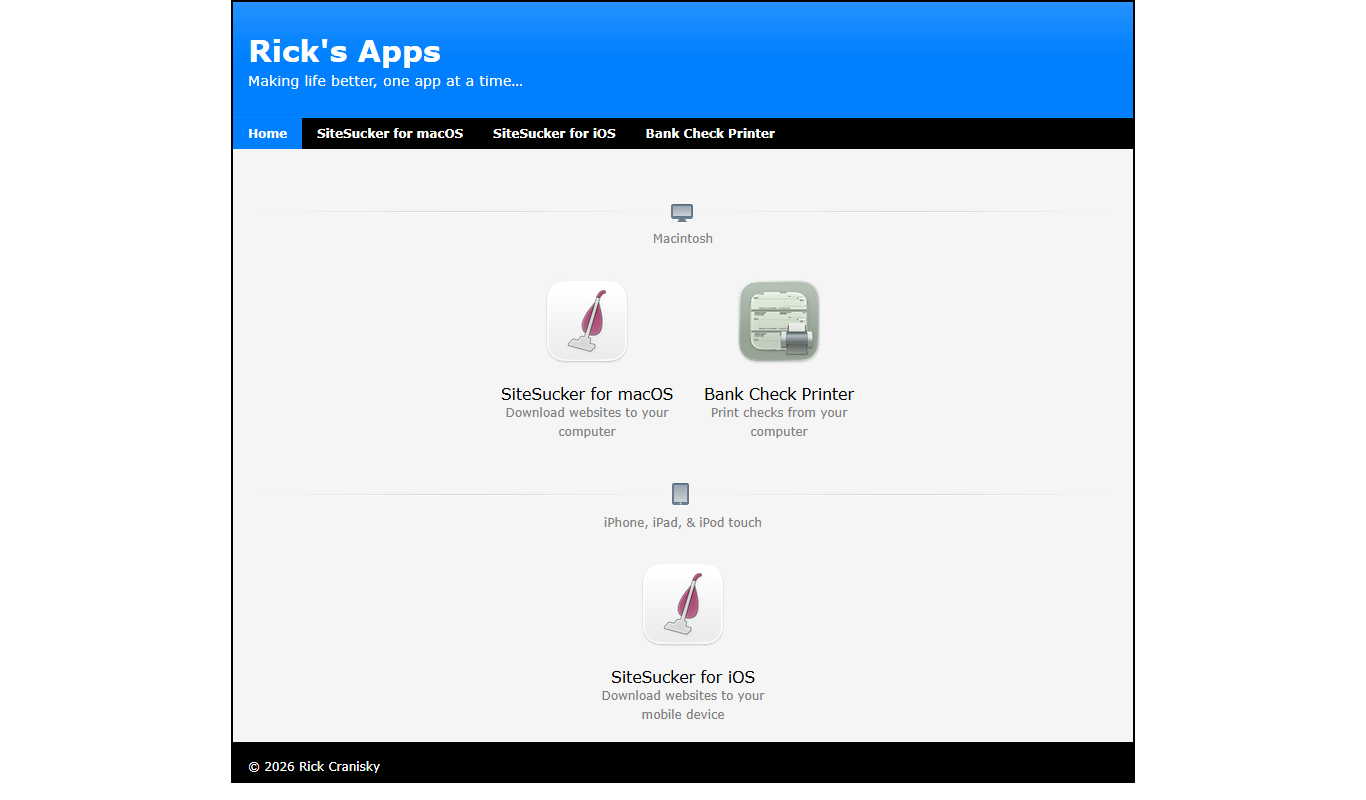
SiteSucker
SiteSucker is a macOS application that downloads entire websites, including all files and folder structures, for offline browsing and archiving purposes.

Free
WebCopy
WebCopy is a free Windows application that downloads entire websites locally for offline browsing and archiving, supporting authentication and customizable scanning.