

SiteSucker Website Downloader for Offline Browsing and Archiving
SiteSucker is a macOS application that downloads entire websites, including all files and folder structures, for offline browsing and archiving purposes.
- Best for
- Offline Website Browsing
- Key capability
- Automated Website Downloading
Save SiteSucker, follow its updates and vote on it — everything stays in your account.
Sign in or create a free account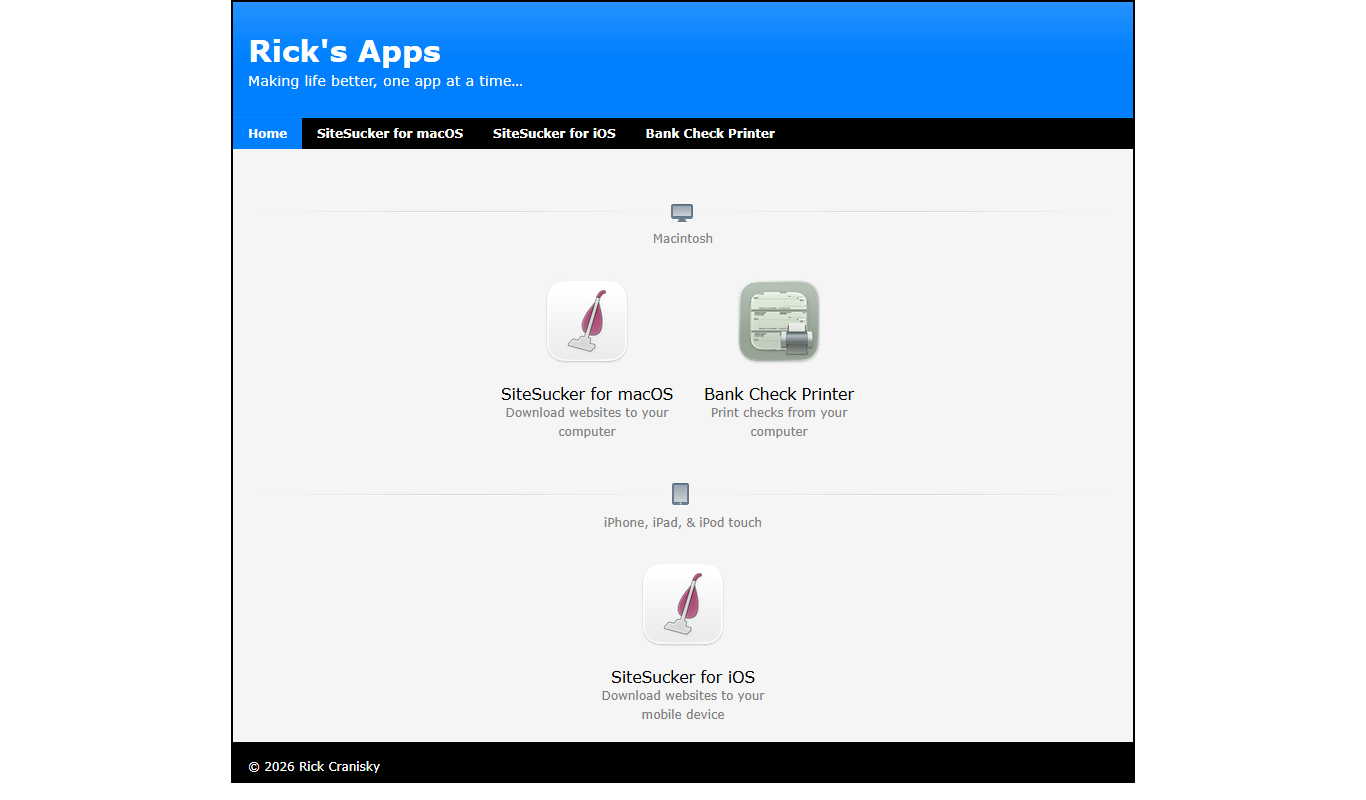
What is SiteSucker?
SiteSucker is a macOS application that automatically downloads websites from the Internet. It copies the site’s webpages, images, PDFs, style sheets, and other files to your local hard drive, preserving the site’s directory structure. This enables offline browsing and archiving of websites for various purposes such as research, backup, or content analysis.
Key features of SiteSucker
SiteSucker offers automated website downloading with customizable options including filtering by file types, limiting download depth, and handling authentication. It preserves the original site’s folder structure and supports resuming interrupted downloads. The app is designed specifically for macOS, providing a native and user-friendly experience.
Automated Website Downloading
Automatically downloads entire websites including HTML, images, PDFs, and other files.
Preserves Site Structure
Maintains the original directory structure of the website for accurate offline browsing.
Customizable Filters
Allows users to include or exclude specific file types and set download depth limits.
Authentication Support
Supports downloading content from password-protected websites requiring login credentials.
Resume Interrupted Downloads
Can resume downloads if interrupted, saving time and bandwidth.
Pros and cons of SiteSucker
Pros
- Simple and intuitive macOS interface
- Preserves website folder structure accurately
- Supports authentication for protected sites
- Allows customization of download parameters
- Affordable one-time purchase
Cons
- Limited to macOS platform
- Does not support dynamic server-side content offline
- No free trial version available
Key use cases for SiteSucker
Offline Website Browsing
Download entire websites to your Mac for offline viewing without an internet connection.
Web Archiving
Archive websites for research, backup, or legal purposes by saving all site content locally.
Website Backup
Create local backups of websites to preserve content and structure in case of site changes or removal.
Content Analysis
Download websites to analyze their structure, content, or design offline.
Educational Use
Save educational websites for students or researchers to access materials without internet dependency.
How SiteSucker works
- 1
Enter Website URL
Input the URL of the website you want to download into SiteSucker.
- 2
Configure Download Settings
Set preferences such as download depth, file types to include or exclude, and authentication if needed.
- 3
Start Download
Begin the download process; SiteSucker will crawl the site and save files locally.
- 4
Browse Offline
Access the downloaded website content on your Mac without an internet connection.
Who is using SiteSucker
SiteSucker pricing
Standard License
$4.99 one-time
Single purchase for unlimited use on macOS with all features included.
Plans and prices are as published by the vendor and can change. Check the official site before you buy. Open the pricing page (opens in a new tab)
Frequently asked questions about SiteSucker
No, SiteSucker is currently only available as a native application for macOS.
Yes, it supports authentication to download content from sites requiring login.
It preserves the site’s structure and files for browsing, but dynamic features relying on server-side processing may not work offline.
Yes, you can configure how deep SiteSucker crawls links within the website.
It depends on your specific needs and how you plan to use the tool. The official website and documentation are the best sources for the latest details.
It depends on your specific needs and how you plan to use the tool. The official website and documentation are the best sources for the latest details.
Yes, it can help with that use case depending on how you configure it and what features are available. You’ll get the best results with clear inputs and a defined goal.
Conclusion
On a Mac, SiteSucker takes a website URL and copies the site’s webpages, images, PDFs and style sheets to the local hard drive while preserving its directory structure. Before a download starts, users can set download depth, include or exclude file types, and add authentication for password-protected sites. Interrupted downloads can be resumed, saving time and bandwidth.
Offline browsing, web archiving for research or legal purposes, and website backups are the main use cases. It is built with web developers, researchers archiving web content and educators preparing offline materials in mind. Dynamic features that rely on server-side processing may not work offline. The macOS app sells for $4.99 as a one-time purchase on the Mac App Store.
Sources
Sign in to review this tool.
Sign In to ReviewNo reviews yet
Be the first to share how this tool worked for you.
Ask about pricing, limits, or how it compares — or answer someone else.
Sign In to AskNo questions yet
Have a question about using or paying for this tool? Be the first to ask.
Featured on TiorAI



Alternative Tools
Explore similar AI tools that might fit your needs

HTTrack
HTTrack is a free, open-source tool that downloads entire websites to your local device for offline browsing by recursively copying all linked pages and resources.

WebCopy
WebCopy is a free Windows application that downloads entire websites locally for offline browsing and archiving, supporting authentication and customizable scanning.
More Business Management tools
Other tools in the same category, for when this one is not quite the fit.

Combine PDF Files Online
Combine PDF Files Online is a free web tool that lets you merge multiple PDF documents into a single file quickly without uploading your files to a server.

Visualping
Visualping is a web-based tool that monitors webpages for changes and sends alerts to users, supporting visual and text-based detection with customizable frequency and notifications.

PropStream
PropStream is a real estate data platform providing nationwide property information, advanced search filters, and marketing tools to help investors and agents find and analyze properties and generate leads.

CompStak
CompStak is a commercial real estate data platform that crowdsources and verifies lease and sales transaction data, providing detailed market intelligence for brokers, investors, and analysts.

Launchrock
Launchrock is a no-code platform that helps startups and marketers build customizable landing pages to capture leads and promote products without needing technical skills.

PhishTool
PhishTool is a cybersecurity platform designed to detect, analyze, and automate response to phishing threats, helping organizations improve email security and incident handling.

EnergyHub
EnergyHub is an energy management platform designed for utilities to optimize grid operations, manage demand response, and integrate distributed energy resources through real-time analytics and customer engagement tools.

ClickHouse
ClickHouse is an open-source columnar database optimized for real-time analytical queries on large datasets, offering high performance and scalability for big data analytics.