

From my experience with Serina AI, it stands out for its accurate real-time transcription and clear meeting summaries that significantly reduce the time spent on manual note-taking. The integration with popular video conferencing platforms makes it easy to incorporate into existing workflows, especially for remote teams and project managers. However, the tool currently supports only English, which might limit its use for multilingual teams. Also, some advanced features require a paid subscription. Overall, Serina AI is a practical solution for professionals seeking to streamline meeting documentation and enhance productivity.
Serina AI Assistant for Efficient Meeting Summaries and Transcriptions
Serina AI is an AI-powered meeting assistant that transcribes meetings in real-time, generates concise summaries, and extracts action items to improve team productivity.
- Best for
- Meeting Transcription
- Key capability
- Real-Time Transcription
Your actions
Save serina, follow its updates and vote on it — everything stays in your account.
Sign in or create a free account

What is serina?
Serina AI is an AI-powered meeting assistant designed to automate transcription, note-taking, and summarization of meetings. It integrates with popular video conferencing platforms and uses advanced natural language processing to capture conversations accurately and generate actionable summaries, helping teams save time and improve productivity.
Key features of serina
Serina offers real-time transcription, automated meeting summaries, task extraction, and seamless integration with video conferencing tools. Its AI-driven approach reduces the burden of manual note-taking and ensures important information is captured and easily accessible.
Real-Time Transcription
Accurately transcribes spoken words during live meetings to capture every detail.
Automated Meeting Summaries
Generates concise summaries highlighting key discussion points and decisions.
Action Item Detection
Identifies tasks and responsibilities discussed during meetings for easy tracking.
Integration with Conferencing Tools
Works seamlessly with platforms like Zoom and Google Meet for smooth workflow.
Searchable Meeting Archives
Stores transcripts and summaries in an organized manner for quick retrieval.
Pros and cons of serina
Pros
- Accurate real-time transcription
- Clear and concise meeting summaries
- Easy integration with major conferencing tools
- Automated action item extraction
- User-friendly interface
Cons
- Limited language support (English only)
- Advanced features require paid plans
- No dedicated mobile app currently
Key use cases for serina
Meeting Transcription
Automatically transcribe meetings in real-time or from recordings to capture every detail accurately.
Meeting Summaries
Generate concise and clear summaries of meetings to quickly review key points and action items.
Note Taking Automation
Reduce manual note taking by leveraging AI to create organized notes during meetings.
Collaboration Enhancement
Share meeting transcripts and summaries with team members to improve communication and follow-up.
Task and Action Item Tracking
Identify and highlight tasks and action items from meetings to ensure accountability.
How serina works
- 1
Connect to Meeting Platform
Integrate Serina with your preferred video conferencing tool or upload recorded meetings.
- 2
Start or Upload Meeting
Begin a live meeting with Serina capturing audio or upload a recorded session for processing.
- 3
AI Transcription and Analysis
Serina transcribes the meeting audio and analyzes the content to extract key points and action items.
- 4
Receive Summaries and Notes
Access clear, concise meeting summaries and organized notes ready for sharing or review.
Who is using serina
Remote teams
Project managers
Business professionals
Content creators
Customer support teams
serina pricing
Free
$0/month
Basic transcription and summary features with limited meeting minutes per month.
Pro
$15/month
Extended meeting minutes, advanced features, and priority support.
Business
Custom pricing
Tailored solutions with team collaboration features and dedicated support.
Plans and prices are as published by the vendor and can change. Check the official site before you buy. Open the pricing page (opens in a new tab)
Frequently asked questions about serina
Serina supports popular platforms such as Zoom, Google Meet, Microsoft Teams, and allows uploading recorded meetings.
Currently, Serina primarily supports English transcription and summarization.
Yes, Serina employs industry-standard security measures to protect your data and ensure privacy.
Absolutely, Serina allows easy sharing of transcripts and summaries with collaborators.
It depends on your specific needs and how you plan to use the tool. The official website and documentation are the best sources for the latest details.
Integration support depends on the tool and its available connectors or API. Check the official documentation or integrations page to confirm what is supported.
Some tools offer a free plan or trial with limited features. Availability can vary, so confirm on the official website.
Sign in to review this tool.
Sign In to ReviewNo reviews yet
Be the first to share how this tool worked for you.
Ask about pricing, limits, or how it compares — or answer someone else.
Sign In to AskNo questions yet
Have a question about using or paying for this tool? Be the first to ask.
Featured on TiorAI



More AI Assistant tools
Other tools in the same category, for when this one is not quite the fit.

Free Trial
PagerGPT
PagerGPT is an AI assistant that integrates with PagerDuty to automate incident triage, provide contextual summaries, and assist engineers in resolving incidents faster.

Freemium
Phew AI Tab
Phew AI Tab is a Chrome browser extension that integrates AI-powered research, note-taking, and summarization tools directly into your browsing experience to enhance productivity and streamline information management.

Freemium
Owl at Work – AI Companion for Businesses
Owl at Work is an AI-powered business companion that automates workflows, manages tasks, and improves team collaboration through intelligent automation and integrations.
Free
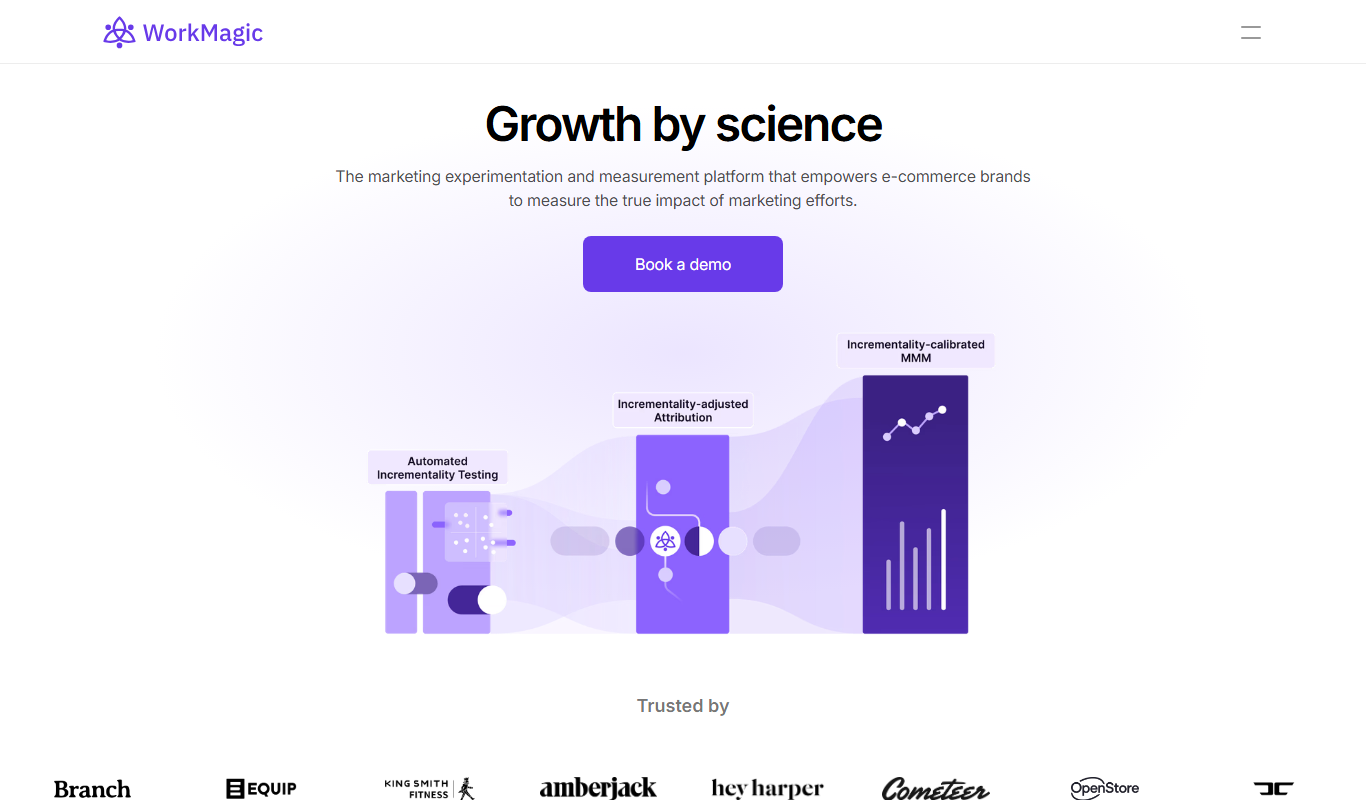
WorkMagic
WorkMagic is an AI-powered productivity assistant that automates tasks, manages workflows, and supports team collaboration through a web platform.

Free Trial
Voxpad
Voxpad is an AI voice assistant that transcribes meetings in real-time and generates summaries to improve productivity and collaboration.

Free
Lunchbreak AI
Lunchbreak AI is an AI-driven tool that transcribes meetings in real time and generates concise summaries with action items, helping teams save time and improve productivity.

Freemium
LangBuddy.ai
LangBuddy.ai is an AI-based language learning assistant that provides personalized conversational practice, real-time grammar and vocabulary feedback, and pronunciation guidance to help users improve their language skills effectively.

Free
Mymeet.ai
Mymeet.ai is an AI meeting assistant that provides real-time transcription and automatic summarization of meetings to help teams save time and improve collaboration.