

From my experience with Search Candy, I found it excels at delivering clear and actionable keyword insights with an easy-to-navigate interface. After spending time with the platform, I can say it’s particularly well-suited for SEO professionals and small agencies looking for affordable yet comprehensive keyword research and competitor analysis. However, the tool currently lacks integrations with other SEO platforms and does not offer a mobile app, which could limit workflow flexibility for some users. Overall, if you need straightforward keyword data and SERP feature analysis without overwhelming complexity, Search Candy delivers solid results.
Search Candy SEO Tool for Keyword Research and Competitor Analysis
Search Candy is a web-based SEO tool that helps users perform keyword research and competitor analysis by providing search volume, keyword difficulty, and SERP feature data to optimize organic search strategies.
- Best for
- Keyword Research
- Key capability
- Keyword Suggestions
Your actions

Do you recommend this tool?
What is Search Candy?
Search Candy is a web-based SEO tool designed to help marketers, content creators, and SEO professionals perform in-depth keyword research and competitor analysis. It provides actionable insights into search volume, keyword difficulty, and SERP features to enhance organic search strategies.
Key features of Search Candy
Search Candy offers comprehensive keyword data, competitor keyword tracking, and SERP feature analysis, enabling users to optimize their SEO campaigns effectively.
Keyword Suggestions
Generate extensive keyword ideas based on seed terms and competitor data.
Search Volume and Difficulty Metrics
Access accurate search volume estimates and keyword difficulty scores.
Competitor Keyword Analysis
Identify keywords your competitors rank for and discover new opportunities.
SERP Feature Detection
Detect featured snippets, knowledge panels, and other SERP elements impacting rankings.
Export and Reporting
Easily export keyword data and generate reports for team collaboration.
Pros and cons of Search Candy
Pros
- Intuitive and easy-to-use interface
- Comprehensive keyword and competitor data
- Affordable pricing plans
- Useful SERP feature insights
Cons
- Limited integrations with other SEO tools
- No mobile app available
Key use cases for Search Candy
Keyword Research
Discover high-potential keywords with search volume and difficulty metrics to optimize content strategy.
Competitor Analysis
Analyze competitor keywords and rankings to identify opportunities and gaps in your SEO campaigns.
SERP Analysis
Examine search engine results pages to understand ranking factors and featured snippet opportunities.
Content Optimization
Use keyword insights to improve on-page SEO and tailor content to user intent.
How Search Candy works
- 1
Create an Account
Sign up on the Search Candy website to access the dashboard and tools.
- 2
Enter Keywords or Competitor URLs
Input seed keywords or competitor domains to generate keyword suggestions and analysis.
- 3
Review Keyword Metrics
Analyze search volume, difficulty, and SERP features to prioritize keywords.
- 4
Export Data
Download keyword lists and reports for integration with your SEO workflow.
Who is using Search Candy
SEO professionals
Digital marketing agencies
Content creators and bloggers
Small to medium businesses
E-commerce marketers
Search Candy pricing
Free Trial
$0 for 7 days
Access core features with limited queries to evaluate the tool.
Pro
$49/month
Full access to keyword research, competitor analysis, and export capabilities.
Agency
$99/month
Extended limits and multi-user access for agencies and larger teams.
Plans and prices are as published by the vendor and can change. Check the official site before you buy. Open the pricing page (opens in a new tab)
Frequently asked questions about Search Candy
Yes, Search Candy provides a 7-day free trial with limited access to features.
Yes, all paid plans include the ability to export keyword lists and reports.
Yes, the interface is user-friendly and designed for both beginners and experienced SEO professionals.
Search Candy offers email support and a knowledge base for troubleshooting and guidance.
Yes, it can help with that use case depending on how you configure it and what features are available. You’ll get the best results with clear inputs and a defined goal.
Pricing depends on the plan and included features. For the most accurate and up-to-date details, check the official pricing page.
Data handling and security practices vary by provider. Review the official privacy policy to understand how your data is stored and used.
Sign in to review this tool.
Sign In to ReviewNo reviews yet
Be the first to share how this tool worked for you.
Ask about pricing, limits, or how it compares — or answer someone else.
Sign In to AskNo questions yet
Have a question about using or paying for this tool? Be the first to ask.
Featured on TiorAI



More AI Search Engine Tools tools
Other tools in the same category, for when this one is not quite the fit.

Freemium
Flim
Flim is an AI-powered video creation tool that transforms text into engaging marketing and social media videos using customizable templates and AI voiceovers.
Free
Bard for Google Pro
Bard for Google Pro is a free Chrome extension that integrates AI-generated summaries and suggestions directly into Google search results to improve search efficiency and content research.

Contact for pricing
Three Sigma
Three Sigma is an AI-driven platform that automates the machine learning lifecycle, including data preparation, model training, explainability, and deployment, designed for data scientists and enterprises.
Free
AiQUEST : CHATGPT powered Search
AIQUEST is a free Chrome extension that integrates ChatGPT to provide AI-generated answers alongside Google Search results, improving search efficiency and clarity.

Freemium
Caibooster – Best Google index tool
Caibooster is a web tool that helps users submit URLs to Google quickly for faster indexing, supporting bulk submissions and index status monitoring.
Free
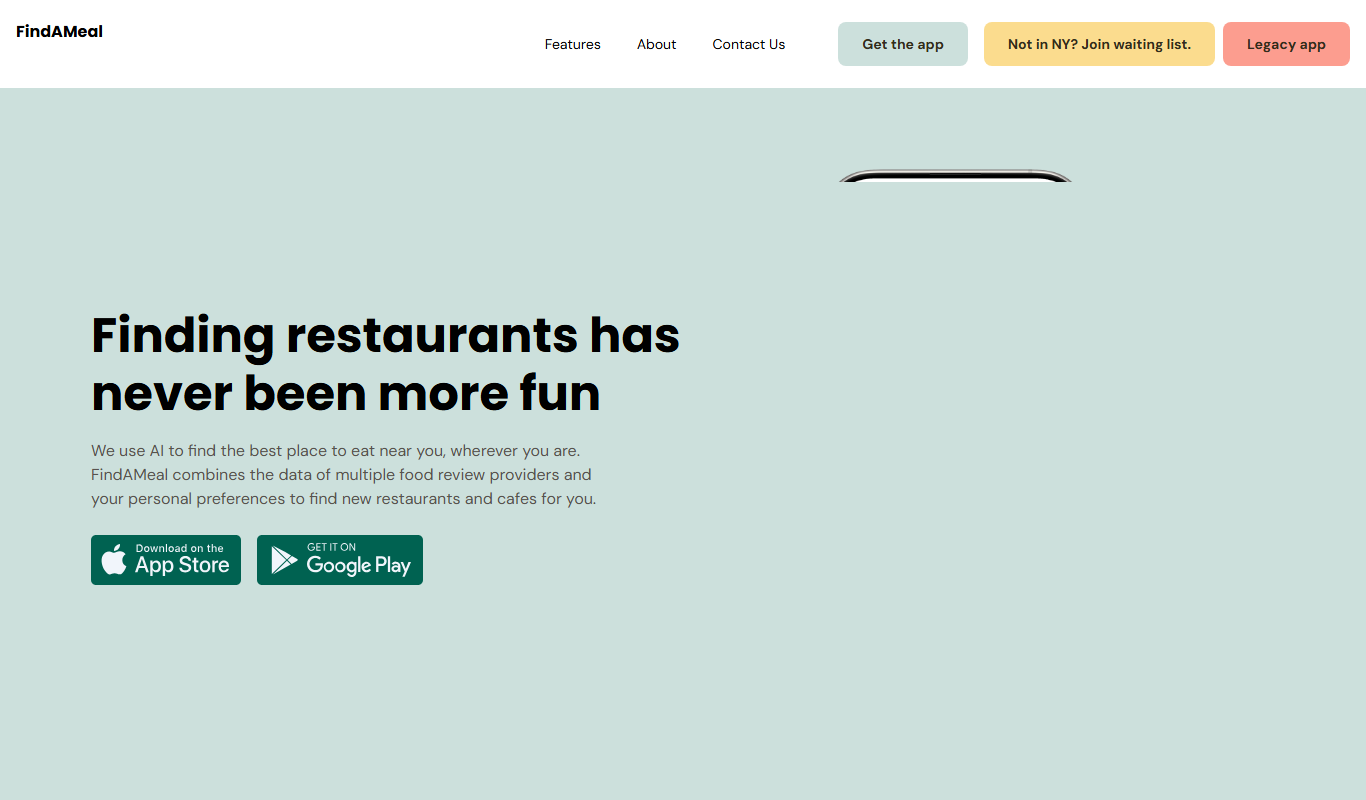
FindAMeal
FindAMeal is an AI-driven meal planning platform that generates personalized healthy meal plans and recipes tailored to your dietary needs and preferences.

Freemium
GooGPT
GooGPT is an AI chatbot platform that uses GPT technology to help businesses automate customer interactions, improve support efficiency, and engage website visitors through customizable chatbots.
Free
Intelligent Search
Intelligent Search is a free Chrome extension that enhances web search results by filtering and previewing content for faster, more relevant browsing.