

Scribble Diffusion AI - AI-Powered Sketch to Image Generator Tool
Scribble Diffusion AI is a web-based tool that uses advanced diffusion models to convert simple sketches into detailed, stylized images, helping artists and creators visualize ideas quickly.
- Best for
- Concept Art Creation
- Key capability
- AI-Powered Diffusion Model
Save Scribble Diffusion AI, follow its updates and vote on it — everything stays in your account.
Sign in or create a free account

What is Scribble Diffusion AI?
Scribble Diffusion AI is a web-based AI tool that transforms simple sketches or scribbles into detailed, high-quality images using advanced diffusion models. It leverages artificial intelligence to interpret user-drawn outlines and generate photorealistic or stylized visuals, enabling artists and creators to bring rough ideas to life quickly.
Key features of Scribble Diffusion AI
The tool offers intuitive sketch input, multiple style options, real-time image generation previews, and easy export capabilities. It supports various image resolutions and allows users to refine outputs by adjusting parameters, making it versatile for creative professionals and hobbyists alike.
AI-Powered Diffusion Model
Utilizes state-of-the-art diffusion algorithms to convert sketches into realistic images.
Multiple Artistic Styles
Offers a variety of styles including photorealistic, cartoon, and abstract to suit different creative needs.
Real-Time Preview
Instantly see generated images as you adjust your sketch or settings.
User-Friendly Interface
Clean and intuitive design that requires no prior AI knowledge.
Export Options
Download images in multiple resolutions and formats for use in projects.
Pros and cons of Scribble Diffusion AI
Pros
- Easy to use for beginners and professionals
- Fast image generation with real-time previews
- Multiple artistic styles available
- Affordable subscription plan
- No installation required, fully web-based
Cons
- Limited mobile support
- Free plan has daily usage restrictions
- Output quality depends on sketch clarity
Key use cases for Scribble Diffusion AI
Concept Art Creation
Generate detailed images from rough sketches to visualize ideas quickly.
Graphic Design
Enhance design workflows by converting hand-drawn inputs into polished visuals.
Creative Experimentation
Explore artistic styles and variations by iterating on initial sketches.
Educational Tool
Assist art students and educators in understanding AI-assisted image generation.
How Scribble Diffusion AI works
- 1
Draw or Upload Sketch
Users start by drawing a rough sketch directly on the platform or uploading an existing scribble.
- 2
Select Style and Settings
Choose from different artistic styles and adjust generation parameters to influence the output.
- 3
Generate Image
The AI processes the sketch using diffusion models to create a detailed image based on the input.
- 4
Review and Download
Preview the generated image, make refinements if needed, and download the final artwork.
Who is using Scribble Diffusion AI
Scribble Diffusion AI pricing
Free Plan
$0
3 credits, high quality images and faster image generation.
Starter Plan
$5
Perfect for small projects: 100 credits, high quality images, faster image generation, no subscription.
Premium Plan
$9 per month
300 credits, high quality images, faster image generation, monthly subscription.
Advanced Plan
$80 per year
5000 credits, high quality images, faster image generation, annual subscription.
Plans and prices are as published by the vendor and can change. Check the official site before you buy. Open the pricing page (opens in a new tab)
Frequently asked questions about Scribble Diffusion AI
Yes, the tool is designed to work with simple sketches or scribbles, so no advanced drawing skills are required.
You can export generated images in PNG and JPEG formats.
Yes, generation is credit-based: the Free Plan includes 3 credits and the Starter Plan includes 100 credits for $5.
Currently, Scribble Diffusion AI is optimized for desktop web browsers.
It depends on your specific needs and how you plan to use the tool. The official website and documentation are the best sources for the latest details.
Some tools offer a free plan or trial with limited features. Availability can vary, so confirm on the official website.
Yes, it can help with that use case depending on how you configure it and what features are available. You’ll get the best results with clear inputs and a defined goal.
Conclusion
A sketch can be drawn directly on the page or uploaded, and one click turns it into a refined image. Different prompts can be paired with the sketch to experiment with various creative ideas. On copyright, the site suggests creating images without borrowing the style of any living artist to stay absolutely safe. It is aimed at digital artists, graphic designers, art students and creative hobbyists.
Usage runs on credits: the Free Plan includes a few, a Starter pack needs no subscription, and the Premium and Advanced plans renew monthly or yearly. Refunds are not offered because of the significant resources image processing requires.
Sources
Sign in to review this tool.
Sign In to ReviewNo reviews yet
Be the first to share how this tool worked for you.
Ask about pricing, limits, or how it compares — or answer someone else.
Sign In to AskNo questions yet
Have a question about using or paying for this tool? Be the first to ask.
Featured on TiorAI



More AI Design & Creative Tools tools
Other tools in the same category, for when this one is not quite the fit.
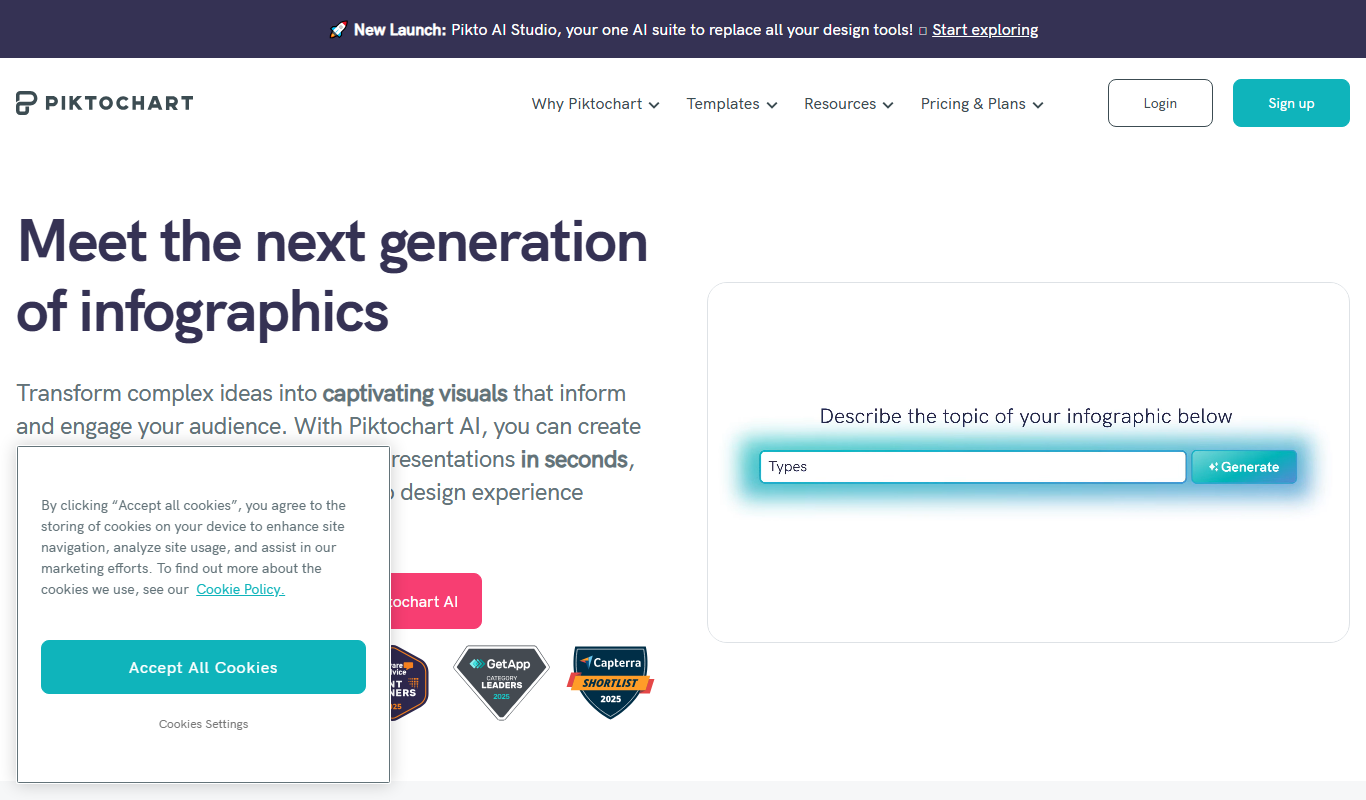
Piktochart
Piktochart is a web-based tool that helps users create infographics, presentations, and reports using customizable templates and an easy drag-and-drop editor.

Midjourney Prime & Style
Midjourney Prime & Style is a Notion template that automates your Midjourney prompts and manages your image library.

A1 Art
A1 Art is a web-based AI image generator that creates digital artwork from text prompts, offering free and subscription plans for users.
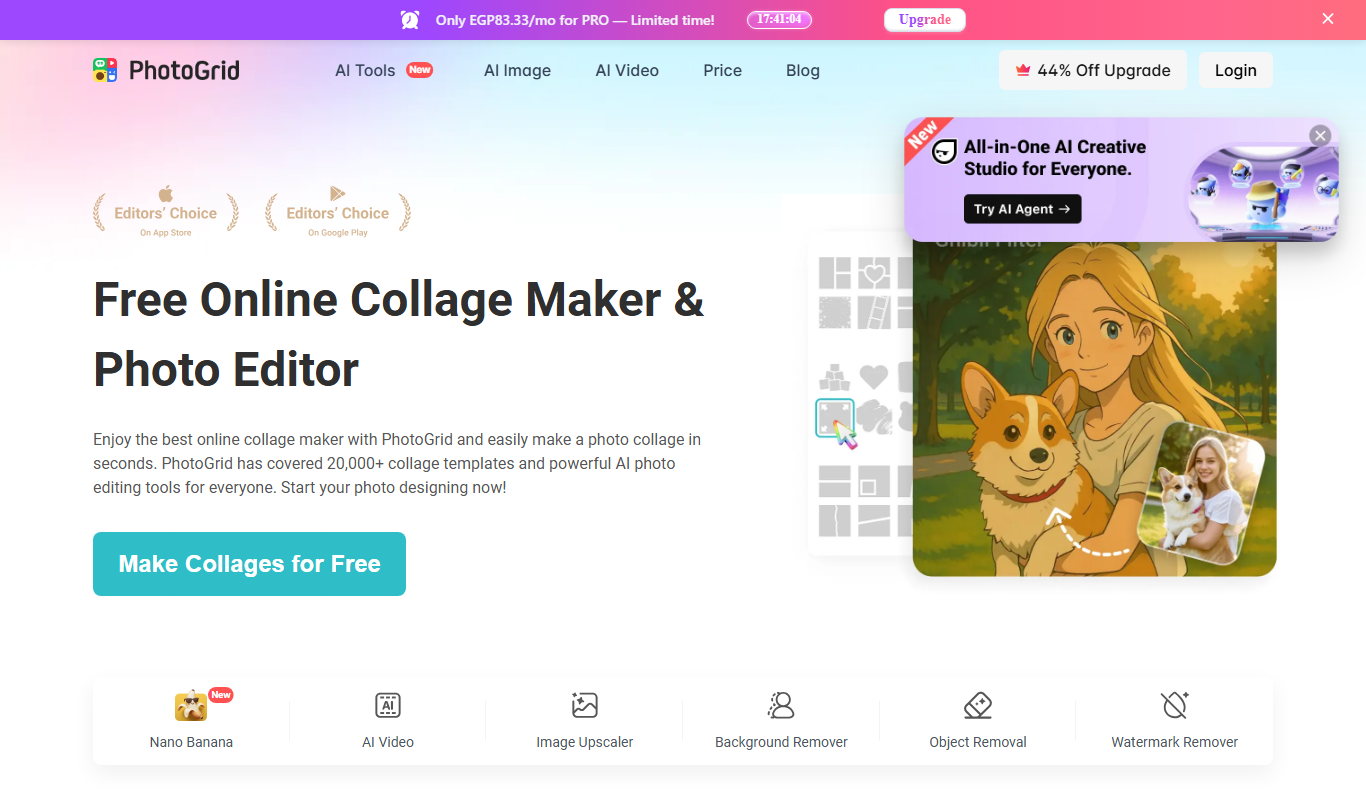
PhotoGrid | Collage Maker
PhotoGrid is a mobile and web app that allows users to create photo collages, edit images with filters and stickers, and export high-quality designs for social media or printing.
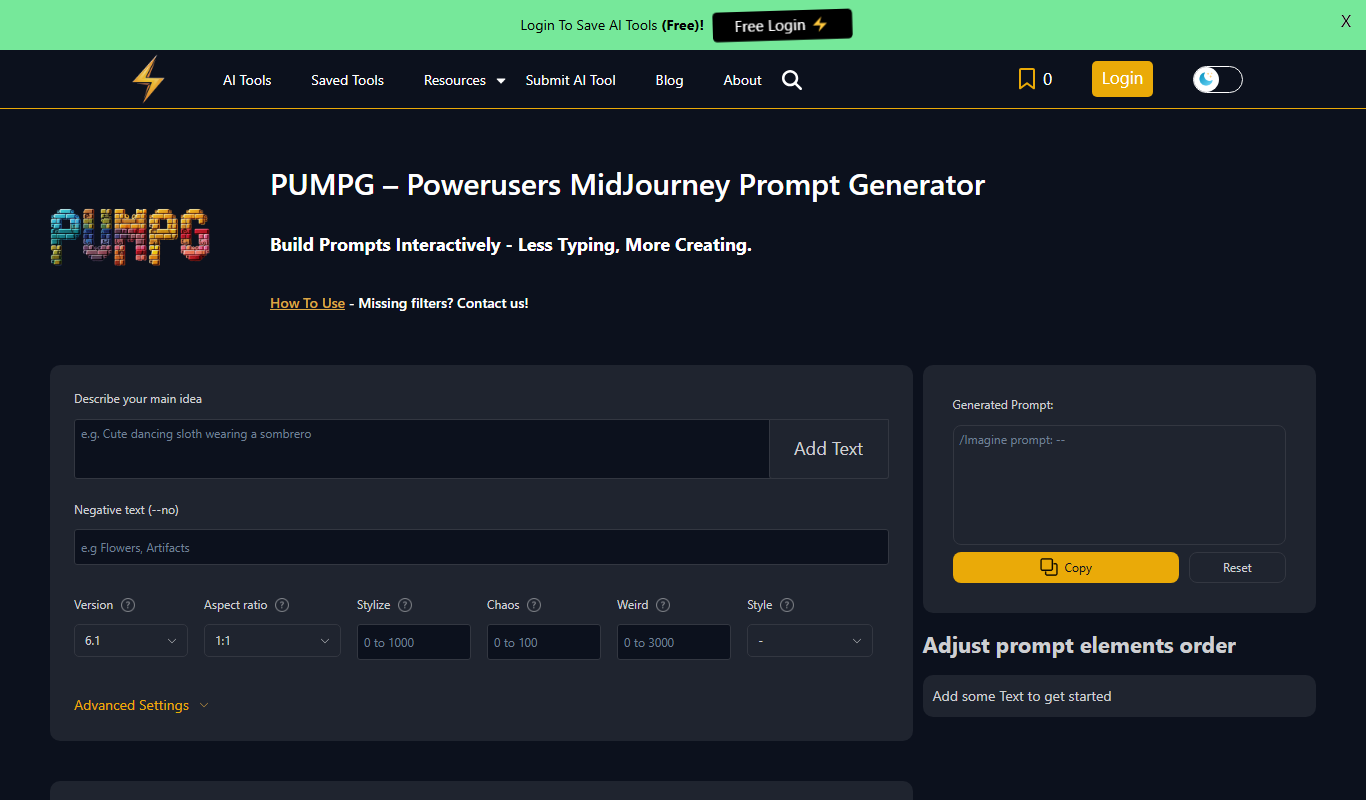
PUMPG – Midjourney Prompt Generator
PUMPG is a free web tool that helps users generate creative and detailed prompts specifically for Midjourney AI image generation, enhancing the quality and uniqueness of AI-generated artwork.

aimusic.one
aimusic.one is an AI-driven online platform that generates original, royalty-free music tracks customized by style, mood, and tempo, suitable for content creators and hobbyists.

DiffRhythm
DiffRhythm is an AI music generation platform that creates custom soundtracks and beats tailored to your project’s style and mood.

Snon Lyric
Snon Lyric is an AI-based web tool that generates original song lyrics based on user-provided themes and keywords, helping musicians and creators overcome writer's block.