

From my experience with Scoop.it, I found it excels at simplifying the content curation process by providing intuitive tools to discover and organize relevant articles efficiently. After spending time with the platform, I can say it’s particularly well-suited for marketers and social media managers who need to maintain a steady stream of quality content without creating everything from scratch. However, there’s a trade-off: the free plan limits the number of topics and features, and the lack of a mobile app can be inconvenient for on-the-go curation. Overall, if you want to boost your content marketing and social media presence through curated content, Scoop.it delivers solid, user-friendly results.
Scoop.it Content Curation Platform for Marketing and Social Media Growth
Scoop.it is a content curation platform that helps users discover, organize, and share relevant content to support marketing and social media strategies.
- Best for
- Content Curation
- Key capability
- Content Discovery Engine

Do you recommend this tool?
What is Scoop.it?
Scoop.it is a web-based content curation platform designed to help marketers, businesses, and professionals discover, organize, and publish relevant content. It enables users to create topic-focused online magazines or hubs by aggregating content from various sources, which can then be shared across social media and websites to engage audiences and support marketing strategies.
Key features of Scoop.it
The platform offers content discovery tools, customizable topic pages, social media publishing integrations, analytics to track engagement, and collaboration features for teams. Scoop.it streamlines the process of finding quality content and distributing it effectively to build brand presence and authority.
Content Discovery Engine
Advanced search and recommendation system to find relevant content from millions of sources.
Customizable Topic Pages
Create branded, focused content hubs that showcase curated articles and insights.
Social Media Integration
Publish curated content directly to platforms like Twitter, LinkedIn, and Facebook.
Analytics Dashboard
Track content performance and audience engagement to optimize your curation strategy.
Team Collaboration
Allow multiple users to contribute and manage curated content within shared workspaces.
Pros and cons of Scoop.it
Pros
- Easy-to-use content discovery and curation tools
- Integrates well with social media platforms
- Customizable topic pages for branding
- Useful analytics to measure engagement
- Supports team collaboration
Cons
- Free plan has limited features and topics
- No mobile app available, web-only platform
- Advanced features require paid subscription
Key use cases for Scoop.it
Content Curation
Discover, organize, and share relevant content from across the web to engage your audience and build authority.
Social Media Marketing
Publish curated content directly to social media channels to maintain an active presence and grow followers.
Content Marketing Strategy
Support your content marketing efforts by sourcing quality content that complements your original materials.
Lead Generation
Use curated content to attract and nurture leads by providing valuable information tailored to your target audience.
Thought Leadership
Establish your brand or personal profile as an expert by consistently sharing insightful and relevant content.
How Scoop.it works
- 1
Create an Account
Sign up on Scoop.it to start curating content tailored to your interests or business needs.
- 2
Set Up Topics
Define topics or themes relevant to your audience to guide content discovery and organization.
- 3
Discover Content
Use Scoop.it’s search and recommendation tools to find articles, blog posts, and other media from across the web.
- 4
Curate and Organize
Select and add content to your topic pages, adding your own commentary or insights to provide context.
- 5
Publish and Share
Distribute curated content via your Scoop.it pages, social media channels, or embed on your website.
- 6
Analyze Performance
Monitor engagement metrics to understand what content resonates with your audience and refine your strategy.
Who is using Scoop.it
Marketing agencies
Content marketers
Social media managers
Small and medium businesses
Thought leaders and influencers
Scoop.it pricing
Basic
Free
Limited topics and basic curation features suitable for individual users.
Pro
$14.99/month
Expanded topics, social media integrations, and analytics for professionals.
Business
Custom pricing
Advanced features, team collaboration, and priority support for businesses.
Plans and prices are as published by the vendor and can change. Check the official site before you buy. Open the pricing page (opens in a new tab)
Frequently asked questions about Scoop.it
Scoop.it is used for content curation, allowing users to discover, organize, and share relevant content to engage audiences and support marketing.
Yes, Scoop.it integrates with major social media platforms to publish curated content directly.
Yes, Scoop.it offers a free Basic plan with limited features.
Yes, higher-tier plans include features for multiple users to collaborate on content curation.
It depends on your specific needs and how you plan to use the tool. The official website and documentation are the best sources for the latest details.
Some tools offer a free plan or trial with limited features. Availability can vary, so confirm on the official website.
Yes, it can help with that use case depending on how you configure it and what features are available. You’ll get the best results with clear inputs and a defined goal.
It depends on your specific needs and how you plan to use the tool. The official website and documentation are the best sources for the latest details.
Sign in to review this tool.
Sign In to ReviewNo reviews yet
Be the first to share how this tool worked for you.
Ask about pricing, limits, or how it compares — or answer someone else.
Sign In to AskNo questions yet
Have a question about using or paying for this tool? Be the first to ask.
Featured on TiorAI



Alternative Tools
Explore similar AI tools that might fit your needs
Freemium
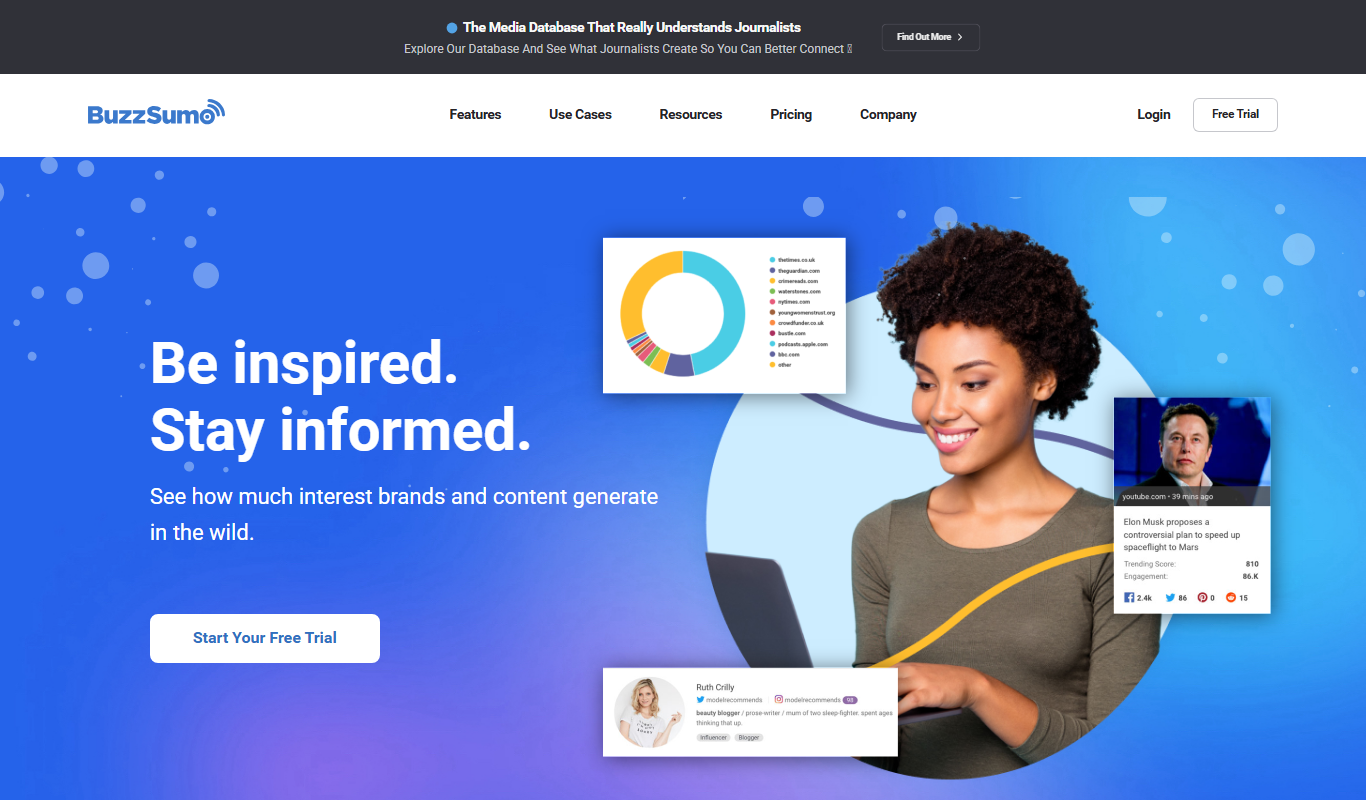
BuzzSumo
BuzzSumo is a content research and social media analytics platform that helps marketers discover trending content, analyze engagement, identify influencers, and monitor competitors to optimize content marketing strategies.
More AI Content Generator tools
Other tools in the same category, for when this one is not quite the fit.

Custom Pricing
Ion Interactive
Ion Interactive is a web-based platform that enables marketers to create interactive content like quizzes and assessments to engage audiences and generate leads without coding.
Freemium
简道云内容助手
Jiandaoyun Content Assistant is an AI writing tool embedded in a no-code platform that helps users generate and automate content creation, primarily for Chinese language users.

Free
写作猫AI
写作猫AI is a Chinese-language AI writing assistant that supports content generation, creative writing, and text refinement through a web platform.

Free
Internet Archive
Internet Archive is a free nonprofit digital library offering millions of books, audio, video, and archived websites accessible online through its web platform and the Wayback Machine.

Freemium
Simpleclub
Simpleclub is an educational platform providing interactive video lessons and personalized learning tools primarily for secondary school students, helping them understand school subjects and prepare for exams.

Free
Calmly Writer
Calmly Writer is a minimalist writing app designed to help users focus by providing a distraction-free interface, Markdown support, autosave, and export options. It is available as a free web app and a paid desktop app for offline use.

Free
Fighting Fantasy
Fighting Fantasy is a web-based interactive story platform that lets users play and create branching narrative gamebooks inspired by the classic Fighting Fantasy series, incorporating RPG elements like dice rolls and character stats.

Free
Spreadsheeto
Spreadsheeto is an online platform offering detailed Microsoft Excel tutorials and courses to help users from beginners to advanced professionals improve their spreadsheet skills.