

From my experience with Scispace by Typeset, I found it excels at simplifying the complex process of academic writing and collaboration. The AI-powered suggestions and automated citation management significantly reduce the time spent on formatting and editing, which is a huge benefit for researchers juggling multiple projects. Its real-time collaboration features make it easy to work with co-authors seamlessly. However, since it is primarily web-based, offline access is limited, and some advanced features require a paid subscription. Overall, if you are an academic or researcher looking for an integrated writing and collaboration platform, Scispace delivers a practical and efficient solution.
Scispace by Typeset - AI Research Paper Writing and Collaboration Tool
Scispace by Typeset is an AI-driven platform that helps researchers write, format, and collaborate on academic papers with features like citation management and professional typesetting.
Your actions
Save Scispace, follow its updates and vote on it — everything stays in your account.
Sign in or create a free accountWhat is Scispace?
Scispace by Typeset.io is an AI-powered platform designed to streamline the process of writing, formatting, and collaborating on academic research papers. It combines advanced typesetting capabilities with AI-driven writing assistance and citation management, enabling researchers, students, and academics to produce publication-ready manuscripts efficiently.
Key use cases for Scispace
Academic Paper Writing
Helps researchers and students write, format, and edit academic papers efficiently with AI assistance.
Collaborative Research
Enables multiple users to collaborate on research documents in real-time with version control.
Citation and Reference Management
Automates citation formatting and bibliography generation according to various academic styles.
Typesetting and Formatting
Provides professional typesetting tools to format manuscripts to journal standards.
Research Discovery
Offers AI-powered tools to explore and summarize scientific literature relevant to the user's topic.
How Scispace works
- 1
Create an Account
Sign up on the Scispace platform to access writing and collaboration tools.
- 2
Start a New Document
Begin writing your research paper using the AI-assisted editor with templates for various journals.
- 3
Collaborate with Peers
Invite collaborators to edit and comment on the document in real-time.
- 4
Manage Citations
Add and format citations automatically using built-in reference management.
- 5
Export and Submit
Export the manuscript in journal-specific formats ready for submission.
Scispace pricing
Free
$0/month
Basic access with limited documents and collaboration features.
Pro
$15/month
Unlimited documents, advanced AI features, and priority support.
Team
Custom pricing
Designed for research groups with enhanced collaboration and admin controls.
Plans and prices are as published by the vendor and can change. Check the official site before you buy. Open the pricing page (opens in a new tab)
Frequently asked questions about Scispace
Yes, Scispace offers a free plan with limited features suitable for individual users.
Yes, it supports popular citation styles like APA, MLA, Chicago, and more.
Absolutely, users can collaborate in real-time with version control and commenting.
Yes, Scispace allows exporting documents in formats compatible with many academic journals.
This tool is designed to help users accomplish its core tasks more efficiently. It is typically used by individuals or teams looking to improve productivity and workflow.
Yes, it can help with that use case depending on how you configure it and what features are available. You’ll get the best results with clear inputs and a defined goal.
Some tools offer a free plan or trial with limited features. Availability can vary, so confirm on the official website.
Yes, it can help with that use case depending on how you configure it and what features are available. You’ll get the best results with clear inputs and a defined goal.
Sign in to review this tool.
Sign In to ReviewNo reviews yet
Be the first to share how this tool worked for you.
Ask about pricing, limits, or how it compares — or answer someone else.
Sign In to AskNo questions yet
Have a question about using or paying for this tool? Be the first to ask.
Featured on TiorAI



Alternative Tools
Explore similar AI tools that might fit your needs

Free
Overleaf
Overleaf is a cloud-based LaTeX editor that enables real-time collaborative writing and editing of scientific and academic documents with integrated PDF preview and version control.

Free
Mendeley
Mendeley is a reference management software and academic social network that helps researchers organize PDFs, generate citations, and collaborate with peers.

Free
Zotero
Zotero is a free, open-source reference management tool that helps researchers collect, organize, cite, and share research materials with browser integration and citation style support.

Paid
EndNote
EndNote is a reference management software that helps researchers collect, organize, and cite sources efficiently in academic writing.
More AI Writing & Content Tools tools
Other tools in the same category, for when this one is not quite the fit.

Free
AI Text Editor
AI Text Editor is an online writing assistant that uses AI to improve grammar, style, and tone, helping users create clearer and more polished text.
Free
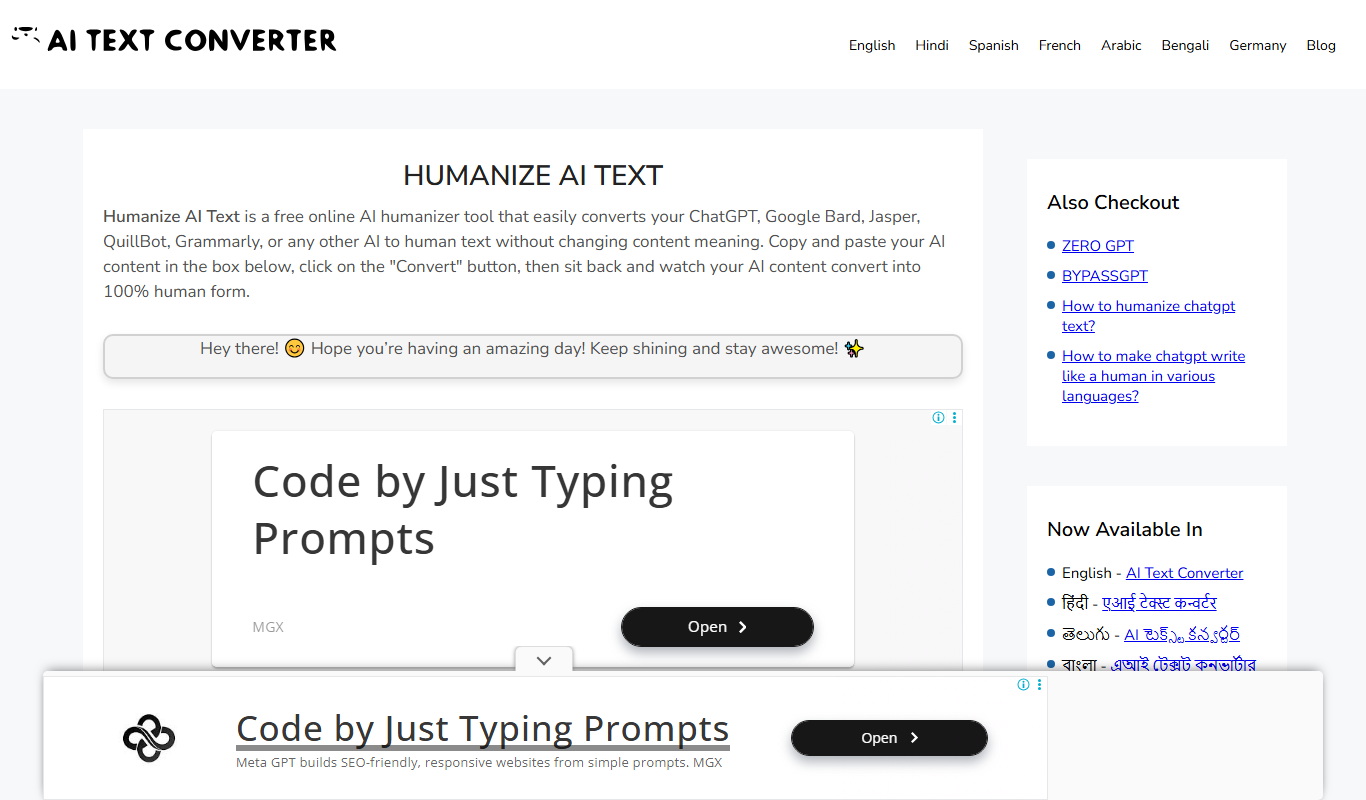
Humanize AI Text Converter
Humanize AI Text Converter is a web tool that rewrites AI-generated text to make it sound more natural and human-like, improving readability and engagement.

Subscription
Textie AI
Textie.ai is an all-in-one AI platform for generating texts and images, chatting with AI, AI agents, document translations, presentations and voice services.

Free
Free Ai text Generator
Free AI Text Generator by Copyson is a web-based AI text generator on copyson.com that supports more than 54 languages and uses a freemium model.
Free
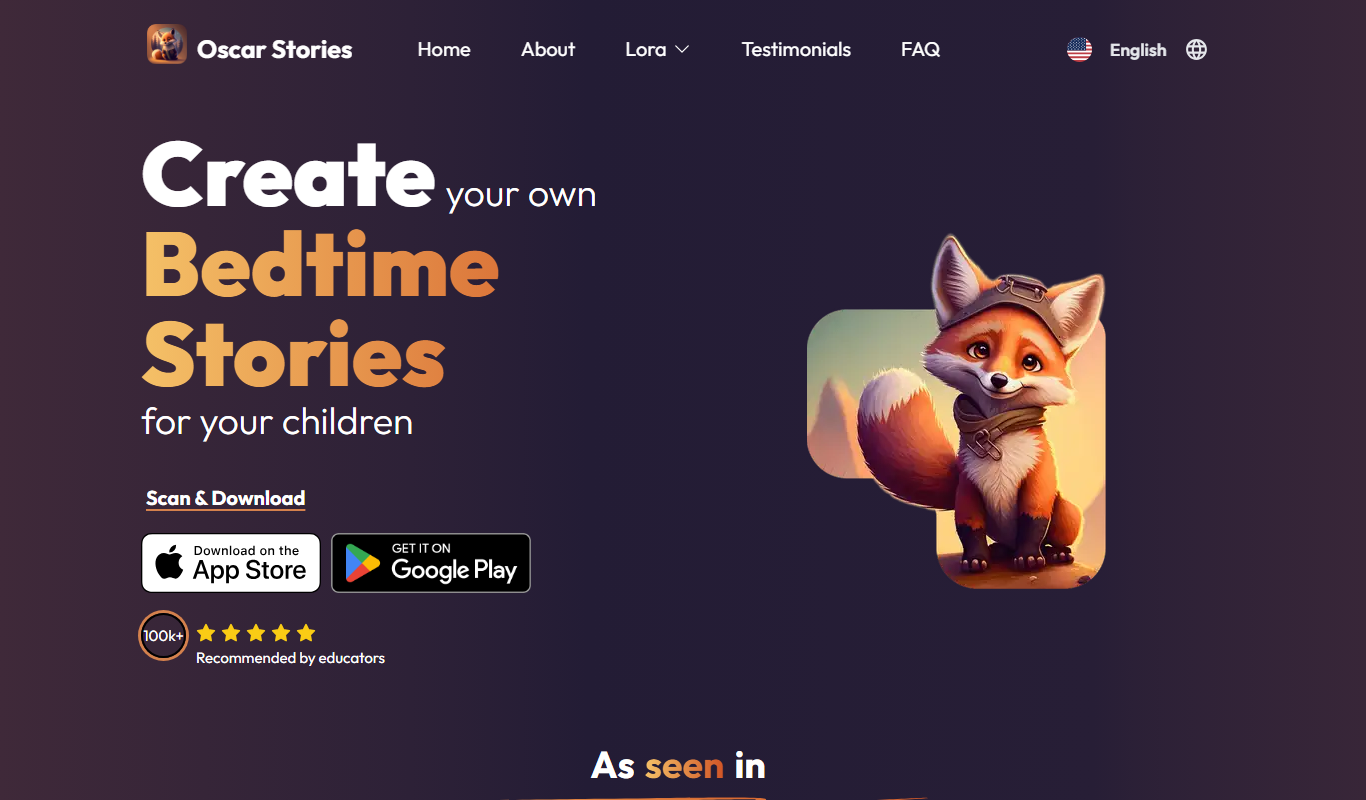
Oscar – bedtime story generator
Oscar is an AI-powered bedtime story generator that creates personalized stories for children based on their name and preferences, helping parents provide engaging and unique stories every night.
Free Trial
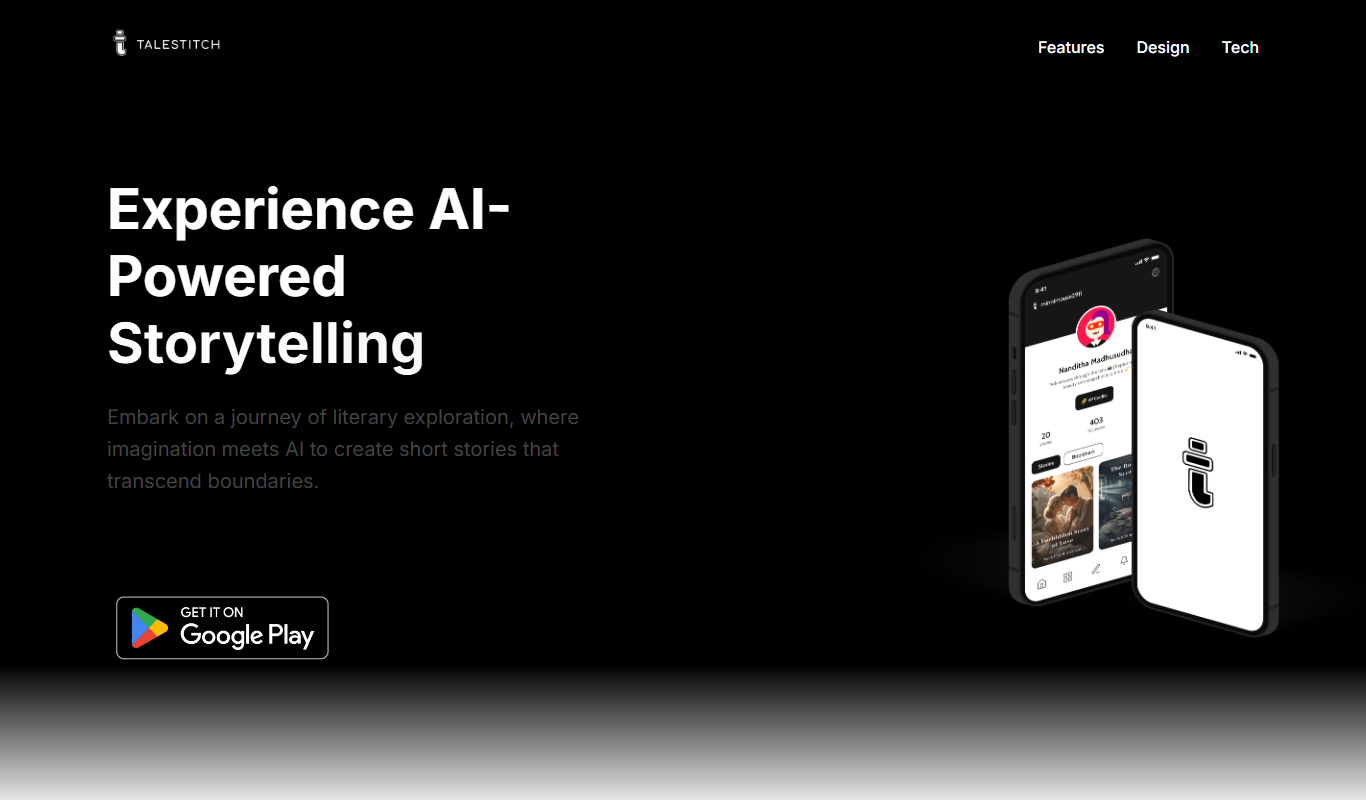
TaleStitch
TaleStitch is an AI storytelling tool that generates original stories based on user prompts, supporting creative writing and content creation.

Free Trial
Comment Generator
Comment Generator is an AI Chrome extension that reads a post's caption and drafts a comment that sounds like you on Instagram, LinkedIn and Threads.

Free
AI Blog Articles
AI Blog Articles is a web-based AI content generation tool that helps users create SEO-friendly blog posts efficiently by inputting topics or keywords and customizing tone and length.