

From my experience with Scarlett Panda, I found it excels at simplifying the content creation process for marketers and small businesses by providing AI-generated, SEO-friendly text quickly. The platform’s marketing templates and idea generation features help overcome writer’s block and speed up workflow. However, its limitation to English and lack of a mobile app might restrict some users. Overall, if you need an accessible AI writing assistant focused on marketing and SEO content, Scarlett Panda delivers practical and efficient results.
Scarlett Panda AI Writing Assistant for Content Creation and Marketing
Scarlett Panda is an AI-powered writing assistant designed to help marketers and content creators generate SEO-optimized content and marketing copy efficiently through AI-driven templates and content generation.
- Best for
- Content Writing
- Key capability
- AI Content Generation
Your actions
Save Scarlett Panda, follow its updates and vote on it — everything stays in your account.
Sign in or create a free account
What is Scarlett Panda?
Scarlett Panda is an AI-powered writing assistant designed to help marketers, content creators, and businesses generate high-quality written content efficiently. It leverages advanced natural language processing to produce engaging and SEO-optimized text for various marketing and content needs.
Key features of Scarlett Panda
Key features include AI-driven content generation, marketing copywriting templates, SEO optimization tools, and brainstorming assistance to accelerate content creation workflows.
AI Content Generation
Automatically create articles, blog posts, and marketing copy tailored to your needs.
SEO Optimization
Generate content optimized for search engines to improve organic reach.
Marketing Templates
Access pre-built templates for ads, emails, and social media posts to speed up content creation.
Idea Brainstorming
Use AI to generate fresh content ideas and outlines.
Pros and cons of Scarlett Panda
Pros
- Easy-to-use AI writing interface
- Supports SEO-friendly content creation
- Includes marketing copy templates
Cons
- Limited language support (English only)
- No mobile app available
Key use cases for Scarlett Panda
Content Writing
Generate blog posts, articles, and other written content quickly using AI-powered suggestions.
Marketing Copy
Create compelling marketing copy for ads, emails, and social media posts to engage audiences.
SEO Optimization
Produce SEO-friendly content that helps improve search engine rankings and visibility.
Idea Generation
Brainstorm new content ideas and outlines to streamline the writing process.
How Scarlett Panda works
- 1
Sign Up
Create an account on Scarlett Panda’s website to access the AI writing platform.
- 2
Select Content Type
Choose the type of content you want to generate, such as blog posts or marketing copy.
- 3
Input Details
Provide keywords, topics, or brief instructions to guide the AI in generating relevant content.
- 4
Generate Content
Let the AI produce text based on your inputs, then review and edit as needed.
Who is using Scarlett Panda
Content marketers
Small business owners
Digital marketing agencies
Freelance writers
Social media managers
Scarlett Panda pricing
Free Trial
$0
Limited access to features for evaluation purposes.
Pro
$29/month
Full access to all features with higher usage limits.
Plans and prices are as published by the vendor and can change. Check the official site before you buy. Open the pricing page (opens in a new tab)
Frequently asked questions about Scarlett Panda
Yes, Scarlett Panda offers a free trial with limited features to test the platform.
Yes, the tool includes SEO optimization features to help improve your content’s search engine ranking.
You can create blog posts, marketing copy, social media content, emails, and more.
This tool is designed to help users accomplish its core tasks more efficiently. It is typically used by individuals or teams looking to improve productivity and workflow.
Yes, it can help with that use case depending on how you configure it and what features are available. You’ll get the best results with clear inputs and a defined goal.
Some tools offer a free plan or trial with limited features. Availability can vary, so confirm on the official website.
Sign in to review this tool.
Sign In to ReviewNo reviews yet
Be the first to share how this tool worked for you.
Ask about pricing, limits, or how it compares — or answer someone else.
Sign In to AskNo questions yet
Have a question about using or paying for this tool? Be the first to ask.
Featured on TiorAI



More AI Content Creation Tools tools
Other tools in the same category, for when this one is not quite the fit.

Freemium
Fliki
Fliki is an AI-based platform that converts text into videos with natural-sounding voiceovers in multiple languages, ideal for marketers, educators, and content creators.

Subscription
Textie AI
Textie.ai is an all-in-one AI platform for generating texts and images, chatting with AI, AI agents, document translations, presentations and voice services.
Freemium
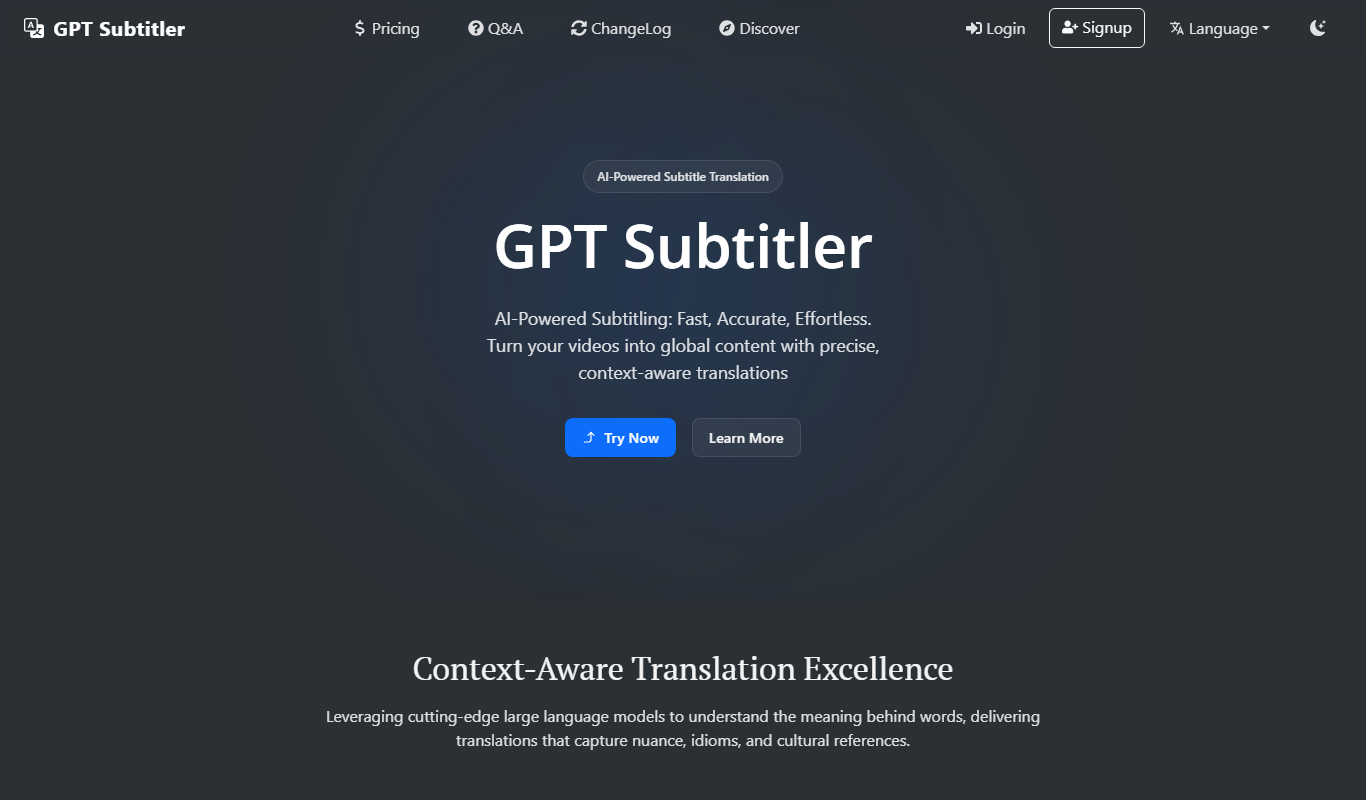
GPT Subtitler
GPT Subtitler translates subtitle files in 100+ languages with context-aware AI, or transcribes audio and video into editable captions.

Pay As You Go
YouTube Scribe
YouTube Scribe is an AI tool that transcribes and summarizes YouTube videos automatically, helping creators generate captions and concise content summaries.
Free Trial
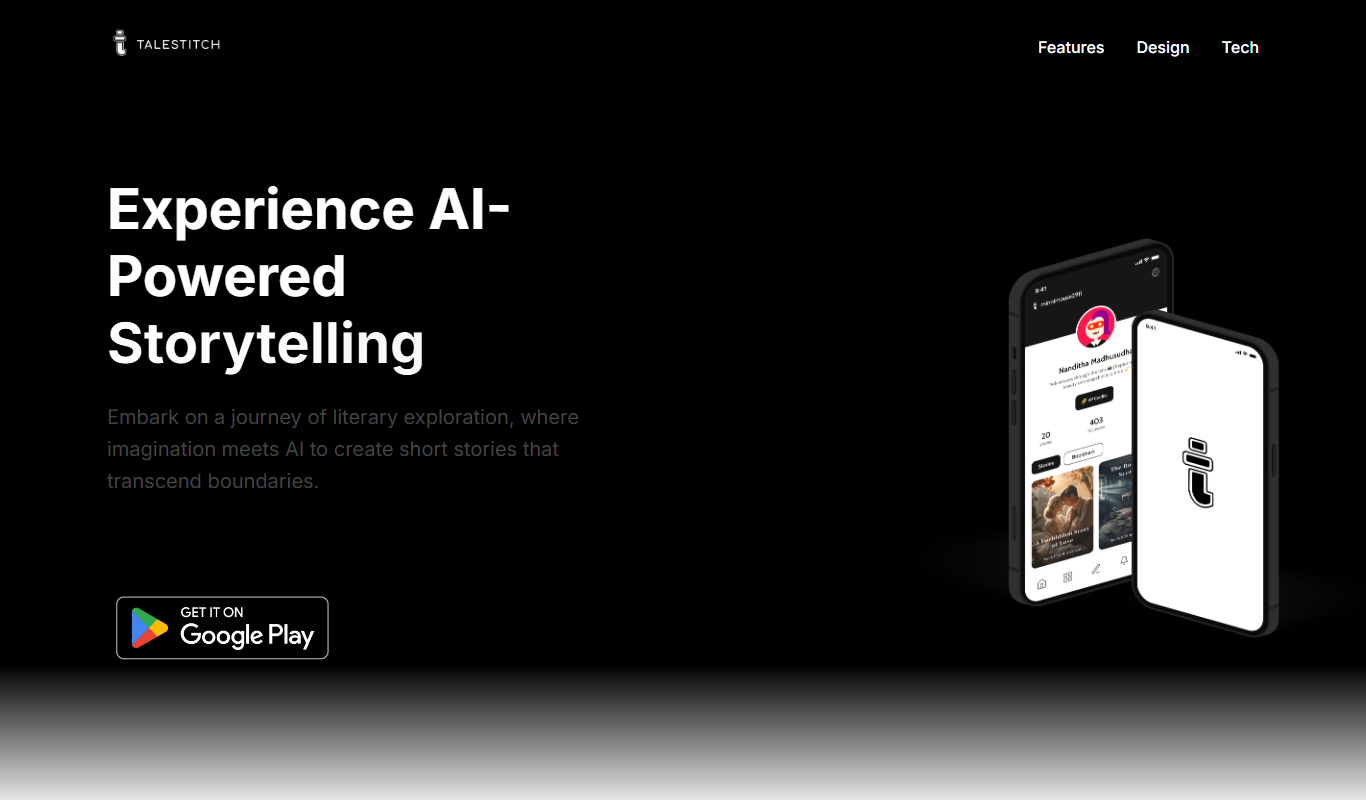
TaleStitch
TaleStitch is an AI storytelling tool that generates original stories based on user prompts, supporting creative writing and content creation.

Free Trial
Comment Generator
Comment Generator is an AI Chrome extension that reads a post's caption and drafts a comment that sounds like you on Instagram, LinkedIn and Threads.
Freemium
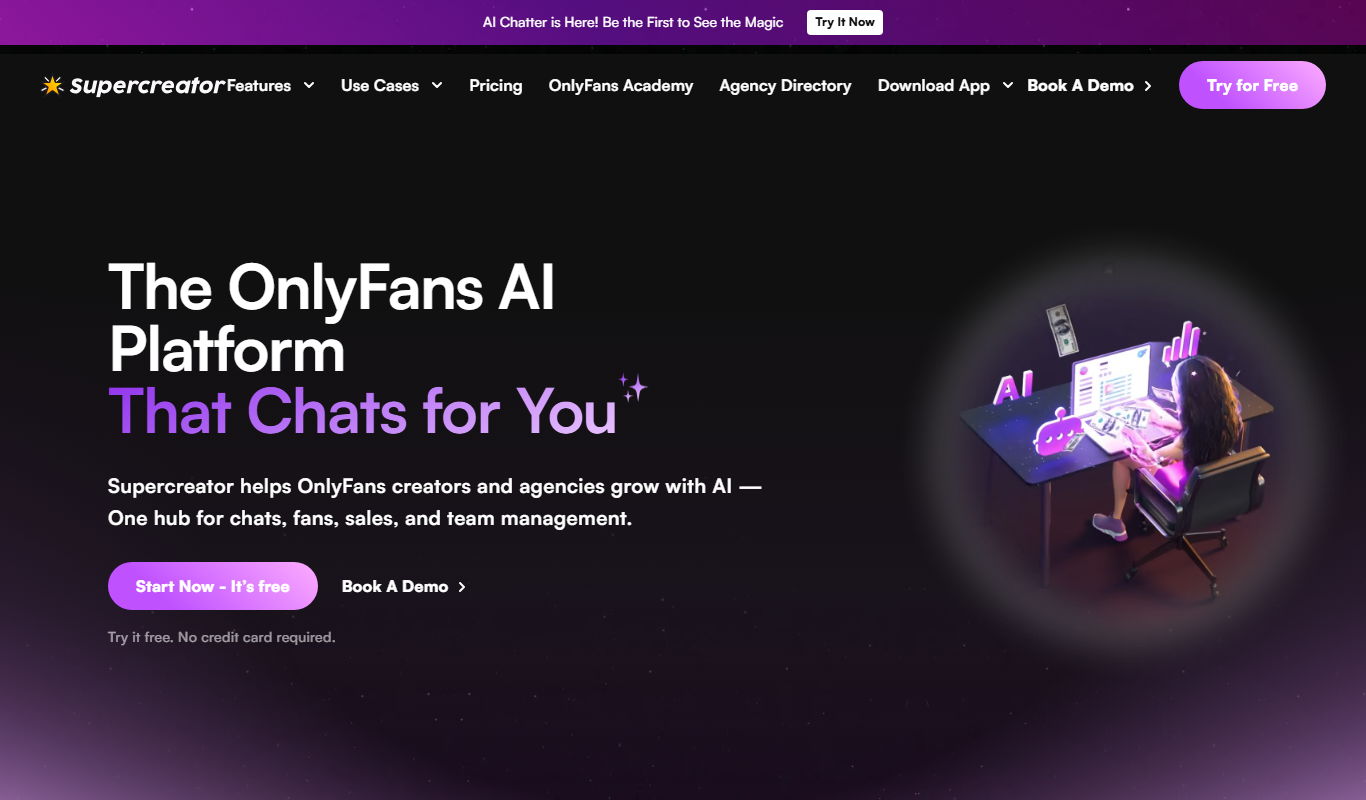
Supercreator AI for OnlyFans
Supercreator is an OnlyFans CRM platform to manage fans, grow sales and keep engagement high.

Freemium
Olly 2.0
Olly is an AI agent for social media engagement with a comment generator, AI response generator, auto reply, viral posts and AI summarizer.