

From my experience with SalesMirror.ai, I found it excels at automating the repetitive and time-consuming tasks of lead engagement and follow-up. The platform’s conversational AI feels natural and effectively qualifies leads, which can significantly boost sales team productivity. It’s particularly well-suited for small to medium-sized sales teams looking to scale outreach without increasing headcount. However, the tool currently supports only English, which may limit use for global teams. Overall, if you want to streamline your sales process with AI-driven automation, SalesMirror.ai delivers solid, practical results.
SalesMirror.ai AI Sales Assistant for Automated Lead Engagement
SalesMirror.ai is an AI-driven sales assistant platform that automates lead engagement, follow-ups, and CRM integration to boost sales team productivity.
- Best for
- Automated Lead Engagement
- Key capability
- Conversational AI Lead Engagement

What is SalesMirror.ai?
SalesMirror.ai is an AI-powered sales assistant platform designed to automate lead engagement and follow-up processes. It leverages conversational AI to interact with prospects, qualify leads, and schedule meetings, helping sales teams increase efficiency and close deals faster.
Key features of SalesMirror.ai
Key features include AI-driven lead conversations, CRM integration, automated follow-ups, and real-time analytics to track engagement and optimize sales workflows.
Conversational AI Lead Engagement
AI-powered chat and email conversations that qualify leads and answer common questions.
CRM Integration
Seamless syncing with popular CRM platforms to keep lead data current and actionable.
Automated Follow-Ups
Scheduled and triggered follow-up messages to nurture leads without manual intervention.
Real-Time Analytics
Insightful dashboards showing engagement metrics and AI performance for continuous improvement.
Pros and cons of SalesMirror.ai
Pros
- Automates repetitive sales outreach tasks effectively
- Easy CRM integration keeps data synchronized
- Customizable AI conversations improve lead qualification
- Real-time analytics help optimize sales strategies
Cons
- Limited language support (English only)
- Pricing details beyond trial require contacting sales
Key use cases for SalesMirror.ai
Automated Lead Engagement
Use AI to automatically engage and qualify leads through personalized conversations, saving sales teams time.
Sales Follow-Up Automation
Automate follow-up messages and reminders to prospects to increase conversion rates without manual effort.
CRM Data Enrichment
Integrate with CRM systems to enrich lead data and keep customer information up to date automatically.
Sales Team Productivity
Free up sales representatives from repetitive tasks by letting AI handle initial outreach and lead qualification.
How SalesMirror.ai works
-
1
Connect Your CRM
Integrate SalesMirror.ai with your existing CRM to sync leads and customer data seamlessly.
-
2
Set Up AI Conversations
Configure AI conversation flows tailored to your sales process and target audience.
-
3
Launch Automated Outreach
Activate the AI assistant to start engaging leads automatically via email or chat.
-
4
Monitor and Optimize
Track AI interactions and lead responses through dashboards to refine messaging and improve results.
Who is using SalesMirror.ai
Sales teams in SMBs
Marketing agencies
Lead generation specialists
Customer success teams
Startups looking to scale sales
SalesMirror.ai pricing
Free Trial
$0 for 14 days
Full access to features for two weeks to evaluate the platform.
Pro
$49/month
Includes AI lead engagement, CRM integration, and analytics for small to medium teams.
Enterprise
Custom pricing
Tailored solutions with advanced features and dedicated support for large organizations.
Plans and prices are as published by the vendor and can change. Check the official site before you buy. Open the pricing page (opens in a new tab)
Frequently asked questions about SalesMirror.ai
SalesMirror.ai integrates with popular CRMs such as Salesforce, HubSpot, and Pipedrive.
Yes, you can tailor AI conversations to match your sales process and messaging.
Yes, SalesMirror.ai offers a 14-day free trial with full feature access.
Currently, the platform supports English only.
It depends on your specific needs and how you plan to use the tool. The official website and documentation are the best sources for the latest details.
It depends on your specific needs and how you plan to use the tool. The official website and documentation are the best sources for the latest details.
Yes, it can help with that use case depending on how you configure it and what features are available. You’ll get the best results with clear inputs and a defined goal.
Sign in to review this tool.
No reviews yet
Be the first to share how this tool worked for you.
Ask about pricing, limits, or how it compares — or answer someone else.
No questions yet
Have a question about using or paying for this tool? Be the first to ask.
Featured on TiorAI



More AI Assistant tools
Other tools in the same category, for when this one is not quite the fit.

Free Trial
PagerGPT
PagerGPT is an AI assistant that integrates with PagerDuty to automate incident triage, provide contextual summaries, and assist engineers in resolving incidents faster.

Freemium
Phew AI Tab
Phew AI Tab is a Chrome browser extension that integrates AI-powered research, note-taking, and summarization tools directly into your browsing experience to enhance productivity and streamline information management.

Freemium
Owl at Work – AI Companion for Businesses
Owl at Work is an AI-powered business companion that automates workflows, manages tasks, and improves team collaboration through intelligent automation and integrations.

Freemium
Vivas.AI
Vivas.AI is an AI meeting assistant that transcribes meetings in real time, extracts action items, and generates summaries to improve team productivity.
Free
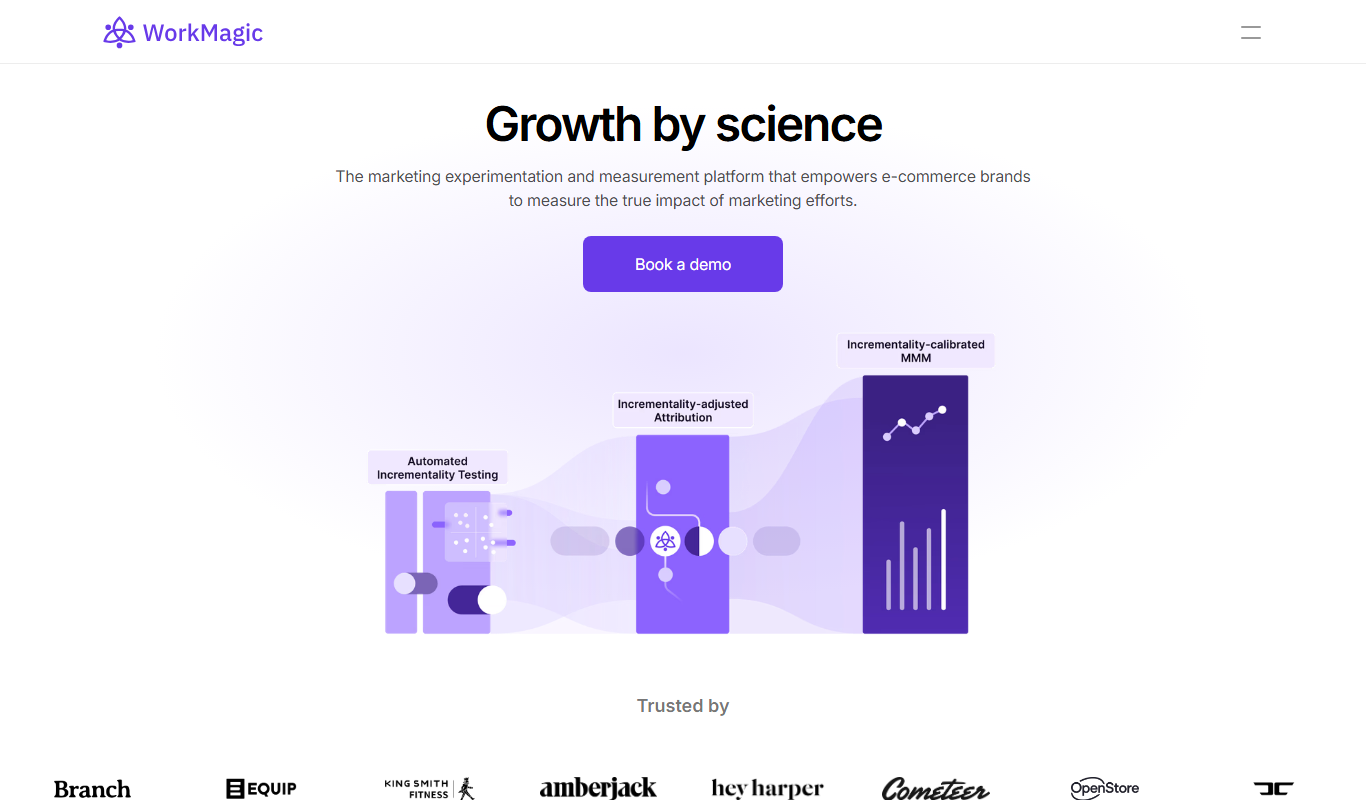
WorkMagic
WorkMagic is an AI-powered productivity assistant that automates tasks, manages workflows, and supports team collaboration through a web platform.

Free
Blue Bot
Blue Bot is a free web-based AI chatbot designed for fun and casual conversations, offering instant chat without registration.

Free Trial
Voxpad
Voxpad is an AI voice assistant that transcribes meetings in real-time and generates summaries to improve productivity and collaboration.

Free Trial
HubbleIQ
HubbleIQ is an AI meeting assistant that automates transcription, action item detection, and meeting summaries to enhance team collaboration.