

Roomi Roommate Finder App for Renting and Shared Housing Solutions
Roomi is a roommate finder and rental app that helps users find verified rental listings and compatible roommates with safety features like background checks and secure messaging.
- Best for
- Finding Roommates
- Key capability
- Verified Listings
Save Roomi, follow its updates and vote on it — everything stays in your account.
Sign in or create a free account
What is Roomi?
Roomi is a roommate finder and rental app designed to simplify the process of finding shared housing and trustworthy roommates. It offers a platform where users can search for available rooms, connect with potential roommates, and manage rental agreements securely. The app emphasizes safety and compatibility by providing background checks and verified listings.
Key features of Roomi
Roomi’s main features include a comprehensive roommate matching system, verified rental listings, in-app messaging, background screening, and lease management tools. These features work together to create a seamless experience for users seeking shared housing solutions.
Verified Listings
Roomi ensures rental listings are verified to reduce scams and misinformation.
Roommate Matching Algorithm
Advanced filters and compatibility scores help users find suitable roommates.
In-App Messaging
Secure communication channel within the app to protect user privacy.
Background Screening
Optional background checks to increase trust between roommates.
Lease and Payment Management
Tools to handle rental agreements and payments directly through Roomi.
Pros and cons of Roomi
Pros
- User-friendly interface for finding roommates and rentals
- Verified listings reduce risk of scams
- Background checks increase trustworthiness
- In-app messaging protects user privacy
- Lease management simplifies rental process
Cons
- Premium features require paid subscription
- Limited availability in smaller cities
- Background checks may incur additional costs
Key use cases for Roomi
Finding Roommates
Connect with potential roommates based on preferences, location, and lifestyle compatibility.
Searching for Rentals
Browse verified listings for rooms and apartments available for rent in various cities.
Secure Communication
Communicate safely within the app to discuss rental details and roommate arrangements.
Background Checks
Access background screening services to ensure trustworthy roommate matches.
Lease Management
Manage rental agreements and payments through the platform for convenience.
How Roomi works
- 1
Create an Account
Sign up on the Roomi app or website to start your housing search.
- 2
Set Preferences
Specify your location, budget, lifestyle preferences, and roommate criteria.
- 3
Browse Listings and Profiles
Explore available rooms and potential roommates that match your preferences.
- 4
Communicate Securely
Use the in-app messaging system to discuss details and arrange viewings.
- 5
Complete Background Checks
Optionally request or provide background screenings for added safety.
- 6
Finalize Rental Agreement
Manage lease documents and payments through the platform.
Who is using Roomi
Roomi pricing
Free
$0/month
Basic access to browse listings, create profiles, and message potential roommates.
Premium
Varies (subscription-based)
Access to enhanced features like background checks, priority listings, and advanced filters.
Plans and prices are as published by the vendor and can change. Check the official site before you buy. Open the pricing page (opens in a new tab)
Frequently asked questions about Roomi
Yes, Roomi offers a free plan with basic features. Premium features require a subscription.
Roomi verifies listings, offers background checks, and provides secure in-app messaging to protect users.
Yes, Roomi provides tools to manage rental agreements and payments within the app.
Roomi is available on web browsers, iOS, and Android devices.
It depends on your specific needs and how you plan to use the tool. The official website and documentation are the best sources for the latest details.
It depends on your specific needs and how you plan to use the tool. The official website and documentation are the best sources for the latest details.
It depends on your specific needs and how you plan to use the tool. The official website and documentation are the best sources for the latest details.
Conclusion
A Roomi search starts with location, budget, lifestyle preferences and roommate criteria, entered on the website or in the app. Matching rooms and roommates can then be browsed, with advanced filters and compatibility scores narrowing the list. Listings are verified to reduce scams, and conversations stay in in-app messaging while details and viewings are arranged. Background checks are optional and add trust between roommates, and once a match is made, lease documents and payments can be managed through the platform.
The app is aimed at young professionals and students looking for shared housing, as well as people relocating to new cities. Basic access to browse listings, create profiles and message potential roommates is free, while premium features require a subscription. Availability can be limited in smaller cities.
Sources
Sign in to review this tool.
Sign In to ReviewNo reviews yet
Be the first to share how this tool worked for you.
Ask about pricing, limits, or how it compares — or answer someone else.
Sign In to AskNo questions yet
Have a question about using or paying for this tool? Be the first to ask.
Featured on TiorAI


Alternative Tools
Explore similar AI tools that might fit your needs
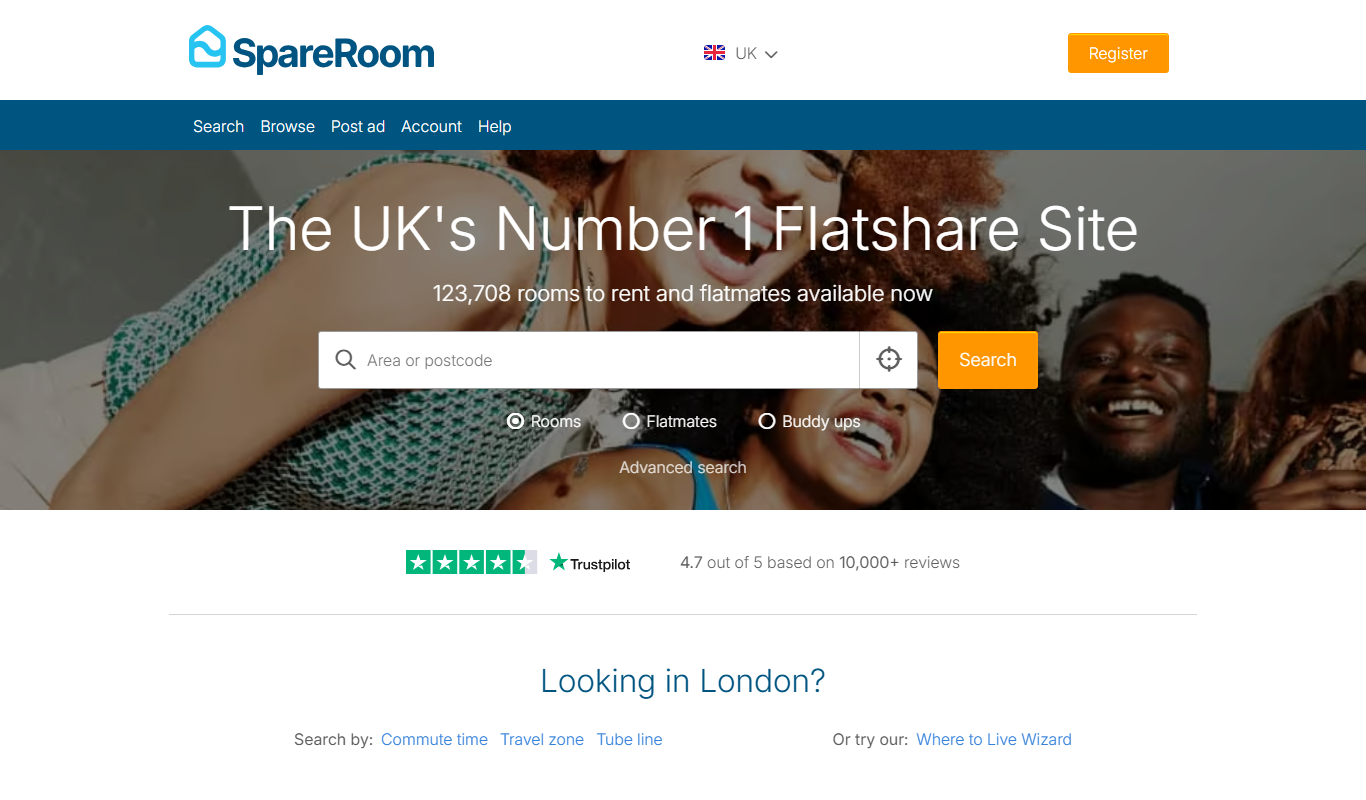
SpareRoom
SpareRoom is a UK-based platform that helps users find rooms, flatshares, and compatible roommates by providing searchable listings and secure messaging.
More Business Management tools
Other tools in the same category, for when this one is not quite the fit.

TwinMind
TwinMind is an AI second brain that transcribes and summarizes your day, organizes it into memory and powers any AI with the context of your life.

Wren AI Cloud
Wren AI is one governed data agent for people and AI agents: ask your data in plain language with the GenBI agent, or call it from Claude, ChatGPT or your own agents over MCP.

BioBrain Insights MROps Platform
BioBrain Insights unifies all of market research operations in one platform powered by AI and automation, from automated survey programming to boardroom reports.

Justmatch
Justmatch is an AI-driven platform that provides personalized job matching, resume optimization, and career insights to help job seekers find relevant opportunities and grow professionally.

Storytide.io – Corporate Influencing
Storytide is a LinkedIn content workflow platform with strategy, writing with AI support, structured processes and analytics for ghostwriters, communications teams and corporate influencer programs.

TIL bot for Slack
TIL bot for Slack is an AI assistant that gets insights from conversations, summarizes threads, finds action items, sets one time and recurring reminders and gets answers with AI.

VenueLog
VenueLog is restaurant management software that connects POS, rostering and accounting systems for automated reporting, real-time insights and AI-powered tools.

Fiorino.AI
Fiorino.AI is an open-source tool that helps SaaS owners track per-user LLM usage and costs, set pricing tiers and automate usage-based billing.