

Roofstock Real Estate Investment Platform for Buying Rental Properties Online
Roofstock is an online platform that allows investors to buy and sell single-family rental properties remotely, offering detailed property data, tenant information, and optional property management services.
- Best for
- Remote Real Estate Investment
- Key capability
- Verified Property Listings
Save Roofstock, follow its updates and vote on it — everything stays in your account.
Sign in or create a free account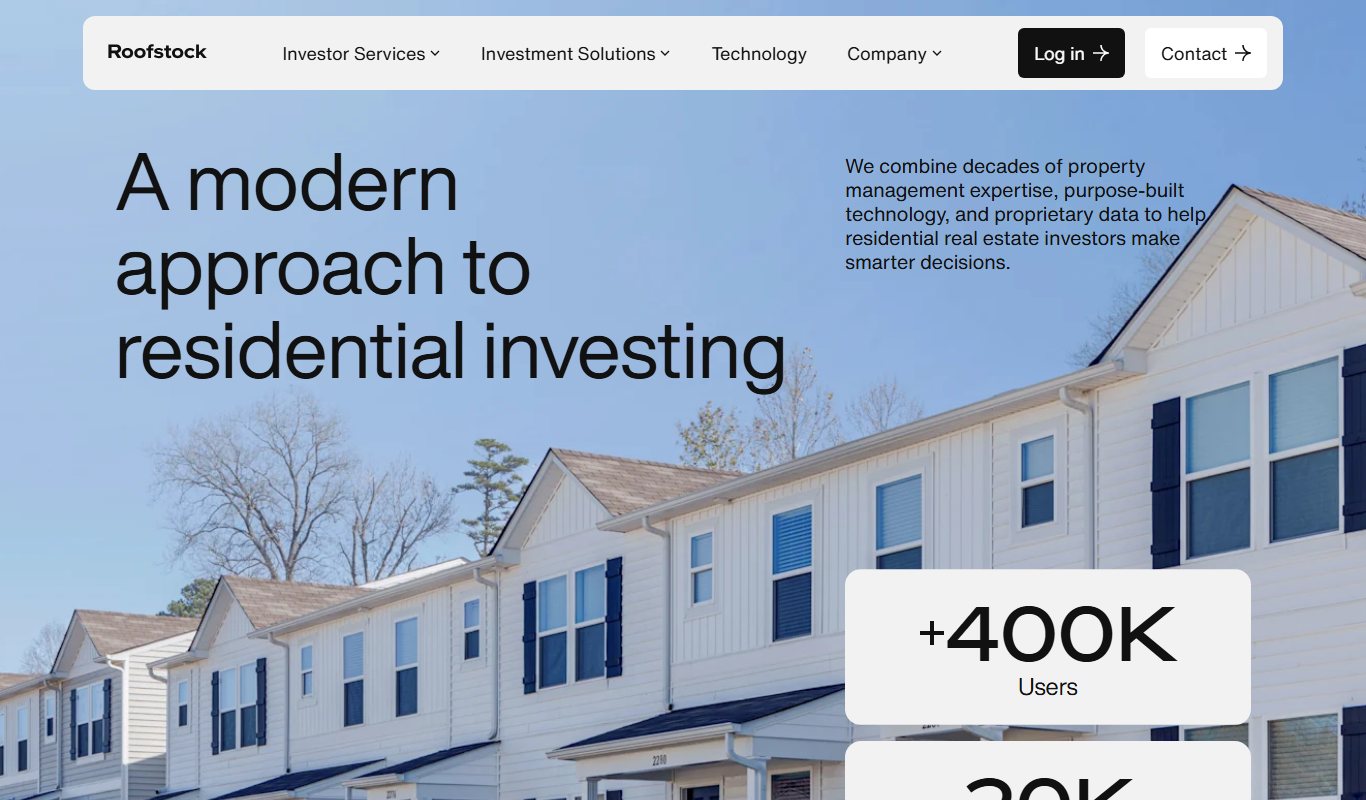
What is Roofstock?
Roofstock is an online marketplace and investment platform that enables users to buy and sell single-family rental properties. It simplifies real estate investing by providing detailed property information, tenant data, and financial analysis, allowing investors to make informed decisions remotely. Roofstock also offers property management services to streamline ownership for investors.
Key features of Roofstock
Roofstock’s main features include a comprehensive property marketplace, detailed investment analytics, tenant and lease information, inspection reports, and optional property management services. The platform facilitates transparent transactions and supports investors throughout the buying process.
Verified Property Listings
Access to thoroughly vetted single-family rental properties with transparent data.
Investment Analytics
Tools to evaluate cash flow, cap rates, and neighborhood trends.
Tenant and Lease Information
Insight into current tenants and lease terms to understand occupancy and income.
Property Management Services
Optional professional management to handle tenant relations and maintenance.
Remote Closing Process
Streamlined digital closing to facilitate remote real estate transactions.
Pros and cons of Roofstock
Pros
- Access to nationwide rental property investments remotely
- Comprehensive data and analytics for informed decisions
- Optional property management services simplify ownership
Cons
- Transaction fees can add to investment costs
- Limited to single-family rental properties
- Primarily serves US real estate market
Key use cases for Roofstock
Remote Real Estate Investment
Allows investors to purchase rental properties in different markets without physically visiting them.
Rental Property Management
Provides tools and services to manage rental properties including tenant screening and property management options.
Portfolio Diversification
Enables investors to diversify their real estate portfolio across multiple geographic locations.
Cash Flow Generation
Helps investors acquire income-generating rental properties to create steady cash flow.
Real Estate Market Analysis
Offers data and analytics to evaluate property performance and market trends.
How Roofstock works
- 1
Browse Properties
Search and filter rental properties listed on the Roofstock marketplace.
- 2
Analyze Investment
Review detailed property data, financials, and tenant information to assess investment potential.
- 3
Make an Offer
Submit an offer or purchase properties directly through the platform.
- 4
Close the Deal
Complete the transaction with Roofstock’s support, including legal and financial processes.
- 5
Manage Property
Opt for Roofstock’s property management services or manage the rental independently.
Who is using Roofstock
Roofstock pricing
Free to Browse
$0
Access to property listings and investment tools without cost.
Transaction Fee
Varies
Fee applied upon successful property purchase, typically a percentage of the sale price.
Plans and prices are as published by the vendor and can change. Check the official site before you buy. Open the pricing page (opens in a new tab)
Frequently asked questions about Roofstock
Yes, Roofstock enables investors to purchase rental properties nationwide without needing to visit in person.
Yes, Roofstock provides optional property management services to handle tenant and maintenance responsibilities.
Browsing properties is free, but Roofstock charges a transaction fee when a property is purchased.
Roofstock conducts inspections and collects tenant and financial data to ensure listings are accurate and transparent.
It depends on your specific needs and how you plan to use the tool. The official website and documentation are the best sources for the latest details.
Yes, it can help with that use case depending on how you configure it and what features are available. You’ll get the best results with clear inputs and a defined goal.
It depends on your specific needs and how you plan to use the tool. The official website and documentation are the best sources for the latest details.
Conclusion
Buying a rental home on Roofstock happens remotely: investors search and filter listed properties, review property data, financials and tenant information, then submit an offer or purchase directly through the platform. Closing uses a streamlined digital process, with Roofstock’s support on the legal and financial processes. Listings come with inspection reports and tenant and lease information, and investment analytics evaluate cash flow, cap rates and neighborhood trends. After the purchase, owners can opt for the property management services for tenant relations and maintenance or manage the rental independently.
The platform is aimed at individual real estate investors and passive income seekers, as well as real estate investment firms. Roofstock also provides tools to manage rental properties, including tenant screening, and data to evaluate property performance and market trends. It is designed to let investors diversify a real estate portfolio across multiple geographic locations and acquire income-generating rental properties.
Browsing property listings and investment tools is free, and a transaction fee, typically a percentage of the sale price, applies when a property is purchased. Listings are limited to single-family rental properties and primarily serves the US real estate market.
Sources
Sign in to review this tool.
Sign In to ReviewNo reviews yet
Be the first to share how this tool worked for you.
Ask about pricing, limits, or how it compares — or answer someone else.
Sign In to AskNo questions yet
Have a question about using or paying for this tool? Be the first to ask.
Featured on TiorAI



More Business Management tools
Other tools in the same category, for when this one is not quite the fit.

ChartPixel
ChartPixel is a web-based platform that turns messy data into interactive charts, written insights and forecasts with AI assisted analysis, and lets users chat with their data.

Chatterlytics
Chatterlytics is an AI data analytics and BI copilot that connects to your databases and answers business questions in plain English with charts, dashboards and explainable reports.

Formisoft AI
Formisoft helps independent practices get patient paperwork completed before the appointment, with intake forms, signatures, booking, payments and follow-up in one place.

Jobotrak
Jobotrak is a job application tracker for applications, interviews and contacts, with AI resume tailoring and interview prep and a free plan for up to 20 job applications.

Influs
Influs is a talent operations workspace where creator agencies run their roster, campaigns, deliverables, approvals, payments and margin.

BIK
BIK is an agentic AI CRM and marketing automation platform for eCommerce brands, with 100+ AI commerce agents across retention, acquisition and support.

Digits — Accounting, reimagined.
Digits is AI-native accounting software with 24/7 automated bookkeeping, real-time financials, AI Bill Pay and invoicing for business owners and accountants.

Linkly AI
Linkly AI is a local document search engine for AI agents that indexes the files on your computer and lets any AI tool search and read them through MCP, a CLI or Skills.