

From my experience with Roletopia, I found it excels at creating immersive AI-driven roleplay stories that adapt fluidly to user input. The platform’s customization options allow storytellers and gamers to craft unique scenarios, making it a valuable tool for creative writers and roleplay enthusiasts alike. However, the lack of multilingual support and absence of a dedicated mobile app may limit accessibility for some users. Overall, if you enjoy interactive fiction or need inspiration for storytelling, Roletopia offers a compelling and user-friendly AI experience.
Roletopia AI Roleplay Stories Generator for Interactive Fiction Fans
Roletopia is an AI-driven platform that generates interactive roleplay stories, allowing users to create dynamic narratives through conversational AI characters.
- Best for
- Interactive Roleplay Storytelling
- Key capability
- AI-Powered Roleplay
Your actions
Save Roletopia: Roleplay AI Stories, follow its updates and vote on it — everything stays in your account.
Sign in or create a free account

What is Roletopia: Roleplay AI Stories?
Roletopia is an AI-powered platform designed to generate interactive roleplay stories. It allows users to engage with AI characters in dynamic storytelling sessions, creating unique narratives through conversational roleplay. The tool leverages advanced language models to simulate character dialogue and plot progression, making it a versatile assistant for writers, gamers, and enthusiasts of interactive fiction.
Key features of Roletopia: Roleplay AI Stories
Roletopia offers AI-driven roleplay story generation, customizable character interactions, and a user-friendly web interface. It supports multiple storytelling genres and provides an immersive experience by adapting responses based on user input.
AI-Powered Roleplay
Generates dynamic storylines and character dialogue based on user input.
Customizable Scenarios
Allows users to tailor story settings and character roles to their preferences.
User-Friendly Interface
Clean and intuitive web platform for seamless storytelling experiences.
Story Saving and Export
Users can save their stories and export them for later use or sharing.
Pros and cons of Roletopia: Roleplay AI Stories
Pros
- Engaging AI-driven roleplay storytelling
- Customizable scenarios and characters
- Easy-to-use web interface
- Option to save and export stories
Cons
- Limited language support (English only)
- No dedicated mobile app
- Some features require subscription
Key use cases for Roletopia: Roleplay AI Stories
Interactive Roleplay Storytelling
Users can engage in AI-driven roleplay scenarios, creating dynamic and immersive story experiences.
Creative Writing Assistance
Writers can use Roletopia to generate story ideas, dialogue, and plot developments for fiction projects.
Entertainment and Leisure
Casual users can enjoy interactive AI conversations and stories for fun and relaxation.
Game Master Support
Tabletop RPG game masters can use the tool to brainstorm storylines and character interactions.
How Roletopia: Roleplay AI Stories works
- 1
Create an Account
Sign up on the Roletopia website to start creating roleplay stories.
- 2
Select a Roleplay Scenario
Choose from predefined story settings or create a custom scenario.
- 3
Interact with AI Characters
Engage in conversations with AI-driven characters to develop the story.
- 4
Save and Share Stories
Save your roleplay sessions and share them with others if desired.
Who is using Roletopia: Roleplay AI Stories
Creative writers
Roleplay enthusiasts
Tabletop RPG game masters
Interactive fiction fans
Casual users seeking entertainment
Roletopia: Roleplay AI Stories pricing
Free
$0/month
Access to basic roleplay features with limited usage.
Premium
$9.99/month
Unlimited access, advanced features, and priority support.
Plans and prices are as published by the vendor and can change. Check the official site before you buy. Open the pricing page (opens in a new tab)
Frequently asked questions about Roletopia: Roleplay AI Stories
Roletopia offers a free plan with limited features and a premium subscription for full access.
Yes, users can customize character roles and story settings to suit their preferences.
Roletopia is accessible via web browsers on desktop and mobile devices.
It depends on your specific needs and how you plan to use the tool. The official website and documentation are the best sources for the latest details.
Yes, it can help with that use case depending on how you configure it and what features are available. You’ll get the best results with clear inputs and a defined goal.
Sign in to review this tool.
Sign In to ReviewNo reviews yet
Be the first to share how this tool worked for you.
Ask about pricing, limits, or how it compares — or answer someone else.
Sign In to AskNo questions yet
Have a question about using or paying for this tool? Be the first to ask.
Featured on TiorAI



More AI Storytelling Tools tools
Other tools in the same category, for when this one is not quite the fit.

Free
Once Upon A Bot
Once Upon A Bot lets users create children's stories with AI, with illustrations and a voice narrator.
Free
AI Storyteller
AI Storyteller is a free web tool that uses AI to generate original stories from user prompts without requiring registration.
Freemium
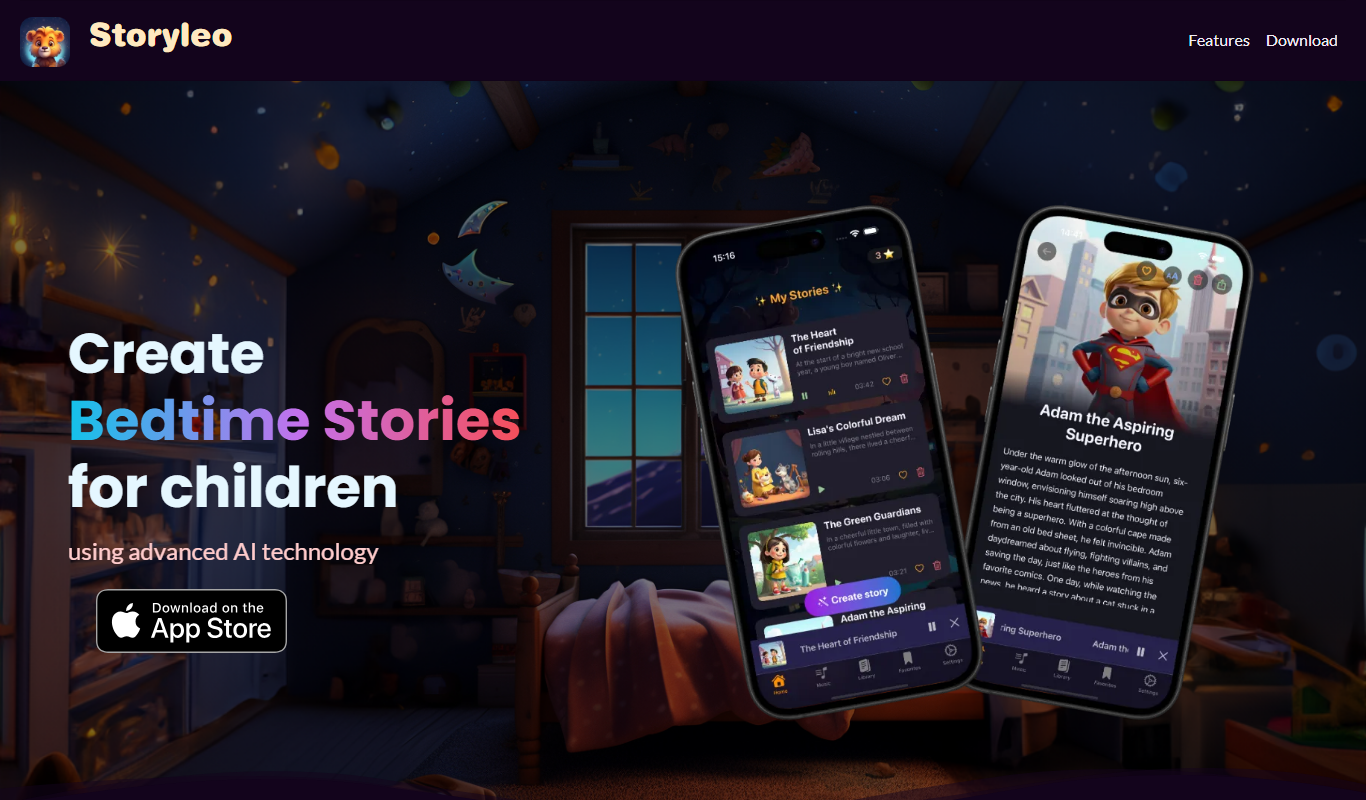
Storyleo: Bedtime Stories AI
Storyleo is an AI app for iPhone and iPad that creates personalized bedtime stories for children from chosen characters, themes or their parents' own content.
Free
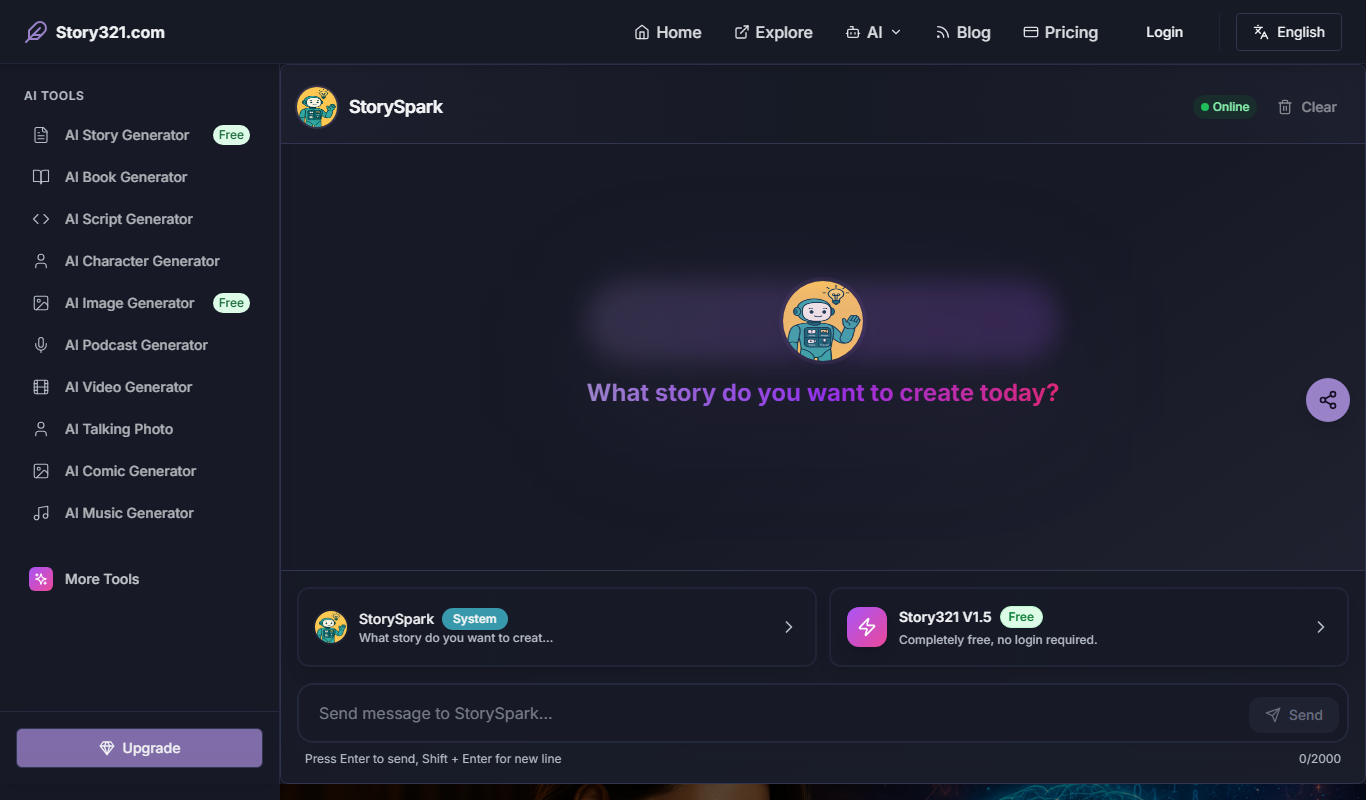
Story321 AI story generator
Story321 is an AI storytelling workspace where writers and creators build stories, characters and worlds, then expand them into image, video, audio and 3D formats.

Free
Notebook.ai
Notebook.ai is an online worldbuilding and writing tool that helps authors and creatives organize fictional worlds, characters, and stories using modular templates, cross-referencing, and collaboration features.
Free
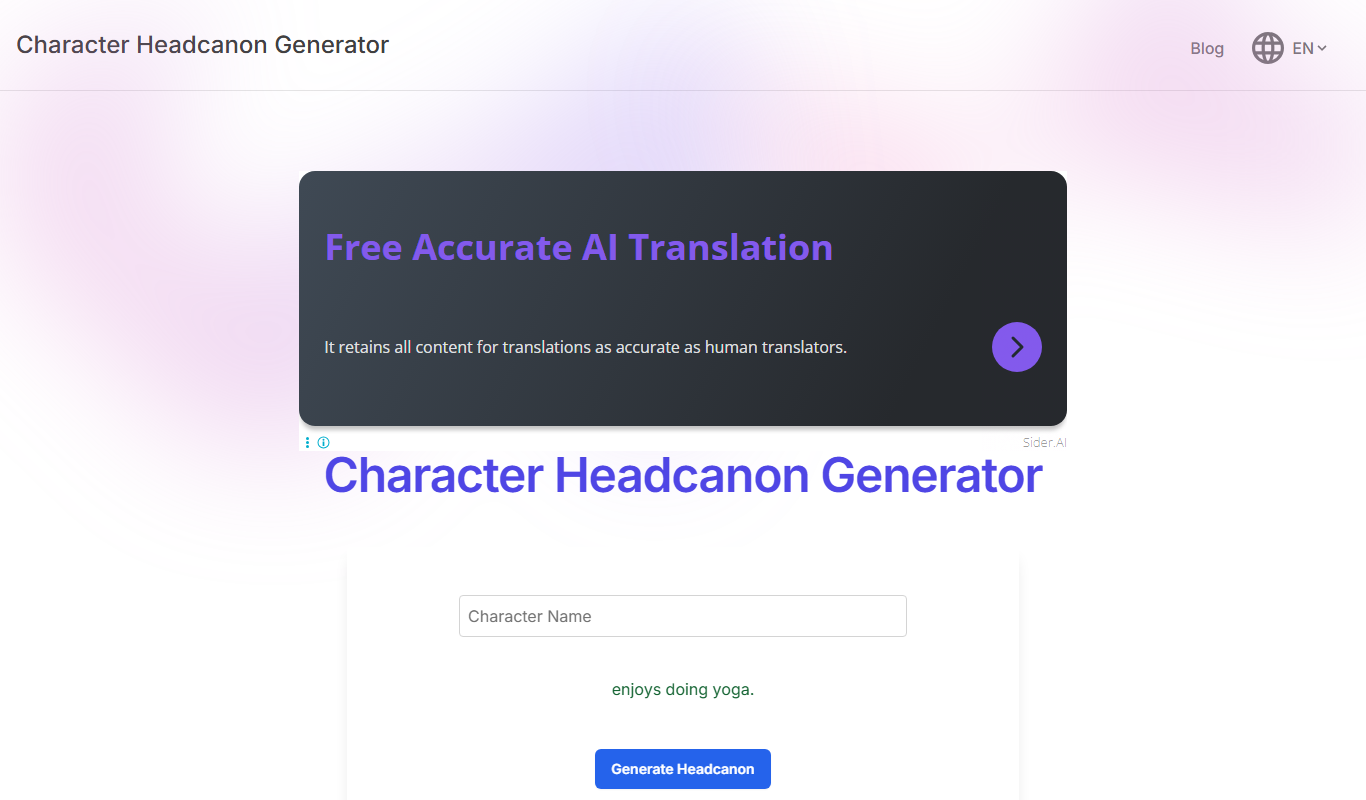
Headcanon Generator
Headcanon Generator is a free web tool that creates random, creative character traits and story ideas to inspire writers and fans.

Free
v3RPG
v3RPG is an AI Dungeon Master tool that generates interactive RPG stories, enabling immersive solo or group role-playing experiences through a web-based interface.

Freemium
STORYD
STORYD is an AI-driven platform that generates original stories and creative content based on user inputs, ideal for writers and content creators seeking inspiration and assistance.