

From my experience with Rodeo, I found it excels at simplifying collaborative video editing by combining timeline editing and feedback tools into a single cloud platform. This makes it particularly well-suited for creative teams and freelance editors who need to streamline communication and asset management without juggling multiple apps. However, Rodeo currently lacks dedicated mobile apps and deeper integrations with popular editing software, which might limit flexibility for some users. Overall, if your workflow involves team-based video projects requiring real-time collaboration and organized feedback, Rodeo delivers a practical and user-friendly solution.
Rodeo Creator Assistant for Video Editing and Content Collaboration
Rodeo is a cloud-based creator assistant platform that facilitates collaborative video editing, asset organization, and real-time feedback to improve creative workflows.
- Best for
- Video Editing Collaboration
- Key capability
- Collaborative Timeline Editing


Do you recommend this tool?
What is Rodeo – Your Creator Assistant?
Rodeo is a web-based creator assistant designed to simplify video editing and content collaboration. It combines project management, timeline editing, and feedback tools into one platform to help creators and teams work more efficiently on video projects.
Key features of Rodeo – Your Creator Assistant
Rodeo offers collaborative timeline editing, asset organization, real-time feedback, and workflow automation features tailored for video creators and creative teams.
Collaborative Timeline Editing
Multiple users can edit and comment on video timelines simultaneously, improving team coordination.
Asset Management
Organize all project files in one place with easy access and version control.
Real-Time Feedback
Clients and team members can provide timestamped comments and suggestions directly on the video.
Workflow Automation
Automate repetitive tasks and integrate with other creative tools to streamline production.
Cloud-Based Platform
Access your projects from anywhere with a web-based interface requiring no local installation.
Pros and cons of Rodeo – Your Creator Assistant
Pros
- Intuitive collaborative timeline editing
- Centralized asset and feedback management
- Cloud-based access without software installation
Cons
- No dedicated mobile applications
- Limited integrations with external editing software
Key use cases for Rodeo – Your Creator Assistant
Video Editing Collaboration
Teams can collaboratively edit videos with shared timelines and feedback tools to streamline content creation.
Creative Project Management
Manage creative projects by organizing assets, timelines, and tasks within a unified platform designed for creators.
Content Review and Feedback
Facilitate real-time feedback and review cycles with clients or team members directly on video content.
Workflow Automation for Creators
Automate repetitive tasks and integrate with other creative tools to optimize the content production process.
How Rodeo – Your Creator Assistant works
- 1
Create an Account
Sign up on the Rodeo website to start managing your creative projects.
- 2
Upload and Organize Assets
Add your video clips, audio, and other assets into organized projects.
- 3
Collaborate on Timelines
Work together with your team on video timelines, making edits and adjustments in real time.
- 4
Gather Feedback
Invite collaborators or clients to review content and leave comments directly on the timeline.
- 5
Export and Deliver
Finalize your video project and export it for distribution or further processing.
Who is using Rodeo – Your Creator Assistant
Video content creators
Creative agencies
Marketing teams
Freelance editors
Small production studios
Rodeo – Your Creator Assistant pricing
Free
$0/month
Basic access with limited projects and collaborators.
Pro
$15/month
Advanced features including unlimited projects, collaborators, and priority support.
Plans and prices are as published by the vendor and can change. Check the official site before you buy. Open the pricing page (opens in a new tab)
Frequently asked questions about Rodeo – Your Creator Assistant
Rodeo supports both individual creators and teams, offering collaboration features that scale with your needs.
Currently, Rodeo is optimized for web browsers and does not have dedicated mobile apps.
Rodeo focuses on collaboration and project management but supports exporting assets compatible with popular editing tools.
This tool is designed to help users accomplish its core tasks more efficiently. It is typically used by individuals or teams looking to improve productivity and workflow.
It depends on your specific needs and how you plan to use the tool. The official website and documentation are the best sources for the latest details.
Some tools offer a free plan or trial with limited features. Availability can vary, so confirm on the official website.
Yes, it can help with that use case depending on how you configure it and what features are available. You’ll get the best results with clear inputs and a defined goal.
Sign in to review this tool.
Sign In to ReviewNo reviews yet
Be the first to share how this tool worked for you.
Ask about pricing, limits, or how it compares — or answer someone else.
Sign In to AskNo questions yet
Have a question about using or paying for this tool? Be the first to ask.
Featured on TiorAI



Alternative Tools
Explore similar AI tools that might fit your needs
Free
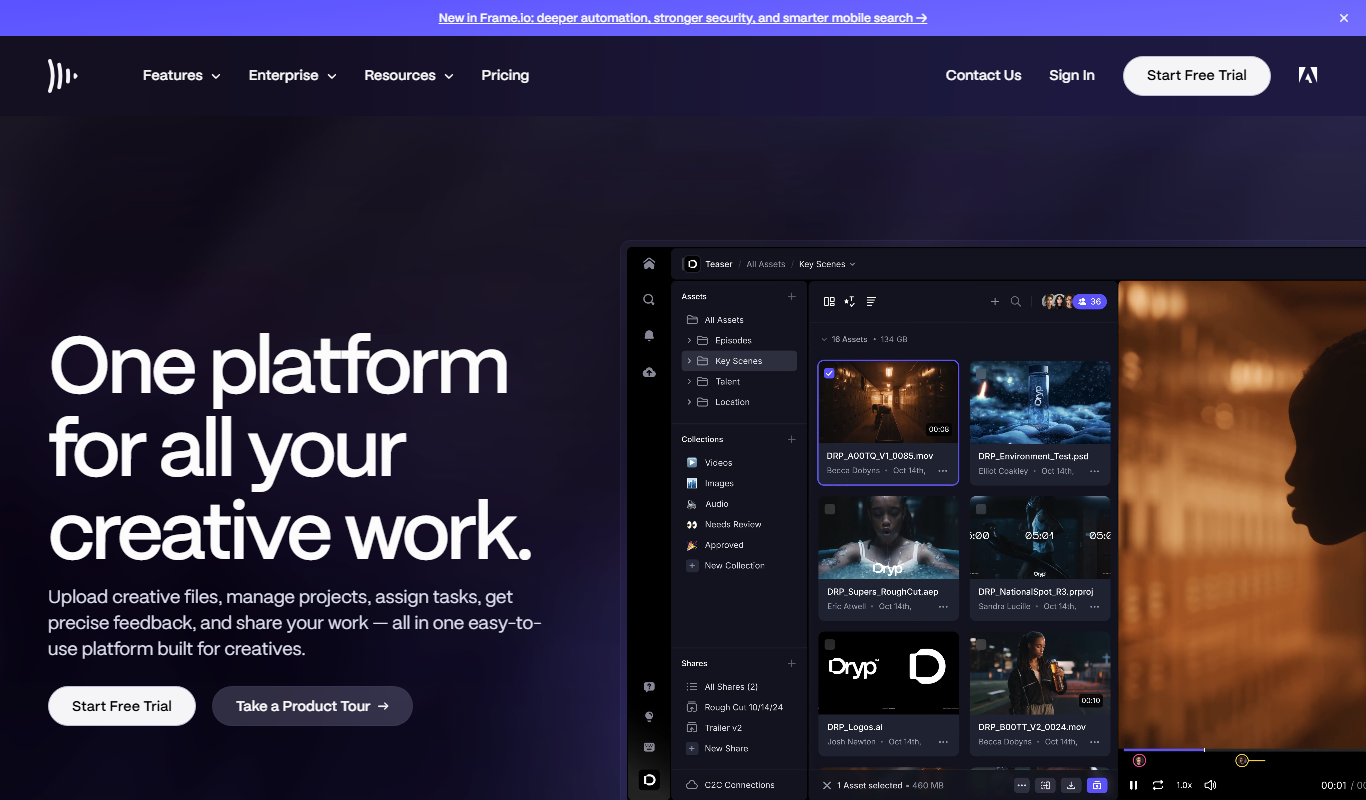
Frame.io
Frame.io is a cloud-based platform that enables video teams to collaborate by uploading videos, leaving frame-accurate comments, managing versions, and securely sharing content for review and approval.

Free Trial
Wipster
Wipster is a cloud-based video review platform that enables teams and clients to collaborate by providing frame-accurate comments, version control, and task management to streamline video production workflows.
More AI Video Creation Tools tools
Other tools in the same category, for when this one is not quite the fit.

Freemium
AIreelity
AIreelity is an AI-driven video creation platform that transforms text scripts into engaging marketing videos with customizable templates and AI voiceovers.

Free Trial
AI VYX
AI VYX is an AI-driven video creation platform that automates script generation and video assembly to help marketers and content creators produce professional videos quickly and easily.

Freemium
Fliki
Fliki is an AI-based platform that converts text into videos with natural-sounding voiceovers in multiple languages, ideal for marketers, educators, and content creators.

Freemium
aicut 2.0
AI Cut 2.0 is an AI-powered web tool that automatically removes video backgrounds and isolates subjects without green screens, enabling fast and precise video editing.

Freemium
WOXO: AI Video Generator for Social Content
WOXO is an AI-powered video creation platform that transforms text, URLs, or images into social media-ready videos using customizable templates and automated voiceovers.

Freemium
Oclipia AI
Oclipia AI is a web-based platform that uses artificial intelligence to automate video editing, enabling users to create social media-optimized videos quickly by clipping highlights, adding captions, and applying templates.

Free
Uptik
Uptik is an AI-driven web-based video editor that automates the editing process, enabling users to create professional videos quickly with customizable templates and social media optimized exports.

Freemium
AICO
AICO is an AI-driven video editing platform that automates the editing process by analyzing raw footage and producing polished videos optimized for social media and marketing use.