

From my experience with RocketSaas, I found it excels at enabling non-technical users to build and launch SaaS applications quickly through an intuitive no-code interface. The platform’s integrated features like payment processing and user authentication simplify common SaaS requirements, making it a practical choice for startups and entrepreneurs eager to validate ideas without heavy development costs. However, the trade-off is less flexibility compared to custom-coded solutions, which might limit highly specialized needs. Overall, if you want to rapidly prototype or launch a SaaS product without coding, RocketSaas offers a streamlined and effective solution.
RocketSaas - No-Code SaaS Builder Platform for Rapid App Development
RocketSaas is a no-code platform that enables users to build, launch, and scale SaaS applications quickly without programming skills, featuring a visual builder, payment integration, and automation tools.
- Best for
- Build SaaS Applications
- Key capability
- Visual Drag-and-Drop Builder
Do you recommend this tool?
What is RocketSaas?
RocketSaas is a no-code platform designed to help users build, launch, and scale SaaS applications quickly without writing code. It offers a visual builder with pre-configured components, enabling entrepreneurs and businesses to create SaaS products with ease and speed.
Key features of RocketSaas
RocketSaas provides a drag-and-drop interface, user authentication, payment integrations, database management, and automation tools to streamline SaaS development from idea to launch.
Visual Drag-and-Drop Builder
Build SaaS applications visually without writing code.
User Authentication
Easily add sign-up, login, and user management features.
Payment Integration
Integrate payment gateways to monetize your SaaS product.
Database Management
Manage your app’s data with built-in database tools.
Automation Workflows
Automate repetitive tasks and business processes within your app.
Pros and cons of RocketSaas
Pros
- No coding required, ideal for non-technical users
- Fast prototyping and deployment of SaaS apps
- Built-in payment and user management features
Cons
- Limited customization compared to custom development
- Pricing may be high for very early-stage startups
Key use cases for RocketSaas
Build SaaS Applications
Create fully functional SaaS products without coding, using RocketSaas's drag-and-drop interface and pre-built components.
Rapid Prototyping
Quickly prototype and validate SaaS ideas to test market fit before investing in development.
Automate Workflows
Integrate automation features to streamline business processes within your SaaS applications.
Launch Startups
Empower entrepreneurs and startups to launch SaaS products faster with minimal technical resources.
How RocketSaas works
- 1
Sign Up
Create an account on RocketSaas to access the platform.
- 2
Design Your SaaS
Use the visual builder to drag and drop components and design your application.
- 3
Configure Features
Set up user authentication, payments, and automation workflows without coding.
- 4
Test and Launch
Preview your SaaS app, test functionality, and deploy it to your users.
Who is using RocketSaas
Entrepreneurs and startups
Small businesses
Non-technical founders
Product managers
Freelancers building SaaS solutions
RocketSaas pricing
Free Trial
$0 for 14 days
Access full features to test the platform before subscribing.
Starter
$29/month
Basic plan for launching simple SaaS apps with essential features.
Pro
$79/month
Advanced features and higher usage limits for growing SaaS businesses.
Plans and prices are as published by the vendor and can change. Check the official site before you buy. Open the pricing page (opens in a new tab)
Frequently asked questions about RocketSaas
No, RocketSaas is designed as a no-code platform, so you can build SaaS apps without any programming knowledge.
Yes, RocketSaas supports payment integrations to help you monetize your SaaS applications.
Yes, RocketSaas offers a 14-day free trial with access to all features.
This tool is designed to help users accomplish its core tasks more efficiently. It is typically used by individuals or teams looking to improve productivity and workflow.
It depends on your specific needs and how you plan to use the tool. The official website and documentation are the best sources for the latest details.
Pricing depends on the plan and included features. For the most accurate and up-to-date details, check the official pricing page.
Sign in to review this tool.
Sign In to ReviewNo reviews yet
Be the first to share how this tool worked for you.
Ask about pricing, limits, or how it compares — or answer someone else.
Sign In to AskNo questions yet
Have a question about using or paying for this tool? Be the first to ask.
Featured on TiorAI



Alternative Tools
Explore similar AI tools that might fit your needs

Free
Bubble
Bubble is a no-code platform that enables users to create complex web applications visually without writing code, using drag-and-drop design, workflows, and database management.

Free
Adalo
Adalo is a no-code platform that lets you create mobile and web applications visually without programming, supporting native app publishing and database integration.

Free Trial
OutSystems
OutSystems is a low-code platform that accelerates enterprise application development through visual tools, AI assistance, and seamless integration, enabling rapid deployment across web and mobile.
More AI CRM tools
Other tools in the same category, for when this one is not quite the fit.

Free Trial
useposeidon.com
Poseidon AI is an AI-powered writing assistant that generates SEO-friendly content such as blog posts, articles, and marketing copy to help content creators and marketers save time and improve content quality.

Free
Kaizan
Kaizan is an AI-powered meeting assistant that transcribes meetings in real-time, generates summaries, detects action items, and provides insights to enhance team collaboration and communication.

Free Trial
Customers.ai
Customers.ai is an AI-driven platform that helps businesses analyze customer behavior, predict churn, and automate personalized marketing campaigns to improve engagement and retention.
Subscription
Athena Global
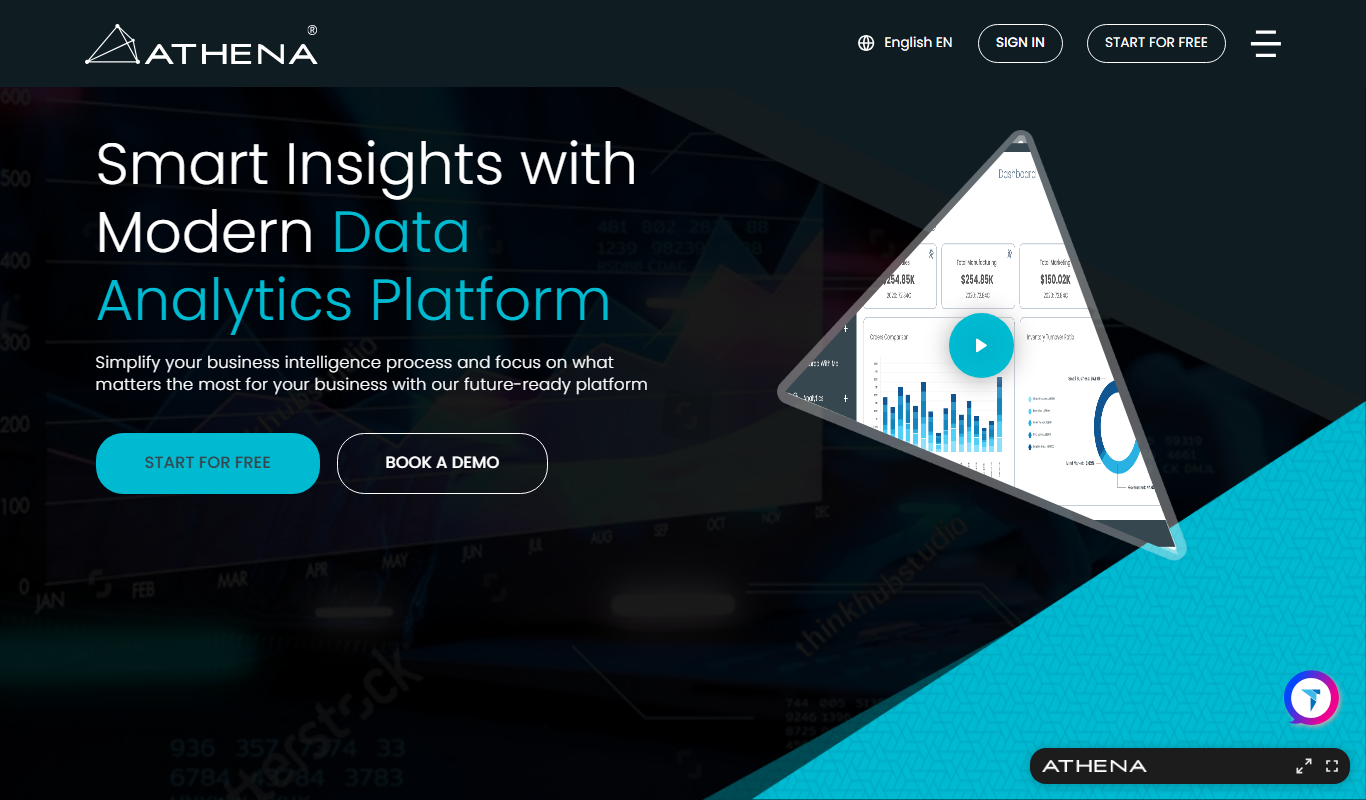
Athena Global is a web-based platform providing international trade data, market intelligence, compliance tracking, and risk analysis to help businesses make informed global trade decisions.

Freemium
Culture Counter
Culture Counter is a web app that enables organizations to measure, track, and improve workplace diversity and inclusion through customizable metrics, data visualization, and benchmarking tools.

Free Trial
chaterimo.com
Chaterimo is an AI chatbot platform that helps businesses automate customer support and engagement through customizable conversational bots on websites.

Subscription
Cloud Contracts 365
Cloud Contracts 365 is a cloud-based contract management platform designed to help cloud service providers and users manage, automate, and track their contracts efficiently.

Custom Pricing
trueaccord.com
TrueAccord is an AI-powered debt collection platform that automates customer outreach and payment management through digital channels, improving recovery rates while ensuring compliance.