

From my experience with Roboflow Inference API, it stands out for its straightforward approach to deploying custom computer vision models without the hassle of managing infrastructure. The REST API is intuitive, making integration into existing applications smooth, and the support for multiple model architectures adds flexibility. It’s particularly well-suited for developers and businesses needing scalable, real-time image analysis. However, if your use case involves video, you should consider that it processes frames individually rather than streaming video natively. Overall, for custom object detection and classification tasks, Roboflow Inference API offers a reliable and developer-friendly solution.
Roboflow Inference API for Custom Computer Vision Model Deployment
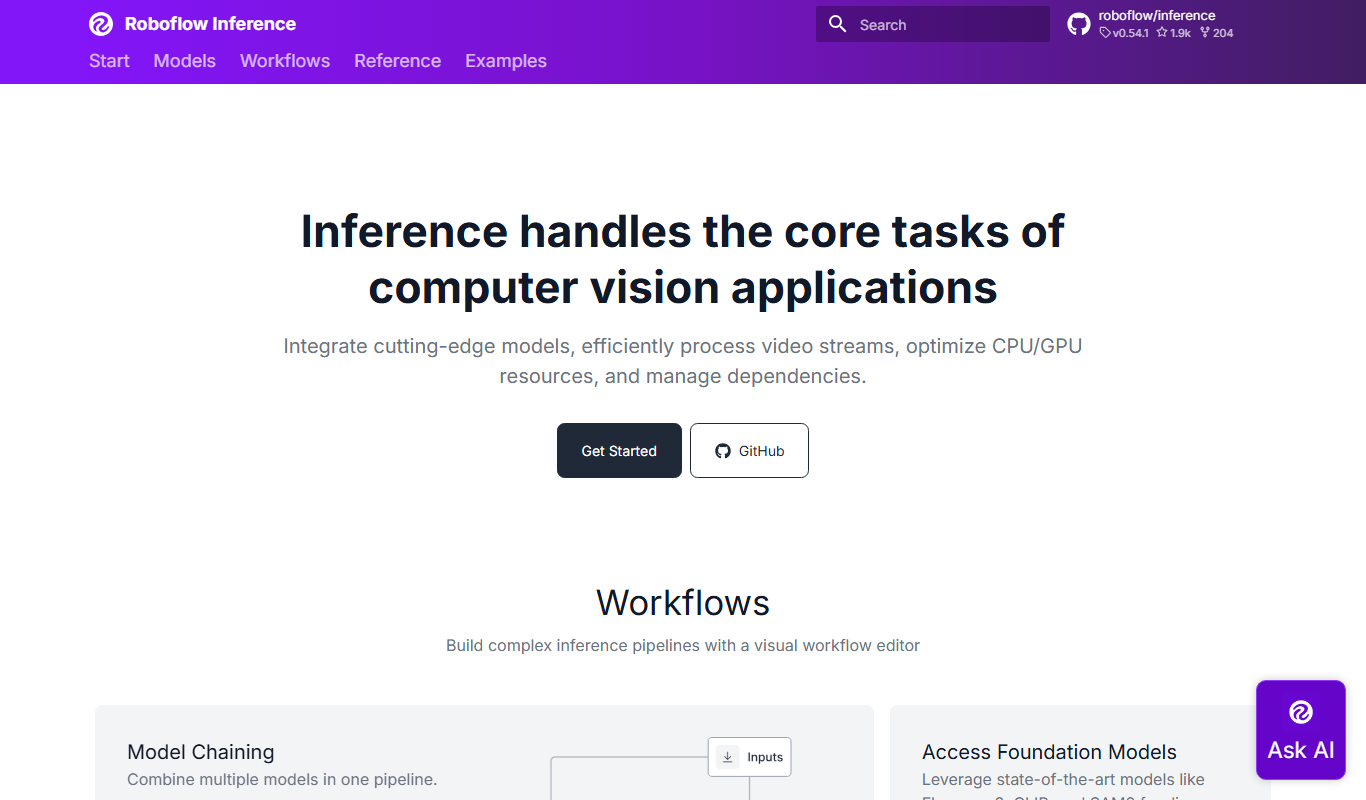
Roboflow Inference API is a cloud-based service that allows developers to deploy and run custom computer vision models via a REST API, supporting object detection and image classification with scalable infrastructure.
Do you recommend this tool?
What is Roboflow Inference API?
Roboflow Inference API is a cloud-based service that enables developers and businesses to deploy and run custom computer vision models for image analysis tasks such as object detection and classification. It provides a simple REST API interface to send images and receive predictions, abstracting away the complexities of model hosting, scaling, and optimization.
Key features of Roboflow Inference API
The API supports multiple model types, including YOLO and Faster R-CNN, offers real-time inference with low latency, and integrates easily with existing applications. It also provides options for batch processing, version control of models, and detailed prediction outputs including bounding boxes and confidence scores.
RESTful API Interface
Simple HTTP endpoints for sending images and receiving predictions.
Support for Multiple Model Architectures
Compatible with popular architectures like YOLO, SSD, and Faster R-CNN.
Real-time and Batch Inference
Perform single image or batch processing with low latency.
Model Versioning and Management
Manage multiple model versions and roll back if needed.
Scalable Cloud Infrastructure
Automatically scales to handle varying inference loads.
Pros and cons of Roboflow Inference API
Pros
- Easy deployment of custom computer vision models without infrastructure management
- Supports multiple popular model architectures
- Scalable cloud infrastructure with managed hosting
- Simple REST API interface for integration
- Model version control and management
Cons
- Primarily focused on image inference, video requires frame-by-frame processing
- Pricing can become expensive at very high usage volumes
- Limited language support beyond English documentation
Who is using Roboflow Inference API
AI developers and data scientists
Startups building computer vision applications
Enterprises automating visual inspection
Manufacturing and quality control teams
Researchers prototyping vision models
Roboflow Inference API pricing
Free
$0/month
Limited monthly inference requests with basic features for testing and development.
Pro
$49/month
Higher request limits, priority support, and advanced features for production use.
Enterprise
Custom pricing
Tailored solutions with dedicated support, SLAs, and on-premise deployment options.
Plans and prices are as published by the vendor and can change. Check the official site before you buy. Open the pricing page (opens in a new tab)
Sign in to review this tool.
Sign In to ReviewNo reviews yet
Be the first to share how this tool worked for you.
Ask about pricing, limits, or how it compares — or answer someone else.
Sign In to AskNo questions yet
Have a question about using or paying for this tool? Be the first to ask.
Featured on TiorAI



More AI Education & Learning Tools tools
Other tools in the same category, for when this one is not quite the fit.

Free
bentolingo
BentoLingo is an AI-driven language learning platform that provides personalized speaking practice and real-time feedback to help users improve fluency in multiple languages.

Free Trial
Testnut
Testnut is an online exam platform that enables secure, scalable assessments with remote proctoring, automated grading, and detailed analytics, suitable for education and corporate use.

Freemium
Testbook.ai
Testbook.ai is an AI-driven platform offering personalized study plans, mock tests, and live classes to help students prepare effectively for competitive exams.

Free
AICamp
AICamp is an AI education platform offering project-based learning to teach AI, machine learning, and data science through hands-on projects and community mentorship.
Free
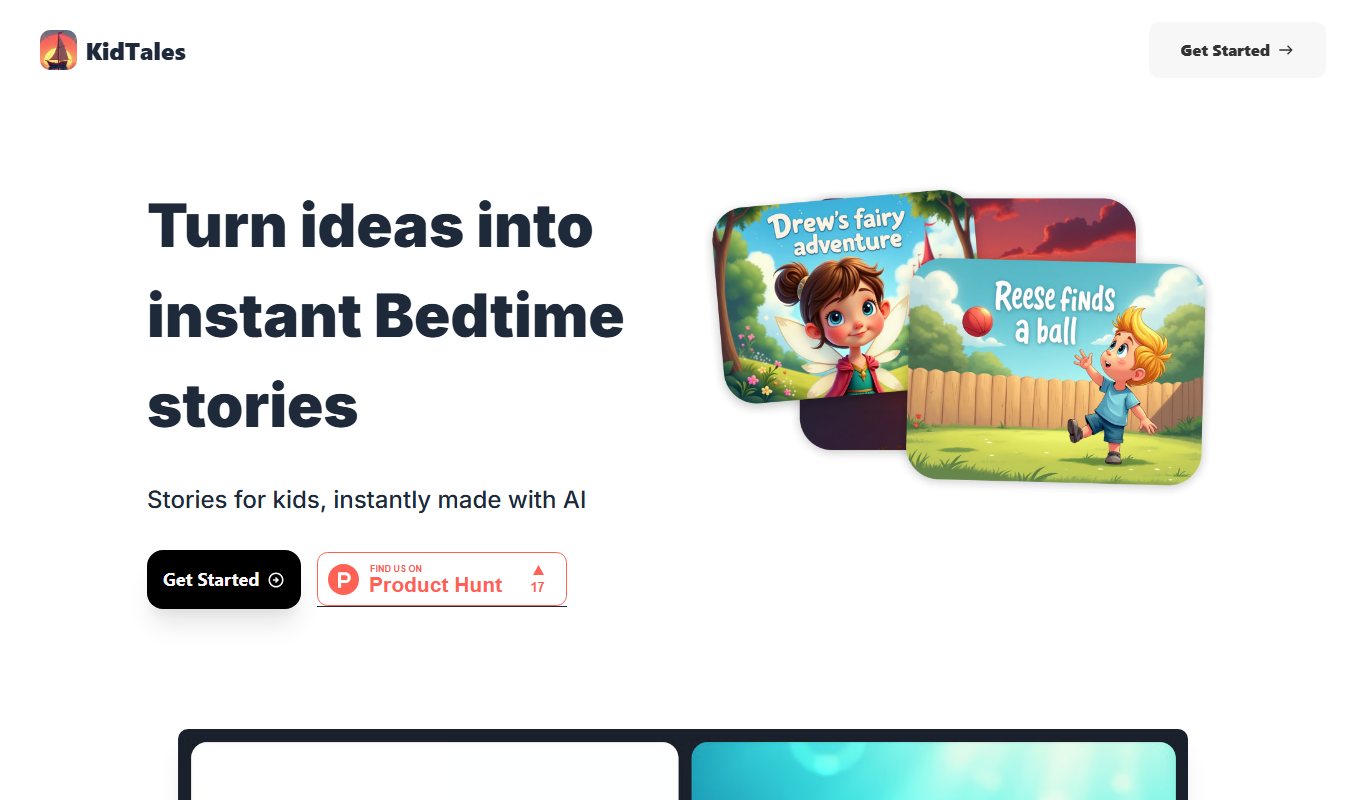
KidTales
KidTales AI is an online tool that generates personalized, age-appropriate stories for children to support creativity and learning.

Freemium
Mi Cuento Digital
Mi Cuento Digital is an online platform that lets you create personalized digital storybooks for children by adding names, photos, and custom details to engage young readers.

Free
Kidgeni
Kidgeni is an AI-powered tutoring platform designed to provide personalized learning and homework help for children, focusing on core subjects like math and reading through interactive sessions.

Freemium
flAI
flAI is an AI-driven language learning app that provides personalized speaking and writing practice with real-time feedback to help users improve fluency and confidence in multiple languages.