

Respond.io Customer Messaging Platform for Multichannel Business Communication
Respond.io is a multichannel customer messaging platform that consolidates messages from WhatsApp, Messenger, Telegram, and other channels into a unified inbox, enabling businesses to automate, collaborate, and engage customers efficiently.
- Best for
- Customer Support
- Key capability
- Unified Inbox
Save Respond.io, follow its updates and vote on it — everything stays in your account.
Sign in or create a free account
What is Respond.io?
Respond.io is a customer messaging platform that consolidates multiple messaging channels into a single interface, enabling businesses to communicate with customers seamlessly across WhatsApp, Facebook Messenger, Telegram, Line, Viber, SMS, and more. It supports team collaboration, automation, and CRM integrations to streamline customer engagement and support.
Key features of Respond.io
The platform offers a unified inbox for multichannel messaging, chatbot automation, contact management, analytics, and integrations with popular CRM and marketing tools, helping businesses improve response times and customer satisfaction.
Unified Inbox
Manage messages from multiple channels in one place to avoid missing customer communications.
Chatbot Builder
Create automated chatbots to answer FAQs and qualify leads without coding.
Team Collaboration Tools
Assign conversations, add internal notes, and collaborate efficiently within the platform.
CRM and API Integrations
Connect with popular CRM systems and use APIs to sync customer data and automate workflows.
Analytics Dashboard
Track key metrics like response times, conversation volumes, and agent performance.
Pros and cons of Respond.io
Pros
- Centralizes multiple messaging channels into one platform
- User-friendly chatbot builder with no coding required
- Strong team collaboration features
- Integrates well with CRM and marketing tools
- Detailed analytics to track performance
Cons
- Pricing can be high for small businesses as contacts scale
- Mobile app experience is limited compared to web platform
- Some advanced features require technical knowledge to set up
Key use cases for Respond.io
Customer Support
Manage and respond to customer inquiries from multiple messaging channels in a unified inbox.
Sales and Lead Generation
Engage prospects via popular messaging apps to convert leads and nurture relationships.
Marketing Campaigns
Run targeted messaging campaigns across WhatsApp, Facebook Messenger, and other platforms.
Team Collaboration
Coordinate customer conversations among team members with shared inboxes and assignment features.
Automation and Chatbots
Automate responses and workflows using chatbots and integrations to improve efficiency.
How Respond.io works
- 1
Connect Messaging Channels
Link your business accounts from WhatsApp, Messenger, Telegram, and other platforms to Respond.io.
- 2
Centralize Conversations
All customer messages appear in a unified inbox accessible by your team.
- 3
Automate Workflows
Set up chatbots and automation rules to handle common queries and route conversations.
- 4
Collaborate and Respond
Assign conversations to team members and respond promptly using shared tools.
- 5
Analyze and Optimize
Use built-in analytics to monitor performance and improve customer engagement.
Who is using Respond.io
Respond.io pricing
Trial
7 days
A 7-day trial is available; there is no free plan.
Starter
$79/month
Expanded contacts, automation features, and integrations for small teams.
Growth
$159/month
Growth plan at $159 per month.
Advanced
$279/month
Advanced plan at $279 per month.
Plans and prices are as published by the vendor and can change. Check the official site before you buy. Open the pricing page (opens in a new tab)
Frequently asked questions about Respond.io
Respond.io supports WhatsApp, Facebook Messenger, Telegram, Line, Viber, SMS, and more.
Yes, Respond.io offers integrations with popular CRM platforms and provides API access.
There is no free plan, but a 7-day trial is available.
Yes, it includes a chatbot builder to automate responses and workflows.
This tool is designed to help users accomplish its core tasks more efficiently. It is typically used by individuals or teams looking to improve productivity and workflow.
Integration support depends on the tool and its available connectors or API. Check the official documentation or integrations page to confirm what is supported.
Pricing depends on the plan and included features. For the most accurate and up-to-date details, check the official pricing page.
Conclusion
Business accounts from WhatsApp, Messenger, Telegram and other platforms are linked first, and every customer message then lands in a unified inbox the team shares. Chatbots and automation rules handle common queries and route conversations, and the chatbot builder needs no coding. Conversations are assigned to team members, who can add internal notes as they work.
Supported channels also include Line, Viber and SMS, and CRM integrations and API access are available. Its users range from customer support teams to sales and marketing departments and digital agencies managing client communications. There is no free plan, only a 7-day trial, and paid plans are Starter at $79, Growth at $159 and Advanced at $279 per month.
Sources
Sign in to review this tool.
Sign In to ReviewNo reviews yet
Be the first to share how this tool worked for you.
Ask about pricing, limits, or how it compares — or answer someone else.
Sign In to AskNo questions yet
Have a question about using or paying for this tool? Be the first to ask.
Featured on TiorAI



More AI Customer Service tools
Other tools in the same category, for when this one is not quite the fit.
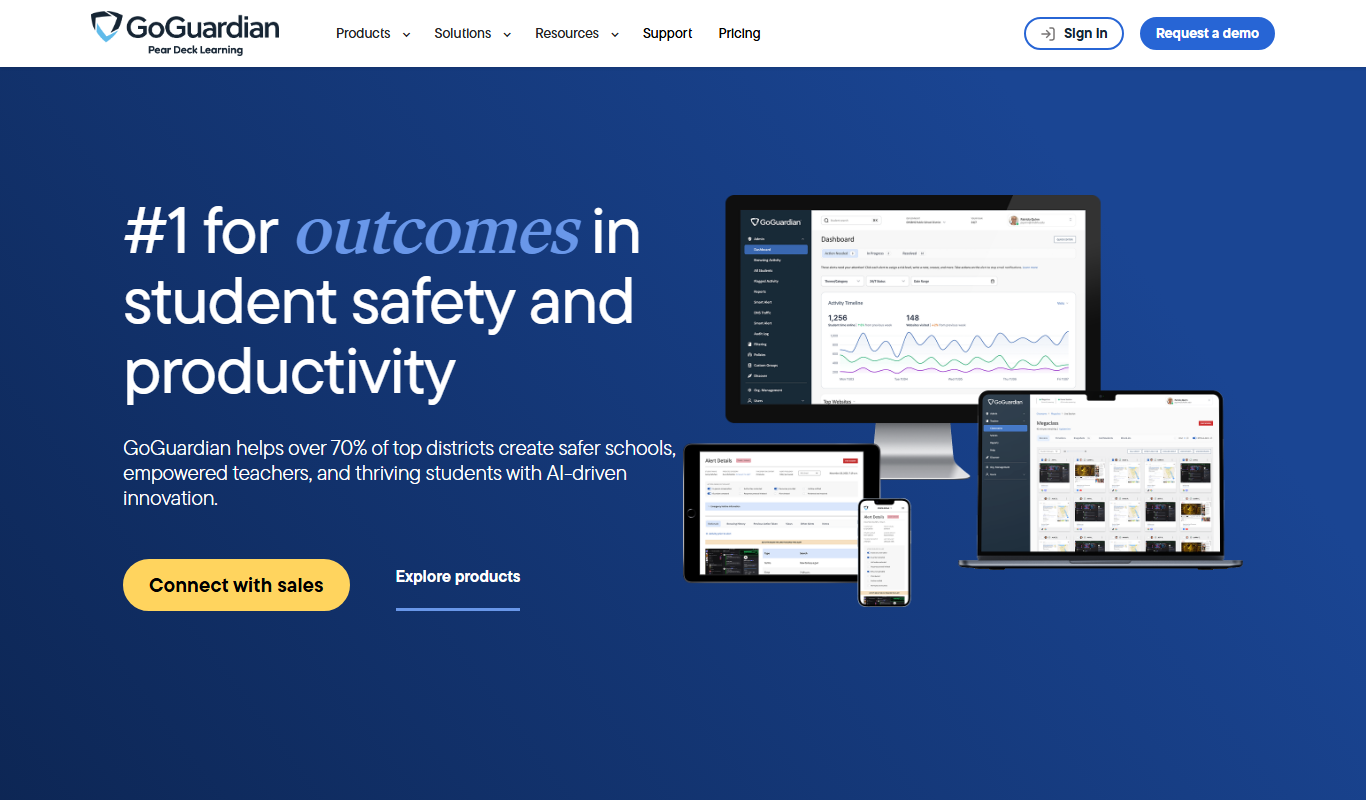
GoGuardian
GoGuardian is an education technology platform that helps K-12 schools monitor student activity, manage classrooms, and ensure online safety through AI-powered tools and real-time device monitoring.

MoneyGuidePro
MoneyGuidePro is a financial planning software that helps advisors create personalized, goal-based financial plans with interactive tools for retirement and wealth management.

Nutrium
Nutrium is a nutrition software platform that helps dietitians and health professionals manage clients, create personalized meal plans, analyze nutrition data, and conduct remote consultations.

AiCure
AiCure is an AI-powered platform that remotely monitors patient medication adherence using video confirmation, primarily for clinical trials and healthcare providers.

OptinMonster
OptinMonster is a lead generation software that helps websites convert visitors into subscribers and customers using popups, exit-intent triggers, and targeted campaigns integrated with email marketing services.

LifeLock
LifeLock is a subscription-based service offering identity theft protection, credit monitoring, fraud alerts, and identity restoration support to help users safeguard their personal information.

Airship
Airship is a customer engagement platform that enables businesses to send personalized push notifications, in-app messages, SMS, and emails to mobile and web users, helping improve retention and conversions through automation and segmentation.

GoodDollar
GoodDollar is a blockchain platform that distributes daily universal basic income in cryptocurrency to users worldwide, aiming to promote financial inclusion and reduce inequality.