

Rescale Cloud HPC Platform for Engineering Simulation and Computational Science
Rescale is a cloud HPC platform that provides scalable computing resources and software for engineering simulations and scientific computing, enabling faster and more cost-effective workflows.
- Best for
- Engineering Simulation
- Key capability
- Extensive Software Library
Save Rescale, follow its updates and vote on it — everything stays in your account.
Sign in or create a free account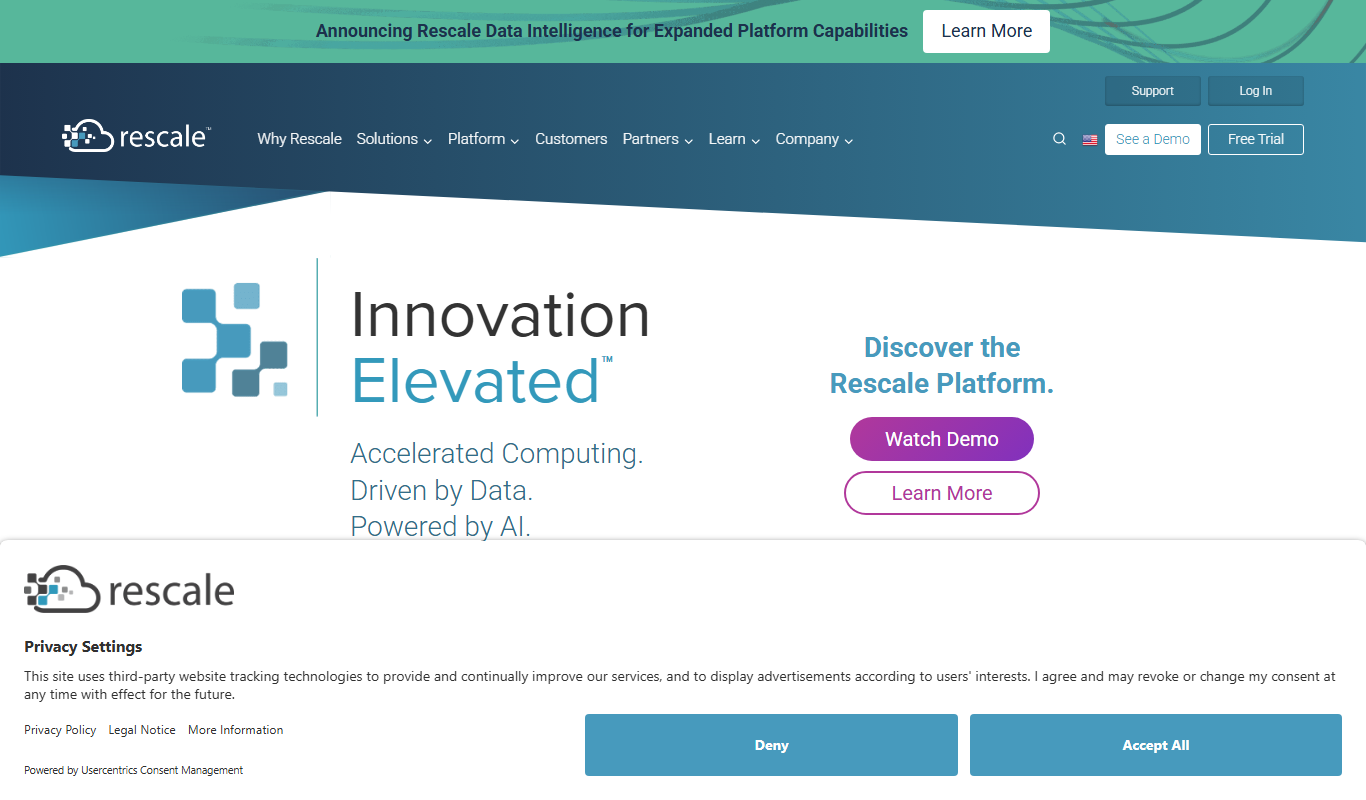
What is Rescale?
Rescale is a cloud-based high performance computing (HPC) platform designed to accelerate engineering simulations and computational science workflows. It provides on-demand access to scalable HPC infrastructure integrated with a broad range of simulation software. Rescale enables organizations to run complex simulations in the cloud without the need to manage physical hardware, helping reduce time to results and infrastructure costs.
Key features of Rescale
Rescale offers automated cloud HPC infrastructure provisioning, support for over 500 simulation applications, workflow automation, cost optimization tools, and enterprise-grade security. Its platform supports hybrid cloud deployments and provides APIs for integrating HPC into existing development and research pipelines.
Extensive Software Library
Access to over 500 pre-installed simulation and modeling applications.
Automated Cloud Infrastructure
Dynamic provisioning and scaling of HPC resources across multiple cloud providers.
Cost Management Tools
Real-time cost tracking and optimization to control cloud HPC expenses.
Enterprise Security and Compliance
Robust security features including data encryption, access controls, and compliance certifications.
API and Automation
Integrate HPC workloads into DevOps pipelines with RESTful APIs and scripting support.
Pros and cons of Rescale
Pros
- Access to scalable HPC resources without hardware investment
- Supports a broad range of engineering and scientific software
- Automated infrastructure provisioning simplifies HPC management
- Strong security and compliance features for enterprise use
- APIs enable integration with existing workflows and DevOps
Cons
- Pricing can be complex and requires custom quotes
- Learning curve for users new to cloud HPC environments
- Dependent on internet connectivity and cloud provider availability
Key use cases for Rescale
Engineering Simulation
Run complex engineering simulations such as CFD, FEA, and multiphysics on scalable cloud HPC resources.
Computational Science Research
Accelerate scientific computing workflows by leveraging high performance computing in the cloud.
Product Design and Testing
Enable product teams to perform virtual testing and design iterations faster with cloud-based simulation.
Cloud HPC Management
Simplify management of HPC infrastructure with automated provisioning, scaling, and cost controls.
DevOps for HPC Workloads
Integrate HPC workloads into DevOps pipelines using Rescale’s APIs and automation tools.
How Rescale works
- 1
Create an Account
Sign up on Rescale’s platform to access cloud HPC resources.
- 2
Select Simulation Software
Choose from hundreds of pre-configured engineering and scientific applications.
- 3
Configure HPC Resources
Define compute, storage, and networking requirements for your simulation jobs.
- 4
Run Simulations
Submit jobs to the cloud HPC environment and monitor progress via the web interface.
- 5
Analyze Results
Download and visualize simulation outputs directly from the platform.
Who is using Rescale
Rescale pricing
Standard
Custom pricing
Flexible subscription plans tailored for small to medium teams with pay-as-you-go cloud usage.
Enterprise
Custom pricing
Comprehensive plans with dedicated support, advanced security, and volume discounts for large organizations.
Plans and prices are as published by the vendor and can change. Check the official site before you buy. Open the pricing page (opens in a new tab)
Frequently asked questions about Rescale
Rescale supports a wide range of simulations including computational fluid dynamics (CFD), finite element analysis (FEA), molecular dynamics, and more.
Rescale integrates with major cloud providers such as Amazon Web Services (AWS), Microsoft Azure, and Google Cloud Platform.
Yes, Rescale employs enterprise-grade security measures including encryption, access controls, and compliance with industry standards.
Absolutely, Rescale provides APIs and automation tools to integrate HPC workloads into your development and research pipelines.
This tool is designed to help users accomplish its core tasks more efficiently. It is typically used by individuals or teams looking to improve productivity and workflow.
Pricing depends on the plan and included features. For the most accurate and up-to-date details, check the official pricing page.
Yes, it can help with that use case depending on how you configure it and what features are available. You’ll get the best results with clear inputs and a defined goal.
Data handling and security practices vary by provider. Review the official privacy policy to understand how your data is stored and used.
Conclusion
Rescale moves simulation work to cloud HPC resources, so organizations can run complex simulations without managing physical hardware. A job starts with a choice among hundreds of pre-configured engineering and scientific applications, with over 500 pre-installed. Users define compute, storage and networking requirements, submit the job and monitor progress via the web interface, then download and visualize the outputs from the platform.
Simulation types include computational fluid dynamics (CFD), finite element analysis (FEA) and molecular dynamics. Resources are provisioned and scaled dynamically across cloud providers such as AWS, Microsoft Azure and Google Cloud Platform, with real-time cost tracking to control expenses. RESTful APIs and scripting support connect HPC workloads to DevOps pipelines, and hybrid cloud deployments are supported. Security measures include encryption, access controls and compliance with industry standards. The intended users are engineering teams performing simulations, scientific researchers requiring HPC resources, and product development and testing departments.
Both the Standard and Enterprise plans carry custom pricing: Standard pairs subscription plans with pay-as-you-go cloud usage for small to medium teams, and Enterprise adds dedicated support, advanced security and volume discounts. Work depends on internet connectivity and cloud provider availability.
Sources
Sign in to review this tool.
Sign In to ReviewNo reviews yet
Be the first to share how this tool worked for you.
Ask about pricing, limits, or how it compares — or answer someone else.
Sign In to AskNo questions yet
Have a question about using or paying for this tool? Be the first to ask.
Featured on TiorAI



Alternative Tools
Explore similar AI tools that might fit your needs

SimScale
SimScale is a cloud-native simulation platform that enables engineers to perform CFD, FEA, and thermal analyses through a web browser without local hardware requirements.
More AI DevOps Assistant tools
Other tools in the same category, for when this one is not quite the fit.

Kube-Proxy
Kube-Proxy is a Kubernetes component that runs on each node to manage network rules and proxy service traffic to backend pods, supporting load balancing and service discovery.

RunPod
RunPod is a cloud platform providing on-demand GPU rentals optimized for AI model training and inference, enabling users to access powerful GPUs remotely with flexible pricing.

Qualys
Qualys is a cloud-based platform that provides continuous vulnerability management, compliance monitoring, and threat detection to help organizations secure their IT environments.

Traefik
Traefik is an open-source reverse proxy and load balancer that dynamically routes traffic to microservices in cloud native environments, supporting Kubernetes, Docker, and more.

LaunchDarkly
LaunchDarkly is a feature management platform that helps software teams release features safely and progressively using feature flags, experimentation, and real-time control.

Termius
Termius is a modern SSH client and terminal emulator that provides secure remote server access across multiple platforms with encrypted credential storage, session management, and team collaboration features.
LinearB
LinearB is a software engineering analytics platform that helps DevOps and agile teams monitor and optimize their software delivery processes through real-time metrics and workflow insights.

Serilog
Serilog is an open-source structured logging framework for .NET applications that enables developers to capture rich, queryable log data with support for multiple output sinks and contextual enrichers.