

ReportGarden Marketing Analytics & Reporting Software for Agencies
ReportGarden is a marketing analytics and reporting tool designed for agencies to consolidate campaign data, create customizable reports, manage clients, and automate report delivery.
- Best for
- Marketing Campaign Reporting
- Key capability
- Multi-Channel Reporting
Save ReportGarden, follow its updates and vote on it — everything stays in your account.
Sign in or create a free account
What is ReportGarden?
ReportGarden is a marketing analytics and reporting platform designed primarily for digital marketing agencies and professionals. It consolidates data from multiple advertising and analytics platforms into customizable dashboards and reports, enabling users to track campaign performance, manage client accounts, and optimize marketing budgets effectively.
Key features of ReportGarden
ReportGarden offers features such as multi-channel campaign reporting, client management dashboards, budget tracking, automated report scheduling, and integration with popular marketing platforms like Google Ads, Facebook Ads, and Google Analytics.
Multi-Channel Reporting
Aggregate data from various advertising platforms into unified reports.
Client Portal
Provide clients with access to real-time dashboards and reports.
Budget Management
Track and forecast marketing spend across campaigns.
Automated Report Scheduling
Automate the distribution of reports to clients and stakeholders.
Customizable Templates
Use or create report templates tailored to specific client needs.
Pros and cons of ReportGarden
Pros
- Comprehensive multi-channel marketing reporting
- User-friendly customizable dashboards
- Strong client management features
- Automated report scheduling saves time
- Supports budget tracking and forecasting
Cons
- No mobile app available
- Pricing may be high for very small agencies
- Limited language support beyond English
Key use cases for ReportGarden
Marketing Campaign Reporting
Generate detailed, customizable reports for digital marketing campaigns across multiple platforms.
Client Management for Agencies
Manage multiple client accounts and provide transparent reporting and insights to clients.
Budget Tracking and Forecasting
Track marketing budgets and forecast spend to optimize campaign performance.
SEO and PPC Analytics
Analyze SEO and PPC campaign data to improve search engine marketing strategies.
Automated Report Scheduling
Schedule and automate report delivery to stakeholders and clients.
How ReportGarden works
- 1
Connect Marketing Platforms
Integrate your Google Ads, Facebook Ads, Google Analytics, and other marketing accounts with ReportGarden.
- 2
Create Custom Dashboards
Build tailored dashboards and reports using drag-and-drop widgets to visualize key metrics.
- 3
Manage Client Accounts
Organize multiple client campaigns and share reports with clients through branded portals.
- 4
Schedule Automated Reports
Set up automated report delivery via email on a recurring schedule.
- 5
Analyze and Optimize
Use insights from reports to adjust marketing strategies and improve ROI.
Who is using ReportGarden
ReportGarden pricing
Standard
$75 per month
Covers 5 clients.
Professional
$125 per month
Covers 10 clients.
Custom
Custom pricing
Tailored solutions with flexible pricing; includes everything in Professional plus whiteglove services and custom integrations.
Plans and prices are as published by the vendor and can change. Check the official site before you buy. Open the pricing page (opens in a new tab)
Frequently asked questions about ReportGarden
ReportGarden integrates with Google Ads, Facebook Ads, Google Analytics, Bing Ads, LinkedIn Ads, and more.
Yes, ReportGarden offers drag-and-drop customization for reports and dashboards to fit your specific needs.
ReportGarden offers a 14-day trial.
Yes, you can schedule reports to be automatically sent to clients or team members on a recurring basis.
This tool is designed to help users accomplish its core tasks more efficiently. It is typically used by individuals or teams looking to improve productivity and workflow.
Integration support depends on the tool and its available connectors or API. Check the official documentation or integrations page to confirm what is supported.
Yes, it can help with that use case depending on how you configure it and what features are available. You’ll get the best results with clear inputs and a defined goal.
Some tools offer a free plan or trial with limited features. Availability can vary, so confirm on the official website.
Conclusion
Ad and analytics accounts such as Google Ads, Facebook Ads and Google Analytics are connected first, and dashboards and reports are then assembled from drag-and-drop widgets. Multiple client campaigns are organized in one place and shared through branded portals, while reports go out by email on a recurring schedule. Budget tracking also forecasts marketing spend across campaigns.
It is designed primarily for digital marketing agencies, along with SEO and PPC specialists and marketing consultants. Standard costs $75 per month for 5 clients and Professional $125 per month for 10 clients, with a custom plan above them. New accounts start with a 14-day trial.
Sources
Sign in to review this tool.
Sign In to ReviewNo reviews yet
Be the first to share how this tool worked for you.
Ask about pricing, limits, or how it compares — or answer someone else.
Sign In to AskNo questions yet
Have a question about using or paying for this tool? Be the first to ask.
Featured on TiorAI



Alternative Tools
Explore similar AI tools that might fit your needs

Supermetrics
Supermetrics is a marketing data integration tool that automates the collection and reporting of data from various advertising and analytics platforms into spreadsheets and dashboards.
DashThis
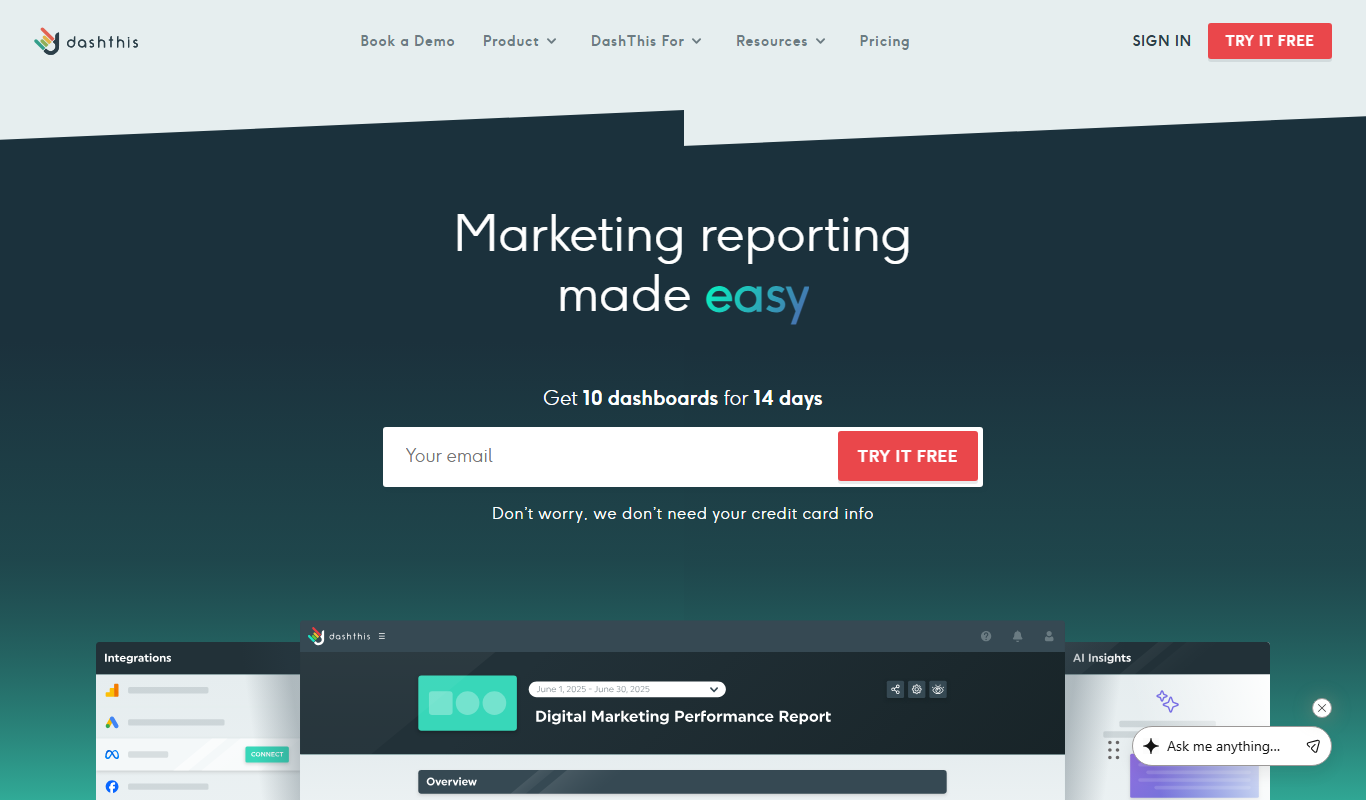
DashThis is a marketing dashboard software that automates data aggregation and reporting from multiple marketing platforms, offering customizable, white-label dashboards for agencies and marketers.
More AI Analytics Assistant tools
Other tools in the same category, for when this one is not quite the fit.

Shift Technology
Shift Technology is an AI platform that helps insurance companies detect fraud and automate claims processing using machine learning models.

Twitonomy
Twitonomy is a web-based Twitter analytics tool that provides detailed insights into Twitter accounts, including follower demographics, tweet engagement, hashtag tracking, and competitor analysis to help optimize social media strategies.
UN Comtrade
UN Comtrade is the United Nations' official database providing free access to detailed international trade statistics reported by countries worldwide.
Quorum
Quorum is an AI-driven platform that provides comprehensive legislative tracking, policy analysis, and government affairs management tools for organizations engaging with US federal and state governments.
FiscalNote
FiscalNote provides legislative and regulatory tracking and policy analysis through its main platform, now called PolicyNote.

Nosto
Nosto is an AI-driven ecommerce personalization platform that helps online retailers deliver tailored product recommendations, customer segmentation, and personalized marketing campaigns to increase sales and engagement.

Gephi
Gephi is a free, open-source software for visualizing and analyzing complex networks and graphs, widely used in research and data science.
KovaaK’s FPS Aim Trainer
KovaaK's FPS Aim Trainer is a PC-based software that helps FPS gamers improve their aiming skills through customizable training scenarios and detailed performance analytics.