

UN Comtrade Database for Global Trade Statistics and Data Analysis
UN Comtrade is the United Nations' official database providing free access to detailed international trade statistics reported by countries worldwide.
- Best for
- International Trade Research
- Key capability
- Extensive Trade Data Coverage
Save UN Comtrade, follow its updates and vote on it — everything stays in your account.
Sign in or create a free accountWhat is UN Comtrade?
UN Comtrade is the United Nations’ global repository of official international trade statistics and relevant analytical tables. It provides detailed data on imports and exports reported by countries worldwide, covering commodities, trade partners, and time periods. The platform is widely used by governments, businesses, researchers, and analysts to monitor trade patterns and economic trends.
Key features of UN Comtrade
UN Comtrade offers a comprehensive database with millions of trade records, customizable data queries, multiple classification systems (such as HS and SITC), and downloadable datasets. It supports data visualization and API access for integration with other analytical tools.
Extensive Trade Data Coverage
Includes detailed bilateral trade data reported by over 170 countries and territories.
Multiple Commodity Classifications
Supports Harmonized System (HS), Standard International Trade Classification (SITC), and other coding schemes.
Customizable Data Queries
Users can filter data by country, commodity, year, and trade flow to tailor results.
Data Download and Export
Allows exporting data in various formats such as CSV for offline analysis.
API Access
Provides programmatic access to data for integration with external tools and automated workflows.
Pros and cons of UN Comtrade
Pros
- Comprehensive and authoritative global trade data
- Basic data access is free, with Premium subscriptions for bulk download and higher API limits
- Supports multiple commodity classification systems
- API available for automated data integration
- User-friendly web interface with data visualization
Cons
- Data updates can lag due to country reporting schedules
- Limited advanced analytics or AI-driven insights within the platform
- No mobile app available
Key use cases for UN Comtrade
International Trade Research
Access detailed import and export data between countries to analyze trade flows and market trends.
Economic Policy Making
Support government and institutional decision-making with comprehensive trade statistics.
Business Market Analysis
Enable companies to identify potential markets and trading partners using up-to-date customs data.
Academic Research
Provide researchers with reliable and standardized trade data for economic and social studies.
Supply Chain and Logistics Planning
Help logistics professionals understand trade volumes and commodity flows for better planning.
How UN Comtrade works
- 1
Access the Platform
Visit the UN Comtrade website and create a free account to unlock data query features.
- 2
Select Data Parameters
Choose countries, commodities, trade flows (import/export), and time periods for your data request.
- 3
Run Query and Analyze
Submit the query to retrieve trade data, which can be viewed online, visualized, or downloaded.
- 4
Use API for Automation
Leverage the UN Comtrade API to integrate trade data into custom applications or workflows.
Who is using UN Comtrade
UN Comtrade pricing
Free
$0
Basic trade data and query tools without charge.
Premium Individual
From $2,000 per year
Bulk download and higher API limits.
Premium Institutional
$6,000 or $12,000 per year
Institutional subscription for bulk download and higher API limits.
Plans and prices are as published by the vendor and can change. Check the official site before you buy. Open the pricing page (opens in a new tab)
Frequently asked questions about UN Comtrade
Yes, UN Comtrade provides free access to its trade data for registered users.
Data includes imports, exports, re-exports, and re-imports by country and commodity.
Yes, UN Comtrade offers an API for automated data retrieval.
Data is updated annually as countries submit their official trade statistics.
This tool is designed to help users accomplish its core tasks more efficiently. It is typically used by individuals or teams looking to improve productivity and workflow.
Data handling and security practices vary by provider. Review the official privacy policy to understand how your data is stored and used.
Data handling and security practices vary by provider. Review the official privacy policy to understand how your data is stored and used.
Integration support depends on the tool and its available connectors or API. Check the official documentation or integrations page to confirm what is supported.
Conclusion
Queries are built by choosing countries, commodities, trade flows and time periods, and results can be viewed online, visualized or downloaded. Coding schemes include the Harmonized System (HS) and the Standard International Trade Classification (SITC). An API provides programmatic access for custom applications and automated workflows.
The database serves government trade analysts and economic researchers, supporting institutional decision-making with standardized trade statistics. Basic data access is free, but bulk downloads and higher API limits require a Premium subscription starting from $2,000 per year for individuals, with institutional tiers at $6,000 or $12,000 per year. The page notes that data updates can lag due to country reporting schedules.
Sources
Sign in to review this tool.
Sign In to ReviewNo reviews yet
Be the first to share how this tool worked for you.
Ask about pricing, limits, or how it compares — or answer someone else.
Sign In to AskNo questions yet
Have a question about using or paying for this tool? Be the first to ask.
Featured on TiorAI



Alternative Tools
Explore similar AI tools that might fit your needs

Trade Map
Trade Map is a free online platform by the International Trade Centre providing detailed international trade statistics and market access information to help businesses and policymakers analyze global trade flows.
More AI Analytics Assistant tools
Other tools in the same category, for when this one is not quite the fit.

Supascout
Supascout analyzes App Store reviews to give actionable insights, helping you understand user needs and frustrations so you can address them with confidence.

spiralup.co
Spiral is an AI agent for customer reviews, live chats and calls: it reads your feedback so you can simply ask about complaints, feature requests and sentiment trends.
腾讯问卷
Tencent Wenjuan is an online survey platform by Tencent that allows users to create, distribute, and analyze surveys with multiple question types and real-time data analytics, primarily serving Chinese-speaking users.
EstimateOne
EstimateOne (E1) is an Australian construction tender platform that helps subcontractors, builders and suppliers find tenders and win more work.
Octolens AI
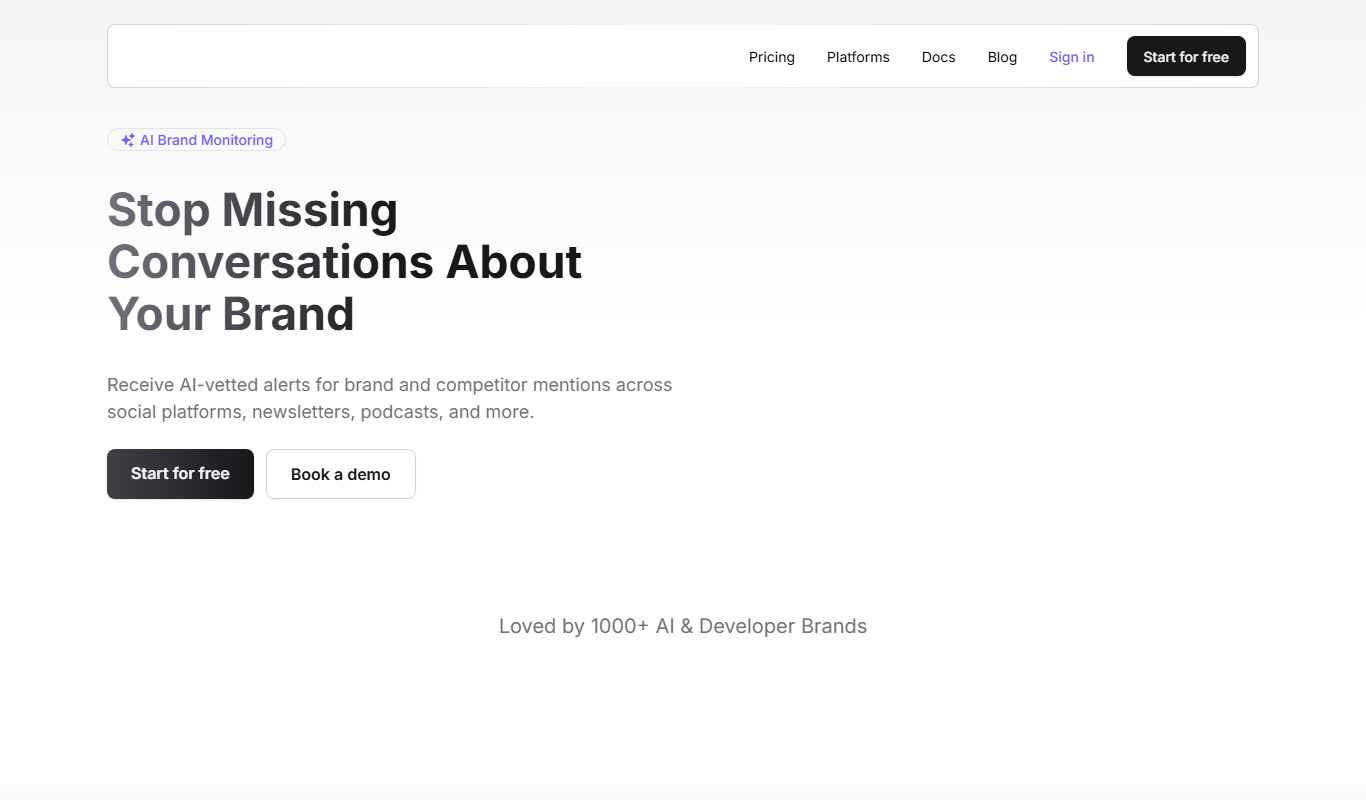
Octolens is an AI social listening tool that tracks brand mentions across Reddit, X, LinkedIn and 10+ platforms, with API, MCP and webhooks on every plan.

Insight7
Insight7 analyzes customer calls, scores every conversation, coaches reps and deploys AI voice and chat agents for customer teams.

neuronsinc.com
Neurons is a neuromarketing AI that predicts attention, engagement and memorability of ad creatives before they go live, with heatmaps and behavioral scores.
LangWatch
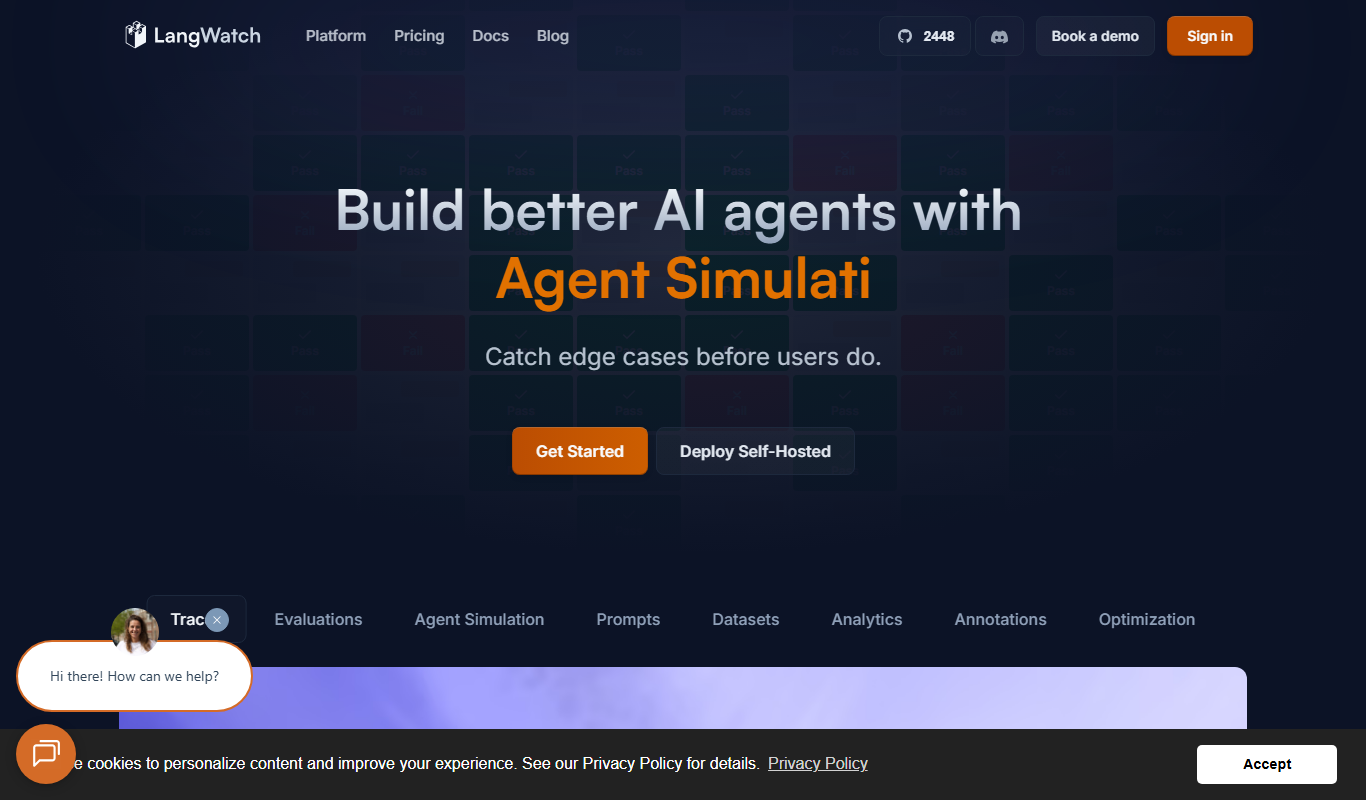
LangWatch is an AI agent testing and evaluation platform with simulations, evals, observability and prompt management, available in the cloud or self-hosted.