

From my experience with removebg.dev, I found it excels at providing a straightforward and developer-friendly API for automatic background removal. The AI delivers accurate results quickly, making it ideal for integrating into apps or workflows that require image editing automation. However, the service is API-only, so users looking for desktop or mobile apps might find it limiting. Also, the free tier is quite limited, which could be a constraint for small projects. Overall, if you need to automate background removal in your software or website, removebg.dev offers a reliable and scalable solution.
Removebg.dev AI Background Remover API for Images and Photos
removebg.dev is an AI-driven API that automatically removes backgrounds from images, enabling easy integration of background removal into apps and websites.
- Best for
- E-commerce Product Images
- Key capability
- AI-Powered Background Removal
Your actions

Do you recommend this tool?
What is removebg.dev?
removebg.dev is an AI-powered background removal API designed to automatically detect and remove backgrounds from images and photos. It provides developers and businesses with a simple REST API to integrate background removal capabilities into their applications, websites, or workflows. The tool leverages advanced machine learning models to accurately separate foreground subjects from backgrounds, enabling seamless image editing and compositing.
Key features of removebg.dev
The main features of removebg.dev include fast and accurate background removal, easy API integration, support for multiple image formats, and scalable processing suitable for both small projects and large-scale applications. It offers a developer-friendly interface with clear documentation and example code snippets.
AI-Powered Background Removal
Uses advanced machine learning to accurately separate foreground from background.
REST API Access
Simple API endpoints allow easy integration into various platforms and workflows.
Supports Multiple Image Formats
Accepts common formats like JPEG and PNG for input and output.
Fast Processing
Optimized for quick turnaround times suitable for real-time applications.
Scalable Usage
Handles from single image requests to bulk processing for enterprise needs.
Pros and cons of removebg.dev
Pros
- Easy API integration with clear documentation
- Fast and accurate background removal
- Supports scalable usage from small to large projects
Cons
- Limited free tier quota
- No desktop or mobile app, API only
Key use cases for removebg.dev
E-commerce Product Images
Automatically remove backgrounds from product photos to create clean, professional listings.
Graphic Design
Enable designers to quickly isolate subjects for use in marketing materials and creative projects.
Mobile App Development
Integrate background removal functionality into apps for user-generated content editing.
Content Creation
Help content creators produce polished visuals by removing distracting backgrounds.
Photo Editing Automation
Automate repetitive background removal tasks to save time in photo editing workflows.
How removebg.dev works
- 1
Sign Up
Create an account on removebg.dev to obtain API access credentials.
- 2
Integrate API
Use the provided REST API endpoints and SDKs to connect background removal functionality to your app or website.
- 3
Upload Image
Send images to the API for processing via HTTP requests.
- 4
Receive Processed Image
Get the output image with the background removed, ready for download or further use.
Who is using removebg.dev
Developers integrating image editing features
E-commerce businesses
Graphic designers
Content creators
Marketing agencies
removebg.dev pricing
Free
$0/month
Limited number of free API calls per month for testing and small projects.
Pro
Starts at $9/month
Higher monthly quota with faster processing and priority support.
Plans and prices are as published by the vendor and can change. Check the official site before you buy. Open the pricing page (opens in a new tab)
Frequently asked questions about removebg.dev
It supports common image formats including JPEG and PNG.
Yes, the API can be used for commercial purposes under the terms of service.
Yes, limits depend on your subscription plan, with a free tier offering limited calls.
The AI model is highly accurate for a wide range of images but may struggle with very complex backgrounds.
It depends on your specific needs and how you plan to use the tool. The official website and documentation are the best sources for the latest details.
Some tools offer a free plan or trial with limited features. Availability can vary, so confirm on the official website.
Sign in to review this tool.
Sign In to ReviewNo reviews yet
Be the first to share how this tool worked for you.
Ask about pricing, limits, or how it compares — or answer someone else.
Sign In to AskNo questions yet
Have a question about using or paying for this tool? Be the first to ask.
Featured on TiorAI



Alternative Tools
Explore similar AI tools that might fit your needs

Free
Slazzer
Slazzer is an AI background removal tool that automatically removes image backgrounds with high accuracy, supporting bulk processing and API integration for developers and businesses.

Free
PhotoScissors
PhotoScissors is an AI-based tool that automatically removes backgrounds from images, allowing users to isolate subjects quickly and replace or make backgrounds transparent.
More AI Api Tools tools
Other tools in the same category, for when this one is not quite the fit.

Freemium
Ares
Ares is an AI-powered natural language processing API by Traversa AI that provides semantic search, entity recognition, sentiment analysis, and text classification through a RESTful API.

Freemium
Salad Transcription API
Salad Transcription API is a developer-friendly speech-to-text service offering real-time and batch transcription with features like speaker diarization and punctuation, accessible via REST API.
Free Trial
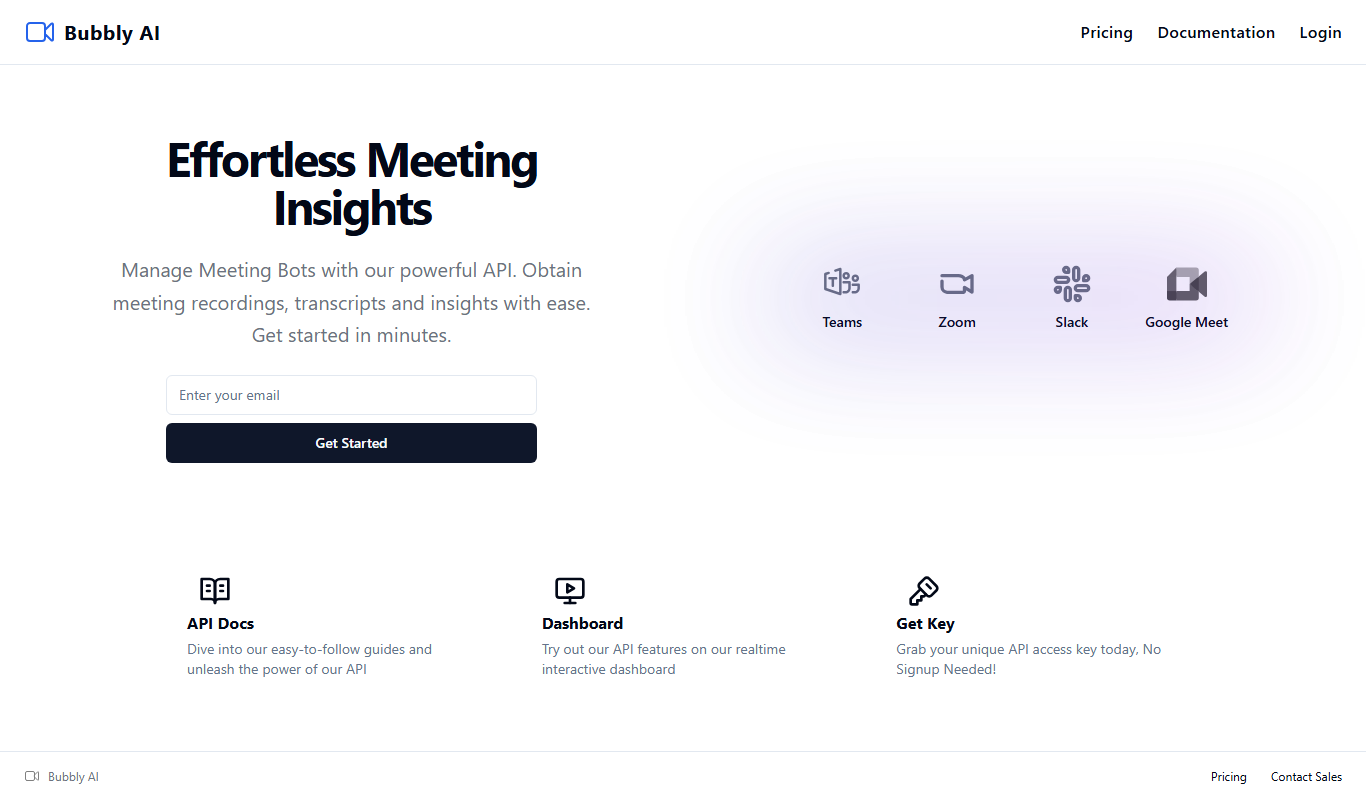
Bubbly Meeting Api
Bubbly Meeting API provides developers with AI-driven meeting transcription and summarization services via a REST API, enabling automated, accurate meeting documentation and insights.
Free
Get Any Link Metadata
Get Any Link Metadata is an API service that extracts comprehensive metadata from any URL, including titles, descriptions, images, and videos, enabling developers to create rich link previews and embed content easily.

Freemium
linkshieldapi.com
LinkShieldAPI is an API service that scans URLs in real time to detect malware, phishing, and other threats, helping developers secure links before users access them.

Freemium
Math Handwriting API
Math Handwriting API is a developer tool that converts handwritten mathematical expressions into digital formats like LaTeX and MathML using AI-powered handwriting recognition.

Freemium
okra.ai
Okra.ai is a Nigerian fintech platform providing APIs that enable businesses to access real-time bank data, initiate payments, and perform KYC verification securely through direct bank integrations.

Free
OpenRouter
OpenRouter is a platform that provides API access to various open-source large language models, enabling developers to integrate these models into applications without managing infrastructure.